
Need Help?
Please leave your contact information to get our latest catalog
Get In Touch Now >


Author:SOP Work Pods Manufacturer TIME:2026-08-28
Choosing an office call booth starts with the calls that currently fail in the workplace. Some remain at desks, some take over larger rooms, some move into corridors, and some are delayed because no suitable space is available. Size and features should be selected from that displacement pattern.
The call audit connects session type, privacy, duration, equipment, occupied comfort, location, availability, and service. It provides a before-and-after record without assuming that any booth will create a universal benefit.
Call behavior also changes by department. Sales, customer support, management, finance, and recruiting may need different session lengths and privacy expectations. The booth plan should identify the primary user group before it treats features or benefits as universal. A short pre-installation call log gives the later review a baseline for adoption, disturbance, availability, and privacy complaints. That baseline also helps decide whether another booth, a rule change, a headset policy, or a different location is needed.
The selection record should be simple enough to revisit after installation. A short baseline, acceptance note, and follow-up date make later corrections easier than relying on memory.
Choosing the right office call booth begins with current call behavior. Identify which calls happen at desks, which calls occupy meeting rooms, which conversations need privacy, and which teams create or suffer the most disturbance. The booth should move a defined set of calls into a better place, not merely add another enclosed product to the floor.
Record call length, speaking volume, confidentiality, device use, peak times, and nearby listener positions. This use case guides size, features, placement, and benefits. If the call pattern is unknown, a booth count or model choice is only a guess.
Build the call baseline from work that currently spills into unsuitable places. Record the call type, usual duration, device, privacy need, present fallback, and effect on nearby desks; this shows whether an office call booth solves a repeated task failure or merely fills spare floor area.
Observe a representative work period and classify displaced calls by task rather than employee preference. Note whether each call needed speech privacy, visual privacy, video, documents, sustained concentration, or only a brief separation from desk noise. The classification helps distinguish a compact call booth from a larger meeting pod requirement.
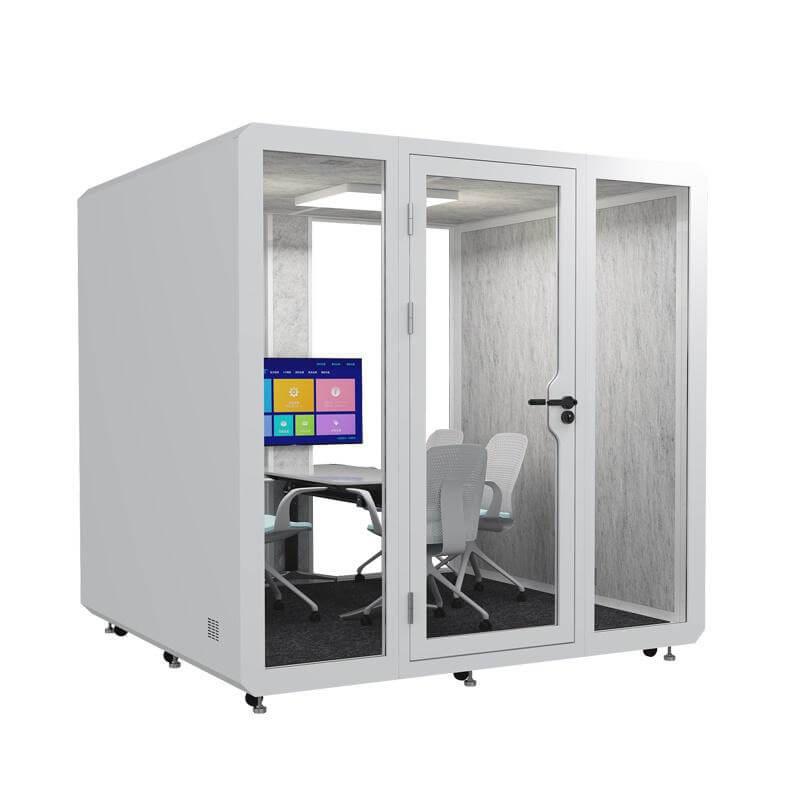
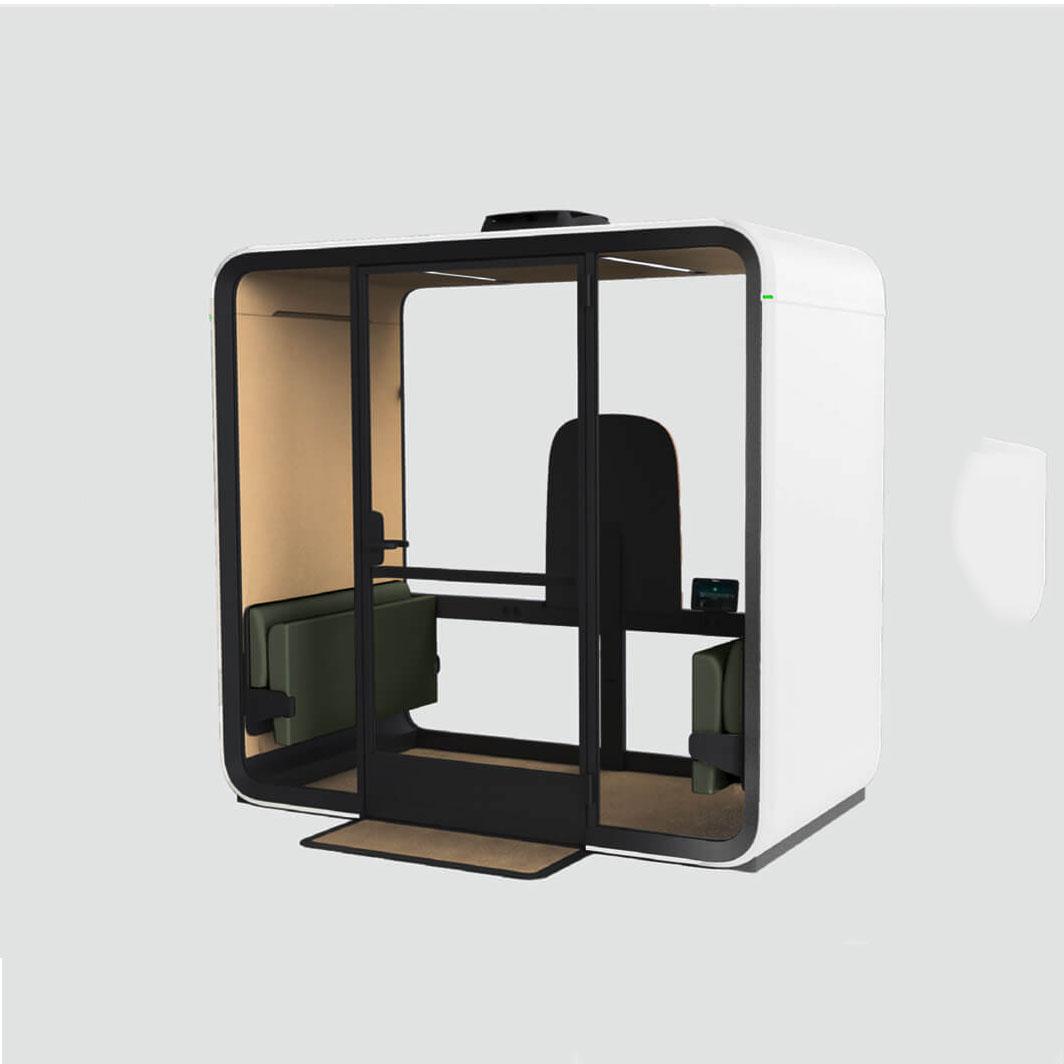
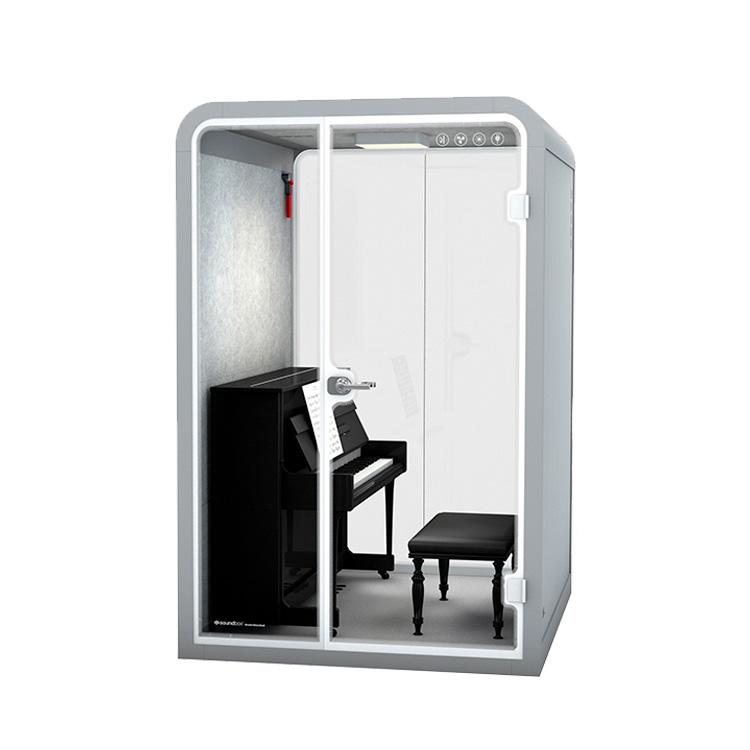
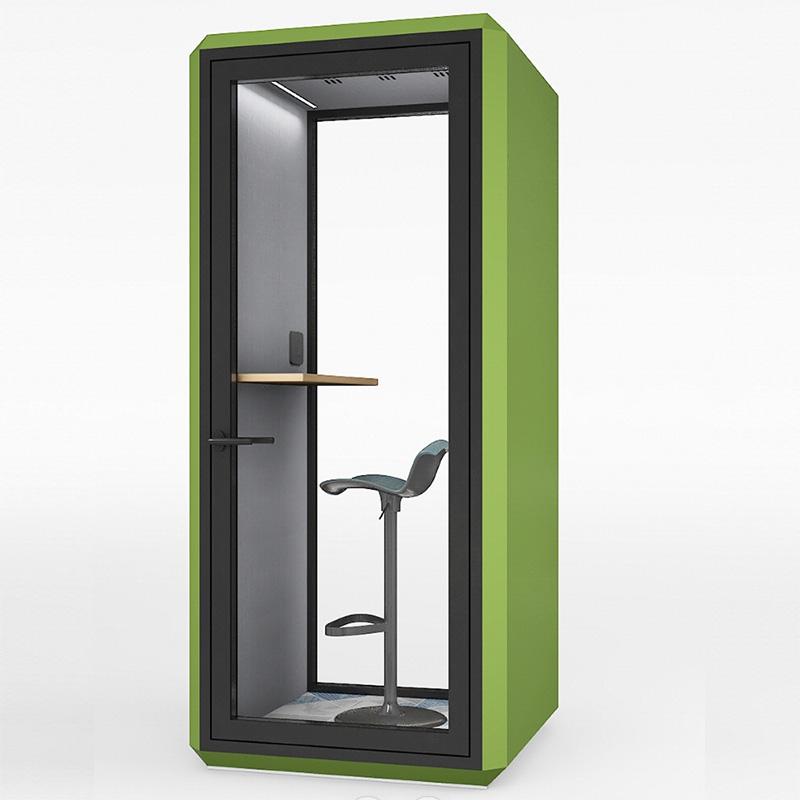
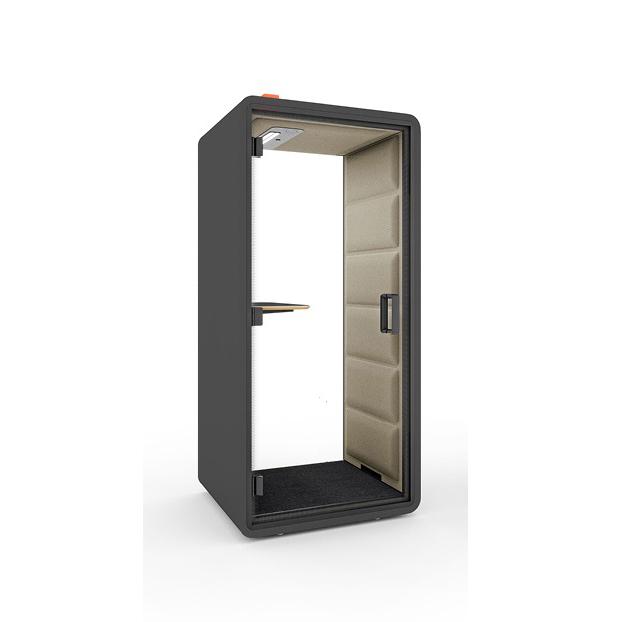
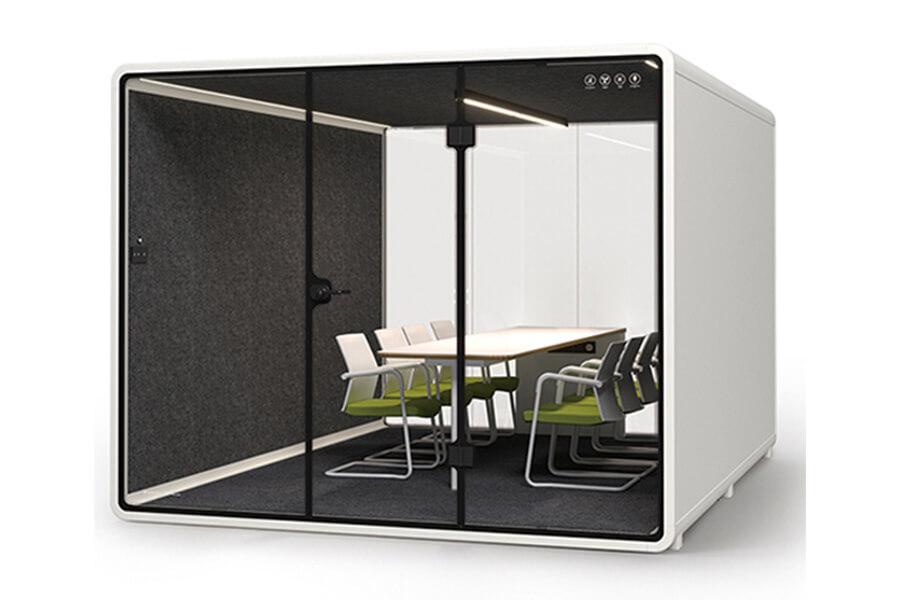
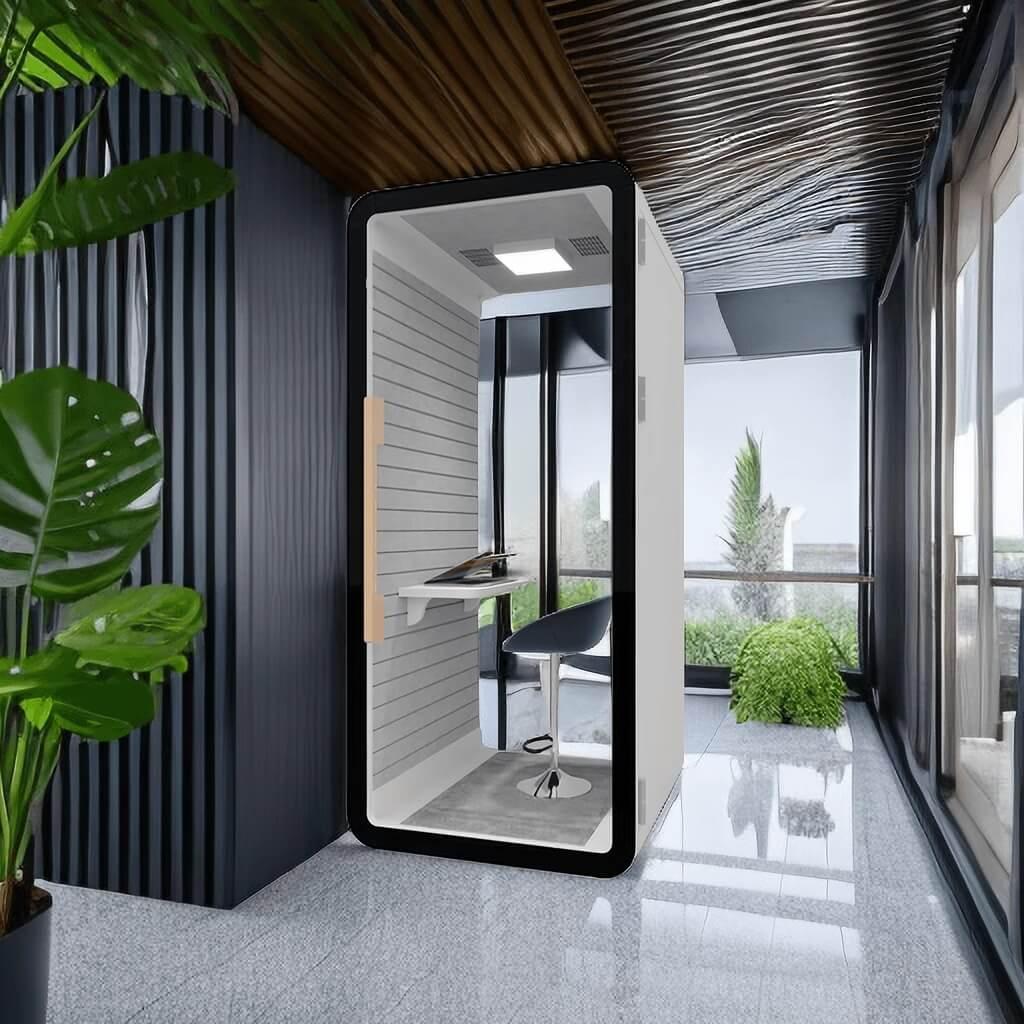
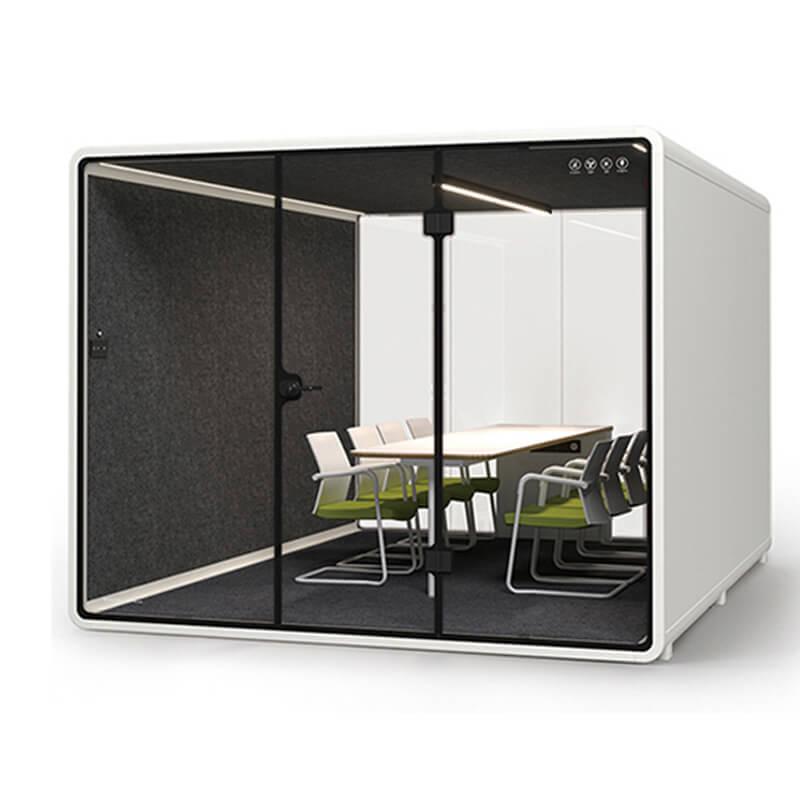
A small call booth can suit brief private calls when the user needs a seat, laptop ledge, power, and basic lighting. Longer sessions may require better seating, deeper work surface, stronger airflow, and more personal space. If users review documents or share screens, a meeting pod may be more appropriate than a compact booth.
Test the user's actual laptop, headset, notebook, and bag. Check whether the door can close comfortably, whether elbows and knees fit, and whether camera framing works. Size is successful when users can complete the intended call without adapting awkwardly.
Size the occupied interior around the longest normal call and the equipment used for it. A seated laptop session, standing phone call, document review, and video interview create different shelf-depth, camera, cable, posture, and exit requirements even when each activity involves one person.
The benefit of a call booth is not that all sound disappears. It is that conversations become less intelligible to inappropriate listeners and less distracting to nearby teams. Door seals, panels, glazing, ventilation, and final position all affect that result.
Use a normal call test at the intended location. Place listeners where colleagues, visitors, or managers actually sit or pass. Record whether words can be understood and whether the remaining sound is acceptable for the conversation type.
Judge privacy along a named speaker-to-listener path in the proposed location. Door orientation, nearby desks, circulation, waiting positions, ventilation openings, and surrounding activity can change whether words remain understandable outside, so a product claim alone cannot establish the workplace benefit.

Users will not keep using a booth that feels hot, dim, cramped, noisy, or hard to operate. Ventilation, lighting, seating, shelf depth, power, fan control, door handle, and interior finish all support the privacy benefit. Comfort features are not extras when the booth handles repeated calls.
Run the longest common call with the fan on and devices charging. Note heat, airflow direction, fan sound through the headset, glare, and posture. If the user wants to leave the door open, the booth is not solving the problem.
Give priority to features that let users complete the intended session without opening the door or leaving early. Air movement, temperature perception, fan sound, light, controls, work surface, seat position, and room for personal devices should be observed together during realistic occupancy.
Mock up the occupied envelope with actual devices and personal items. Check seated position, entry, door movement, shelf depth, cable route, camera view, lighting, controls, airflow, and how the user exits when another person is waiting. Nominal external dimensions do not answer these behavioral questions.
A call booth may need power for lighting, fan, laptop, phone charging, display, or network device. Confirm what is supplied inside the booth and what the site must provide. Ask how cleaning, ventilation access, replacement parts, hinges, seals, and service claims are handled.
The service boundary should be simple enough for the office team to operate after installation. A booth that requires unclear maintenance will gradually lose performance or create avoidable downtime.
Confirm how the booth becomes a dependable workplace service. Locate power and charging, test the normal network route, identify cable ownership, define cleaning access and consumables, and assign door, seal, fan, light, and control faults to a response path before the order is approved.
Convenience drives use, but privacy drives value. A booth hidden far from users may remain empty. A booth beside a reception desk may be convenient but unsuitable for sensitive calls. Review walking distance, sightlines, speech paths, power route, door swing, and surrounding activity.
Pilot the proposed location if demand is uncertain. Observe whether people choose the booth for the intended calls and whether nearby teams experience less disturbance. Location should be treated as part of the product decision.
Compare candidate locations by walking the complete user route at representative times. The preferred position should be easy for the intended teams to reach without creating a visible queue, exposing sensitive context on approach, blocking circulation, or placing unintended listeners beside the enclosure.
Measure benefits with behavior changes instead of slogans
Benefits should be observable. Count fewer desk calls, fewer one-person uses of meeting rooms, better availability for private calls, lower nearby disturbance, or improved call quality. Do not invent productivity gains or universal savings. Use local records and user feedback to decide whether the booth works.
Buyers can compare office phone booth configurations against the behavior they want to change. The selected booth should have evidence for size, privacy, comfort, services, and location.
Review the result through observable behavior: where eligible calls occur, which calls remain at desks, how often users abandon or delay a session, when the booth is unavailable, and why another room is still chosen. These changes support a practical capacity decision without inventing a productivity percentage.
| Call selection question | Occupied or site evidence | Selection disposition |
|---|---|---|
| 1. Start with the calls the booth must move out of the workspace | call booth selection checklist | Record the call use case, booth feature, field observation, user benefit, and approval action. Set the evidence threshold before the response is accepted. |
| 2. Choose booth size from session length and equipment | call booth selection checklist | Record the call use case, booth feature, field observation, user benefit, and approval action. Assign the reviewer who can check this point in the real location. |
| 3. Link privacy benefits to speech intelligibility and location | call booth selection checklist | Record the call use case, booth feature, field observation, user benefit, and approval action. Flag any dependency that changes the quote, drawing, or work method. |
| 4. Prioritize comfort features that keep the door closed | call booth selection checklist | Record the call use case, booth feature, field observation, user benefit, and approval action. Keep nonnegotiable gates distinct from optional preferences. |
| 5. Clarify power data cleaning and maintenance before order release | call booth selection checklist | Record the call use case, booth feature, field observation, user benefit, and approval action. Carry unresolved size, privacy, location, or service dependencies into the office call booth selection conditions and name the next check. |
Use a selection gate before buying the call booth
The selection gate should confirm call use case, size, speech privacy, comfort, services, route, location, and operating rules. Reject offers that fail mandatory conditions even if they have attractive finishes or a lower price. A booth that users avoid is not a benefit.
The final approval should include the model, location, included features, site responsibilities, acceptance checks, and review date. This gives procurement and facilities a shared record if adoption or performance needs adjustment.
Release the selection only when task fit, occupied dimensions, privacy path, comfort, location, services, and operating ownership agree for the same configuration. Any mandatory item still supported only by assumption should remain an explicit condition, with a named owner and a required recheck.
Repeat the audit after installation using the same categories and time window. Count where calls now occur, which calls still fail, when the booth is unavailable, and which faults or comfort issues change behavior. Use the record to review count, location, booking, guidance, or configuration rather than publishing an unsupported productivity percentage.

The best size is the smallest one that supports the normal call duration, equipment, posture, airflow, and privacy requirement without user discomfort.
Some offices use walk-up access; others need booking during peak demand. Choose rules from observed call behavior and review them after installation.
Do not sacrifice occupied comfort or speech privacy when those are the reasons for buying the booth. Attractive finishes cannot compensate for poor use.
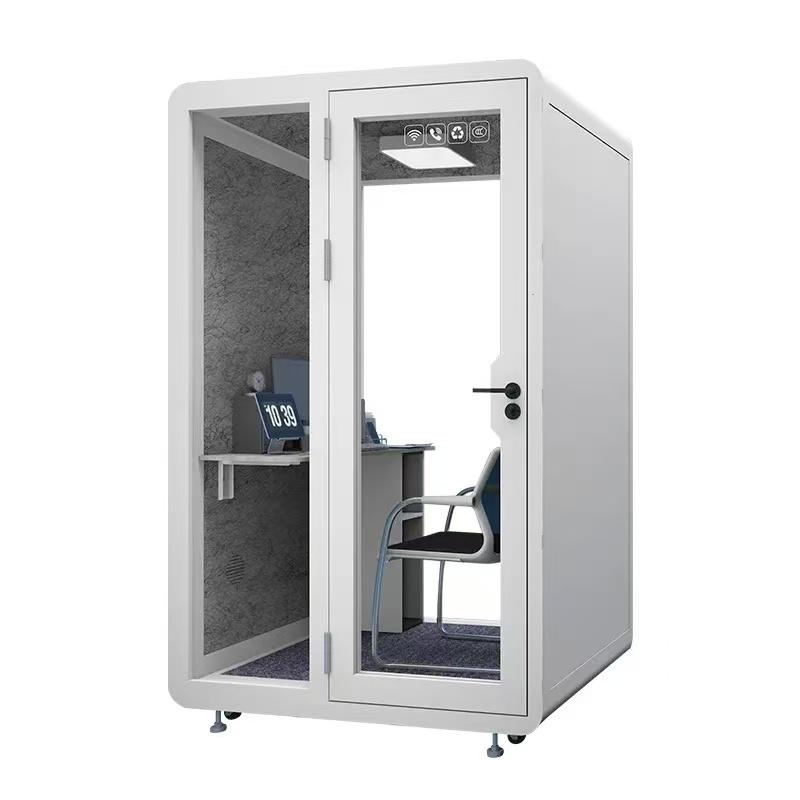
Compare pre-installation and post-installation call behavior, meeting-room pressure, nearby disturbance, user comfort, and unresolved maintenance issues.
Review the delivery and installation path as part of size selection. A compact booth may arrive assembled or in components; a larger unit may require wider access, more staging, different handling, or additional site coordination. Ask for package information and assembly responsibilities before treating the final footprint as the only space constraint.
Create mandatory, preferred, and adjustable feature groups. Mandatory items support the defined calls and site interfaces; preferred items improve use but can be traded; adjustable items can be confirmed after an occupied review. This hierarchy keeps cosmetic preference from outweighing privacy, fit, ventilation, access, power, or service requirements.
Document the selection decision in language that a later facility manager can use. Include the observed call problem, approved configuration, chosen position, rejected alternatives, delivery assumptions, operating rules, maintenance owner, and review trigger. The record should explain why the booth fits this workplace without suggesting that the same size and feature set is automatically right elsewhere.
Set a defined observation window after launch and assign who reviews it. If the booth remains unused, overbooked, uncomfortable, or frequently unavailable, reopen the relevant requirement instead of defending the original purchase. The selection process should support correction as well as approval.
The right office call booth is the one that resolves a defined displacement pattern within the site's space, privacy, comfort, delivery, and operating limits. A capacity label or feature list cannot replace the call audit.
Approve the shortlisted booth after an occupied fit review, then repeat the same observation after launch. The difference between those records should guide any scale-up. Buyers who need configuration details can review the linked booth model and send the site, call pattern, and quantity through the existing inquiry form or WhatsApp path for a project-specific check.

 Tel: +8613538031763
 Email: info@sopworkpod.com
 MP/WhatsApp: +8613538031763
 Manufacturer Address:Liucheng Lujiang District,Meixi Road,Nanan City,Fujian,China


