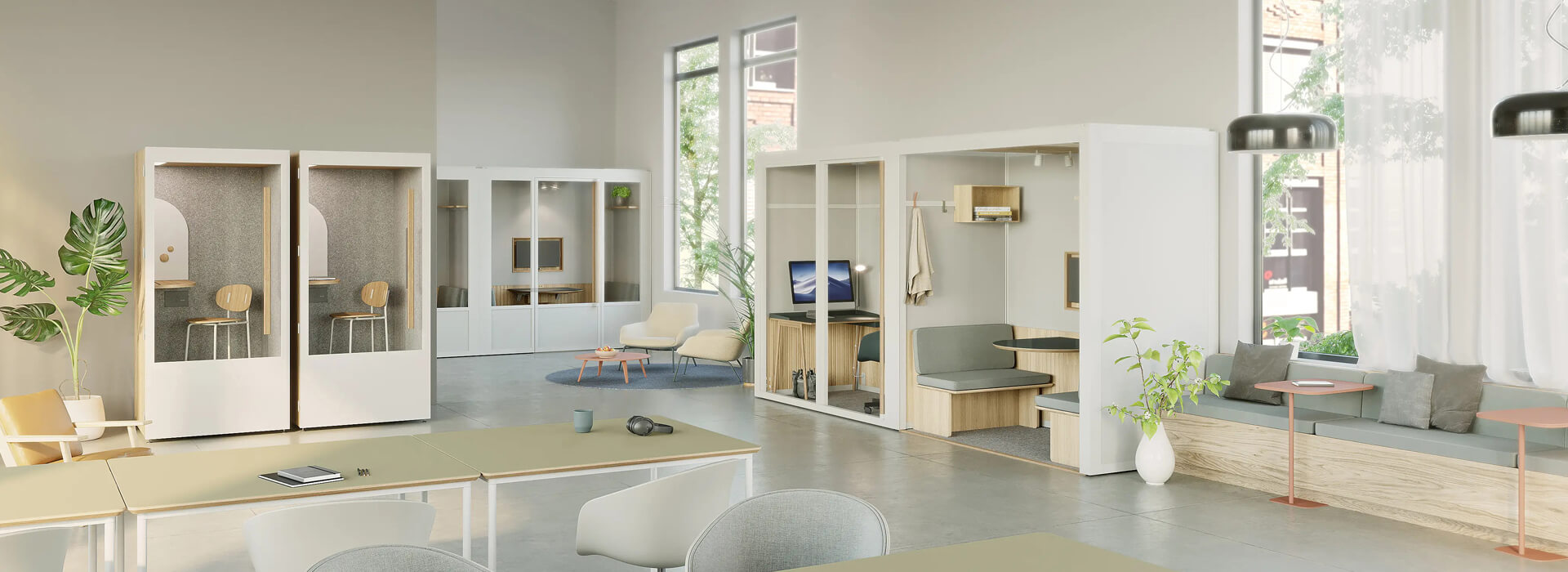
Before comparing finishes or silhouettes, a project team should define the task that the enclosure must support. The Office Phone Booth for Calls and Video Meetings page should therefore be read against an identified user group, floor plan, session pattern, equipment list, delivery route, and acceptance owner. This method preserves the value of the downloadable material while preventing an image from becoming an unsupported performance claim.
Write the operating scenario for Office Phone Booth for Calls and Video Meetings before comparing options. Name the expected occupants, normal and peak session length, devices, furniture, privacy expectation, booking method, cleaning interval, and nearby activity. Distinguish daily needs from occasional scenarios that may justify a different size or location.
Record the conditions that would remove phone booth from the shortlist. If local review, utilities, installation access, or future maintenance cannot be assigned, the selection is not ready. They also make later value engineering more honest.
The project brief should express speech and visual privacy as a checkable condition for Office Phone Booth for Calls and Video Meetings. Review call duration, speaking level, screen sight lines, door orientation, nearby listeners, booking behavior, and reset routines. A representative trial should include the people, equipment, background activity, and duration expected after installation.
The main risk attached to phone booth can be stated directly: If site work, supplied scope, and user behavior are blended together, responsibility for the speech and visual privacy result of Office Phone Booth for Calls and Video Meetings becomes unclear. Do not close the point with a general adjective or an unrelated certificate. The recommended evidence path is equally concrete: Review call duration, speaking level, screen sight lines, door orientation, nearby listeners, booking behavior, and reset routines under a representative Office Phone Booth for Calls and Video Meetings scenario, naming the observer, condition, limitation, and decision reached.
Build a component and option schedule that defines the exact Office Phone Booth for Calls and Video Meetings unit. Compare panels, door and glass interfaces, seals, floor and ceiling elements, ventilation, lighting, outlets, controls, furniture, finishes, fasteners, and service openings. Cleaning and replacement access belong in the same review as visual finish. The phone booth product family provides a current internal reference, while the controlled order documents remain authoritative for the project.
Test access for phone booth against packages and rigid components, not only finished dimensions. Where access is tight, request a component and packaging plan before release to production. A site-specific review remains necessary even when a similar enclosure has been installed elsewhere.
Build the Office Phone Booth for Calls and Video Meetings cost comparison around one shared scope boundary. Compare quotations only after quantities, currencies, taxes, validity, exclusions, lead times, and acceptance responsibilities are aligned.
Use the phone booth handover to connect commissioning, user guidance, maintenance, and support. The acceptance record should include occupied operation, door movement, lighting, power, airflow, visible finish, and document receipt. The retained file gives future facilities teams a usable history.
| Decision field | Question for this catalog | Evidence to retain |
|---|---|---|
| Use case | Which users, tasks, equipment, and session pattern define Office Phone Booth for Calls and Video Meetings? | Approved use brief and scaled layout |
| Operating lens | How will the team assess speech and visual privacy for phone booth? | Named observation or trial record |
| Ordered build | Which components and options make this Office Phone Booth for Calls and Video Meetings configuration complete? | Controlled drawing and option schedule |
| Site boundary | Who owns access, utilities, local review, assembly, and testing for phone booth? | Responsibility matrix with due dates |
| Handover | What evidence releases Office Phone Booth for Calls and Video Meetings into normal operation? | Acceptance file and open-item closure |
Use this matrix for Office Phone Booth for Calls and Video Meetings at each supplier review. Compare revisions, not memories, when the shortlist moves toward an order.
When is Office Phone Booth for Calls and Video Meetings ready for a comparable quotation?
Price becomes misleading when Office Phone Booth for Calls and Video Meetings offers use different quantities, options, freight duties, assembly scope, site work, evidence, or exclusions.
How should speech and visual privacy claims in Office Phone Booth for Calls and Video Meetings be treated?
For Office Phone Booth for Calls and Video Meetings, define the required outcome, reproduce credible conditions, record setup and result, and retain the reviewer and limitation.
What should a buyer retain after approving phone booth?
Keep the approved drawing, option and finish schedule, quotation, responsibilities, logistics, acceptance, care, warranty, and exception closure with phone booth.
When should the Office Phone Booth for Calls and Video Meetings selection be reviewed again?
Link the Office Phone Booth for Calls and Video Meetings catalog to the asset history without treating it as a substitute for serial identity, final options, location, inspection, care, and fault records.
The Office Phone Booth for Calls and Video Meetings catalog can support a professional shortlist when the team defines the operating need, tests speech and visual privacy, controls the ordered build, and records the site and lifecycle boundary. The best catalog decision is one that installers, users, facilities staff, and future reviewers can all understand.
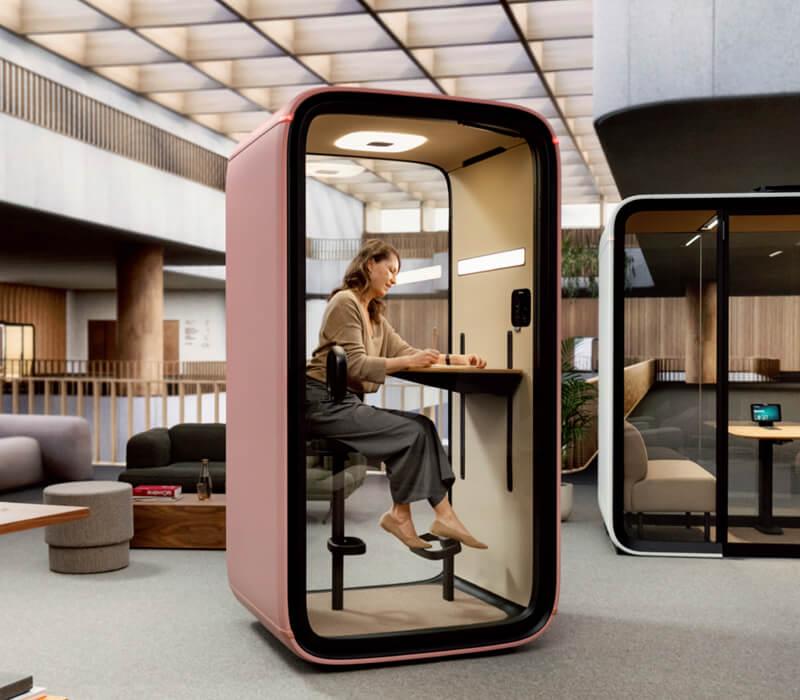
 Loading...
Download our latest Office Phone Booth for Calls and Video Meetings catalog to
explore product features,
models, and technical specifications. Submit the form to get instant
access.
Submit & Download
Loading...
Download our latest Office Phone Booth for Calls and Video Meetings catalog to
explore product features,
models, and technical specifications. Submit the form to get instant
access.
Submit & Download

 Tel: +8613538031763
 Email: info@sopworkpod.com
 MP/WhatsApp: +8613538031763
 Manufacturer Address:Liucheng Lujiang District,Meixi Road,Nanan City,Fujian,China



