Need Help?
Please leave your contact information to get our latest catalog
Get In Touch Now >

Author:SOP Work Pods Manufacturer TIME:2026-11-25
A clear view of someone entering an office phone booth can answer a practical question about its layout. It cannot tell a distant buyer how that doorway will feel, whether their own equipment will fit comfortably or what colleagues will hear outside. The value of a remote demonstration depends on keeping those different questions apart, rather than treating an engaging presentation as permission to order.
A remote demonstration should help the buyer make a shortlist decision: advance the represented configuration, retain it conditionally or hold it while an important uncertainty remains. This guide treats a remote demonstration as an unconfirmed buyer request, not an advertised SOP service. Its scope is ordinary use before selection, not a factory audit, acoustic test or final installed handover.
Begin with the purchase question that is preventing a shortlist decision. Perhaps the product photographs do not explain where a laptop sits relative to the seat, or how a person reaches the ordinary controls. Ask for a view that makes that relationship understandable. A general tour may be pleasant but leave the original uncertainty untouched. Avoid filling the call with every question in the procurement file.
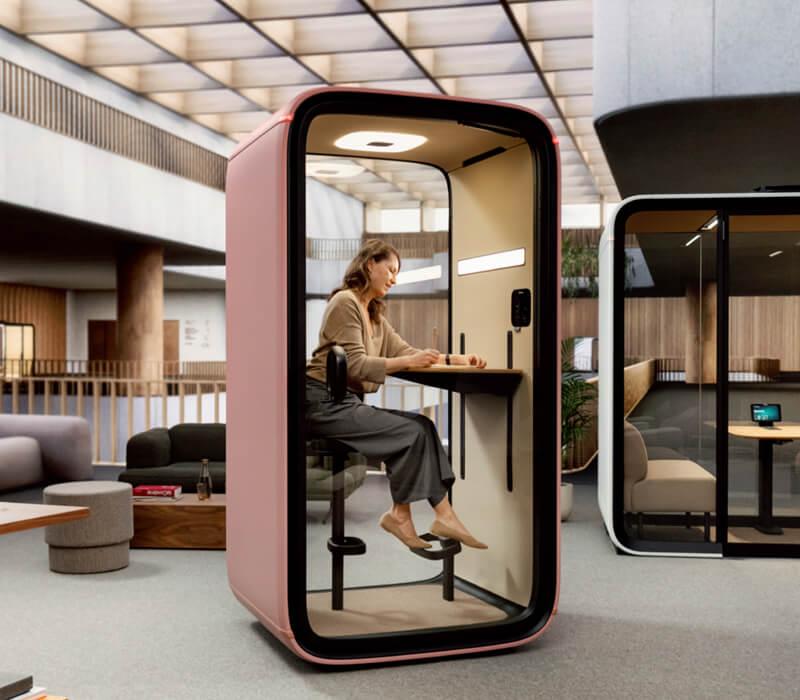
Use this explicitly hypothetical, nonconfidential example: a workplace buyer wants a booth for routine individual calls with a laptop. The buyer asks whether someone can show the furnished interior and the normal sequence from entry to departure. No real customer, completed demonstration or successful outcome is implied. The proposed participant uses blank paper and a neutral device screen, not a work meeting or private conversation.
Before making arrangements, ask whether the seller can offer such a session, which configuration would be available and whether showing the requested actions is permitted. Availability remains unconfirmed until the seller answers. If a live session is unavailable, consider whether existing views and documents answer the same limited question; otherwise retain the gap rather than inventing a substitute demonstration.
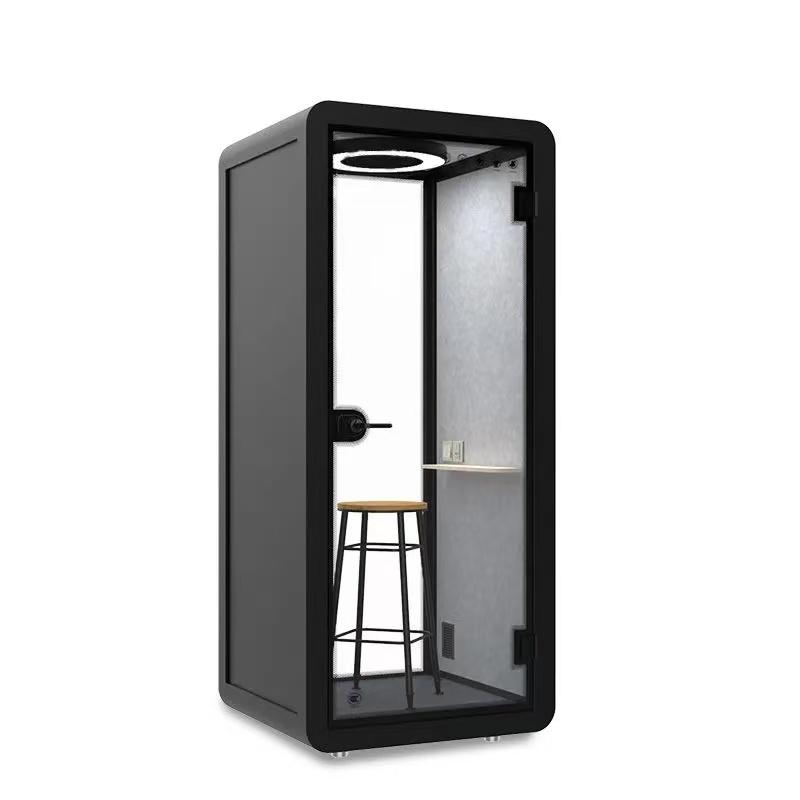
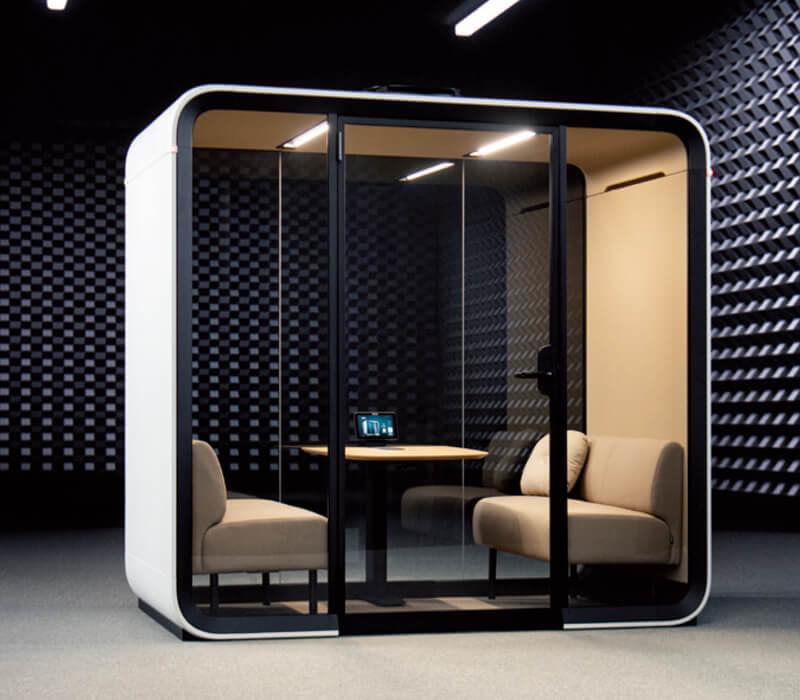
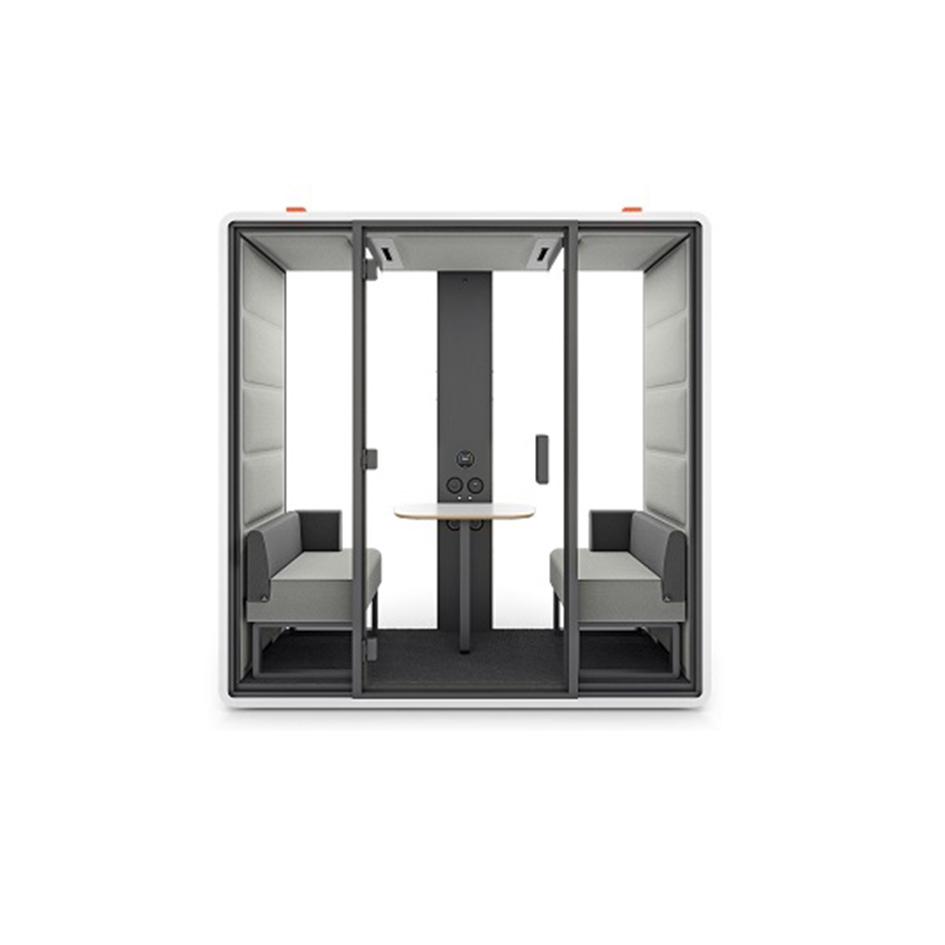
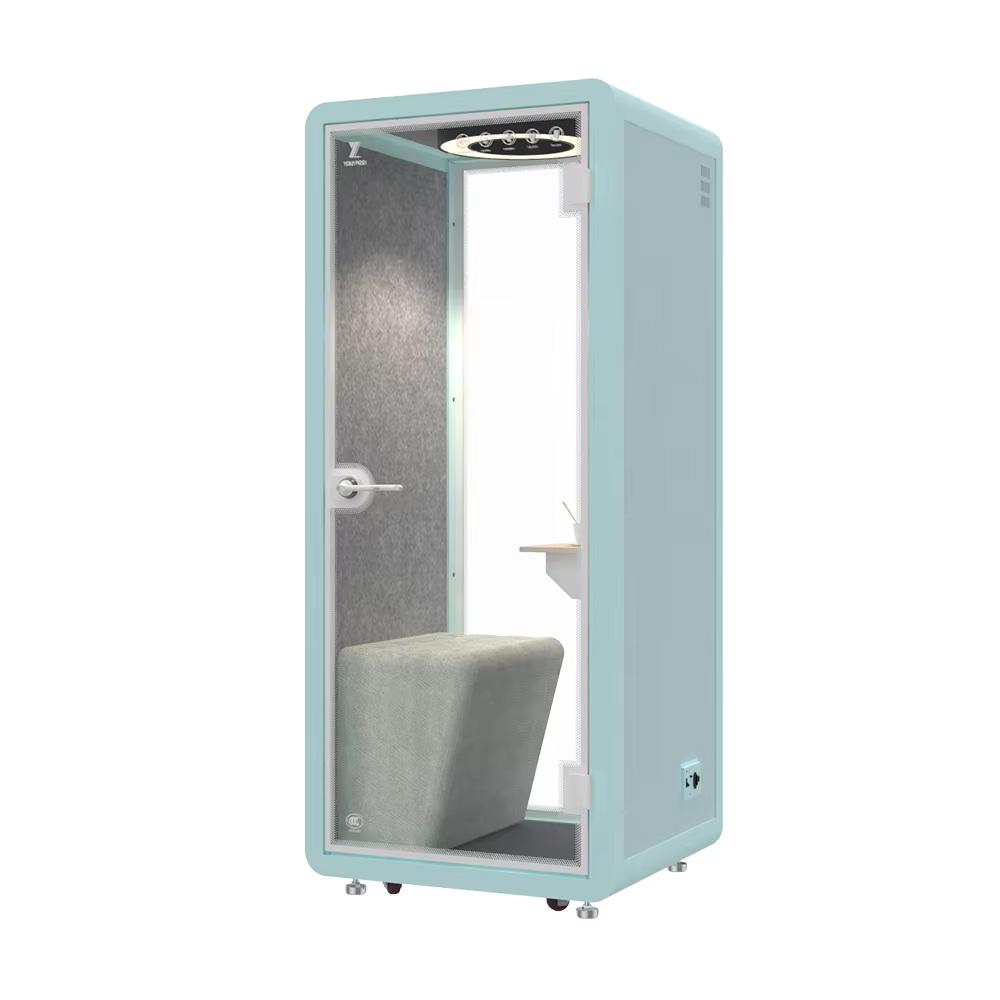
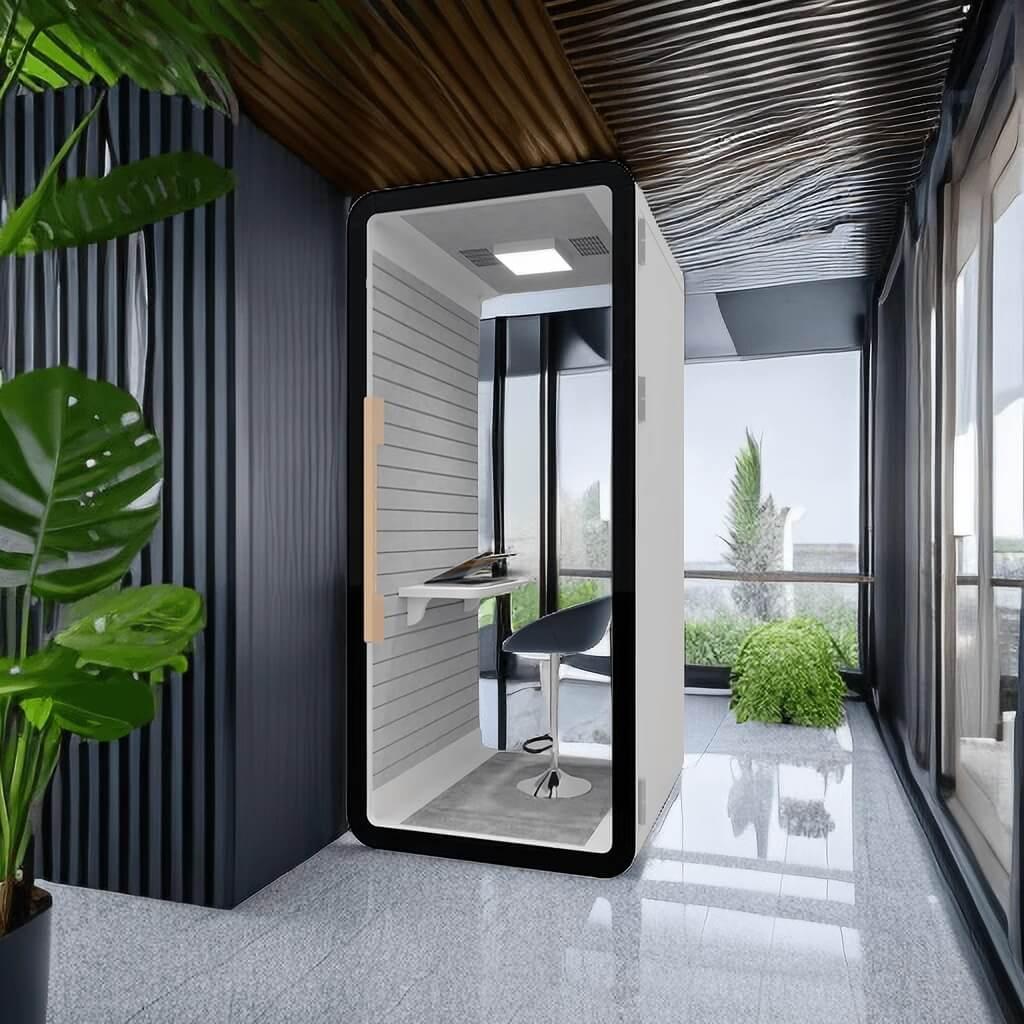
Ask the seller to identify the proposed demonstration unit and explain how it relates to the configuration under consideration. A familiar exterior does not establish the same furniture, controls or interior arrangement. Request an overview with the door, working surface and seating visible together, then closer views only where they resolve a specific question. Keep the distinction between an illustration and the offered configuration explicit.
A different sample can still help explain an ordinary action, provided its differences are clear. For example, a view may show where a shelf sits while leaving the proposed seat unresolved. Describe that as an illustration of the shelf arrangement, not confirmation of the furnished offer. If the difference affects the buyer's essential task, request configuration-specific information before allowing that point to influence the shortlist. Written identification also lets an absent colleague understand what the session did and did not represent.
When comparing SOP office phone booths, use the category's daily-use, space and configuration prompts to describe the unit you want to discuss, then ask separately whether a suitable remote demonstration can be arranged.
Remote observation is strongest for visible relationships and ordinary sequences: where a control is located, how the furnished space is arranged and what a demonstrator actually does. Write observations narrowly. Seeing a person place a laptop on a shelf shows that action with that laptop; it does not establish working clearance for everyone or every device. A camera angle can hide the very interference the buyer needs to understand.
Documentary review serves another purpose. Request the applicable furnished drawing, proposed equipment list and ordinary operating instructions when those details matter to the decision. A document can clarify what is offered beyond the frame, but the seller must connect it to the configuration being discussed. Do not infer dimensions from perspective or treat an unreadable label in the background as a supplied specification.
Local checks concern the intended person, equipment and workplace. They may remain necessary even when the picture and paperwork agree. The table separates these routes without ranking one as universally better: each answers a different kind of question. Leave an item unresolved when its proper route is unavailable. More camera time cannot turn a physical experience into a confirmed personal fit.
| Purchase question | Useful route | What remains outside that answer |
|---|---|---|
| Where are the shelf and ordinary controls? | Clear remote views of the identified furnished sample | The intended user's reach and comfort |
| What furniture and equipment are offered? | Configuration-specific drawing and written scope | Whether the photographed sample is identical without confirmation |
| Will my equipment and working posture suit it? | Local consideration with the intended user and equipment | A universal fit claim based on one demonstrator |
| Will it suit the proposed workplace? | Separate site review and applicable supporting information | Site approval inferred from a distant presentation |
If a suitable session is agreed, ask the consenting participant to approach the booth, use the door normally, enter, arrange neutral materials and take the intended working position. Request a view of the working surface and the controls they normally use. Let the participant explain an action before moving the camera when the original view obscures it. This can reveal a question worth pursuing without prescribing how any unfamiliar equipment should operate.
Follow through to gathering the materials and leaving normally. Ask what the participant is doing rather than asking for a staged fault, forced movement or altered operating state. Use only seller-authorized ordinary operation. Do not ask anyone to interrupt power, defeat a control, remove a panel or make a confidential call. If an action cannot be shown clearly, mark it unseen; a verbal explanation and a witnessed action are useful but different things.
The sound arriving through a remote call is not a basis for an isolation conclusion or a prediction about the buyer's microphone. Do not compare streamed speech, pauses or door sounds as though the session were an acoustic test. Ask for applicable supporting material through the separate acoustic review, and keep any intended-device listening work outside this shortlist demonstration. No rating or performance result follows from the presentation.
Likewise, a demonstrator's ordinary seated position does not establish another person's comfort, reach or preferred working posture. The buyer may need a later in-person opportunity with the intended user and equipment. A visible fan, light or outlet shows a feature or its location, not occupied comfort, lighting suitability or compatibility with the buyer's devices. A positive personal comment belongs to that speaker, not to all future occupants.
The destination workplace also remains outside the camera's proof. A booth standing in the seller's setting does not establish arrival access, door clearance or suitability at the proposed office location. Retain those questions for the relevant local review. This is a boundary of the medium, not a criticism of the product, and it prevents a useful early conversation from becoming an unsupported site approval.
If the connection freezes during the action that matters, ask for that ordinary action to be shown again when feasible. If the shelf disappears behind the camera operator, request a clearer view rather than guessing its relationship to the seat. Where repetition is unavailable, carry the specific missing observation forward. There is no need to repeat an entire presentation because a single useful view was lost.
Agree beforehand whether notes, still images or a recording are permitted, who may receive them and what happens to them afterwards. Recording is not a condition of a useful session; agreed written notes may be enough. Keep other people and confidential surroundings out of view. When discussing the result internally, distinguish what was visible, what the seller explained and what still needs another route. That small distinction prevents an interrupted call from becoming a confident recommendation through retelling.
Advance when the limited remote questions have useful answers, the represented arrangement is understood and remaining matters belong to planned later checks. Advancement means the option deserves further consideration; it does not approve an order. State the next purchasing step so the team does not mistake inclusion on a shortlist for a final technical or commercial decision.
Retain conditionally when the option appears relevant but a defined answer could still change its suitability. In the hypothetical laptop example, the observed shelf arrangement might be understandable while the proposed seating remains undocumented. Make continuation depend on receiving that configuration detail, and say which choice it will inform. A condition should identify a real unresolved purchase question, not become a generic disclaimer attached to every option.
Hold when an essential point remains unknown, the shown unit cannot be connected to the proposal or the required follow-up is unavailable. Holding is not a finding that the booth is defective. It means the buyer lacks a sound basis for the next commitment. Compare alternatives using the same decision question, while allowing different ways to answer it. A polished remote presentation should not outrank a less polished option whose relevant facts are clearer.
Does SOP currently offer a remote demonstration?
Availability is unconfirmed here. Ask whether a session is possible for the configuration and actions you want to discuss. The product category invites selection enquiries; that invitation is not confirmation of a demonstration service or an available sample.
Can an existing product clip replace a live session?
It may answer a specific visual question if the represented arrangement is identifiable. It may not show the angle or action you need. Separate a useful illustration from an unanswered question rather than requiring live video for its own sake.
What if only a different configuration can be shown?
Ask which differences affect your task. Use the view for the relationships it genuinely explains, then request the proposed configuration's details separately. If the difference concerns an essential requirement, retain a condition or hold the option instead of treating the sample as equivalent.
May we use a real work call during the presentation?
Use an explicitly hypothetical, nonconfidential activity with consenting participants instead. Blank documents and a neutral screen can show ordinary working actions without exposing customer information, colleagues or private discussions. Agree any recording and sharing before the session begins.
Is a hold decision the same as rejecting the booth?
No. A hold keeps an unresolved essential question from being treated as settled. Describe what would reopen consideration, such as confirmation of the furnished proposal or an appropriate local check. If that route becomes available, reconsider the option on the new information.
Use the remote conversation to reduce the uncertainty it can actually address. Connect visible ordinary actions to an identified arrangement, obtain the relevant proposal details and leave personal or site-dependent judgments for their proper setting. Do not stretch the session into supplier qualification, sound testing or installed acceptance.
The final shortlist note can be short: advance to the next review, retain subject to a specific answer or hold until an essential gap can be resolved. Its value comes from making the remaining purchase choice clearer, not from collecting more footage.

 Tel: +8613538031763
 Email: info@sopworkpod.com
 MP/WhatsApp: +8613538031763
 Manufacturer Address:Liucheng Lujiang District,Meixi Road,Nanan City,Fujian,China