Need Help?
Please leave your contact information to get our latest catalog
Get In Touch Now >

Author:SOP Work Pods Manufacturer TIME:2026-11-04
An empty booth demonstration can sound reassuring while the recording computer is doing almost nothing. During an actual session, the application opens a larger project, a video window starts and the cooling sound changes. The enclosure has not necessarily developed a fault. The equipment inside is now operating under a different load, and the microphone may capture that change between words.
A soundproof recording box should therefore be assessed with the computer workload the buyer intends to use. The task is not to promise silence or choose a universal microphone distance. It is to distinguish device sound, occupied room tone and capture processing, then decide whether a supported equipment arrangement gives an acceptable voice track. This guide proposes an audition method; it reports no measured SOP recording result.
Name the actual session before asking for a demonstration. A basic voice recorder, a multitrack project and a recording application running alongside a remote direction window can ask different things of the computer. Use a representative harmless project rather than confidential work. Include the applications normally left open, the intended power state and the display arrangement. An idle desktop answers a narrower question than the working session.
Keep the workload description understandable: the named recording project is open, playback is available, the direction window is connected if required, and the usual monitoring route is operating. Do not manufacture an extreme stress test and present it as normal use. Equally, do not remove an application that is essential to the planned session merely to make the computer quieter for the demonstration. The comparison needs the proposed working condition.
Hypothetical planning example: a narrator first opens an empty recording project, then loads the representative project and the approved direction window they expect to use. The computer's sound may or may not change. The buyer retains a voice-and-pause sample from each state rather than filling in an assumed result. This is a planning example, not a named customer session or a prediction about any particular laptop.
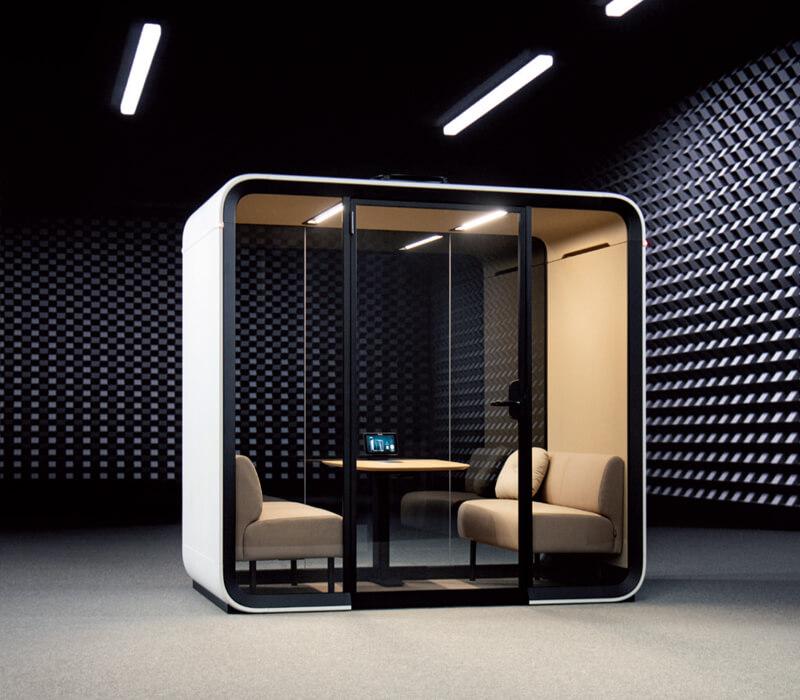
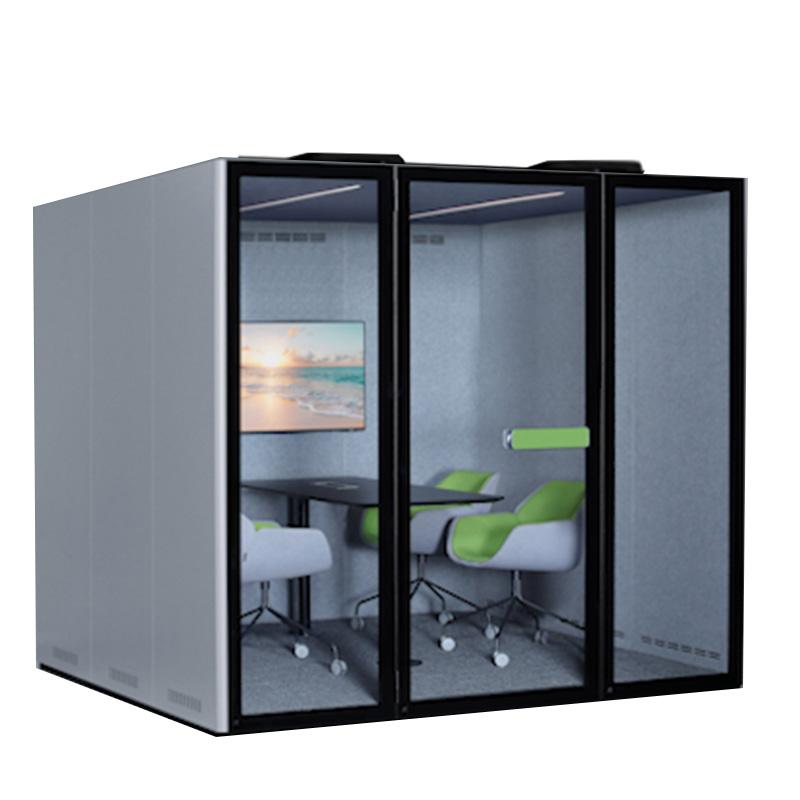
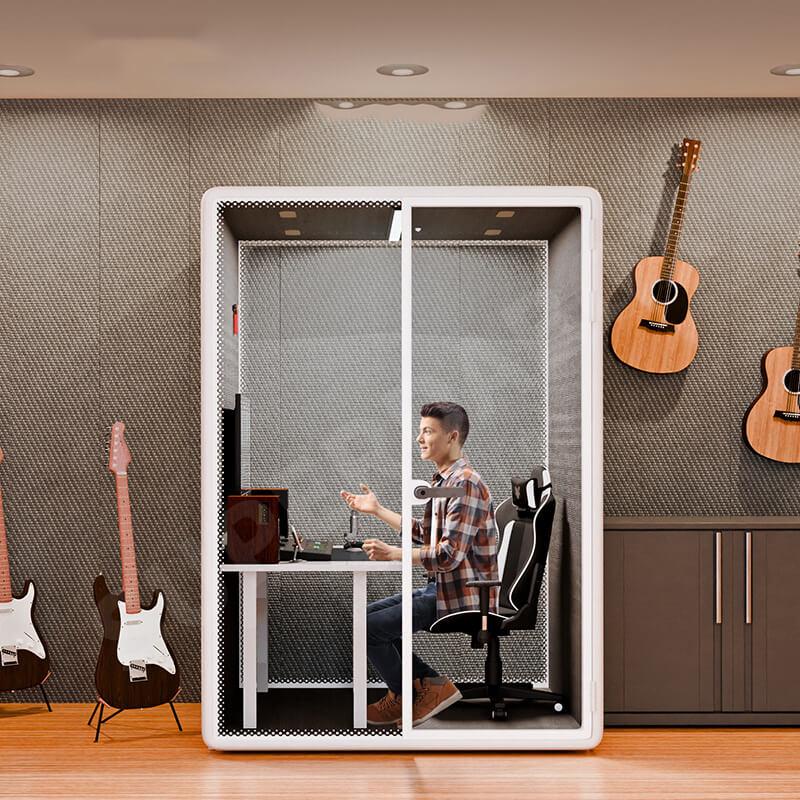
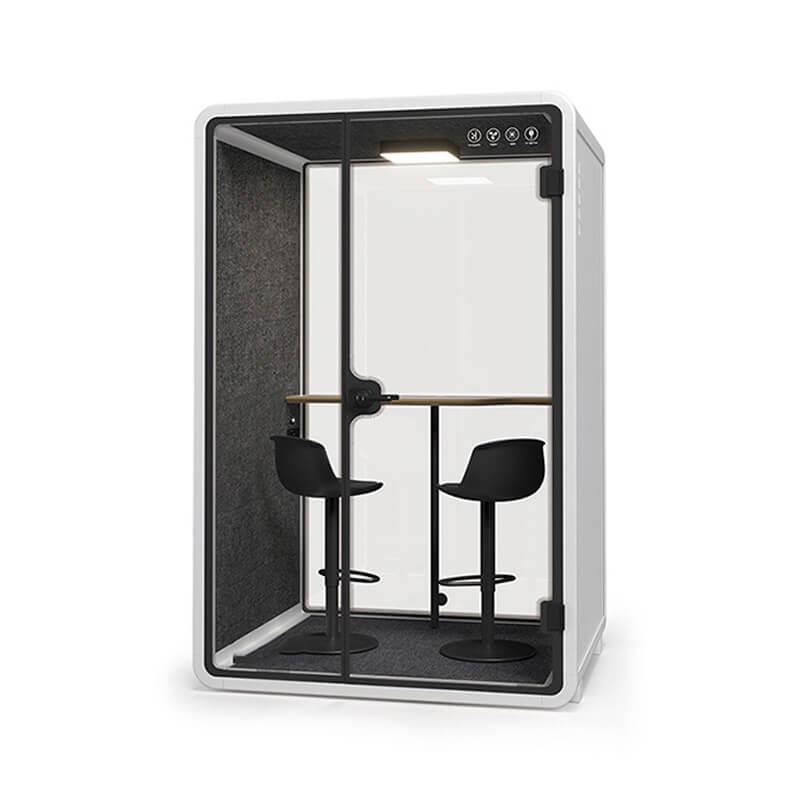
SOP-RB105 is a useful larger model reference in the public recording range. Its listed outside plan is 2100 by 1600 mm, with a 1900 by 1400 mm internal plan and 1940 mm internal height. The public detail identifies two 120 mm ventilators but asks buyers to confirm cable interface location and a usable opening. Do not assume an approved pass-through is included. The dimensions and fan descriptions do not show the computer's cooling sound, a microphone noise floor or a furnished working position.
The product's acoustic value also needs its original test basis before it is used as a comparison. A published enclosure isolation number does not describe a sound source placed inside beside the microphone. Treat reducing external disturbance and controlling an internal computer as different questions. The recording computer, interface, microphone and any capture software remain separate equipment unless the offer explicitly includes them.
Use the actual proposed table and equipment support in the audition. The published internal envelope is not spare space that can all be occupied by equipment. Preserve the user's normal actions, approved ventilation openings and access. Where the final furniture arrangement is unavailable, label the demonstration's limitation. A useful model reference makes the conversation concrete without allowing a dimension or a promotional recording claim to stand in for the intended session.
Record an ordinary passage with the intended microphone, including natural pauses before and after speech. Keep the microphone position, pattern where selectable and gain settings documented. Use the same passage for each comparison. The pauses can expose steady sound that becomes less noticeable while the person speaks. There is no need to invent a numeric noise threshold to notice whether the retained material creates a problem for the intended editor.
Ask which processing acts before the file reaches the reviewer. Noise suppression, a gate, automatic level changes or other capture processing may affect what survives a pause. Retain an untouched recording where the equipment supports it. If only a processed capture is available, state that limitation. Turning processing off for an authorized comparison is different from defeating protected settings or making changes outside the equipment owner's role.
Use one comfortable playback route and keep it consistent. If the reviewer changes level, note the change rather than assuming the second file proves improvement. Listen to words and pauses together, not only a maximally amplified silent gap. A processed track that sounds quiet between phrases may still alter word endings or breath detail. The buyer and editor should judge the actual use without turning a listening observation into a laboratory acoustic rating.
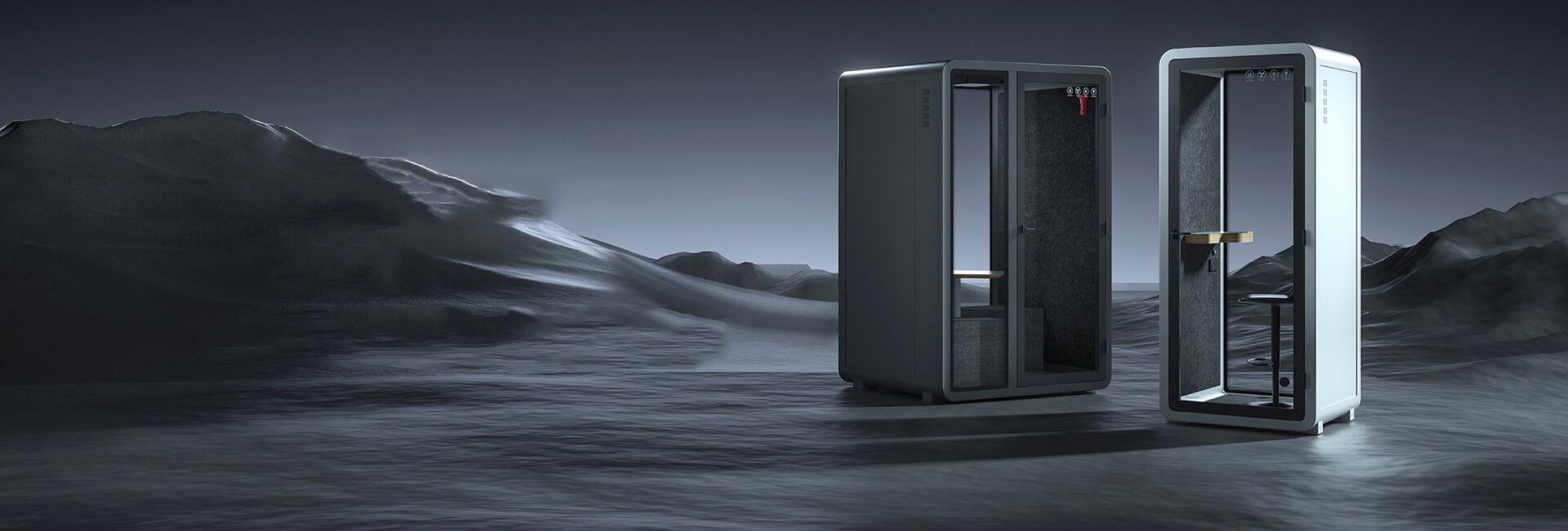
The SOP recording booth collection supplies model references for the enclosure; computer cooling, microphone settings and captured files remain separate parts of the recording decision.
Begin with the computer in the same supported position and the booth services in their approved occupied condition. Capture the passage at the initial low-activity state, then with the representative working project. Keep speaker position, microphone settings and ventilation unchanged. If the sound changes, mark the moment and the application state. This identifies a difference worth investigating without proving a particular component is the cause.
Do not rely on a single instant after opening the application. Follow enough of the intended workflow to include the actions the user actually performs: checking a playback, navigating the project or joining the approved direction route. State which period was demonstrated and which expected task remained absent. The required duration follows the session brief; this guide does not prescribe a universal run time or claim how quickly a computer will warm up.
If the capture includes clicking or typing, keep those events distinct from a continuous cooling sound. One may follow a deliberate action while another continues through pauses. The distinction changes the next comparison. Do not immediately buy treatment or an isolation accessory for everything described as computer noise. First establish whether the concern occurs during quiet narration, control operation, playback or some other part of the session.
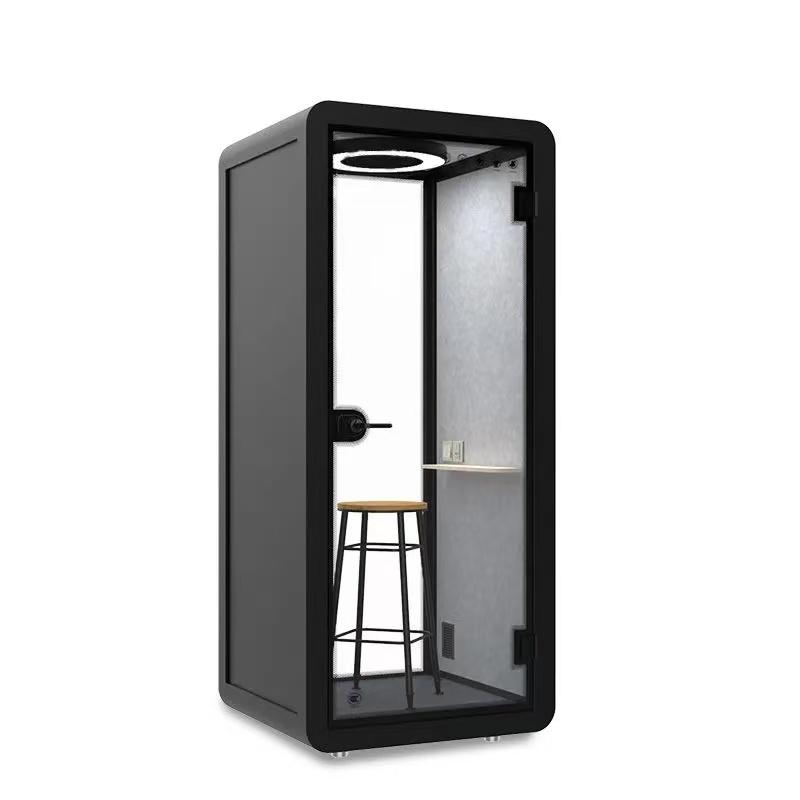
Review supported equipment positions with the owner of the computer and the offered furniture. A slight change can alter the path between device and microphone, but it must not block cooling openings, push a device into upholstery or place it on an unsupported edge. A computer hidden beneath fabric may look tidy while creating a new problem. Do not cover it, put it inside an improvised box or disable its cooling to complete the audition.
After choosing a permitted alternative position, repeat the same working-load passage and keep the other variables unchanged. Listen for the concern that prompted the change, then check whether the narrator can still read, reach controls and leave normally. A quieter capture is not a complete solution if the person must twist away from their script or lean around cables every time they operate the recorder.
The microphone's direction can also be considered through its own instructions, but make that a separate comparison. A pattern or angle change affects more than the device sound; it can alter the captured voice and surrounding sound. Record the setting and retain the prior file. Avoid promising that the least-sensitive direction in a diagram will eliminate the computer in this particular occupied enclosure. The microphone hears the demonstrated arrangement, not the purchasing sketch alone.
| Recording condition | Keep unchanged | Useful comparison |
|---|---|---|
| Computer idle | Speaker and microphone positions | Earliest quiet baseline |
| Normal session workload | Gain, fan setting and script | Noise during the actual application |
| Supported device position change | Workload and spoken passage | Direct device contribution |
| Proposed capture processing | Physical arrangement | What processing changes or hides |
An outside device removes that device from the immediate interior arrangement, but introduces another set of practical questions. The narrator still needs a supported recording connection, readable script and a way to start or stop the session where required. Obtain the approved cable interface and usable opening for the quoted RB105 before proposing this arrangement. The public page does not establish a pass-through compatible with the intended connector, cable length or remote-control route.
Have the equipment owner specify the complete route and operate it during a demonstration. A cable passing through the doorway is not an acceptable substitute for a supported opening. Do not wedge the door, interfere with a seal or obstruct an exit to keep the computer outside.
Keep ventilation operating normally as well. Removing one device is not a reason to treat the enclosure as an unventilated recording container.
Check whether the outside location creates ordinary session interruptions. Someone may need to approach the computer, the narrator may not see the application state, or monitoring may require another device inside. These are workflow observations to test, not reasons to reject the arrangement in advance. Compare the complete route with the inside proposal using the same passage and working project. If the outside route cannot be demonstrated, retain it as an unverified alternative rather than calling it the quieter solution.
Give the intended editor the earliest available comparison files, the workload note and the supported equipment positions. Mark any capture processing and changes made to audition copies. Ask a concrete question: is the device contribution acceptable during this voice-and-pause passage for the intended output, or does the arrangement need another supported trial? That question is more actionable than asking whether the booth is studio quality.
If the concern remains, identify what the comparison actually established. The working application may have changed the sound without proving the fan alone caused it. A position change may help without being feasible in the offered furniture. Processing may improve a sample while adding editorial work or altering quiet speech. Keep those boundaries in the purchase record rather than combining several partial observations into a guaranteed result.
Tie approval to the named computer workload, microphone route and occupied service state. Revisit it when the computer, application, microphone or furniture changes materially. A retained sample helps the equipment owner understand what changed later without borrowing a marketing number from the enclosure. The chosen solution can be ordinary and modest: a supported device position and a reproducible working capture, with any unresolved limitation plainly recorded.
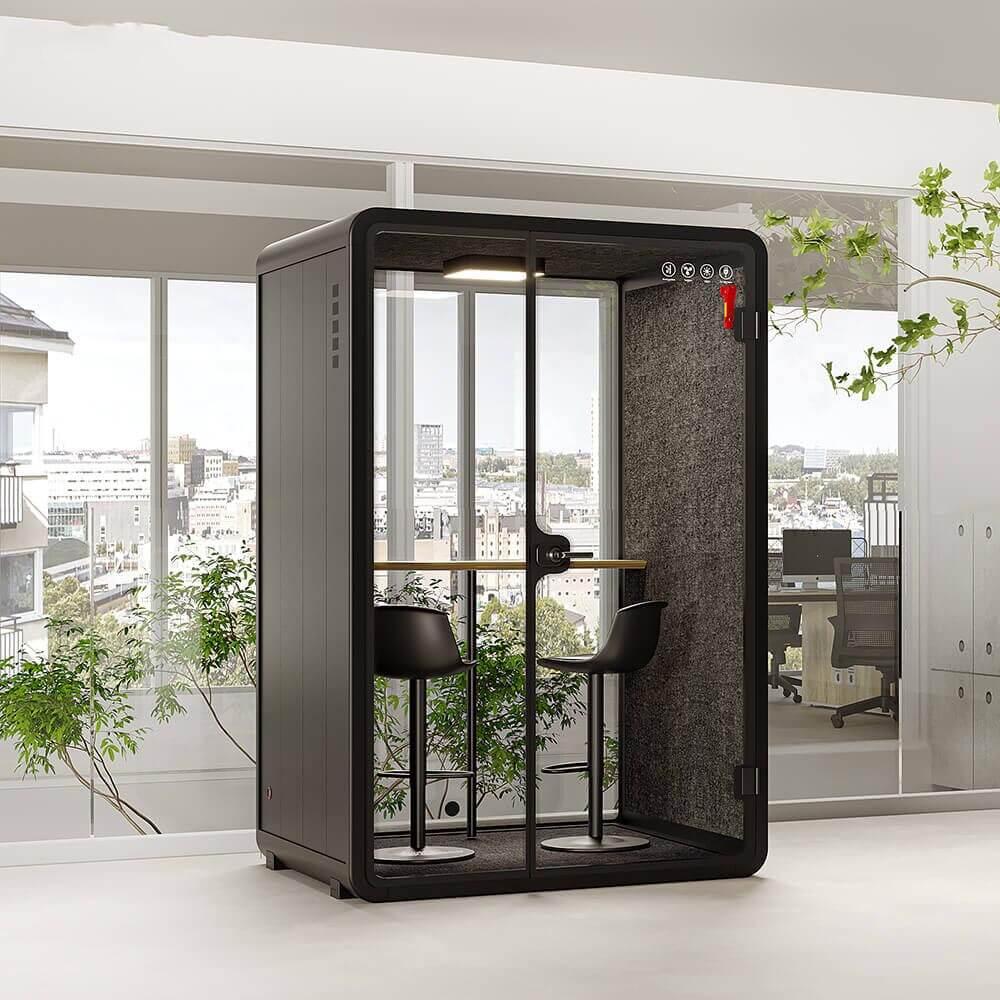
Will a soundproof recording box stop a laptop fan being recorded?
Not automatically. An enclosure's external sound isolation does not remove a sound source beside the microphone inside it. Evaluate the real workload, device position and recording settings through a retained sample. Avoid a promise of silence from the product label alone.
Is it better to put the computer outside?
It is an option when the complete cable, control, script and monitoring route is supported. Compare it with the inside arrangement before ordering. A device outside the door is not a finished solution if the required connection leaves the door seal open or the narrator cannot operate normally.
Can noise reduction replace the comparison?
Processing can be part of a deliberate workflow, but disclose it and keep the earliest available file. It may change quiet words as well as background sound. Compare the result the editor needs rather than calling a processed pause evidence that the physical arrangement is silent.
Should I turn off the computer fan or booth ventilation?
No improvised cooling or occupied ventilation shutdown belongs in this purchase method. Keep both operating within their supported conditions. Investigate placement, equipment choice and authorized product options instead of making a demonstration depend on disabled air movement.
What if I cannot receive an unprocessed sample?
Label the available capture and its known processing. It may still illustrate a workflow, but it does not provide the same evidence as the earliest unprocessed recording. Keep the raw-capture question open rather than describing a finished promotional sample as proof.
Assess the soundproof recording box with the application, computer and microphone that will actually be used. Retain a working-load voice-and-pause capture, keep occupied ventilation operating and compare only supported equipment positions. Choose from the demonstrated recording and practical control route. Published enclosure features can identify a candidate, but they cannot substitute for the sound of the computer inside the proposed session.

 Tel: +8613538031763
 Email: info@sopworkpod.com
 MP/WhatsApp: +8613538031763
 Manufacturer Address:Liucheng Lujiang District,Meixi Road,Nanan City,Fujian,China