
Need Help?
Please leave your contact information to get our latest catalog
Get In Touch Now >


Author:SOP Work Pods Manufacturer TIME:2026-10-30
A charging lead remains on the shelf after a call. The next employee cannot tell whether it is supplied equipment, a forgotten personal item or a damaged cable nobody has reported. Moving it somewhere else makes the shelf look tidy but leaves the underlying question unresolved. The same problem appears with a chair pushed against the door, a headset hanging from a handle or a bag beneath the work surface.
For buyers of office space phone booths, a practical departure routine begins with a clear distinction between the supplied interior and things users bring in. The purchase question is not how to automate every changeover. It is whether an ordinary person can leave the booth in an understandable physical state without becoming a cleaner, technician or investigator. The following routine is a proposed planning method, not a report of measured SOP user behavior.
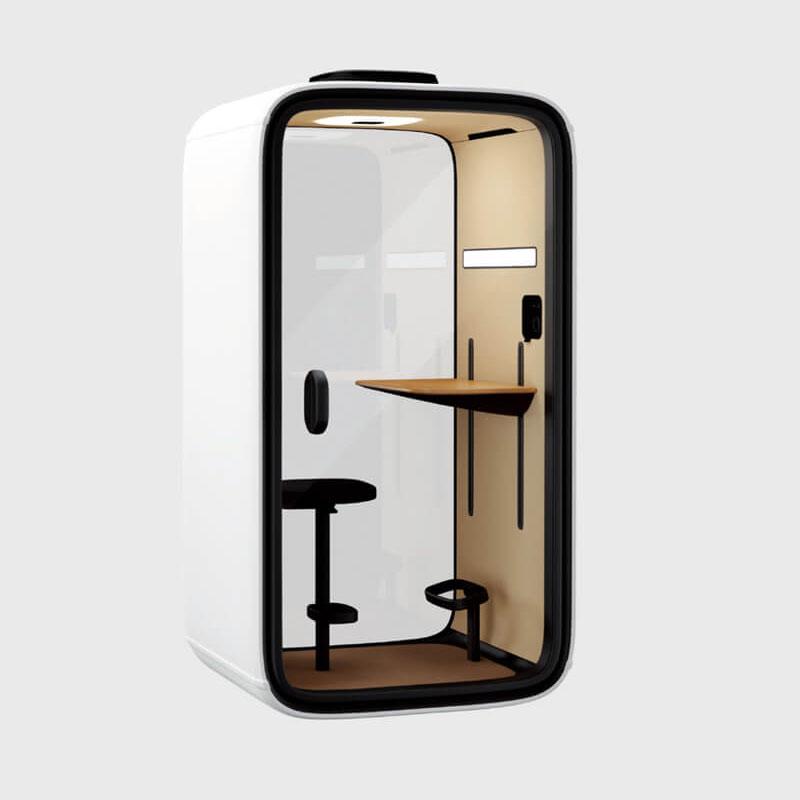
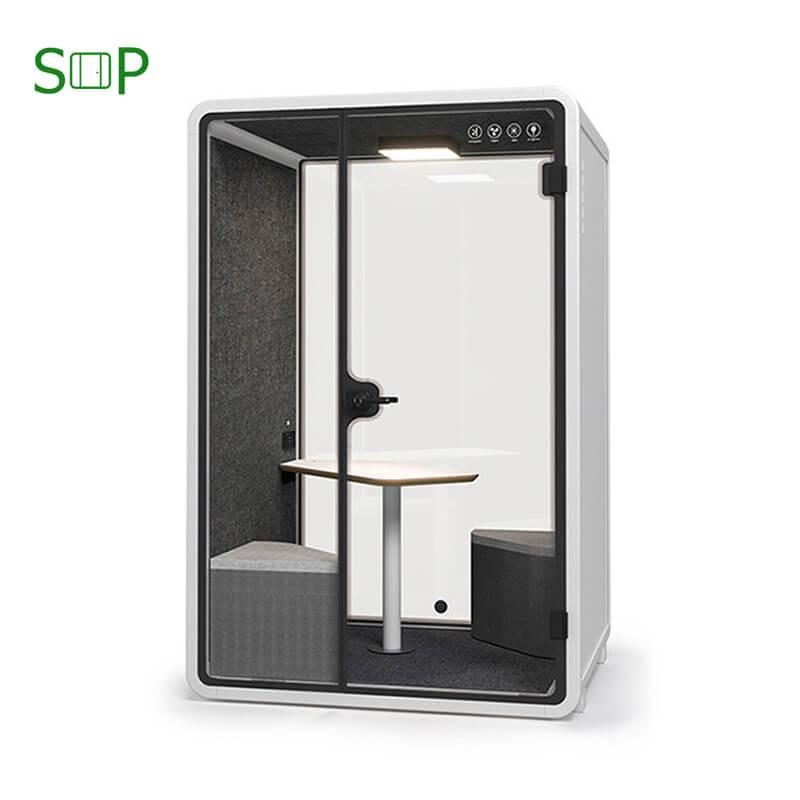
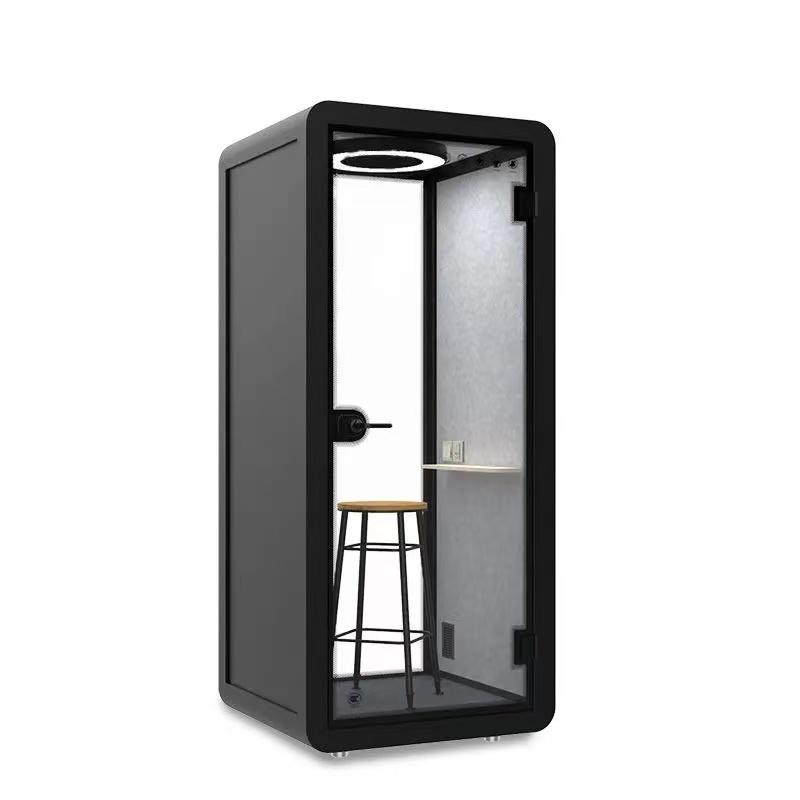
Start with the exact furniture and connectors supplied with the proposed enclosure. A photograph showing a chair and shelf does not settle whether the chair belongs to the order or which sockets a user may operate. The public SOP-PB102 detail is a concrete reference: it identifies one-person use and lists a foldable desktop, bar chair and carpet. Those items create different departure questions from a booth with a wheeled office chair or a separately supplied desk. Do not copy another model's ready-position photograph onto this one.
Divide the interior into provided equipment, personal equipment and items maintained only by staff. The shelf, approved chair and fixed controls may belong to the provided baseline. A person's laptop, headset, charger and notebook belong to their visit. Electrical service covers, fan components and furniture adjustments outside ordinary instructions remain staff-owned. Put an ambiguous item in the unresolved category until its owner is known; appearance alone does not prove ownership.
Keep the baseline modest. It should describe the usable work surface, normal supplied seat position and unobstructed entrance, not an elaborate styling arrangement that every caller must recreate. PB102's public power and network entries identify service provisions, but they do not name a shared headset, charging cable or managed computer. Those additions require their own equipment schedule and support decision. The easiest routine is usually the one that has fewer unidentified objects to begin with.
Rehearse departure with a normal laptop, its charging lead, a headset and a bag. The user should be able to identify and remove their own connections through the ordinary accessible connectors. A provided power outlet remains part of the booth; the plug-in charger may belong to the employee. Follow the actual device and connector instructions rather than assuming every lead can be pulled in the same way. Keep staff-only connections visually distinct from user connections where the approved arrangement allows it.
Watch where the user puts the removed lead. If it is wound on the shelf while the laptop goes into a bag, the last step can easily be forgotten. If a headset is taken off and hooked onto the door handle, it can look like supplied equipment to the next person. These observations identify a practical ownership problem, not misconduct. Try gathering the person's equipment into their own bag before leaving, without prescribing a special storage accessory or attaching hooks to the enclosure.
Leave device-specific account and file routines with the organization's existing guidance. This article does not design a room-computer sign-out or cloud-document retention process. If the proposal includes managed shared technology, IT must establish that separate workflow before it is called ready. A physically clear shelf is useful, but it is not evidence that another person's digital information has been erased or that a managed device has returned to its authorized starting state.
Choose the normal furniture position from the supplied configuration, not the personal preference of the last caller. With a bar chair, that may mean a stable usable position clear of the entrance. With a wheeled chair, it may mean returning it within the designated working area without blocking a cable or doorway. Avoid a precise seat-height rule for everyone: the next user's ordinary adjustments can remain part of normal use.
For a folding work surface, first establish whether users are meant to operate it and what position the supplier's instructions permit. Do not invent a fold-away duty merely because the PB102 description uses the word foldable. A user should not have to wrestle with a stiff fitting or guess which latch to release to finish a call. An unfamiliar or impaired mechanism belongs with staff. The baseline must not reward someone for forcing hardware into a tidy-looking state.
Use a neutral reference image or short component list for purchasing discussion, while preserving the exact configuration. It should make missing provided equipment visible without turning the booth into an inventory audit after every booking. There is no need to count every fastener. The useful question is whether the next ordinary user receives the intended work surface and supplied seating in a usable, unobstructed condition.
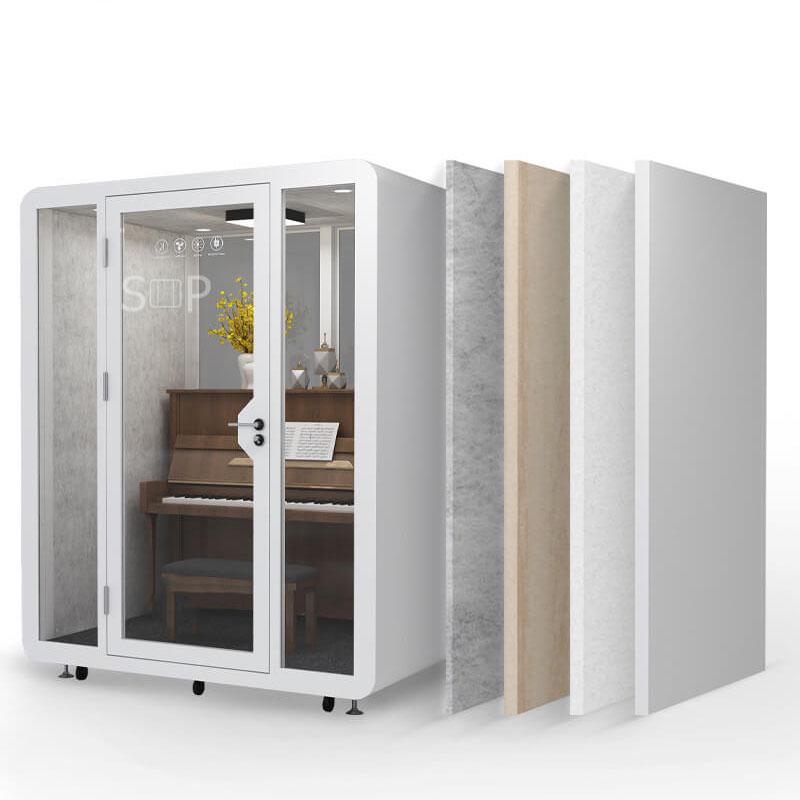
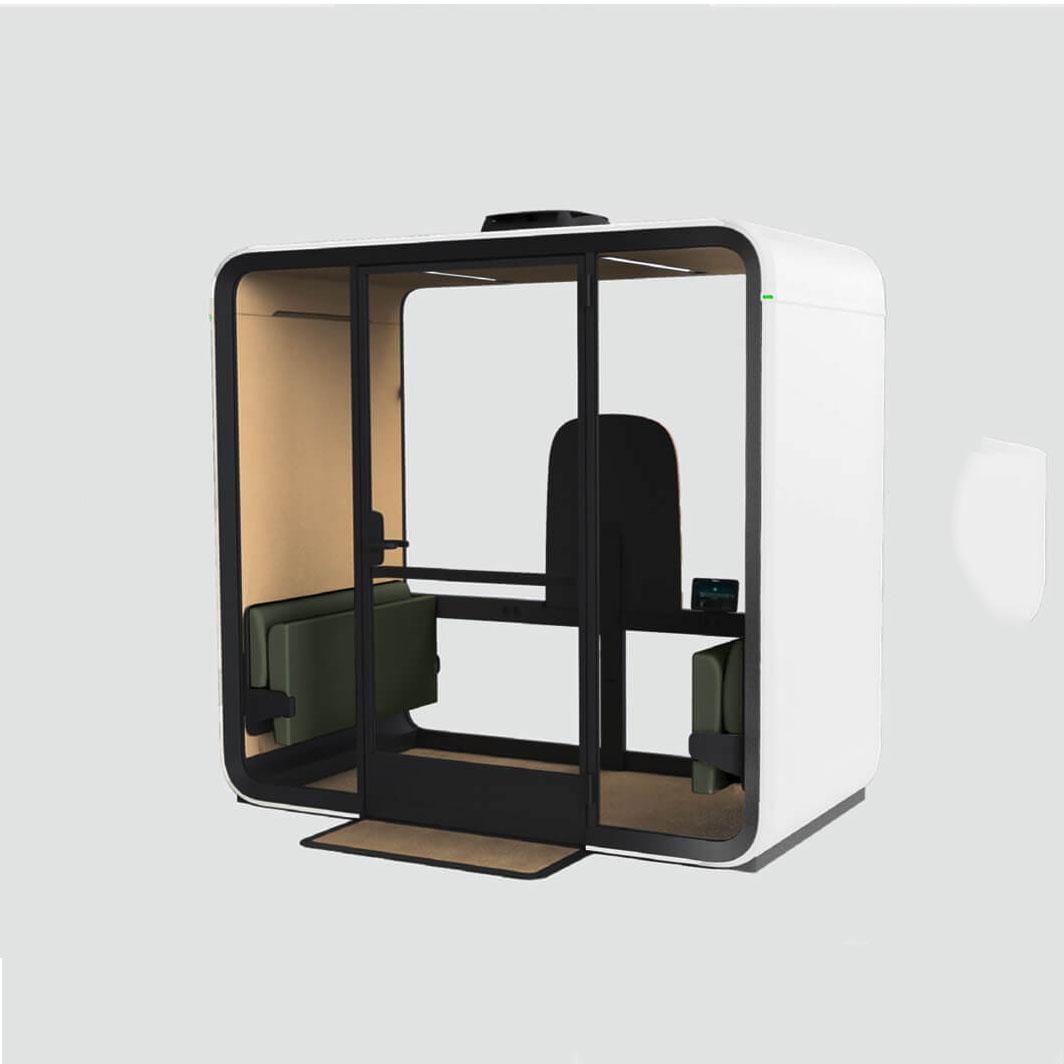
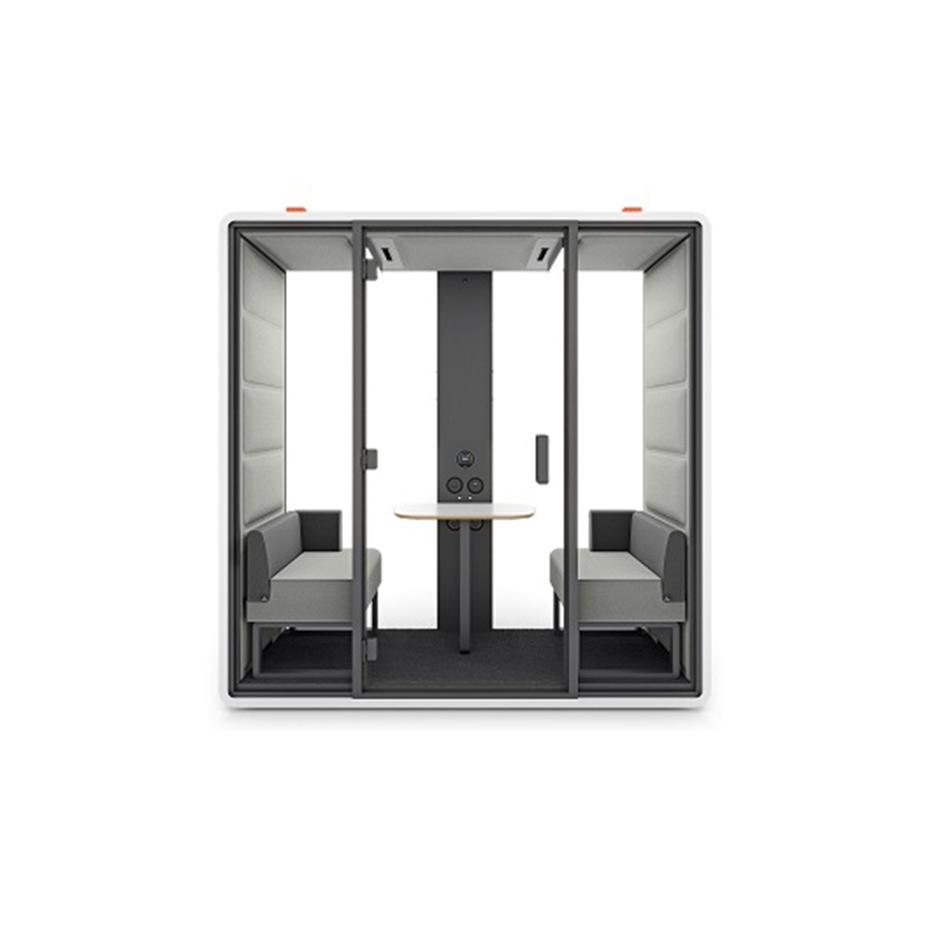
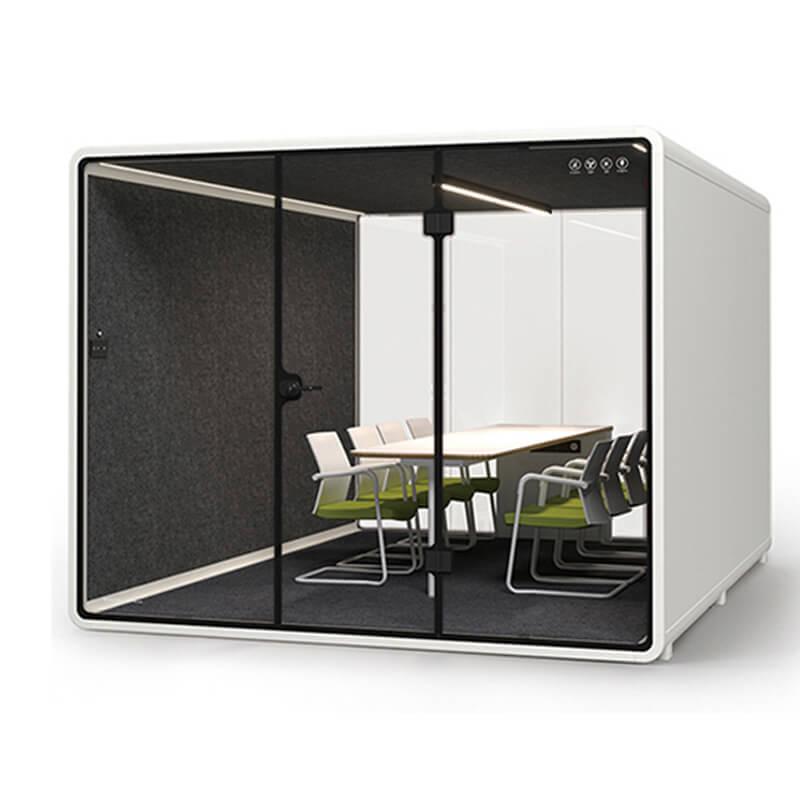
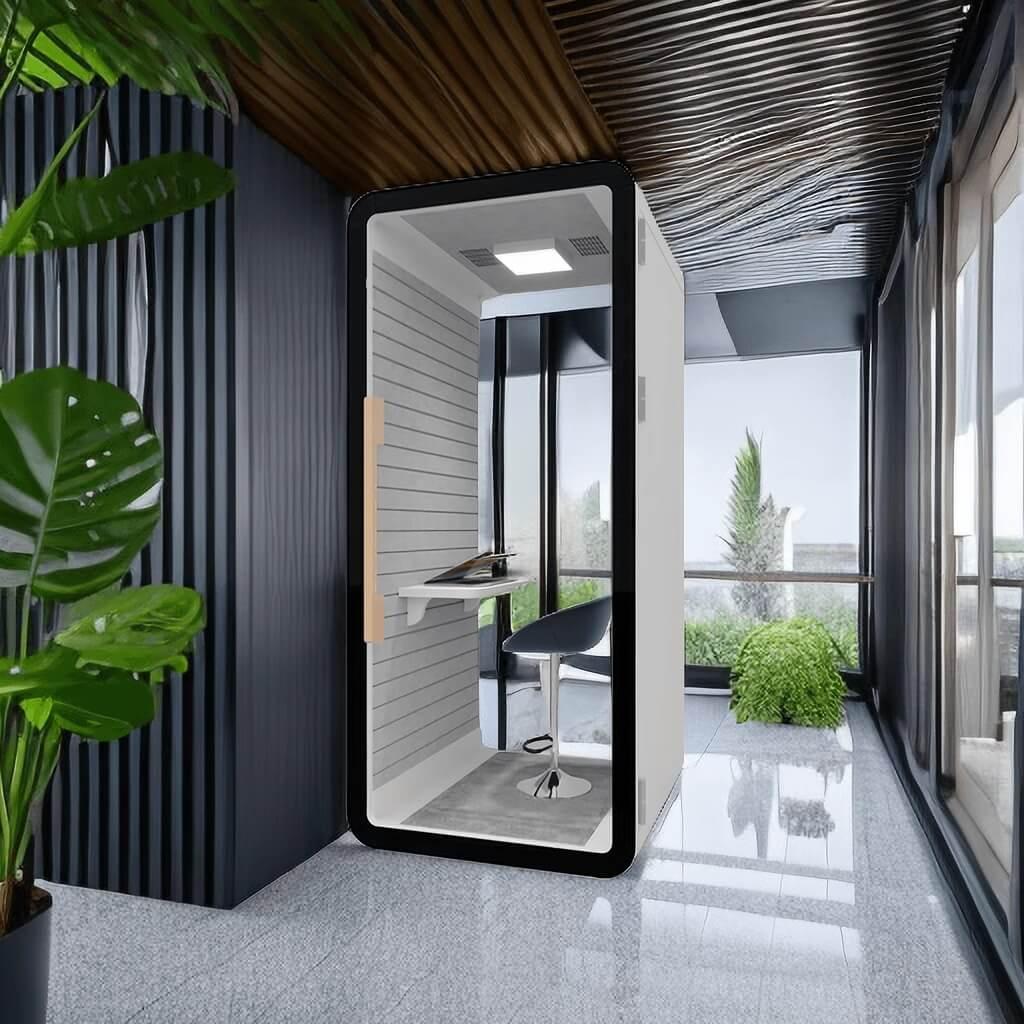
Use the SOP phone booth range to identify the supplied work surface, seating and connectors, then keep personal equipment distinct from those fixed items.
An unfamiliar object is not the next user's property to inspect. A charger, identity card, notebook or storage device may be harmless, sensitive or valuable; none of those possibilities is established by its appearance. Follow the workplace's lost-property route. Identify the booth and the visible item category without opening the notebook, connecting a drive or looking through a device. If collecting an item is part of an authorized staff role, that role should already have a custody process.
Hypothetical planning example: one departing employee takes their laptop but leaves a small adapter. The next person notices it before starting a call and contacts the designated office help point. Staff record the unit and item through the existing property procedure. No one uses the adapter to discover its owner. The example is a routine to evaluate, not a claimed incident, customer story or evidence that a SOP booth includes any tracking feature.
Separate lost property from waste. A blank-looking page could still be someone's notes, and a small electronic accessory is not disposable merely because it is inexpensive. The purchasing rehearsal should reveal whether users know whom to contact and whether the proposed booth has become an informal storage area. If staff cannot distinguish provided equipment from forgotten personal items, return to the equipment schedule rather than adding a broader inspection duty to the next caller.

A normal departure can reveal a loose connector, unstable seat, fresh spill or obstruction near the entrance. Users can describe what they see without diagnosing why it happened. Keep the report concrete: the supplied chair moves unexpectedly, a connector appears damaged, or the door does not operate normally. The short item-and-action table separates ordinary removal from situations where staff help is needed; it is not a service manual.
Do not make a quick reset an excuse for improvised repair. Users should not open covers, tighten unknown furniture fittings, reposition electrical parts, lubricate a latch or wipe liquid into a control. A damaged cable is not made acceptable by moving it out of sight. Where injury, further damage or impaired access may be involved, stop using the affected arrangement and follow the responsible support process. The purchasing decision should include a clear alternative location when the booth is unavailable.
Routine cleaning belongs to the established materials-aware facilities process. This departure guide does not select cleaning products, prescribe contact times or promise a germ-free next session. A user may follow an existing approved surface routine, but a spill needing staff attention remains an exception. Never shorten an agreed drying or service interval just to match a reservation boundary. Readiness must describe the physical condition, not only the fact that the previous calendar slot ended.
| Item at departure | Normal user action | When staff help is needed |
|---|---|---|
| Personal charging lead | Remove own lead from the accessible connector | Damaged or unfamiliar connector |
| Provided chair | Return to the agreed usable position | Instability or broken adjustment |
| Loose belongings | Take own bag, headset and notes | An item belongs to another person |
| Door and work surface | Leave unobstructed without forcing hardware | New damage or impaired operation |
Use a permitted sample setup and ordinary non-sensitive belongings. The first person enters, uses their own equipment in the normal arrangement and leaves through the proposed routine. The second person approaches without coaching and explains which items appear supplied, which surface is ready for use and where they would report an uncertainty. This is a usability rehearsal, not a security audit, cleaning certification or measured prediction of employee behavior.
Observe missing steps without turning the exercise into a timed race. Does the first person leave an adapter because its location is obscured? Does the second person move the chair without noticing a cable? Is an empty shelf enough to understand the intended starting position? Ask each person what they thought the provided equipment list meant. A clarification in that list may be more useful than another instruction attached to the door.
Change one ambiguity and repeat. For example, remove an unnecessary shared charger from the proposal, distinguish the approved user connector or revise the furniture reference. Keep alterations within the supplier's supported arrangement. Do not add adhesive labels to glazing or route a cable along the door seal without authorization. Record what the exercise exposed and what changed, rather than claiming a tested reset time or inventing a success rate from two volunteers.
The order should name the interior baseline and distinguish anything supplied by another provider. For PB102, the published chair and work surface are a starting reference, while the final offered package controls. If a buyer adds shared chargers or headsets, define their ownership and replacement route. The enclosure supplier cannot automatically become responsible for an employee's adapter simply because it was used inside the booth.
Give staff the unresolved-item route and the basic condition categories from the rehearsal. Users need one understandable contact; behind that contact, facilities and IT can allocate work through existing processes. Avoid a new record system for every ordinary exit.
Keep reports only where a lost item, defect or repeated ambiguity merits one. Use those records to clarify an equipment owner, remove an unnecessary shared accessory or correct a supplied furniture problem before it affects another caller.
Revisit the routine when the supplied chair, connector arrangement or shared equipment changes. A new chair may create a different ready position; a new shared device may introduce a technology workflow that this simple guide does not cover. Preserve the older configuration reference so the change is visible. The buyer's useful outcome is an unambiguous supplied interior and a short departure habit, with staff handling the situations an ordinary caller cannot safely resolve.

Do users need to clean the whole booth after every call?
Not as a universal departure rule. Follow the workplace's approved cleaning arrangement and separate it from removing personal equipment. Report spills or other conditions needing staff attention. A clear work surface alone does not prove cleaning or drying is complete.
Can shared charging cables stay inside?
They can be considered if the office deliberately supplies and supports them. Identify their owner, permitted connectors and damage-report route. Without that decision, a cable left on the shelf creates uncertainty about whether it belongs to the office or the last user.
What should I do with a notebook someone left behind?
Use the existing lost-property or responsible support route. Do not open, photograph, read or discard it to identify the owner. The booth name and visible item type are normally enough to start a staff response without copying personal content.
Does a reset routine need a fixed number of minutes?
Establish any needed interval from the actual configuration and service process. This guide does not supply a universal duration. Personal equipment removal, cleaning work, drying and faults are different activities, and an ordinary departure is not a substitute for the others.
Is the supplied bar chair suitable for every user?
The PB102 public description identifies a bar chair, not universal suitability. Compare the offered seating with the intended users and retain an appropriate alternative workspace. Do not use a departure routine to hide an unresolved seating or access requirement.
Choose office space phone booths with a supplied interior that ordinary users can recognize. Separate personal leads, headsets and belongings from fixed equipment, leave the furniture in its agreed usable state and send unfamiliar property or damage to staff. Rehearse those actions with harmless items before turning them into an office habit. A simple physical handover can support dependable use without pretending to clear digital records, certify cleaning or replace technical service.

 Tel: +8613538031763
 Email: info@sopworkpod.com
 MP/WhatsApp: +8613538031763
 Manufacturer Address:Liucheng Lujiang District,Meixi Road,Nanan City,Fujian,China


