Need Help?
Please leave your contact information to get our latest catalog
Get In Touch Now >


Author:SOP Work Pods Manufacturer TIME:2026-09-23
The best office pod for hybrid meetings is the one that supports the actual conversation pattern, not the one with the largest nominal capacity. A hybrid meeting may include two people in the pod, several remote participants, a shared screen, a camera, microphones, documents, and people joining or leaving at different times. The right selection must therefore connect acoustics, sightlines, technology, comfort, and movement.
Begin with the meeting workflow. Identify who is in the pod, who is remote, what must be visible, how long the session lasts, and whether the pod is used for one meeting or several short calls. A phone booth can protect a one-person conversation but create poor framing for a group. A larger pod can help collaboration but needs more careful control of reflections, airflow, table position, and turnover.
This comparison uses a meeting-path method. Define the participant bands, test the visual and audio scene, separate fixed requirements from preferences, and then compare the handover and operating record. Building, fire, electrical, accessibility, landlord, and technology requirements still need site-specific confirmation.
Write what the remote participant must understand from the screen. Does the meeting need one face, two faces, a group around a table, a whiteboard, a product sample, or a document? Camera height, seating orientation, glazing reflections, background movement, and door position can change the perceived quality even when the camera itself is capable.
Use a simple scene sketch before selecting a pod. Mark the camera, display, microphones, speakers, faces, table edge, light source, and likely movement. A configuration that works for a seated one-to-one call may be unsuitable when two people lean toward a shared screen. The sketch gives the supplier a clear question and prevents a capacity label from becoming the only design variable.
The buyer should separate the meeting brief from the product label. Write the expected local participant count, remote participant pattern, screen-sharing need, call length, privacy consequence, and likely setup steps. Then test whether a one-person booth, a two-person pod, or a larger meeting pod can support that brief without forcing users to improvise with chairs, cables, or movable screens. This makes a comparison useful even when suppliers use different capacity descriptions.
A hybrid meeting pod has two related but different jobs: contain the local conversation and make the remote conversation understandable. Speech privacy outside the pod matters, but so do internal reflections, microphone placement, screen glare, and the ability to maintain a natural speaking position. Do not treat a claim about one as proof of the other.
Describe the consequence of failure. If a confidential interview is the main use, privacy and controlled access may dominate. If a team reviews drawings with a remote architect, shared visibility and table reach may dominate. Use the consequence to rank criteria, then ask which evidence can be checked from documents, which needs a demonstration, and which belongs in site acceptance.
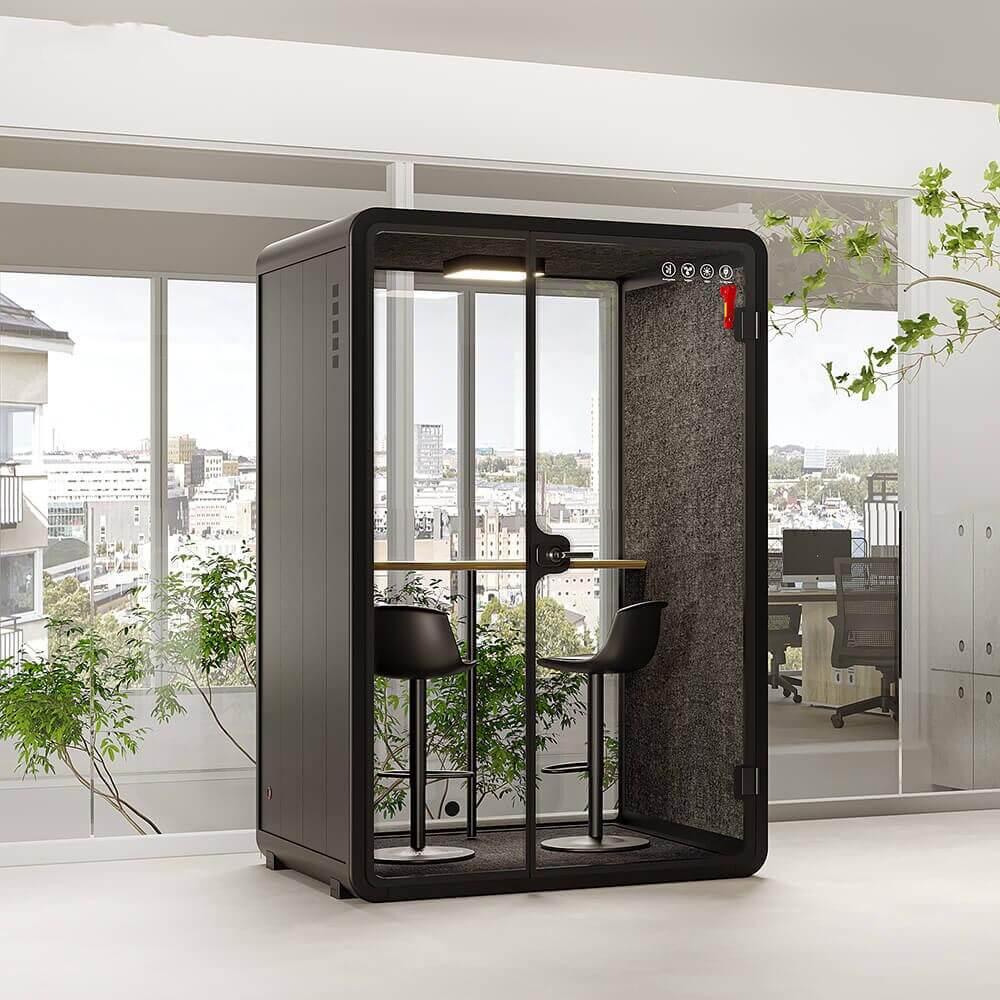
A camera and microphone check should include the surrounding office rather than only the inside of the pod. Listen for printers, doors, kitchen activity, and adjacent calls. Look at reflections from glazing and displays, and check whether people passing outside become an unwanted distraction. Record the condition and the equipment used for the test. A short controlled demonstration can identify questions, but it should not be treated as proof for every building, device, or meeting format.
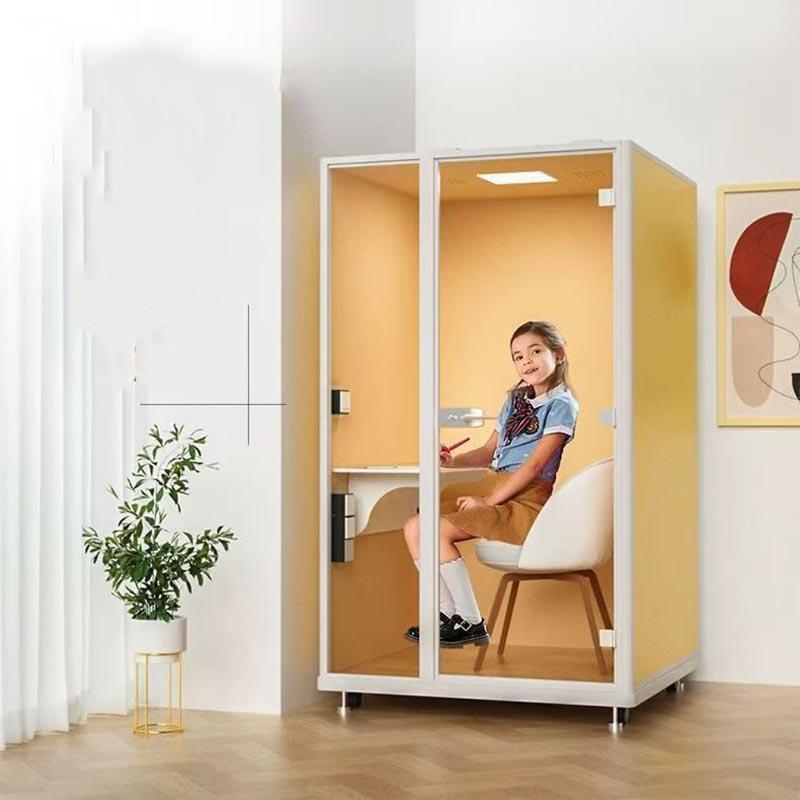
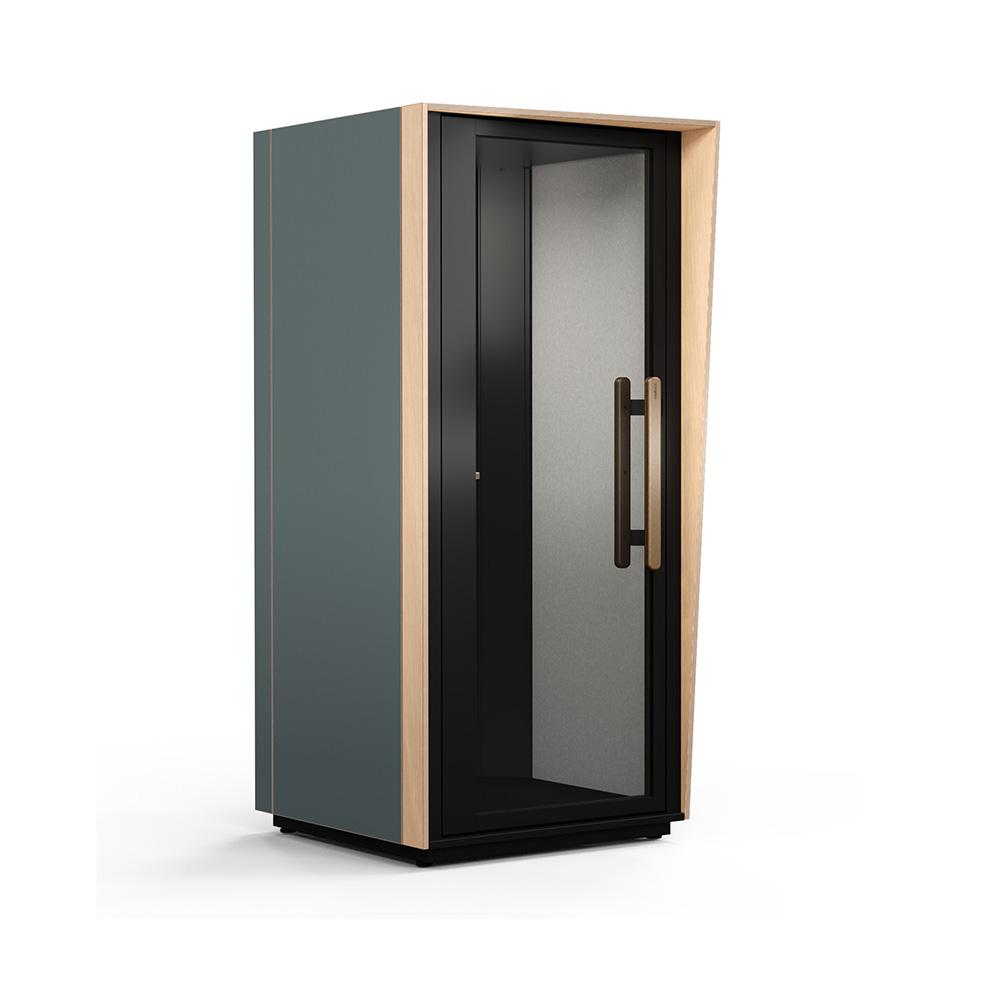
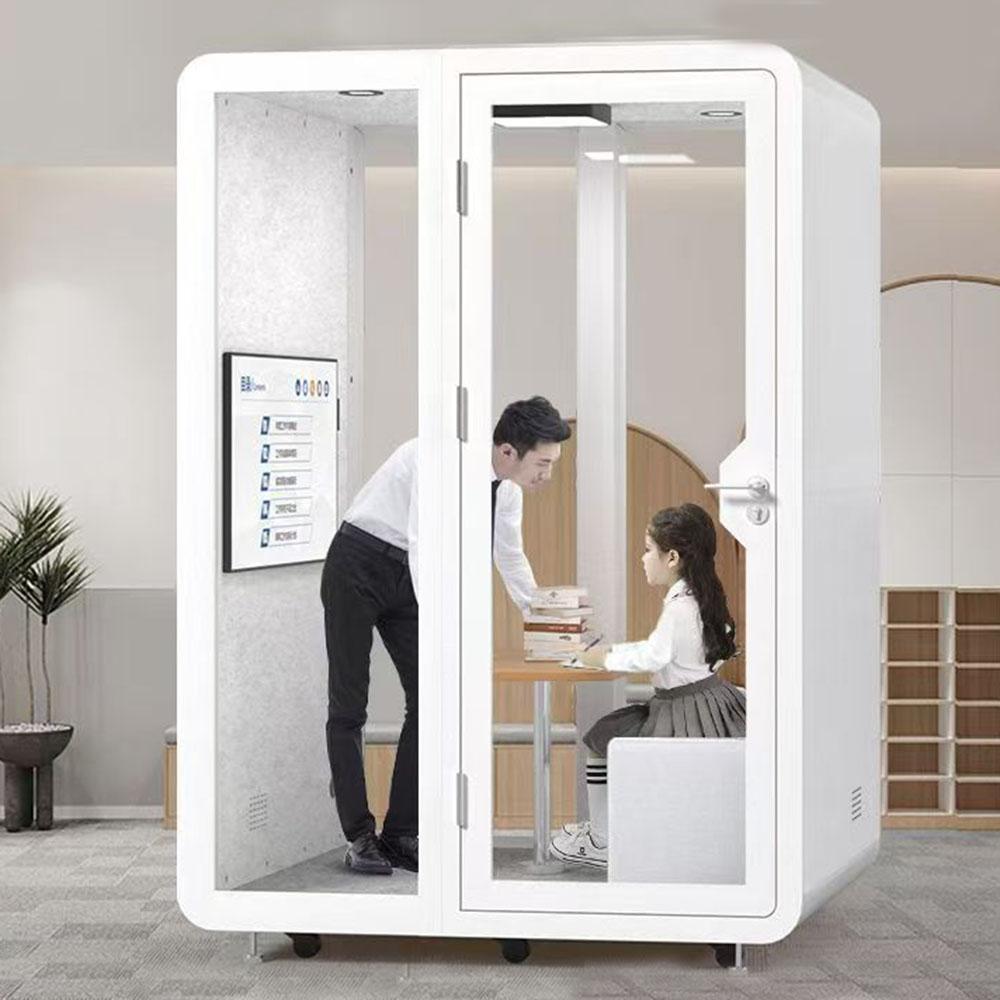
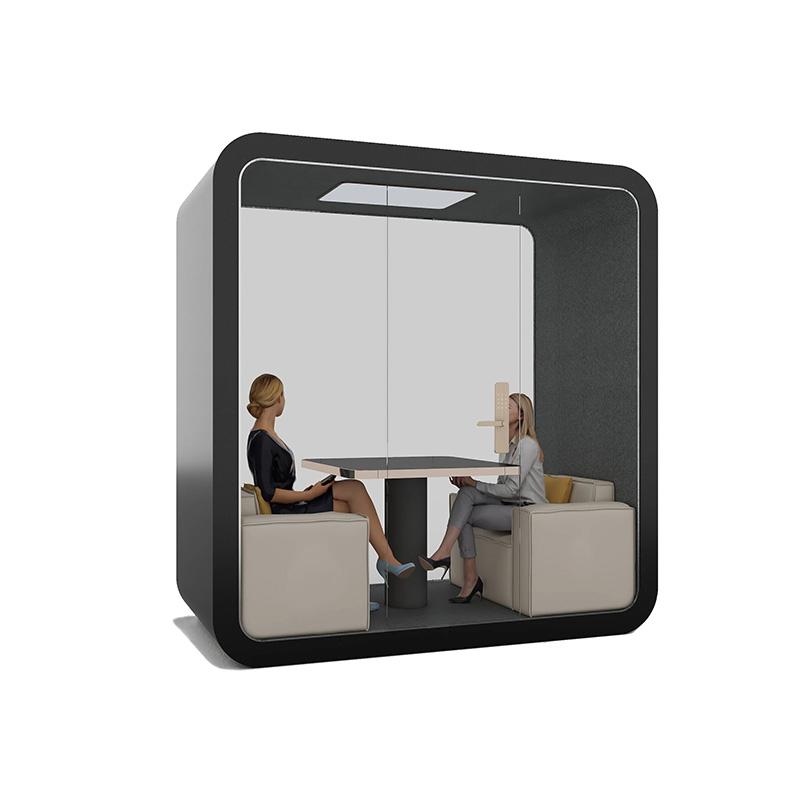
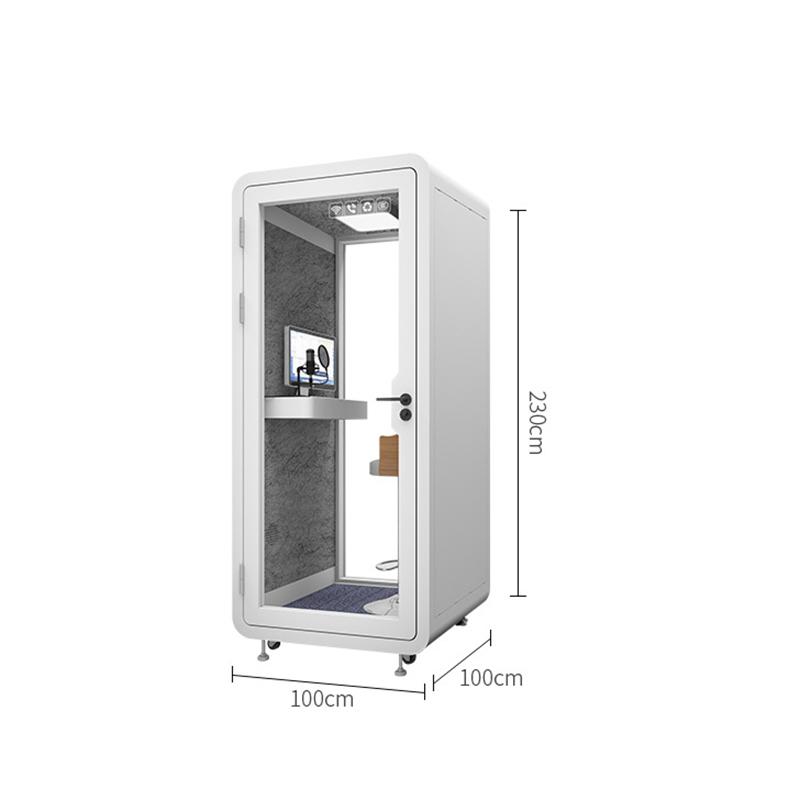
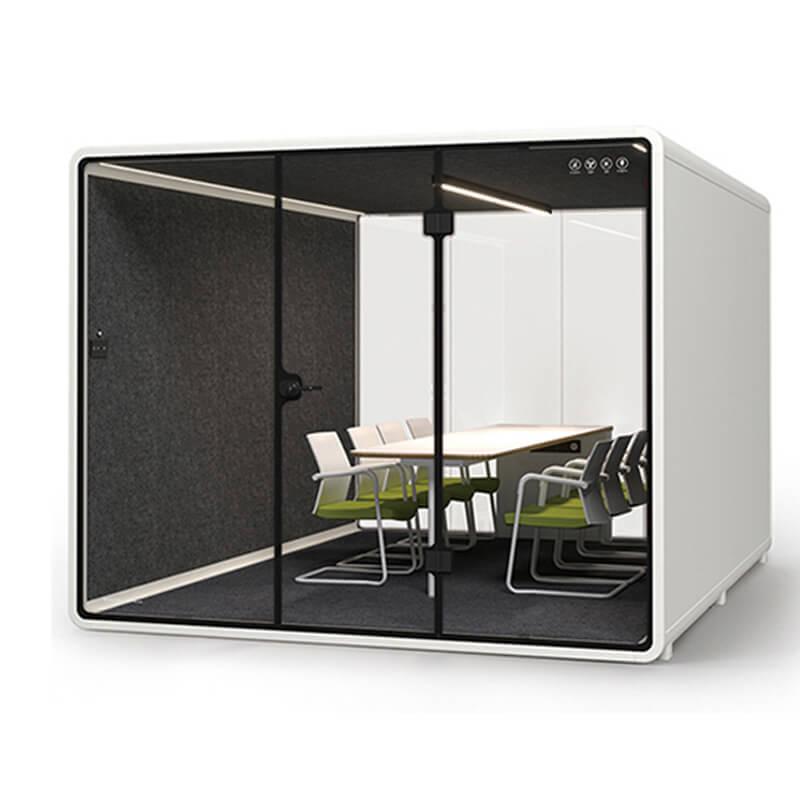
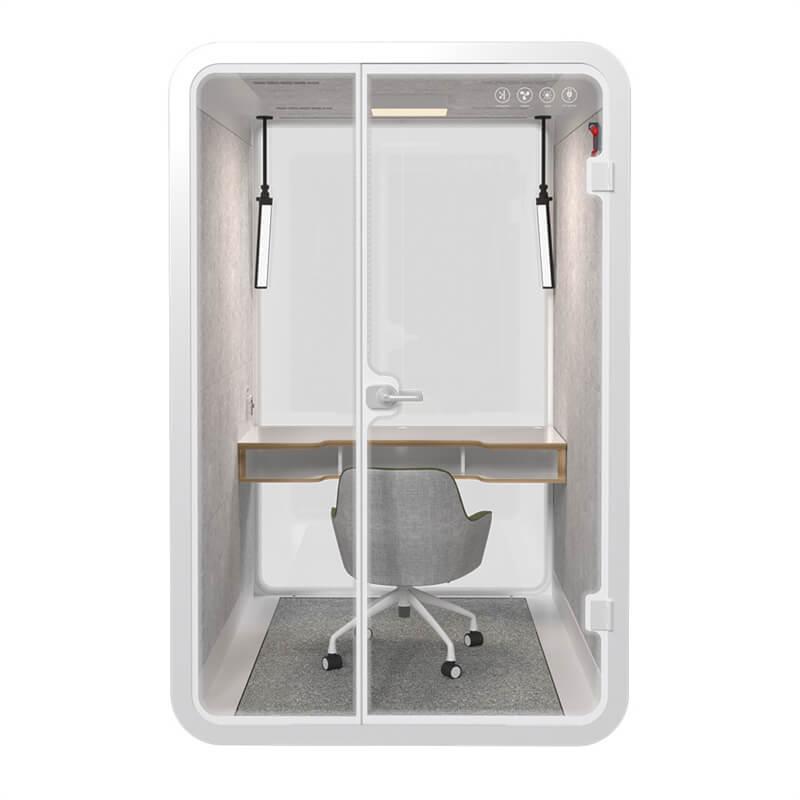
Capacity should be described by the meeting pattern, not only by the maximum number of seats. One person may need a focused call; two people may need eye contact and a shared screen; four people may need a table, circulation, and a camera view that keeps everyone legible. Each format changes the amount of equipment, setup, air movement, cleaning, and time required between users.
Build the comparison around the smallest format that works for the recurring meeting, then test the exceptions. A larger pod is not automatically better if it is harder to book, more difficult to place, or used inefficiently for one-person calls. Conversely, a small booth is not an economical solution when users repeatedly move chairs, connect extra devices, or abandon the space because the remote view is poor.
| Meeting pattern | Primary pod question | Acceptance focus |
|---|---|---|
| One local user plus remote guests | Can the user be framed, heard, and comfortable for the full call? | Camera angle, speech, airflow, power, door condition |
| Two local participants | Can both people share screen and speaking space without blocking movement? | Seating, table, reflections, microphone position, controls |
| Small hybrid team | Does the room keep faces and shared material understandable? | Sightlines, display, circulation, sound, turnover |
| Variable meeting sizes | Can the booking rule direct users to the right format? | Capacity policy, setup time, exceptions, review data |
Hybrid meetings also need a clear start and finish routine. Someone may need to connect a laptop, adjust the camera, share a document, clean the touch points, and leave the pod ready for the next booking. If those steps are ignored, users may reserve longer periods than necessary or avoid the pod altogether. Include setup and reset in the decision record, and state which tasks belong to users, hosts, facilities staff, or the supplier.
Check the complete user sequence: enter, sit, open the device, connect power, join the meeting, share the screen, speak, read material, and leave. Note whether the camera captures faces at a natural angle, whether glazing creates reflections, whether lighting leaves faces uneven, and whether cables or controls force awkward movement. Test with the equipment that the buyer actually expects to use.
Keep the test in the normal operating state. Ventilation, lighting, door closure, and furniture position can affect comfort and sound. Record the session length and number of people, but do not convert one demonstration into a universal guarantee. If the arrangement is still uncertain, list the open choice in the quotation and require a defined check at handover.

Before approval, write down the failure that matters most. For an interview, it may be speech privacy or a stable camera view. For a design review, it may be shared visibility and table reach. For a distributed team, it may be comfort over a longer session. The best office pod for hybrid meetings is the configuration that addresses the dominant failure risk in the intended setting and has a practical handover test.
Hybrid meeting pods often have longer setup and reset needs than a phone booth. Include time for connecting devices, wiping touch points, collecting documents, and resolving a failed connection. The booking rule should reflect the real workflow; otherwise users will reserve excessive time as protection against setup uncertainty.
Check accessibility and shared use at the same time. Door movement, approach, seating, controls, display height, and assistance needs should be reviewed against the actual site and user groups. Do not make a blanket compliance claim from a product image. Record what the supplier provides and what local project parties must confirm before installation.
A purchase comparison should end with a short acceptance schedule. List the agreed participant pattern, equipment assumptions, power and data interfaces, ventilation and lighting checks, door operation, acoustic questions, cleaning route, and user instructions. The schedule gives the buyer something concrete to review at delivery and prevents a successful sales demonstration from being mistaken for a complete project handover.
Long hybrid sessions expose comfort problems that a short sales demonstration may not. Observe ventilation controls, perceived air movement, heat, glare, posture, device load, and the ability to hear the remote side without excessive volume. Place the pod in the room context where it will operate; surrounding noise and reflective surfaces can affect the experience.
Ask for evidence that applies to the offered configuration and stated conditions. Keep component information separate from complete-enclosure or site observations. A buyer can compare documents, define a practical trial, and record limitations without promising that every meeting will sound or feel identical.
When comparing meeting layouts, review meeting pod options, against the actual participant pattern, equipment plan, and room handover requirements.
Do not let a capacity number make the decision alone. The useful question is whether the offered configuration lets the expected participants complete the meeting naturally, with the equipment and comfort they need, in the actual office position. If the answer depends on a missing site detail, keep that detail open and assign an owner rather than filling the gap with a generic product assumption.
Use the meeting pattern as the final filter. A one-to-one call, a two-person review, and a four-person hybrid workshop should not be scored on the same weighting. Create a short decision record that states the recurring use, the most important failure consequence, the chosen format, the site position, and the acceptance checks.
The record should also explain what the chosen pod is not intended to solve. A clear boundary prevents later users from treating a meeting pod as a conference room, recording studio, or guaranteed privacy enclosure without checking the relevant conditions. Revisit the decision if the equipment, participant count, or office location changes.
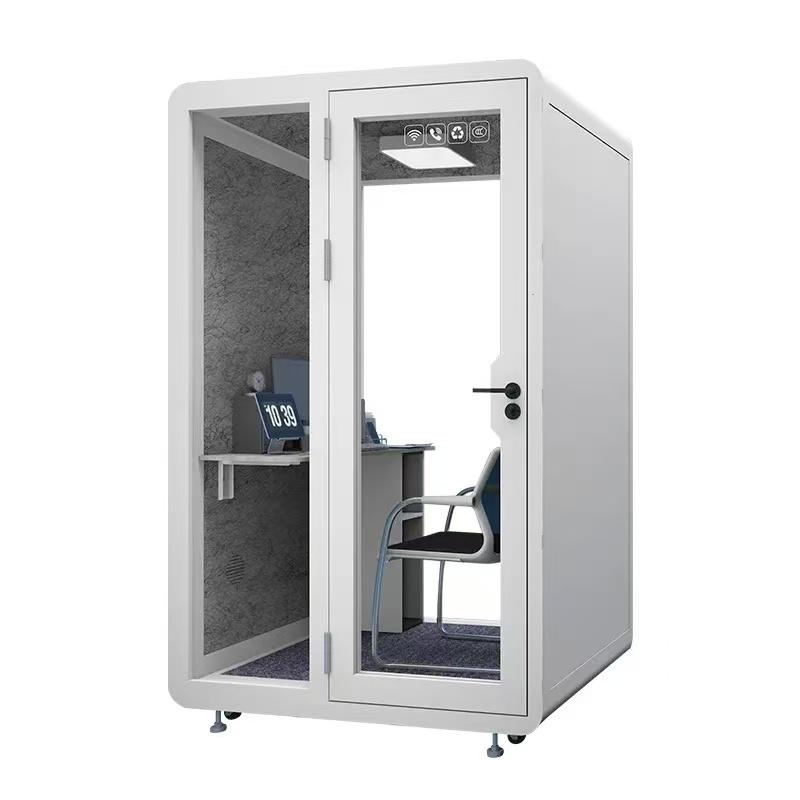
The decision record should be readable by procurement, facilities, IT, and the people who will use the pod. Use the same terms for participant count, equipment, privacy objective, access, and acceptance checks. Shared language reduces handover friction and makes it easier to identify whether a later problem is a configuration issue, a site issue, or a meeting practice issue.
Is a phone booth suitable for a hybrid meeting?
It can suit a one-person call, but it may not provide the seating, camera view, shared screen, or movement needed for multiple local participants.
How many people should a hybrid meeting pod hold?
Use the recurring participant pattern and required equipment, not only a maximum seat label. Test the smallest format that works and the exceptions that occur often.
Does better acoustic privacy guarantee a better hybrid call?
No. Privacy outside the pod and intelligibility inside the meeting are related but different questions. Review both under stated conditions.
What should be tested before accepting a hybrid pod?
Test the real device sequence, camera framing, screen sharing, power, lighting, ventilation, door use, seating, and the expected meeting duration.
Where should a hybrid meeting pod be placed?
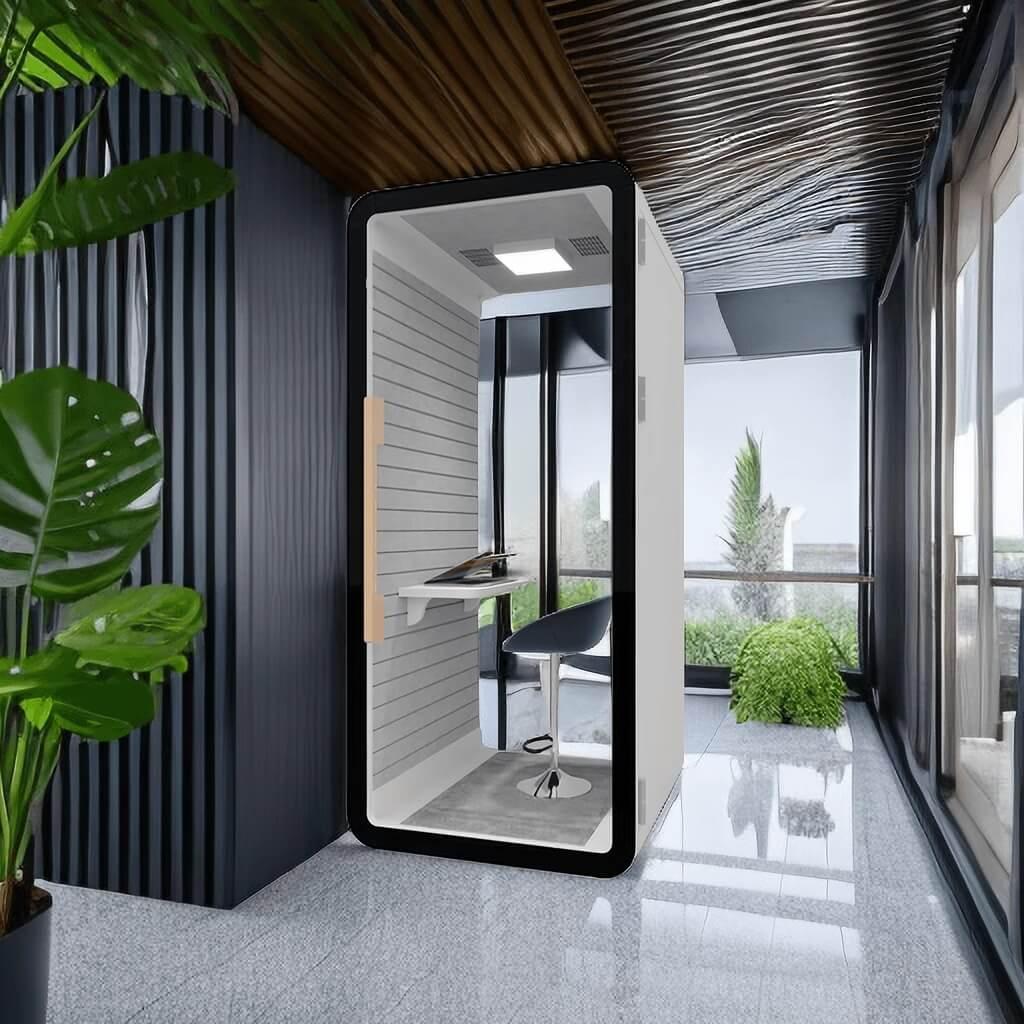
Choose a position that balances routes, nearby noise, service access, background movement, privacy, and the camera scene. Verify it during a realistic busy period.
The best office pod for hybrid meetings is defined by a repeatable meeting scene. Start with the remote participant view, separate privacy from collaboration, compare formats by participant pattern, and test the complete equipment and comfort sequence.
Before ordering, save a decision record that states the intended meeting type, site position, acceptance checks, and limitations. That record keeps a useful pod from being judged against a different meeting problem later.

 Tel: +8613538031763
 Email: info@sopworkpod.com
 MP/WhatsApp: +8613538031763
 Manufacturer Address:Liucheng Lujiang District,Meixi Road,Nanan City,Fujian,China


