Author:SOP Work Pods Manufacturer TIME:2026-08-11
Table of Contents
Employee training often ends with a conversation that is more important than the presentation itself. A trainer may need to correct a sales technique, discuss a safety mistake, review a role-play recording, or help a new employee prepare for the next attempt. These conversations require privacy, but they also need a clear process and a room that does not make the learner feel trapped or publicly singled out.
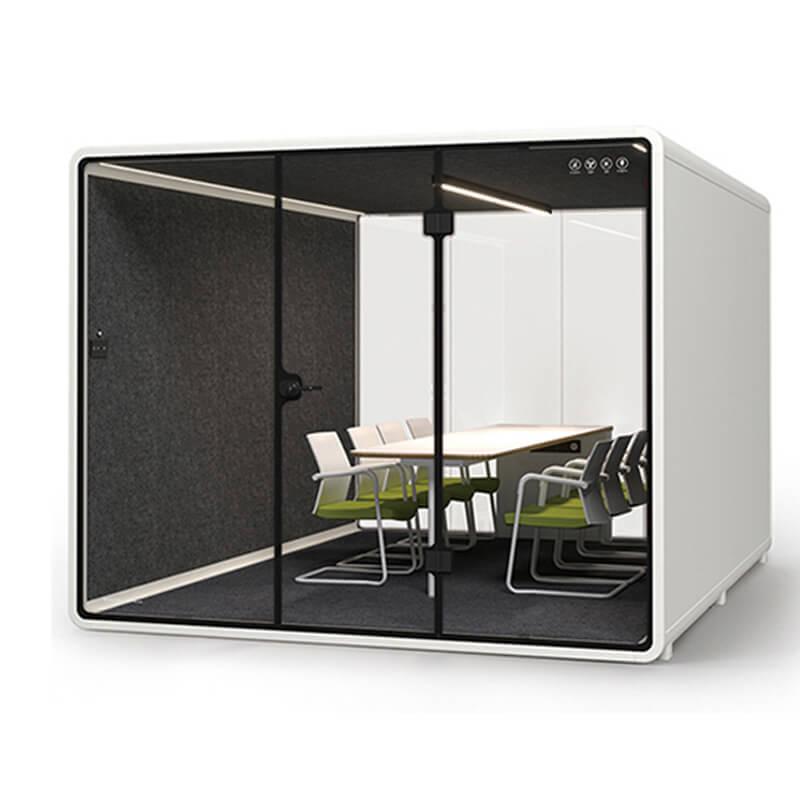
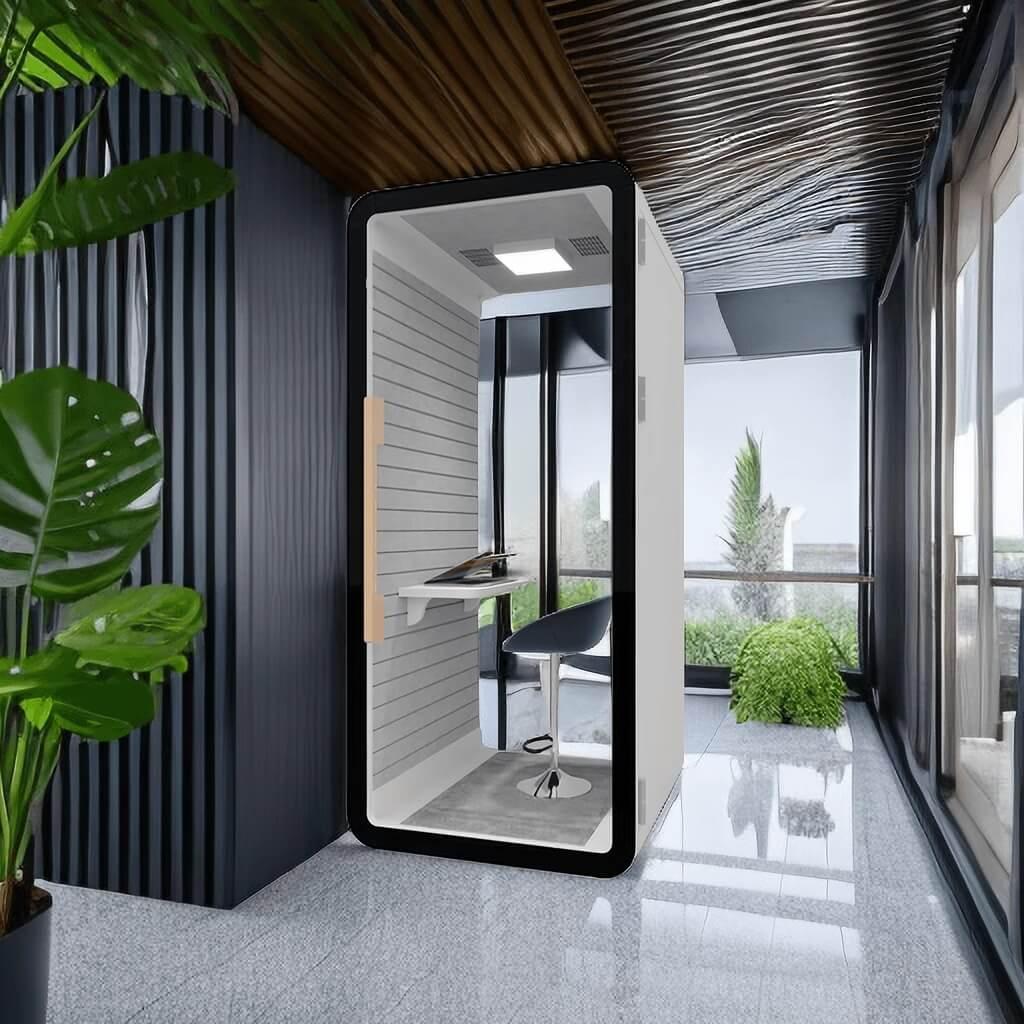
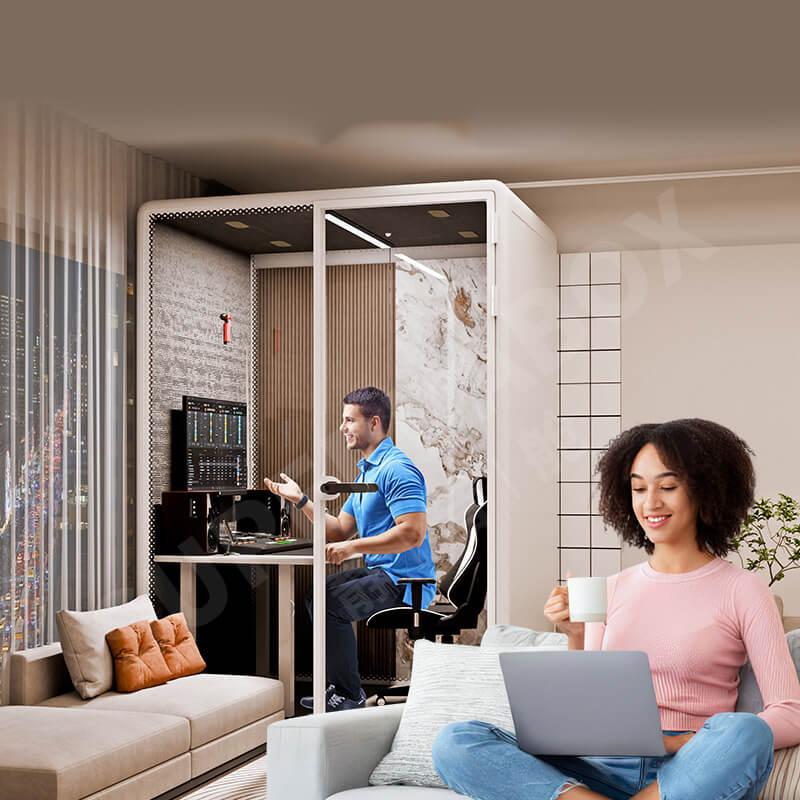
A meeting booth pod can support this work when it is positioned near the training area, arranged for balanced conversation, and managed with enough time between sessions. The pod is not the feedback method. It is the setting in which a good method can be delivered consistently. This article examines that setting as part of the training system.
Training feedback is not one activity. A two-minute correction after a practice task differs from a 30-minute performance review. Group debriefing differs from confidential one-to-one coaching. A trainer who reviews a recorded call needs a screen and audio control, while a trainer discussing body posture may need clear sightlines and more open seating.
List the main feedback events in the program. For each one, record the number of people, normal duration, documents or devices used, level of confidentiality, and whether the learner should immediately return to the training floor. This reveals whether the organization needs one flexible meeting booth, several smaller rooms, or a combination of open and enclosed spaces.
Frequency is equally important. If 20 learners finish a simulation at the same time, one pod can become a queue. The training manager may need staggered exercises, scheduled feedback slots, or a second informal review point for low-sensitivity topics. Room planning should follow the learning timetable rather than the total employee count.
A pod is well suited to short coaching meetings, role-play review, onboarding check-ins, manager preparation, and conversations that should not be overheard by the class. It is particularly useful in flexible offices or training centers where building a permanent room would be disruptive or where the training layout changes during the year.
It is a weaker choice for emergency response, formal disciplinary meetings requiring a larger support group, practical demonstrations with bulky equipment, or sessions that need full accessibility features not provided by the selected model. It may also be inappropriate when local rules require a specific room arrangement, escape provision, or observation procedure. Those requirements must be checked before purchase.
Location should support discretion without making the meeting mysterious. A booth beside the classroom door may expose who enters and how long they remain. A booth hidden far from trainers may slow the schedule and feel punitive. A position near, but not directly inside, the main circulation route usually gives a better balance. The available meeting pod configurations should be compared against the training plan, participant needs, and final site route.
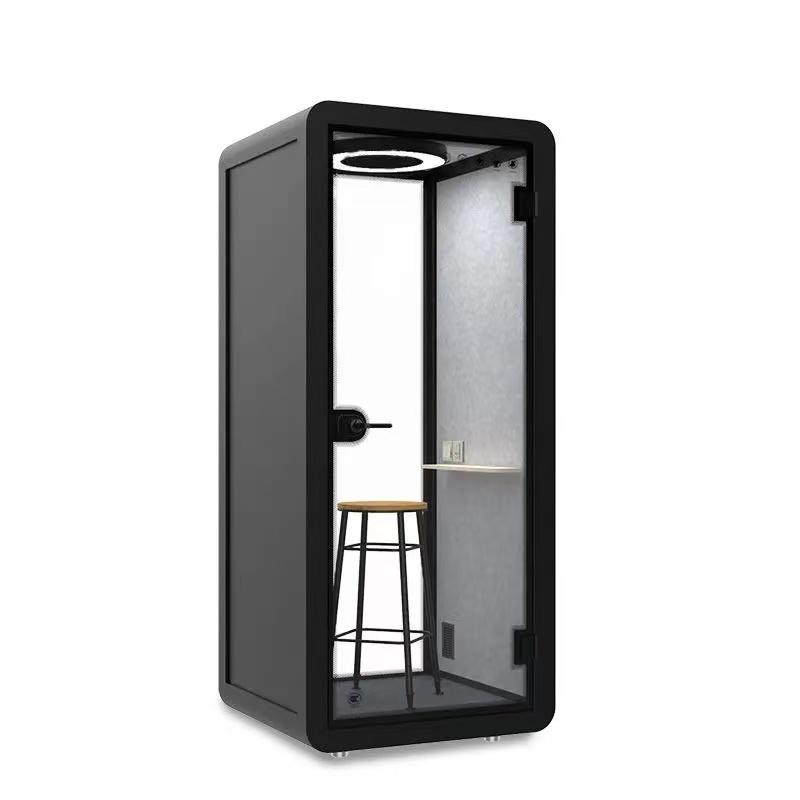
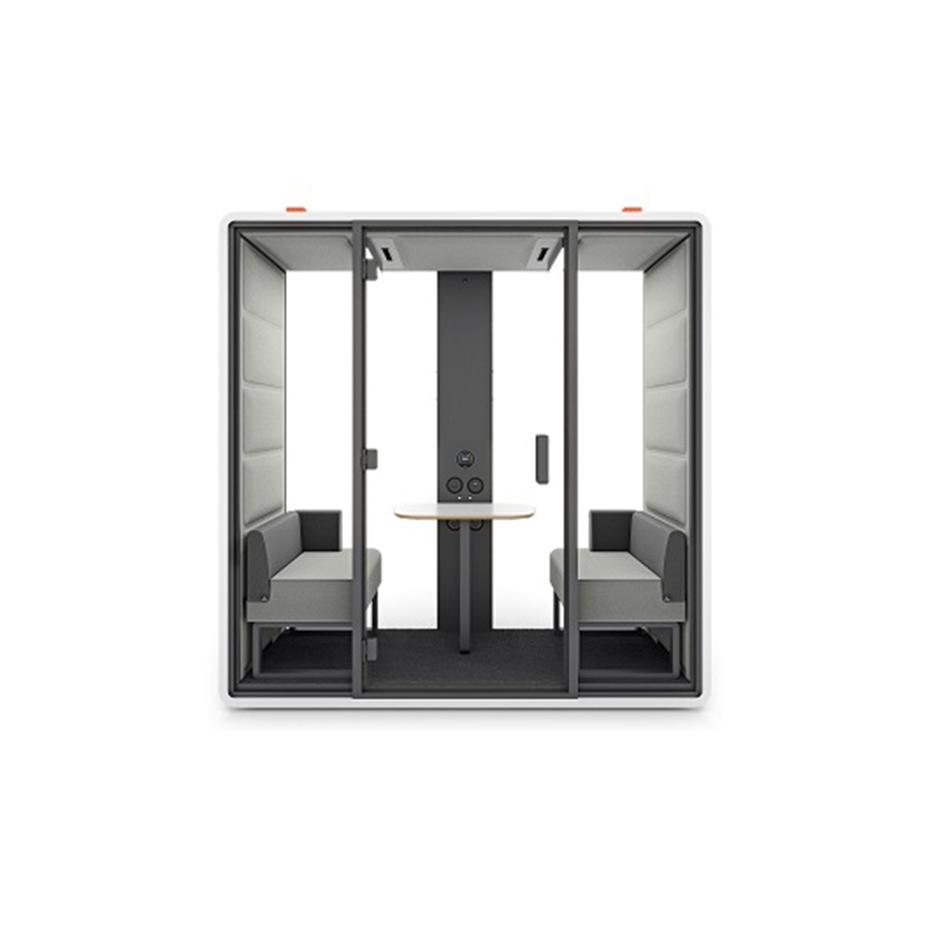
Furniture arrangement influences the tone of feedback. Two seats placed directly across a narrow table can feel confrontational. Seats at a slight angle can support shared review of a screen or document while preserving personal space. The trainer should not occupy the only position with easy access to the door, power, or notes.
Check what people outside can see through the glass. Confidential forms, evaluation scores, employee names, and recorded call screens should not face a corridor. A modest change in screen orientation may solve the problem without covering the booth. If additional visual privacy is required, use approved panel or film options that do not interfere with safety visibility, cleaning, or the intended design.
Provide only the storage needed for the session. Permanent piles of assessment forms create clutter and confidentiality risk. A small document tray, cable point, coat hook, and clean writing surface may be enough. Decide how paper records leave the pod and where digital notes are saved. The room should be reset after each learner rather than becoming an archive.
A consistent session protects both learning quality and fairness. The trainer should enter with a defined objective, evidence from the exercise, and one or two changes the learner can apply. The booth helps by removing nearby conversation, but the structure must come from the training team.
Stage 1Set the purpose. Explain why the conversation is happening and how long it will take.
Stage 2Review evidence. Use a call clip, checklist, observation note, or work sample rather than a vague impression.
Stage 3Invite interpretation. Ask the learner what they noticed and what they would change.
Stage 4Agree on one next action. Select a behavior that can be tested in the next exercise or work period.
Stage 5Close and reset. Confirm follow-up, remove confidential material, and prepare the room for the next session.
Technology should support this sequence quietly. Screen sharing should begin without rearranging furniture. Audio playback should remain audible to the participants without leaking into the waiting area. Power and charging points should be reachable. If every session begins with cable searching and chair movement, the room consumes training time instead of protecting it.
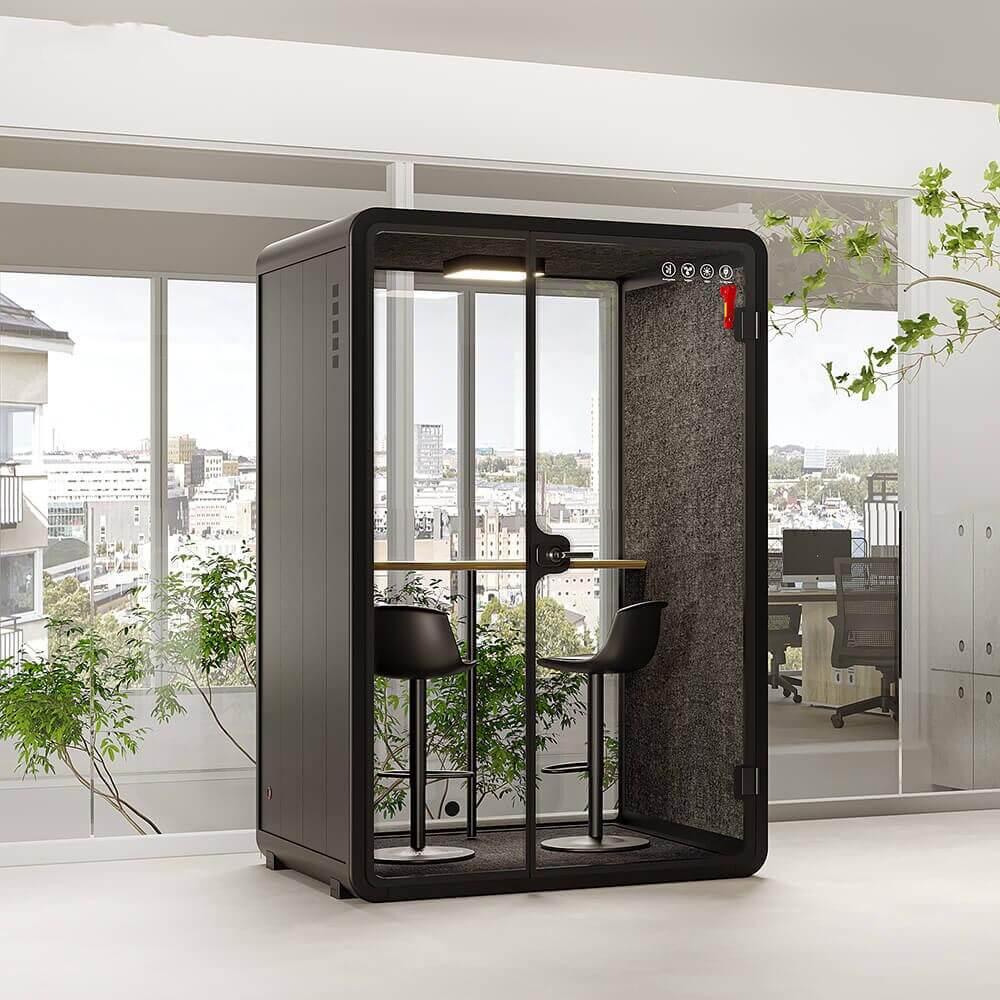
Speech containment reduces the chance that classmates hear a correction, but psychological safety depends on more than wall construction. Learners notice whether people wait outside the glass, whether the trainer blocks the exit, whether sessions routinely overrun, and whether everyone receives the same opportunity for review.
Establish simple operating rules. Do not queue learners directly outside the booth. Avoid using the pod only when someone has made a serious mistake, because the room may acquire a negative meaning. Include positive review, preparation, and routine check-ins so the space is associated with development rather than punishment.
Test speech privacy with the expected speaking style. Role-play coaching can become animated, while safety correction may be quieter. One person should speak inside as a second person listens from the nearest normal waiting position. Record whether words are understandable, partly audible, or only perceived as speech. The goal should be stated honestly; most workplace pods improve practical privacy but do not guarantee absolute silence.
Back-to-back feedback creates heat, stale air, cleaning pressure, and schedule drift. A ten-minute conversation can require additional time for the learner to leave, the trainer to save notes, the fan to refresh the space, and the next participant to enter without meeting the previous participant at the door.
Set a booking unit that includes turnover. For example, a 20-minute coaching slot may contain 15 minutes of conversation and five minutes of reset. The correct interval depends on occupancy, ventilation, session intensity, and cleaning policy. Test it during a full training day rather than estimating from one quiet demonstration.
The reset checklist should be short: remove documents, sign out of shared screens, wipe the table if required, return the chair, confirm ventilation, and report damage. If the training team cannot complete the reset in the available time, change the schedule or equipment layout instead of relying on reminders that are repeatedly ignored.
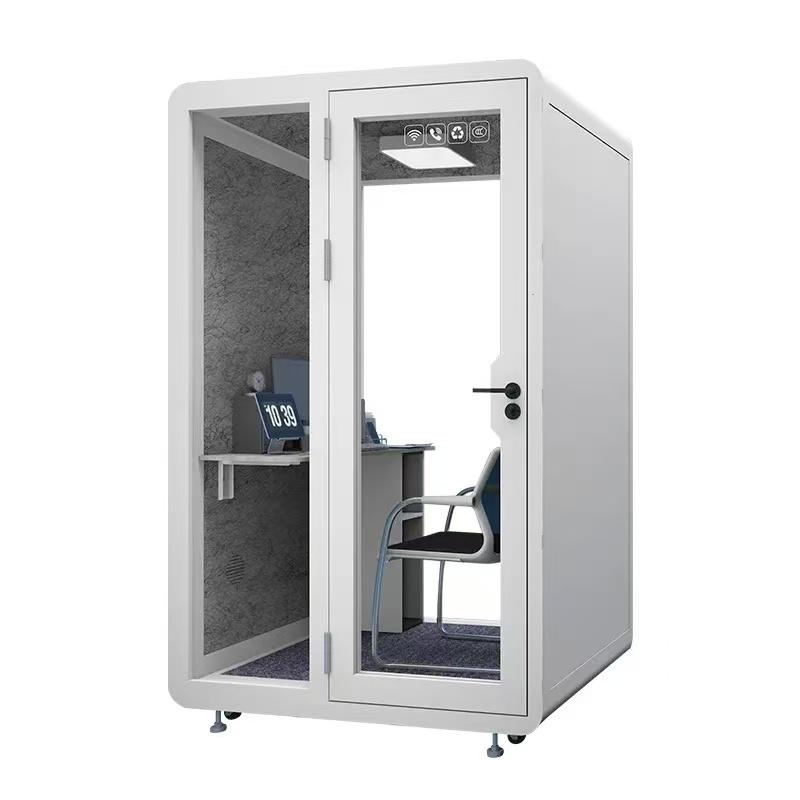
A scorecard helps the training and facilities teams review the same evidence. Use it during a pilot week and again after the first month. Scores should be supported by observations rather than treated as a product rating.
| Review area | Question for the pilot | Evidence | Action if weak |
|---|---|---|---|
| Schedule fit | Can participants enter, meet, and leave without delaying the class? | Booking times, queue notes, overrun count | Change session length, buffer, or room quantity |
| Speech privacy | Can waiting learners understand the feedback conversation? | Listening check from normal waiting positions | Move the queue, adjust placement, review door use |
| Visual privacy | Are names, scores, and screens visible from the corridor? | Photographs from seated and corridor viewpoints | Rotate screen, change seating, use approved privacy treatment |
| Conversation quality | Can trainer and learner review evidence without awkward posture? | User notes, screen and document test | Adjust table, seat angle, monitor, or device layout |
| Comfort | Does the room remain acceptable through the longest normal session? | Temperature perception, fan setting, user comments | Review occupancy, ventilation, light heat, and booking length |
| Reset discipline | Is the room ready and confidential material removed for the next learner? | Reset checklist completion and incident log | Simplify equipment, clarify ownership, add turnover time |
| Adoption | Do trainers use the pod for the intended range of feedback? | Booking purpose and trainer interviews | Revise operating guidance or relocate the pod |
Share the training use case with potential suppliers. Include occupancy, longest session, screen or audio requirements, seat arrangement, available floor area, route dimensions, power standard, finish expectations, and the planned waiting position. Ask for an itemized configuration so optional furniture, electrical items, freight, and installation responsibilities are visible.
Supplier evidence should include internal and external dimensions, door direction, furniture layout, ventilation operation, socket locations, assembly requirements, maintenance access, and packing details. A video demonstration is useful when it follows a coaching workflow rather than showing an empty booth. Ask two people to enter, sit, review a screen, speak normally, adjust the fan, and leave.
Handover should include the training manager, facilities representative, and a typical user. Run a mock feedback session with actual devices. Check entry, seating, screen visibility, speech privacy, airflow, light, sockets, door operation, and reset time. Record open items with owners and deadlines. The pod should enter the timetable only after the approved arrangement is documented.
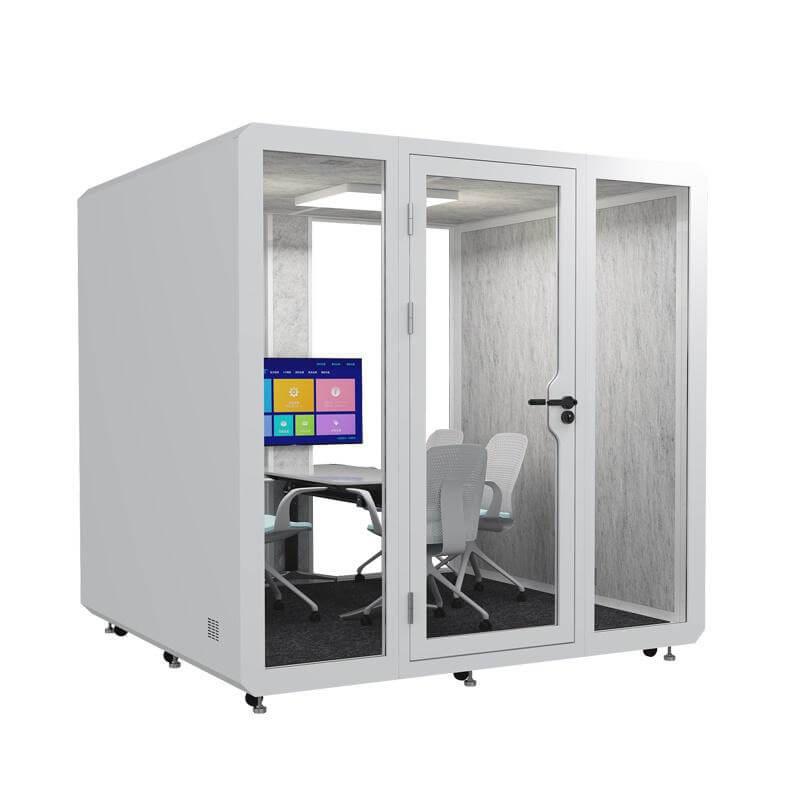
How many people should use a meeting booth for training feedback?
Most routine feedback sessions involve a trainer and one learner, but the selected pod must match the actual program. A second observer, interpreter, or manager changes seating, privacy, ventilation, and space requirements.
Should the booth be placed inside the training room?
It can be nearby, but direct placement inside the room may expose entry, waiting, and conversation activity. Review circulation, visibility, noise, and how participants move between exercises and feedback.
Can the pod be used for formal employee discipline?
A pod may provide privacy, but formal meetings can have HR, accessibility, safety, representation, and documentation requirements. The organization should confirm its policy and local obligations before choosing the room.
How long should the booking buffer be?
There is no universal interval. Test the time needed for note completion, confidential sign-out, participant changeover, cleaning, and air recovery under the program's busiest schedule.
What is the most useful pilot measure?
Track whether the feedback begins on time, remains private, produces an agreed next action, and leaves the room ready for the next learner. These measures connect the room to the training outcome.
A meeting booth pod can improve employee training feedback when the room is designed around the conversation. The important decisions are the type and frequency of feedback, location, waiting route, seating angle, document and screen privacy, speech containment, ventilation, booking buffer, and reset process. A product that ignores these details may look suitable while disrupting the training timetable.
Begin with a pilot based on a real learning activity. Use the scorecard to review schedule fit, privacy, comfort, conversation quality, reset discipline, and adoption. Then document the approved arrangement for trainers and facilities staff. The value of the pod is not the number of sessions held inside it, but whether those sessions help employees understand evidence, practise a specific improvement, and return to work with a clear next step.

 Tel: +8613538031763
 Email: info@sopworkpod.com
 MP/WhatsApp: +8613538031763
 Manufacturer Address:Liucheng Lujiang District,Meixi Road,Nanan City,Fujian,China