Need Help?
Please leave your contact information to get our latest catalog
Get In Touch Now >


Author:SOP Work Pods Manufacturer TIME:2026-08-04
Sales Shadow-Call Operating Plan
A phonebox office setup can support sales shadow calls when it is treated as a controlled coaching station rather than an ordinary private-call booth. The learner must hear the customer clearly, the coach needs an authorized listening method, confidential information should remain protected, and intervention must not disrupt the live conversation. Those requirements affect capacity, technology, seating, booking time, and the evidence used to judge the setup.
The suitable configuration also depends on the training mode. A coach sitting beside a new representative creates different space and microphone needs from a supervisor listening remotely to a recorded or live call. The related video above uses an established phone-booth installation source from the site's own video catalog. It illustrates the physical context; the organization must still configure its approved communications and recording systems.
Define the mode before selecting the phonebox. In side-by-side shadowing, learner and coach share the enclosure and may view the same CRM screen. In remote shadowing, the learner occupies the booth while the coach joins through an approved platform. In review-based coaching, the representative completes the call alone and the team later examines an authorized recording or notes. Each mode has different consent, capacity, audio, and scheduling implications.
Write the learning objective as an observable behavior: opening a discovery call, asking follow-up questions, handling an objection, confirming next steps, or documenting the outcome. Avoid turning one call into a test of every sales skill. A precise objective determines what the coach needs to hear and see, which reduces unnecessary data exposure and makes the post-call feedback more useful.
Call monitoring, recording, customer data, and employee evaluation can be governed by law, contracts, industry requirements, platform rules, and internal policy. Obtain qualified local guidance and written organizational approval before configuring the workflow. The booth does not make monitoring permissible. It only provides a physical environment for an already approved training process.
Tell participants which mode is active, who can listen, what is recorded, where information is stored, how long it is retained, and how a concern is escalated. Limit coach access to the minimum needed for the stated objective. If a customer declines observation or recording where a choice applies, the process should provide a clear alternative rather than pressuring the learner to continue.
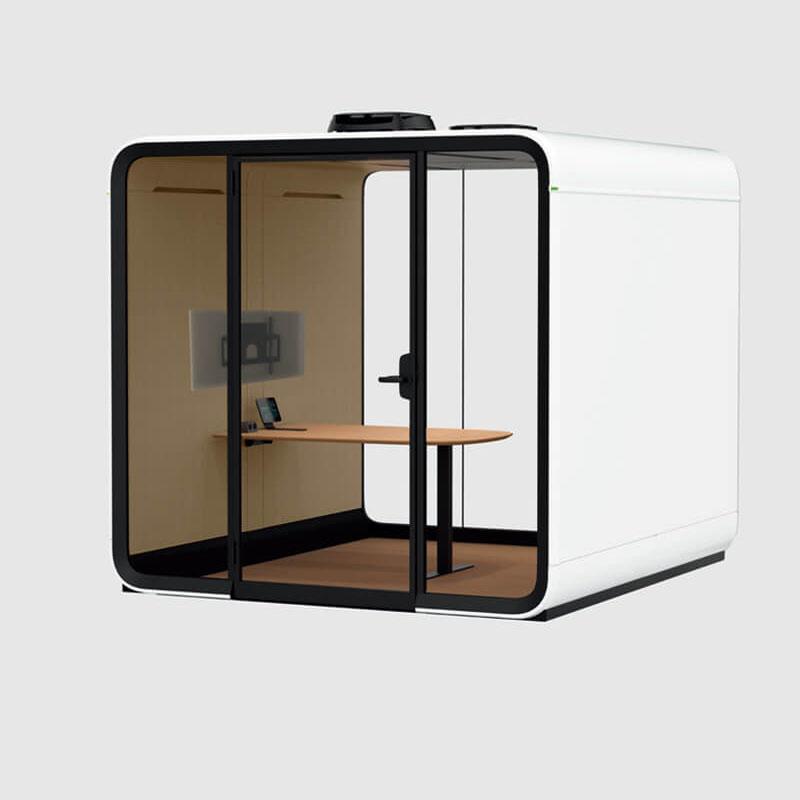
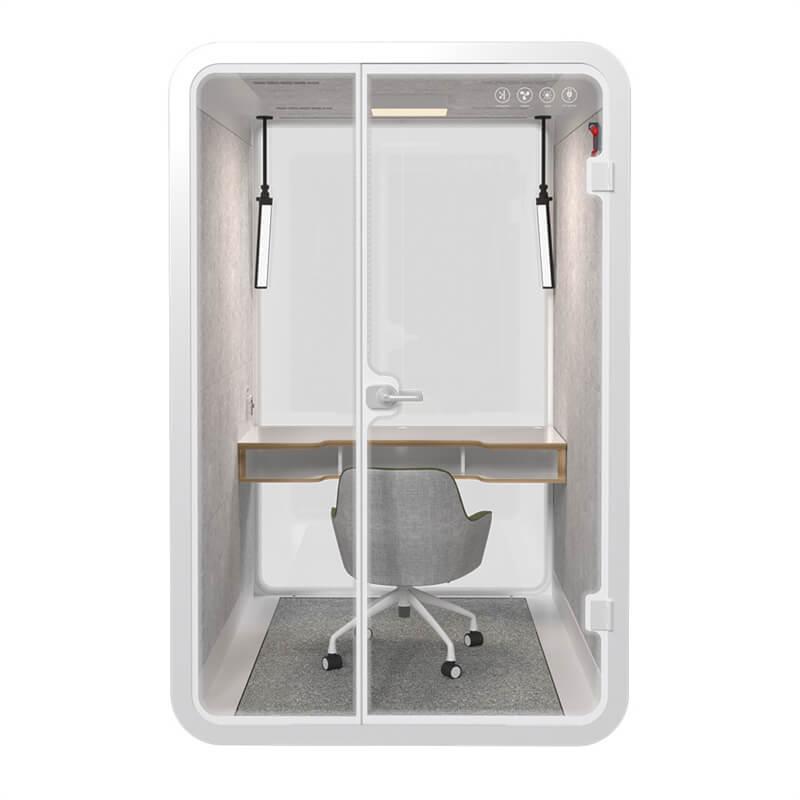
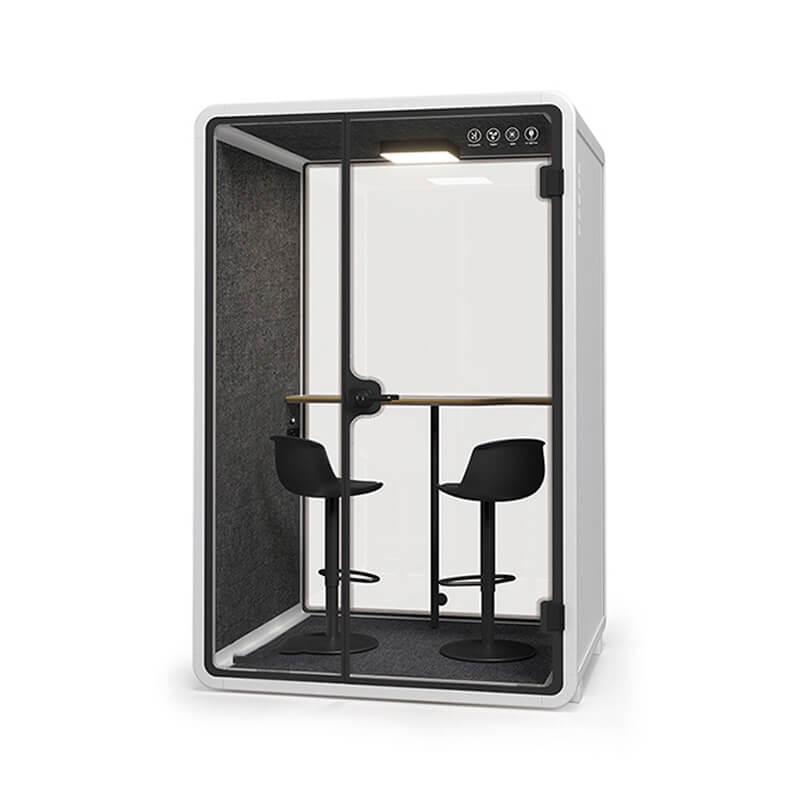
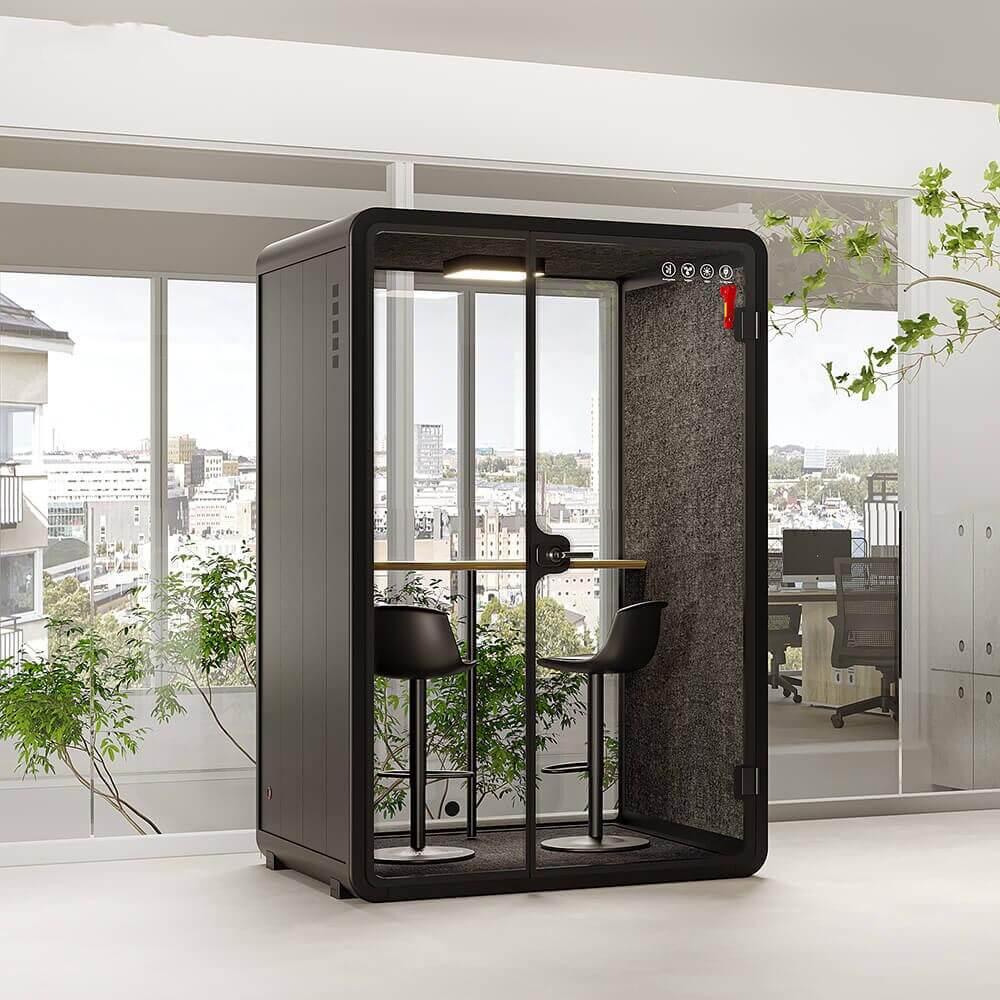
A two-person booth should be tested with the actual chairs, laptops, headsets, and bags. The coach needs a view of authorized information without leaning across the learner or blocking the exit. Both occupants should be able to sit naturally for the full session. If the coach is only present for a short pre-call and debrief, a one-person booth plus an external coaching space may create better call conditions.
Keep the coach outside the microphone's sensitive area unless the system intentionally includes both voices. Side-by-side laptop fans and keyboard noise can affect the customer experience. Mark approved device positions and provide a stable surface so screens do not migrate toward glazing. Buyers can compare the office phone booth models against the selected coaching mode while retaining the current title and URL.
The simplest side-by-side method is not always the best audio method. A speakerphone may let the coach hear but can increase echo, speech leakage, and customer distraction. A shared headset splitter may introduce compatibility or privacy problems. Approved contact-center monitoring, conferencing, or supervisor-listen features can separate the coach from the customer channel, but they need IT configuration and permission.
Test the final route with a person outside the organization. Ask that participant to judge clarity, delay, echo, background noise, and unexpected coach audio. The learner should be able to adjust level without changing the coach's access. Document hardware, software version, network path, and fallback procedure so the training team can reproduce the result.

Decide whether the coach may intervene during the call. For early training, a silent cue card, approved chat channel, or supervisor whisper function may be suitable. Each method should be rehearsed. Too many cues divide the learner's attention and can produce unnatural pauses. The customer should never hear unexplained voices or see private coaching messages through screen sharing.
Use a small set of signals tied to the learning objective, such as slow down, ask one follow-up, verify authority, or confirm next action. The coach should save detailed feedback for the debrief. When immediate intervention is necessary for accuracy, compliance, or customer welfare, define who takes over and how the transition is explained professionally.
Position displays so customer records cannot be read from the circulation path or captured by an unintended camera. Use approved screen-lock, access, and sharing controls. The coach should sign in under an authorized identity rather than borrowing the learner's credentials. If the call includes payment, health, identity, legal, or other sensitive information, follow the organization's specific handling procedure.
Clear the booth after the session. Remove handwritten notes, close customer tabs, sign out of temporary tools, clear whiteboards, disconnect guest devices, and check the printer route if any material was produced elsewhere. Do not leave scorecards visible for the next user. A defined reset protects both customers and employees.
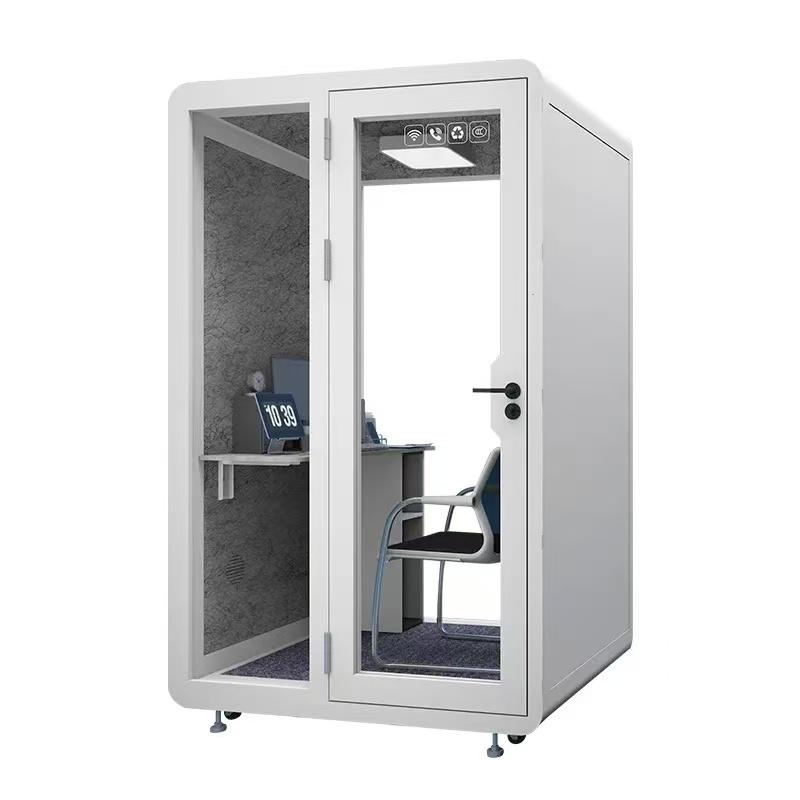
A scorecard should separate observable call behavior from personal impression. Use criteria linked to the objective, with short evidence notes and room for context. A hesitation caused by connection delay is not the same as poor product knowledge. A quiet speaking level may reflect headset gain rather than confidence. The coach should distinguish communication, process, and technology observations.
Calibrate coaches by reviewing the same authorized example and comparing ratings. Discuss why scores differ and revise ambiguous criteria. Provide the learner with prompt feedback and a manageable next action. The booth log should record physical or technical faults separately so they are not repeated as performance criticisms across several employees.
Reserve setup, call, debrief, and reset as separate time blocks. A thirty-minute customer call may require ten minutes of preparation and fifteen minutes of coaching afterward. If the calendar only reflects talk time, sessions overrun and the next learner starts in an uncleared booth. Use a training booking type that includes the full cycle.
Observe ventilation and comfort when two people share the booth. Define a recovery interval based on real occupied tests, not a copied assumption. Clean shared controls and headsets according to approved product guidance. Track no-shows, overruns, technology failures, and single-person use; these data indicate whether the booth quantity and training schedule match demand.

Complete a live rehearsal before the first learner is scheduled. The following control table gives sales, IT, privacy, and facilities teams a common handover record.
| Control | Launch test | Pass evidence | Owner |
|---|---|---|---|
| Approved monitoring mode | Run the selected side-by-side or remote workflow | Written policy reference and configured access | Sales operations |
| Customer audio | Complete an external test call | No unexpected coach audio, echo, or dropouts | IT |
| Coach cueing | Rehearse each permitted signal | Learner understands cues without losing the call | Training lead |
| Screen privacy | View displays from door and nearby circulation | Customer data is not readable outside | Privacy owner |
| Two-person comfort | Occupy the booth for the full planned cycle | Safe exit, acceptable air, heat, and seating | Facilities |
| Session reset | Perform sign-out, note removal, and cleaning | No customer or employee information remains | Session host |
Can a one-person phonebox support shadow training?
Yes, when the coach listens remotely through an approved system or reviews authorized material afterward. Test the camera, audio, network, and cueing workflow from the learner's actual seat.
Should the coach and learner share a speakerphone?
Not automatically. Speakerphones can increase echo and privacy risk. Compare approved supervisor-monitoring or conferencing options, then test what the customer hears.
Can every sales call be recorded for training?
Do not assume so. Recording and monitoring depend on applicable law, contracts, policy, customer type, country, and platform. Obtain approved guidance and configure the process accordingly.
How many training phoneboxes are needed?
Measure peak simultaneous sessions, the full setup-call-debrief cycle, normal sales call demand, and cancellation patterns. Pilot the booking rule before buying from a headcount ratio.
What should be rechecked after changing headsets?
Repeat customer-audio, coach-monitoring, gain, echo, comfort, cable, and privacy tests. Hardware changes can alter both call quality and the room layout.
A phonebox office setup supports sales shadow calls when the training mode, consent boundary, two-person layout, audio route, cueing method, CRM privacy, scorecard, and reset cycle are defined before launch. Keep the current product keyword, but judge the new body and physical setup through a real external call and a documented rehearsal. The booth should remove environmental friction so coaches can evaluate the sales behavior they intended to teach, not mistakes created by unclear monitoring or unreliable equipment.

 Tel: +8613538031763
 Email: info@sopworkpod.com
 MP/WhatsApp: +8613538031763
 Manufacturer Address:Liucheng Lujiang District,Meixi Road,Nanan City,Fujian,China


