
Need Help?
Please leave your contact information to get our latest catalog
Get In Touch Now >


Author:SOP Work Pods Manufacturer TIME:2026-07-30
Table of Contents
1. Start with the tutorial pattern
2. Match pod type to teaching behavior
3. Protect speech without isolating learning
4. Coordinate sightlines and safeguarding
5. Design an equitable tutoring route
6. Specify technology around the lesson
7. Connect the pod to timetable operations
8. Pilot with authentic university sessions
9. Compare options with a teaching matrix
Private study pods can improve university tutoring when they are selected as small learning environments rather than generic quiet boxes. A mathematics tutorial, a language speaking exercise, an academic-advising conversation, and a hybrid dissertation review place different demands on capacity, table geometry, speech control, sightlines, technology, and booking time. One pod type will not automatically serve every activity well.
The selection process should begin with observed teaching practice. Universities can map the people, materials, devices, movement, and privacy needs of each session before comparing products. This creates a defensible link between pedagogy and specification, while reducing the risk that a visually appealing enclosure remains underused after the first semester.
List the common tutoring patterns by frequency and duration. One-to-one feedback may require two seats, a shared screen, and a surface wide enough for annotated documents. Peer tutoring may involve three people changing roles around a worked example. Language practice benefits from clear face-to-face communication and room for a laptop or recording device. Hybrid advising introduces camera position, lighting, microphone behavior, and confidential digital records.
Observe several real sessions instead of relying only on room-booking labels. Record how tutors reposition chairs, spread books, connect devices, and pause to let a student work independently. Note the longest normal session and the changeover time. The pod should accommodate the actual lesson sequence, including coats and bags, without turning circulation space into storage.
Separate essential activities from occasional preferences. If 80 percent of sessions involve one tutor and one student, a compact two-person configuration may serve the core demand more efficiently than a larger meeting pod. Occasional groups can use another room. Conversely, a department that relies on peer-led groups should not force three participants into a booth designed for individual focus.

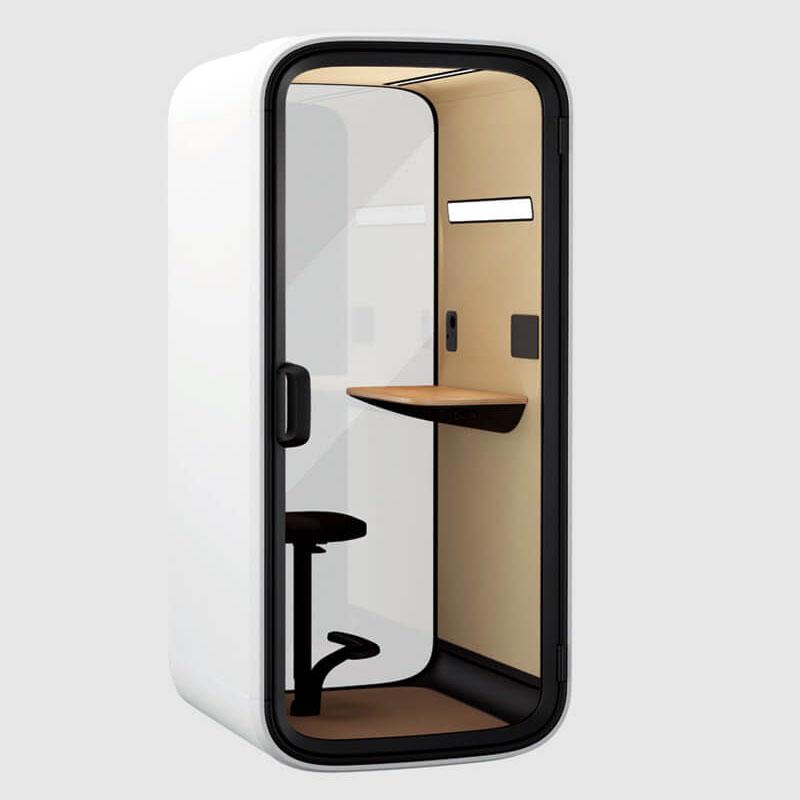
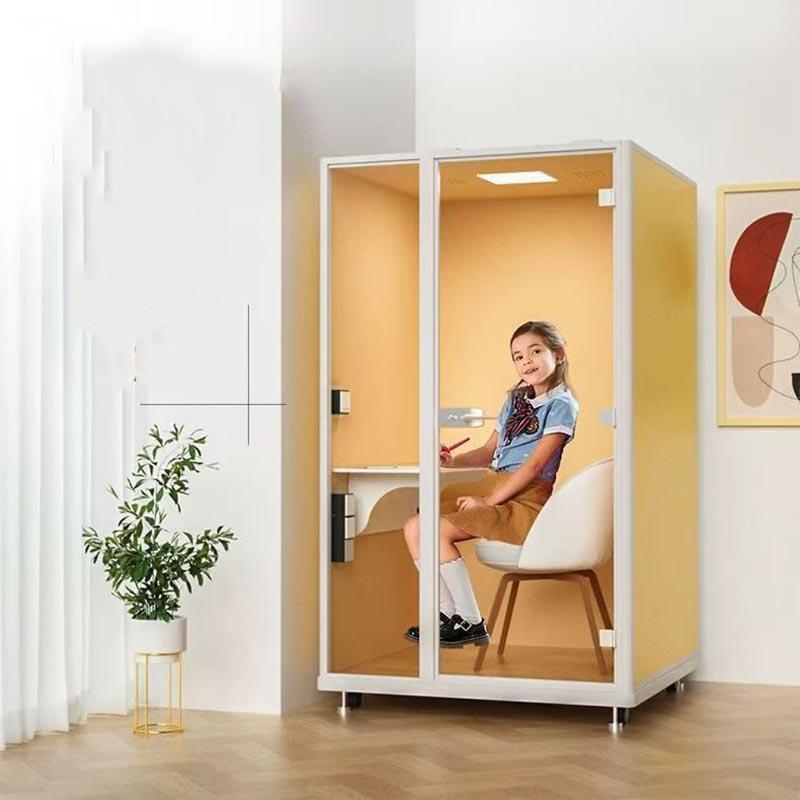
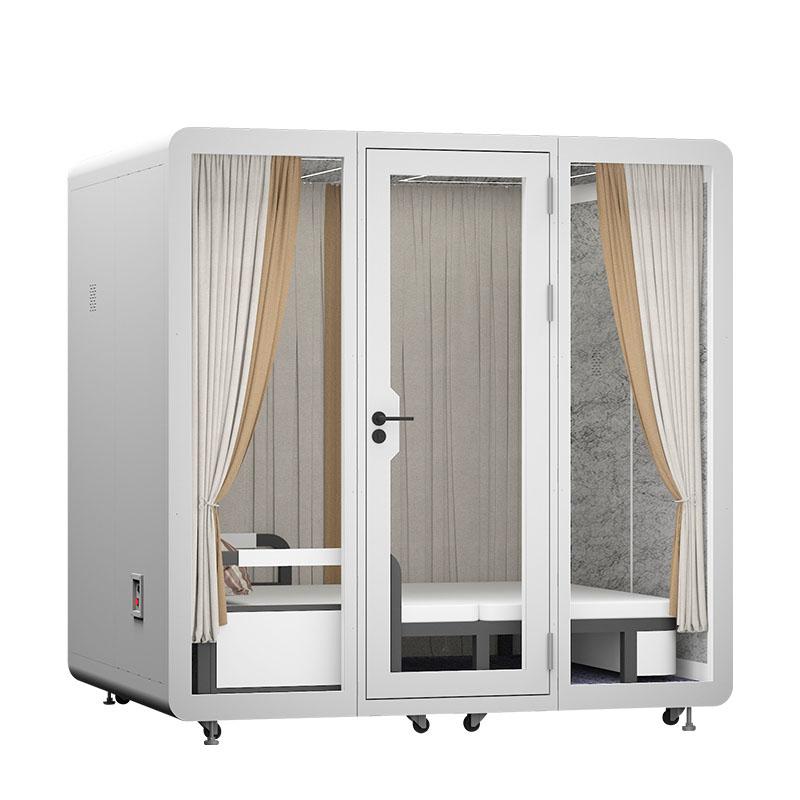
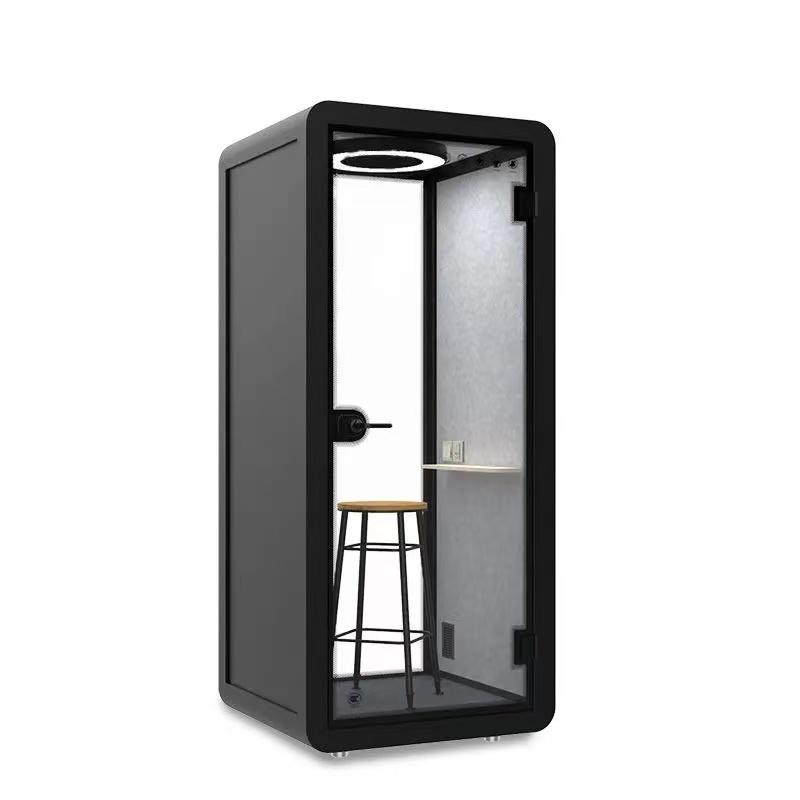
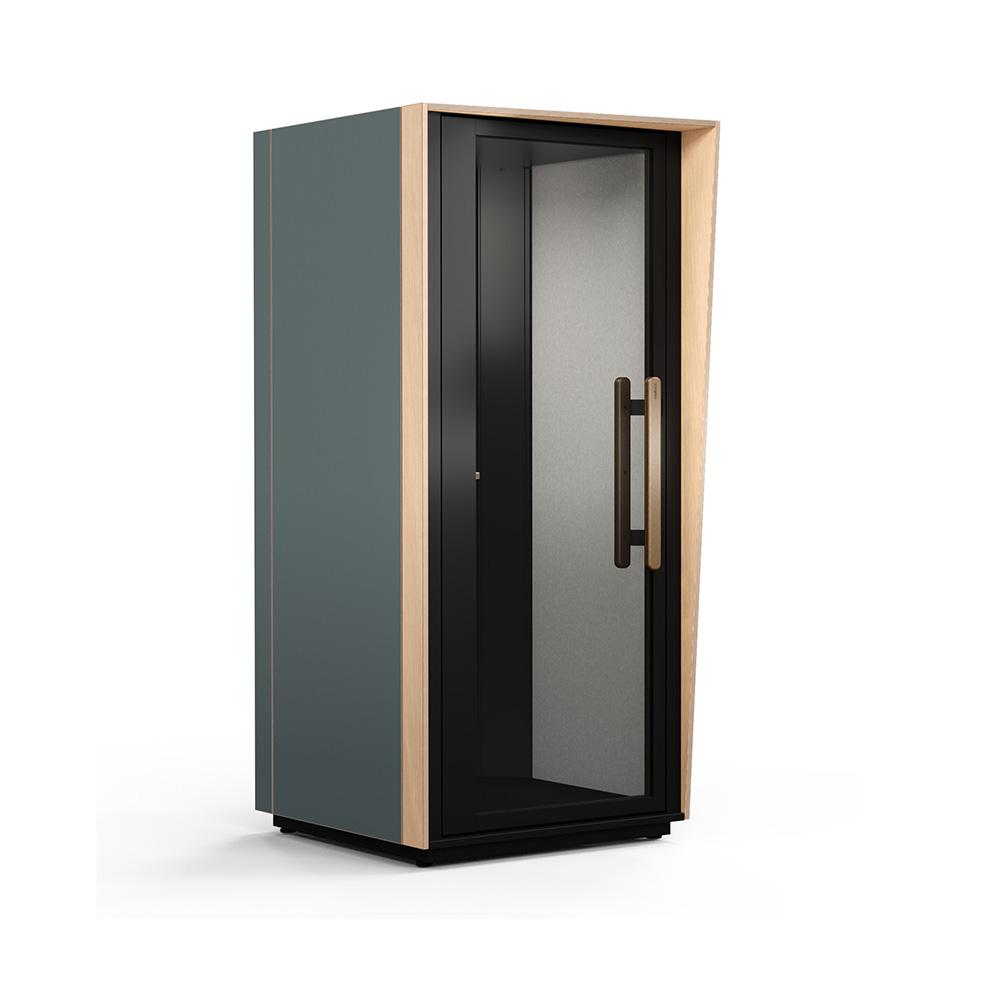
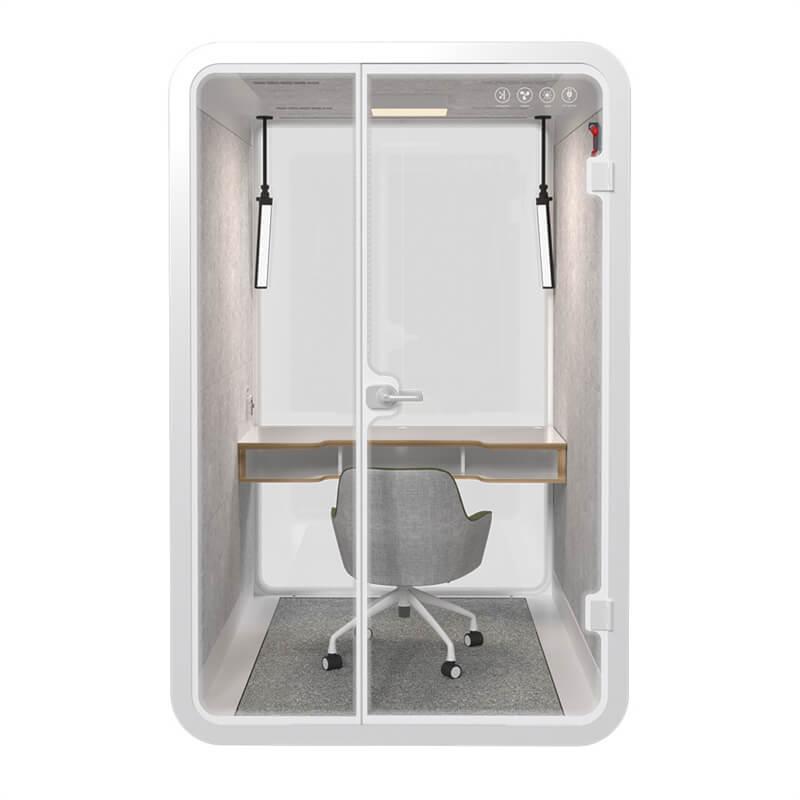
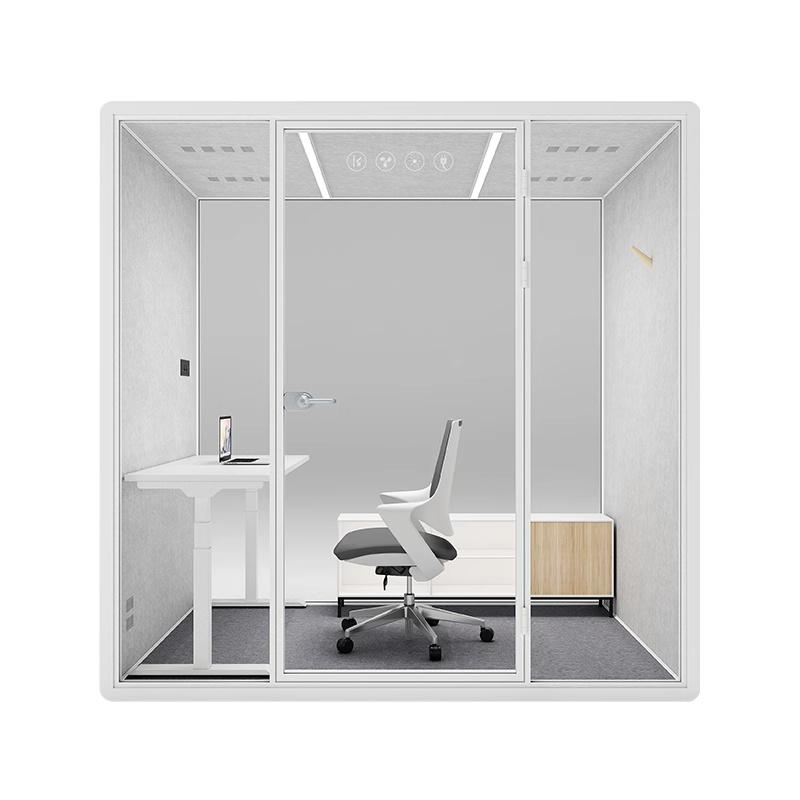
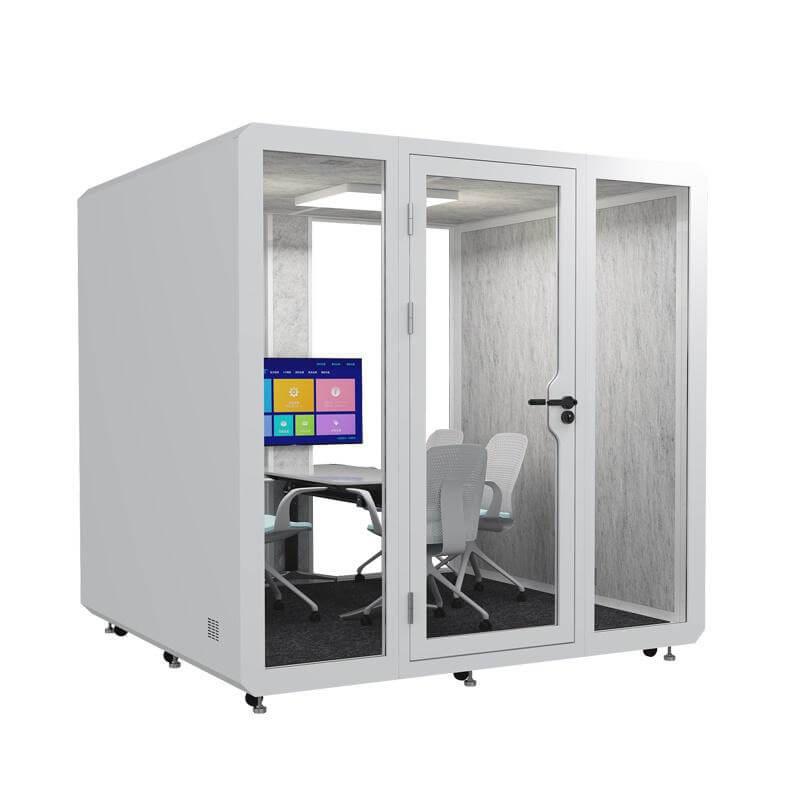
An individual focus pod suits self-directed work before or after tutoring, but it generally does not support a face-to-face session. A two-person booth can work for short feedback conversations if the table allows both people to view the same document. A compact meeting pod offers more flexible seating and may be preferable for tutoring that involves demonstrations, multiple screens, or a support person.
Table depth matters as much as capacity. A narrow shelf may hold a laptop but leave no place for a textbook, sketchbook, lab notes, or assistive device. Measure representative learning materials and arrange them at full scale. Check knee clearance, reach, screen distance, and whether either participant must twist to share content. Fixed benches can save space, while movable seating can adapt to different bodies and teaching styles.
Use a capacity rule that includes belongings and movement, not only the number of seats shown in a brochure. A pod that technically seats four may feel crowded when winter coats, backpacks, mobility aids, and charging cables are present. Buyers can compare appropriately sized private study and meeting pod configurations, then verify the chosen layout with a full-size floor mark-up on campus.
Tutoring requires intelligible speech inside and controlled distraction outside. Ask for test evidence that relates to the complete pod, including doors and ventilation paths. A single panel rating does not predict the performance of the assembled enclosure. Site conditions also matter: reflective walls, nearby collaboration areas, ceiling services, and gaps around installation interfaces can change what surrounding students hear.
Define the required outcome in practical terms. Routine tutoring may need conversations to be non-distracting at nearby study desks. Academic advising, disability support, or personal feedback may require a stronger privacy plan and a more carefully chosen location. No pod should be described as guaranteeing confidentiality without considering voice level, distance, background sound, construction, and operational behavior.
Inside the enclosure, too much hard surface can create reflections that make speech tiring. Tutors and students should test normal conversation, quiet speech, and an online call. Listen for flutter, fan masking, and microphone echo. The objective is not silence; it is an acoustic condition where both participants can communicate naturally without raising their voices.
Universities need to balance student dignity with appropriate oversight. Glazing can provide occupancy awareness and help users feel connected to the wider learning environment, but unfiltered sightlines may expose screens, written feedback, or emotional conversations. The design team should study views from corridors, staff desks, entrances, and adjacent seats at both standing and seated heights.
Partial manifestation can interrupt direct views while preserving daylight and a visible route to the door. Its height and density should be tested on the actual pod, not selected from a small sample. An occupied indicator can reduce interruptions, yet staff still need a documented response when a session exceeds its booking or a user requests assistance.
Safeguarding policies vary by institution and participant group. Relevant student-services, security, teaching, and compliance teams should approve location, glazing, access, and emergency arrangements. A physical pod cannot replace training, reporting routes, or supervision rules. The specification should record how the enclosure supports those policies.

Trace the experience from discovering the room to completing the tutorial. Can a student find an accessible option in the booking system, reach it without a narrowed route, open the door, turn and transfer as needed, reach controls, use the table, and leave independently? Door width is only one part of this sequence.
Check threshold height, handle force, turning area, table clearance, seat choices, lighting controls, hearing support, visual contrast, and space for an interpreter or support person. An accessible configuration should not be treated as a rarely used exception in a remote location. It should offer comparable privacy, technology, availability, and academic experience.
Include disabled students and staff in paid or formally recognized trials. Avoid asking one participant to represent every access need. Record specific barriers and the revision made in response. If no single pod can support all users, publish a clear equivalent-room process and make it easy to request without disclosing unnecessary personal information.
Technology should support tutoring rather than occupy most of the usable surface. Define whether sessions need only power and Wi-Fi, or also a display, camera, room microphone, wired network, document camera, hearing system, or institution-managed computer. Each additional device introduces cables, heat, support responsibility, software updates, and cleaning requirements.
For hybrid tutorials, test camera framing for both participants and for shared physical material. A display mounted too high can create uncomfortable posture; one mounted opposite a glass wall may suffer reflections. Microphones should capture quiet speech without transmitting excessive fan or corridor noise. Run a real call through the university platform with standard accounts and security settings.
Plan cable routes and replacement access before installation. Loose leads around feet and doorways are not an acceptable long-term solution. Label connections with plain language, provide a simple reset method, and identify who supports faults during teaching hours. A room that takes ten minutes to troubleshoot loses much of its value for a twenty-minute tutorial.

Decide whether pods are assigned through the central timetable, a library booking tool, a departmental calendar, or walk-up access. The model should fit the purpose. Scheduled academic advising may need protected slots and controlled visibility, while peer tutoring may benefit from same-day reservations. Mixing systems can create apparent availability that does not exist.
Set booking length from observed sessions and include a short changeover where cleaning or equipment reset is needed. Define late-arrival release, recurring reservation limits, priority users, cancellation rules, and the procedure for a pod left occupied. These policies should be visible at the moment of booking, not hidden in a separate manual.
Ownership must be explicit. Name the team responsible for calendar configuration, daily checks, cleaning, consumables, technology support, furniture damage, and supplier service. Track recurring faults by pod and location. Repeated door, fan, or connection problems can indicate a commissioning issue rather than individual misuse.
Build a pilot around representative teaching tasks. Include short feedback, a longer problem-solving tutorial, a hybrid call, a session with paper materials, and an accessibility review. Run them during normal campus activity so corridor noise, wireless demand, temperature, and foot traffic are realistic.
Gather evidence from tutors, students, cleaners, learning technologists, facilities staff, and people studying nearby. Ask targeted questions: Could both participants see the same page? Did the microphone reproduce speech clearly? Was the door easy to operate? Could a nearby student understand the conversation? How long did reset and cleaning take? These observations are more actionable than a single satisfaction rating.
After making corrections, repeat the relevant task and document the accepted configuration. Keep photographs, device settings, room location, test conditions, and open actions in the handover record. If the pod is later moved or reconfigured, repeat checks affected by the change.
A teaching matrix makes trade-offs visible across departments. Score only after agreeing the evidence standard, and mark any non-negotiable access or safety requirement separately from the weighted total.
| Teaching requirement | Evidence method | Individual pod | Two-person pod | Small meeting pod |
|---|---|---|---|---|
| One-to-one document review | Full-size material and reach trial | Low | High if table is deep enough | High |
| Peer tutoring for three people | Role-change observation | Not suitable | Low | High |
| Speech privacy | On-campus inside/outside test | Configuration dependent | Configuration dependent | Configuration dependent |
| Hybrid teaching | Live platform call and camera test | Suitable for one user | Good with planned equipment | Best for shared display work |
| Accessible participation | Complete journey review | Often limited | Model dependent | Most adaptable when correctly sized |
| Space efficiency | Usable sessions per floor area | High for individual demand | High for core tutorials | Lower, but supports more formats |
How many seats should a tutoring pod have?
Use observed session patterns. Two seats may cover most one-to-one teaching, while peer tutoring, interpreting, or support-person attendance may require a properly sized meeting pod.
Can a study pod guarantee confidential academic advising?
No enclosure should be assumed to guarantee confidentiality. Review complete-pod test evidence, site conditions, voice levels, sightlines, booking data, technology, and institutional procedure together.
Are fixed benches better than movable chairs?
Fixed benches can be compact and orderly. Movable seating can support different bodies, transfers, and teaching layouts. The right choice depends on access requirements, room size, and the tutorial tasks tested.
Should students be allowed to book tutoring pods for solo study?
That is an operational decision. If tutoring capacity is scarce, reserve core hours for teaching and release unused slots later. The booking system should communicate priorities clearly.
What should be checked after installation?
Verify speech behavior, air comfort, lighting, door operation, technology, accessible route, calendar rules, safety systems, cleaning access, and responsibility for fault response.
The private study pods that fit university tutoring rooms are those matched to real teaching patterns. Capacity, table geometry, speech behavior, sightlines, inclusive access, learning technology, and timetable rules should all trace back to an observed academic task. A product label alone cannot establish that fit.
Universities can make a stronger decision by piloting representative sessions, recording evidence from all operating teams, and accepting a named configuration in a named location. That process produces tutoring spaces that remain useful after novelty fades and that support learning with dignity, reliability, and measurable purpose.

 Tel: +8613538031763
 Email: info@sopworkpod.com
 MP/WhatsApp: +8613538031763
 Manufacturer Address:Liucheng Lujiang District,Meixi Road,Nanan City,Fujian,China


