Need Help?
Please leave your contact information to get our latest catalog
Get In Touch Now >


Author:SOP Work Pods Manufacturer TIME:2026-11-13
A visitor needs a short call, but the staff booking system asks for an account they do not have. Sharing a colleague's login would make the room available through the wrong route. The physical enclosure and the allocation process are separate decisions: a host can arrange an ordinary visit without pretending the booth includes guest software or borrowing another person's credentials.
An account-free route for a private office phone booth should explain who allocates the space, how the visitor finds the right enclosure and where help comes from. It also needs an ending that does not leave the resource assigned indefinitely. This is a proposed workplace service design, not a claim about an installed customer system or a SOP access-control feature. The buyer must confirm the quoted hardware and their organization's applicable visitor policy separately.
Start with the person who receives the visitor's request. That may be reception, a meeting host or another designated workplace contact. Identify which of those roles can check availability and allocate the booth through their own authorized process. The visitor does not need the host's credentials or unrestricted access to the staff calendar.
Give the host an ordinary way to decline or offer another suitable space when the booth is unavailable. A service that relies on the visitor negotiating with an occupant is not a clear allocation route. Equally, the host should not promise a duration or service condition that the workplace cannot provide.
Keep the visitor's request proportionate. The host may need to know that a call space is wanted and the intended timing, not the conversation's subject or a copy of a personal meeting invitation. Follow the organization's actual visitor rules. This article does not prescribe a legal retention period or establish that anonymous use is suitable for every workplace.
Name the booth in a way that connects the allocation to one physical enclosure. A location and neutral resource label can do that without displaying a visitor's name or call subject. The host should be able to point to the same reference in the workplace process and at the enclosure. Avoid letting staff calendar event titles become visitor directions. A private meeting name, a person's email or a customer reference may help an internal scheduler but is unnecessary for finding the booth. Use the information needed to identify the resource, not everything held by the booking system.
Check the label from the visitor's actual approach route. Similar-looking enclosures or a reference visible only after the person has entered can create avoidable confusion. Ask a participant unfamiliar with the layout to locate the allocated booth using the proposed instruction. Record an unclear location rather than inventing a requirement for a digital display.
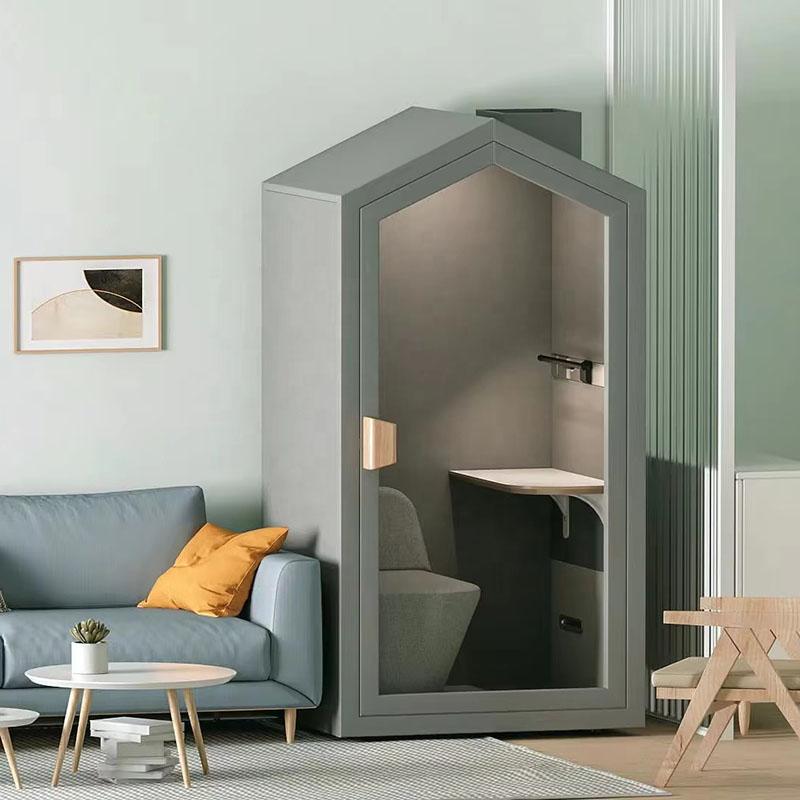
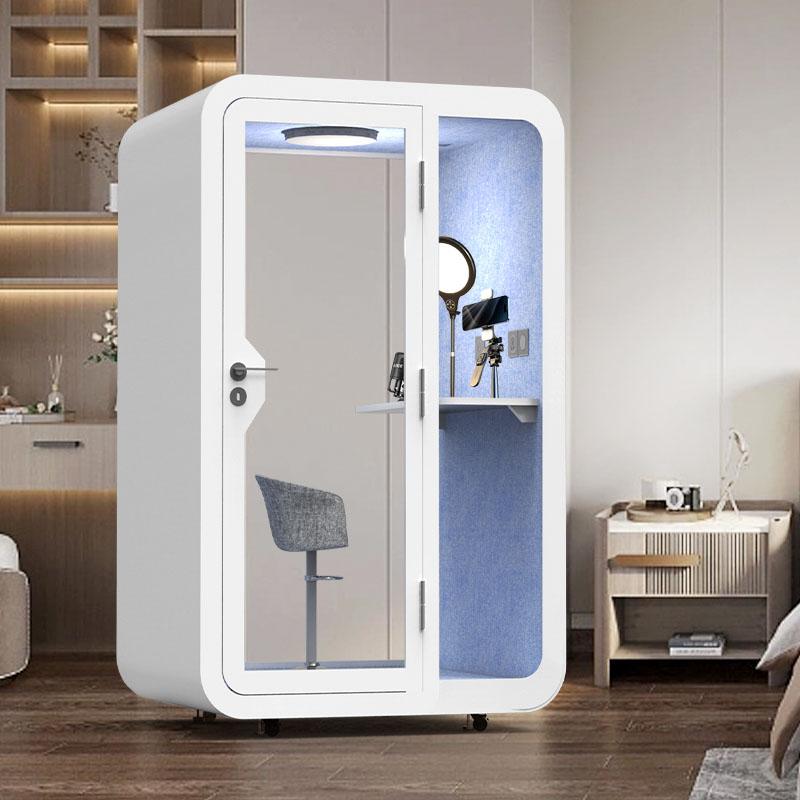
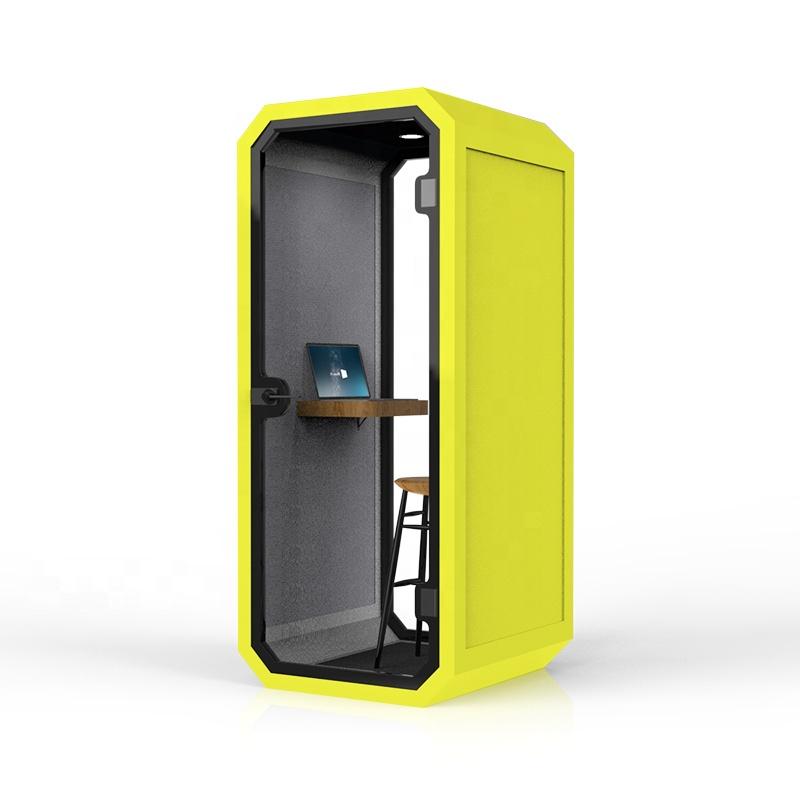
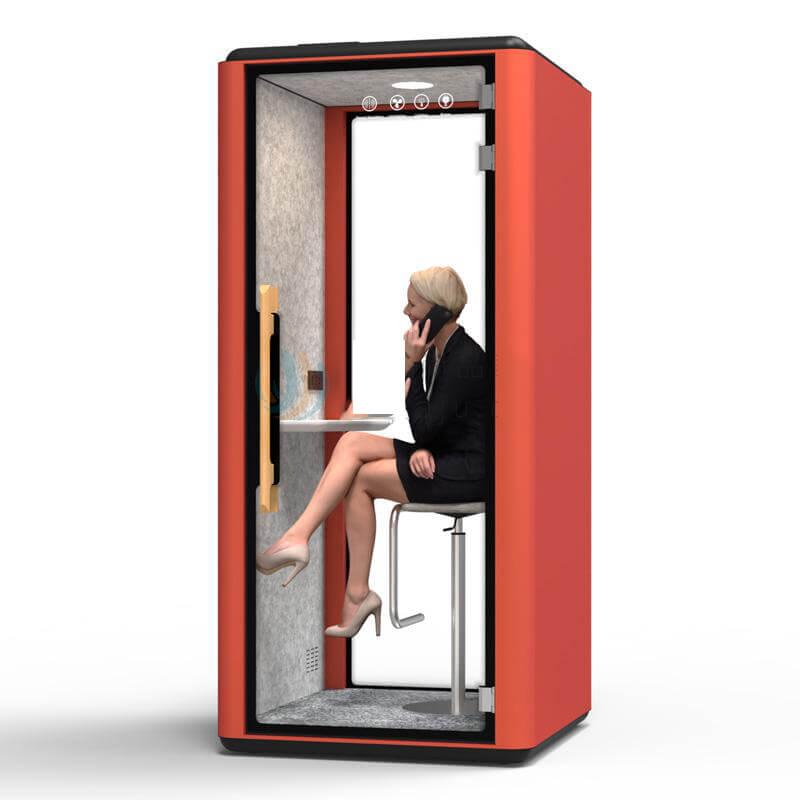
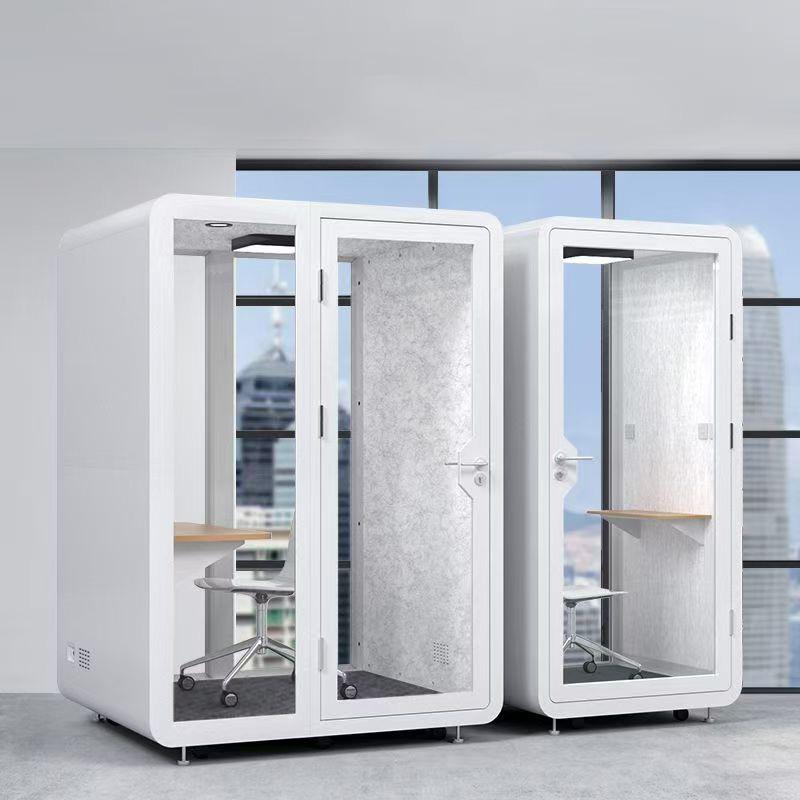
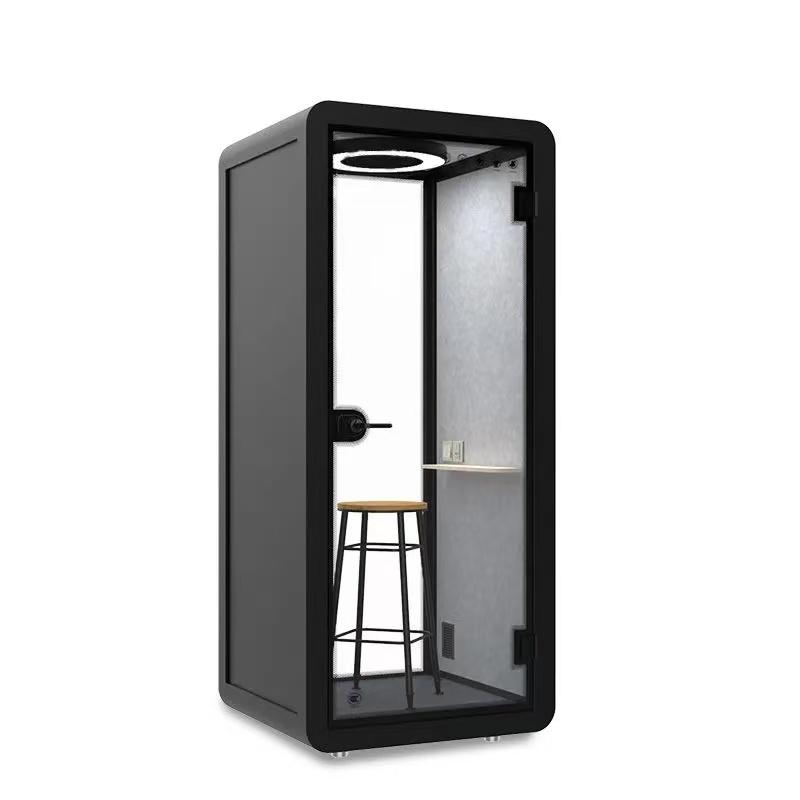
SOP's PB102 page describes a one-person enclosure with a foldable desktop, bar chair, carpet and an aluminium-alloy door lock. It also lists a control switch and socket. These establish a product starting point; they do not establish electronic guest entry, remote unlocking or calendar integration.
Ask the seller how the quoted ordinary door and lock are operated and what the user instructions say. Keep that explanation separate from the workplace's allocation policy. If an additional access system is proposed, it needs its own confirmed specification and review. A phone-booth product photograph is not evidence that such a system is included.
The host also needs to know which physical configuration visitors will encounter. A trial using a different stool, work surface or panel may not provide the right ordinary-use briefing. Keep the offered component references with the enquiry so reception does not inherit assumptions from a demonstration unit that differs from the delivered product.
Use theSOP phone booth product informationto confirm the offered door, stool and ordinary controls, while keeping the visitor allocation policy under the workplace host's ownership.
Prepare a short arrival handoff describing where the booth is, how to use the ordinary door and which controls the supplier intends occupants to operate. Have an unfamiliar participant explain those actions back in their own words. The purpose is to discover ambiguity, not test the visitor's technical knowledge.
Do not overload the handoff with procurement specifications or internal service procedures. A guest who wants to make a call needs an understandable ordinary-use route and a help contact. If a control function is unconfirmed, resolve it with the supplier rather than encouraging the visitor to experiment.
The host should not guarantee suitability for the conversation's sensitivity merely because the booth is enclosed. If the workplace has a policy for sensitive meetings or a visitor's stated needs require another setting, use the appropriate route. This account-free arrangement is about allocation and help, not certification of speech privacy or approval for every kind of call.
Use a neutral help example: the visitor cannot identify the ordinary lighting control. The help request should carry the booth reference and the unclear action. It should not require the visitor to sign into a staff portal, disclose a password or provide the contents of the call to demonstrate a need for assistance.
Decide who receives that request during the visit and who provides cover. A host who leaves for another meeting should transfer the service responsibility to an authorized colleague, not hand over an account. Where no cover exists, explain the available alternative before assigning the booth.
Keep troubleshooting inside the appropriate boundaries. Reception can clarify an ordinary instruction or arrange another room; occupants must not investigate concealed electrical components. The supplier or responsible facilities route handles technical questions. A useful guest service design makes that boundary visible without turning the visitor briefing into a repair manual.
Ask how the host learns that the visitor has finished. The answer might be an ordinary agreed check-in with reception or another workplace process; it does not need to be a sensor, app or automated calendar event. Select a route the designated owner can actually maintain.
Avoid making the resource available again solely because the planned time has elapsed if the process has not established that the visit ended. Conversely, do not leave a finished visit assigned because the original host is unavailable. The cover role needs the neutral resource reference and the next action, not access to the original host's identity or password.
The physical reset belongs to the workplace's separate shared-use instructions. This handoff only passes the resource back and carries an unresolved issue to its owner. Do not expand it into a general cleaning, forgotten-property or upholstery policy. If those procedures affect availability, the allocation owner should know how to obtain the relevant status through the established service route.
| Visitor moment | Workplace owner | Minimal information to transfer |
|---|---|---|
| A short call is requested | Host or reception | Neutral resource reference and agreed availability |
| The booth is located | Host | The correct physical enclosure, not another person's event title |
| An ordinary control is unclear | Named help contact | The booth reference and the unclear operation, not account credentials |
| The visitor leaves | Host or nominated cover | Resource returned and any unresolved issue passed to support |
Use an explicitly fictional visitor in a local rehearsal. Give them a short ordinary request, allocate the physical booth and have the host leave responsibility with the nominated cover contact. No real visitor data or customer account is needed to test whether the instructions and ownership are understandable.
Introduce an unavailable booth before entry. Observe whether the cover contact can recognize that condition and offer an authorized alternative without borrowing an account. Next try an unclear control instruction after allocation. The exercise should show who receives the question and how the enclosure is identified, not simulate a technical failure or a security incident.
Follow the departure message through the same route. Ask the cover contact to explain what they know about the resource and what remains unresolved.
The result is a set of service corrections for this particular workplace. Do not describe a successful fictional visit as evidence of a live deployment or a measured reduction in reception workload.
The product enquiry should name the proposed model, physical configuration and unresolved ordinary-use instructions. The workplace service record should name allocation, help and cover ownership. Keeping those documents distinct prevents a buying decision from silently promising a software or staffing arrangement the seller does not supply.
Ask for the confirmed instructions before writing the final visitor briefing. If the offered door, lock or control panel differs from the trial, revise the relevant part of the handoff and rehearse it again. A neutral resource label and host process can remain useful while hardware details are clarified, but they do not make unconfirmed operating actions safe to infer.
Release the visitor service only when its owner can follow the arrival and departure route without credential sharing. Where a workplace cannot support that route, retain a host-accompanied alternative or another suitable room according to its policy. The goal is a manageable visit, not an invented promise of universal unattended access.
Does PB102 include an account-free booking system?
The public hardware description does not establish a booking platform. This guide proposes a host-owned workplace allocation route using the organization's authorized process. Any additional display, calendar or access integration must be confirmed separately; it should not be inferred from the enclosure's product name.
Can a host lend their booking login for a short visit?
That is not the route proposed here. The host performs authorized allocation and passes the visitor only the ordinary resource and use information. A cover contact acts through their own approved process. Workplace account and visitor policies continue to govern the actual arrangement.
Does a visitor's name need to appear on the booth?
Not to identify the enclosure in this proposed workflow. A neutral physical resource reference can connect allocation, directions and help. Follow the organization's actual policy for any other visitor records, without copying internal event details into public directions unnecessarily.
Is automatic occupancy detection necessary for departure?
No such feature is assumed. Use an ordinary departure handoff that the allocation owner can maintain. If a sensor or other system is separately offered, evaluate its confirmed role independently rather than treating the component list as proof of automatic availability updates.
What happens when the original host leaves?
Transfer the service responsibility to a nominated authorized cover contact with the neutral booth reference and unresolved issue. Do not transfer passwords. If nobody can provide cover through the permitted process, arrange the appropriate alternative before leaving the visitor without a help route.
An account-free visitor visit depends on a host-owned service route, not borrowed credentials or an assumed smart-booth feature. Use a neutral resource identity, explain the supplier-confirmed ordinary actions and connect help and departure to a named workplace owner.
Rehearse one fictional visit with a cover contact before adopting the arrangement. Keep the product specification and the local service policy separate, and revise the handoff when the quoted hardware changes. That gives the buyer a concrete guest-use requirement without misrepresenting software integration, privacy performance or an actual customer project.

 Tel: +8613538031763
 Email: info@sopworkpod.com
 MP/WhatsApp: +8613538031763
 Manufacturer Address:Liucheng Lujiang District,Meixi Road,Nanan City,Fujian,China