Soundproof Booth for Recording: Control Script-Handling Noise
Author:SOP Work Pods ManufacturerTIME:2026-11-12
MENU
The recorded sentence is useful until a page moves underneath its final word. Moving the script turn into a pause may solve that problem; buying a quieter computer may not. A recording booth can reduce some interruptions while leaving the reader's own handling actions inside the capture space. Those actions need their own trial rather than another broad equipment checklist.
For a soundproof booth for recording, compare the script method with a fixed microphone and capture setup. The choice is not simply paper versus tablet. It concerns when the reader advances, whether the next line remains easy to find, and what an editor must replace or retain. The procedure below is a proposed buying exercise, not a report of measured SOP performance or a customer's recording project. It produces marked takes and a practical reading method, without claiming a universal noise threshold.
Define the Passage and Its Page Events
Choose a short passage with a planned point where the script needs to advance. Use text the organization is permitted to record, or a clearly invented neutral script. An unchanged passage makes it easier to identify whether an audible event follows a page action or a different reading choice.
Mark the sentence before the advance and the first line afterwards. Include a deliberate pause in one version, then try the same transition while the speech continues if that represents the intended work. Do not surprise the reader with an improvised page break and mistake hesitation for an acoustic problem.
Ask the editor what would make a take usable for the actual production. A spoken-word excerpt, an audition and a tightly edited narration may have different tolerance for pauses. Agree the decision question before recording: can the chosen script handling preserve the necessary words and a workable rhythm, or does it create a replacement task that could have been avoided?
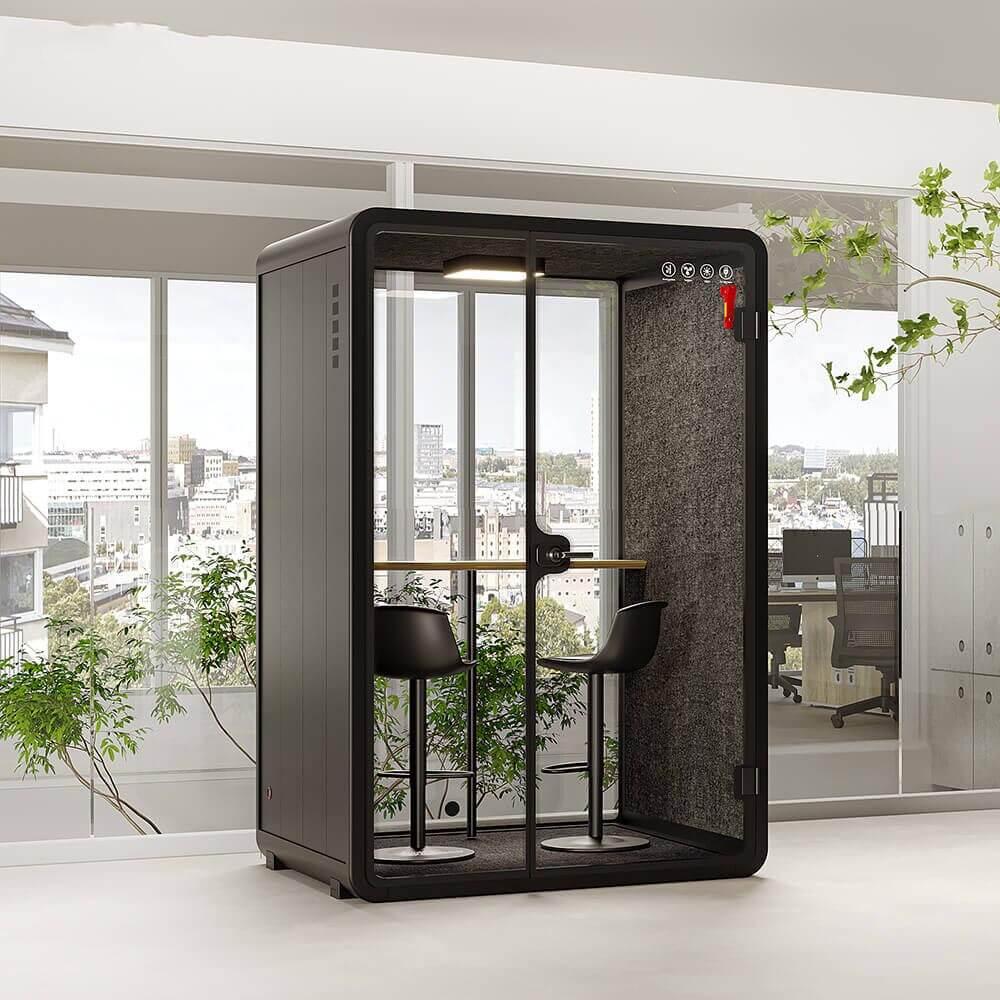
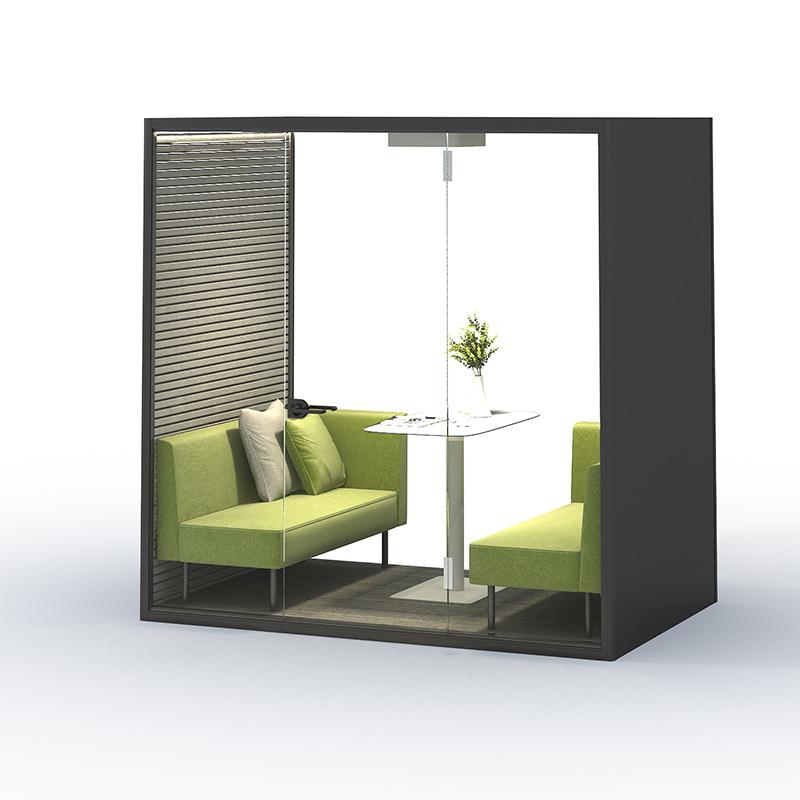
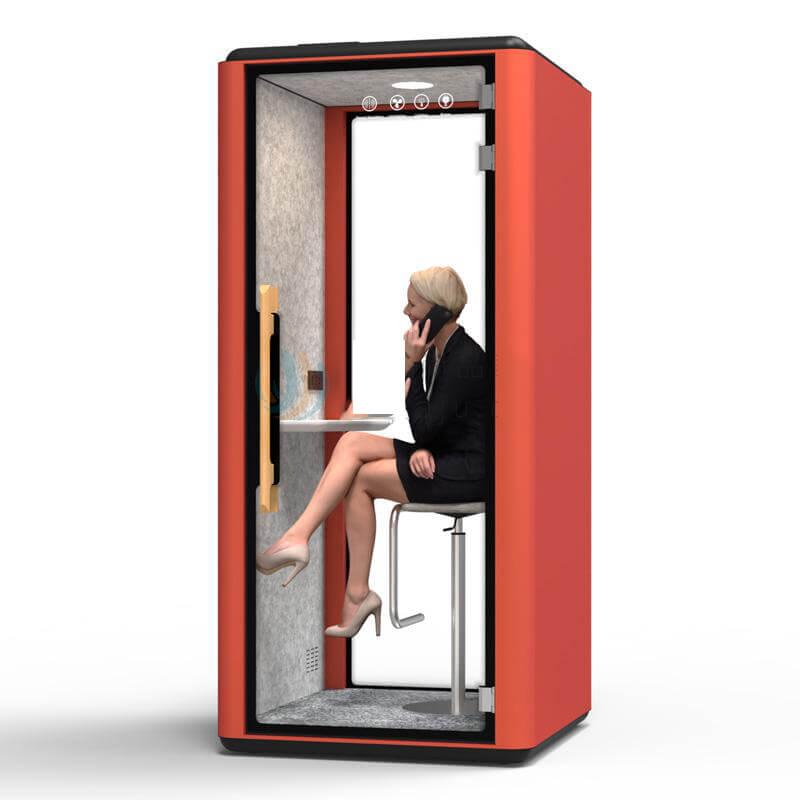
An enclosure illustration places the reading task inside a bounded space; it makes no claim about a recording noise floor.
Know the Enclosure Without Inventing Recording Accessories
SOP's RB105 page lists an external size of 2100 by 1600 by 2200 millimetres and an internal size of 1900 by 1400 by 1940 millimetres. It lists a weight of 800 kilograms and two 120-millimetre fans. Those are product references, not measurements of script noise at a microphone or proof of an included reading station.
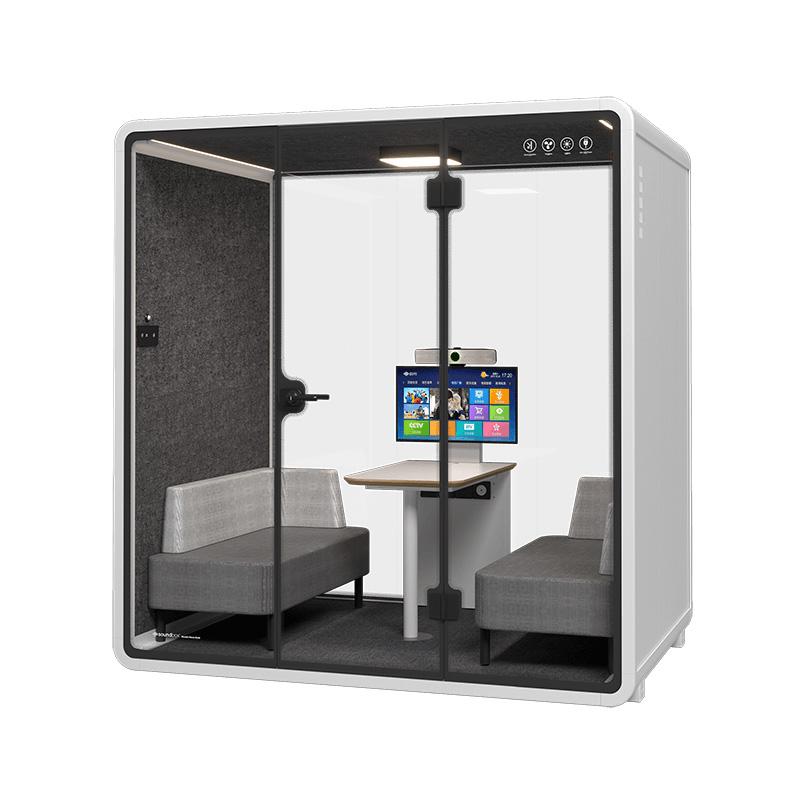
Ask what work surface, seat and accessory supports are in the proposed offer. A desk illustration does not establish a supplied script stand, tablet mount or microphone support. The listed enclosure dimensions also do not show where those accessories can be placed while preserving ordinary entry and use.
Keep the capture equipment and script support explicit in the trial record. If the supplier demonstration differs from the intended setup, identify the difference before interpreting the takes. Do not treat a public sound-insulation notation as a prediction of the recording's noise floor. A page movement happens inside the enclosure, and its audibility depends on the actual recording arrangement.
Read theSOP recording booth specificationsalongside a quotation for the proposed desk and seating arrangement; the enclosure page does not include a proven paper or tablet reading system.
Freeze the Capture Setup Before Changing the Script
Keep the microphone, gain, reader position and recording application unchanged for the comparison where practical. Note the operating ventilation condition and retain it, rather than switching it off to make one take appear better. This is a reader-action comparison; changing several sources together prevents a useful explanation of the result.
Have the reader speak the opening phrase naturally before each passage. The editor can then hear whether the voice level or position changed substantially. It is not a calibration claim. If a position does change, record that difference and repeat only the comparison needed to understand it.
Avoid choosing a winner from a waveform thumbnail. A visible peak might be a spoken consonant, a page contact or another movement. Listen to the relevant moment in the retained file and connect it to the action log. Keep the original takes, because an edited export can conceal the very interruption the buyer needs to evaluate.
Give Paper a Deliberate Turn Method
Arrange the paper so the required line is visible without holding the sheet against another object. Ask the reader to explain how they would advance it during a normal session. A demonstration using loose pages should not stand in for a bound script if the final work uses a binding that changes the movement.
Try the marked pause first. Note whether lifting, sliding or placing the page creates an audible event and whether the reader returns to the next line smoothly. Use ordinary handling rather than special care that cannot be sustained through a working session. The point is to find a usable method, not the quietest possible staged gesture.
Then inspect the version with the turn over speech if relevant. Listen for words that are obscured or need replacement. A little noise in a pause and a similar noise across an essential syllable can lead to different editing decisions. Record that distinction instead of declaring all paper handling unacceptable.
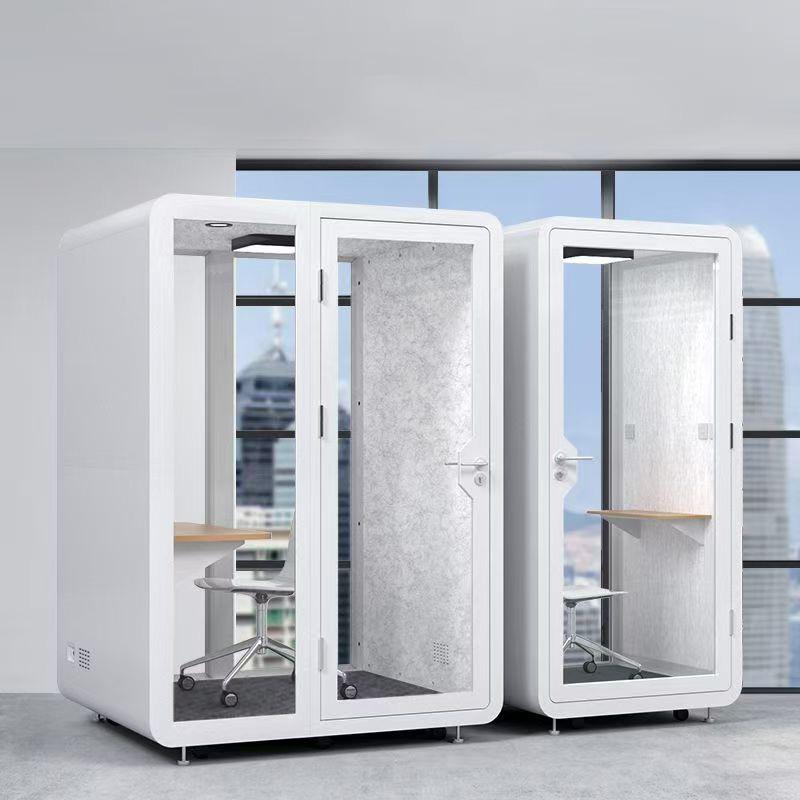
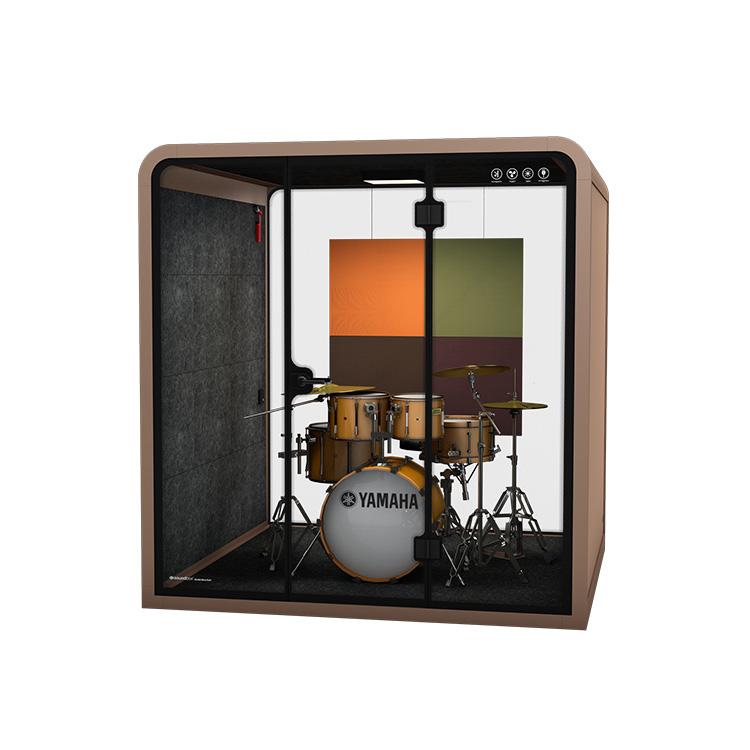
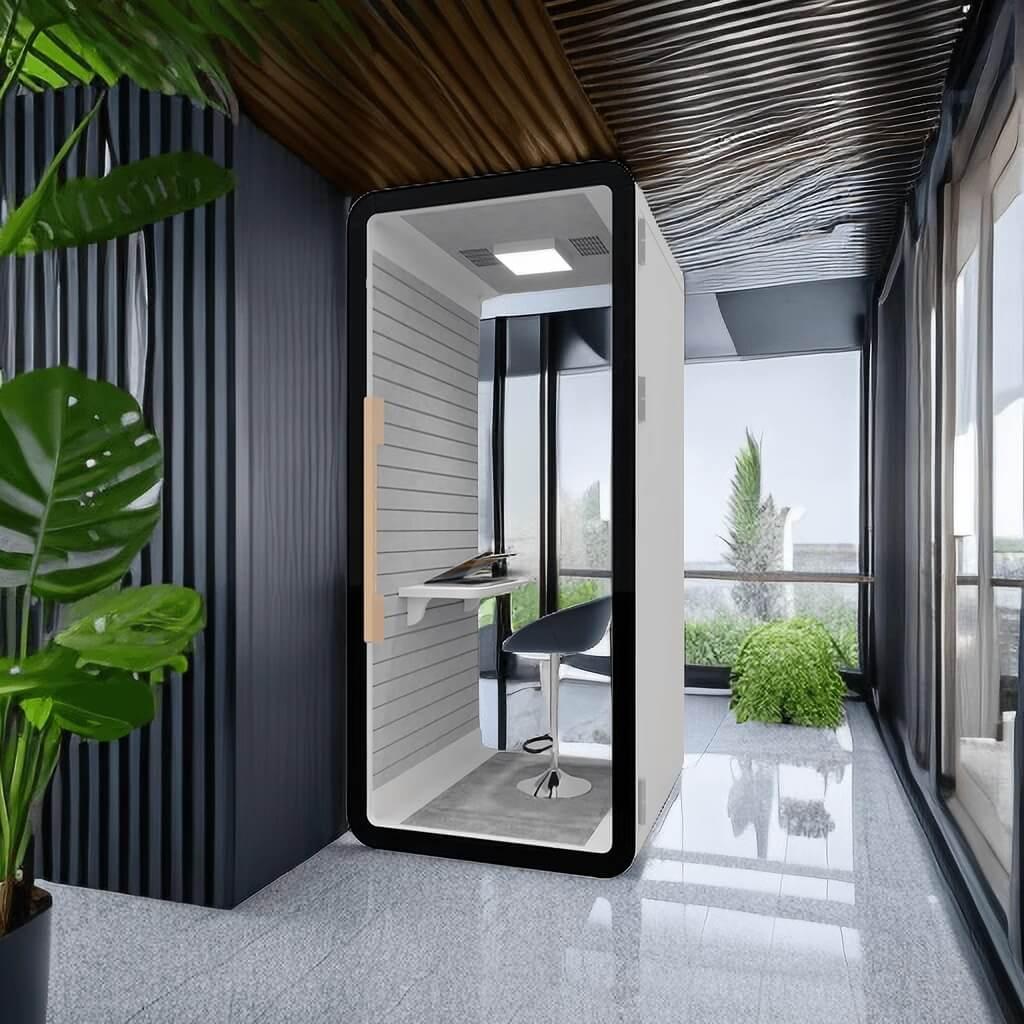
Illustrative desk space accompanies the paper-versus-screen comparison, not a claim that these accessories are included with RB105.
Test a Screen Advance as a Reader Action
Use the same passage and transition on the proposed tablet or screen. Explain how the reader is expected to advance it: one tap, a deliberate scroll or another ordinary method that is actually available. Do not assume an included foot controller, remote switch or automated prompting service.
Observe the reader's line recovery after the advance. A screen method that avoids a paper sound may still cause a change in vocal position, a missed line or an awkward pause. The recording decision needs both the audible event and the reading result. A tablet is not automatically the better format simply because it has no page to lift. Keep unrelated device behaviour from confusing the trial. Prepare the permitted local script or application according to the organization's normal rules, and avoid exposing private messages or documents. This does not require granting a visitor account access or altering workplace security settings. If the device cannot present the script reliably in the intended setting, record that limitation instead of improvising another system mid-comparison.
Take label
Script event
Editing decision to record
Paper, turn during a pause
Page lifted after the marked phrase
Whether the pause can remain natural with that handling method
Paper, turn over speech
Page moved while the line continues
Whether useful words need a replacement take
Tablet, advance at cue
One deliberate screen action
Whether the reader keeps the next line and vocal position
Chosen format, repeat
Same passage with revised cue
Whether the proposed workflow remains practical on another pass
Review the Takes Where the Script Changed
Name each retained take by the medium and the planned action. Put a marker or note at the transition so the editor can locate it without replaying an entire session. Include the reader's explanation if the intended action differed from what happened; a file name alone may not reveal an accidental second turn.
Have the editor compare the original transition with its surrounding phrase. Ask whether the affected words survive, whether a natural pause can remain and what a replacement would involve. Do not assume that noise removal will rescue speech underneath a handling event. If processing is proposed, keep the original and evaluate the actual edited result separately.
Use the take log to choose a change worth testing. Moving a turn into an agreed pause is different from replacing the script medium, and each should have a clear reason. Keep the production judgment visible: an otherwise smooth read may justify one scheduled pause, while a method that repeatedly obscures necessary words may not suit the planned work.
Repeat the Chosen Cue Through Another Read
After selecting a promising method, annotate the script where the action should occur. Let the reader make another ordinary pass, including the line after the turn rather than stopping immediately at the transition. This checks whether the cue can be used as part of reading, not merely demonstrated in isolation.
If the revised pass creates another problem, identify it precisely. The new pause may be too disruptive for the intended edit, the next line may be difficult to locate, or the hand movement may change the speaking position. The answer may be a different page break or text layout rather than another enclosure purchase.
Use the second pass to document limitations, not manufacture a success rate. Two retained passages do not establish a general dataset or a guarantee for longer sessions. They show what happened with the specific reader, material, furniture and capture setup. A different reader or production format should have its relevant script actions examined again.
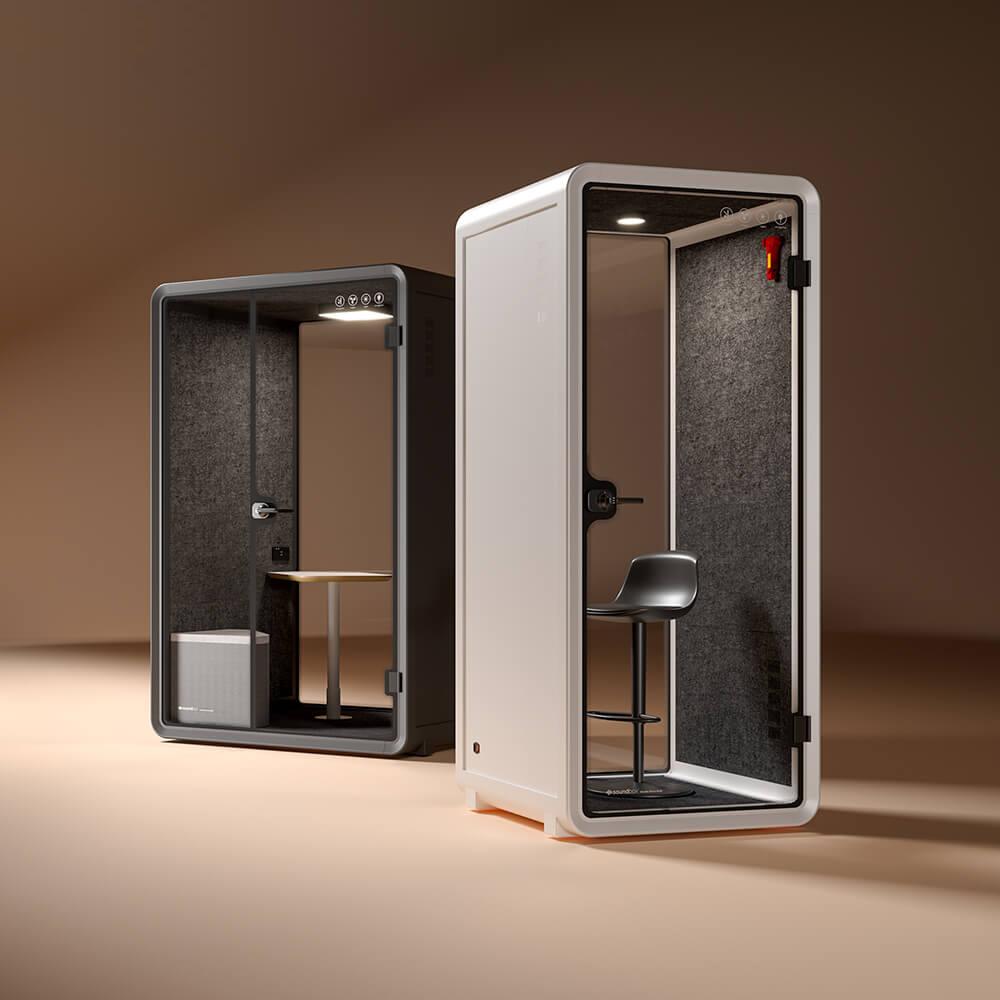
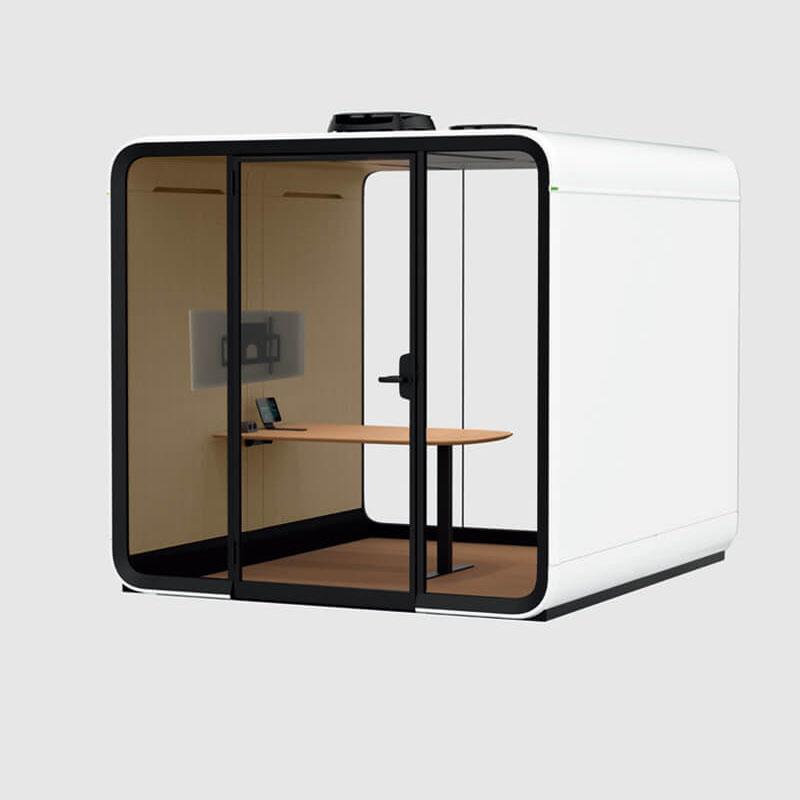
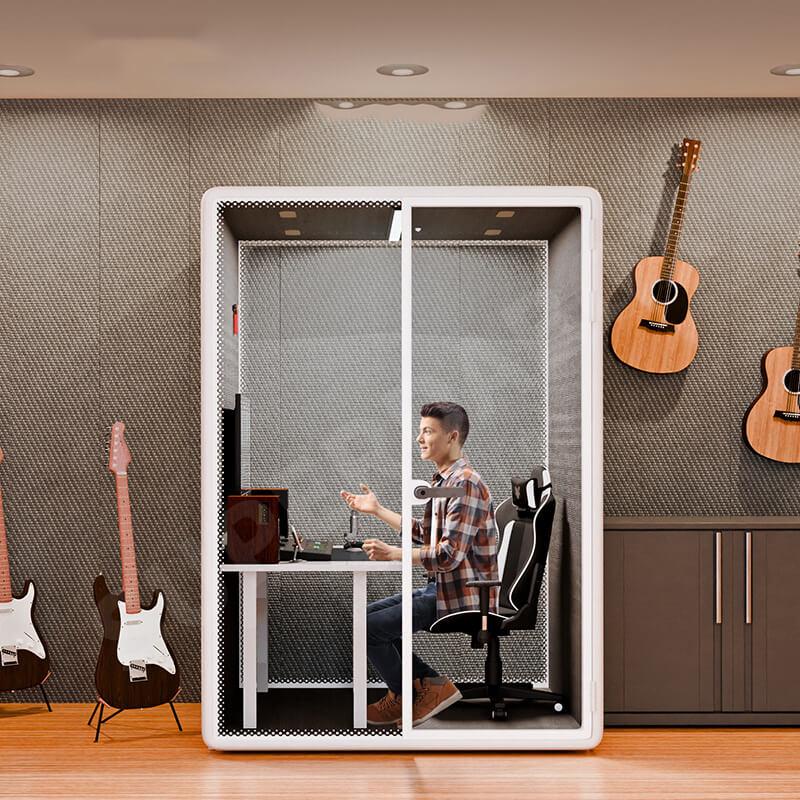
The booth illustration marks the later read-through and edit decision; actual captured takes must supply the evidence.
Make the Reading Workflow Part of the Purchase Brief
Write the required work surface and script support into the supplier enquiry when the trial identifies a useful arrangement. State whether the support must hold paper, a tablet or another proposed medium, and show the configuration used. Ask which parts are included and which remain buyer-supplied rather than allowing a trial accessory to disappear from the quote.
Keep the marked script cue and the decisive takes with the local buying record. They explain why an accessory or text-layout decision matters, without claiming that the enclosure itself delivers an unmeasured recording improvement. The editor's recommendation should connect a particular action to a usable take and a practical production method.
Do not release an order recommendation based only on the absence of an obvious noise during a supplier tour. A useful demonstration lets the buyer perform the actual advance and review the resulting file. If that cannot be arranged, state the unanswered recording question plainly and avoid describing the proposed script workflow as verified.
FAQ
Will a soundproof enclosure eliminate a paper turn inside it?
That cannot be assumed. The action is inside the recording space, near the reader and microphone. Listen to actual takes made with the intended arrangement. Published enclosure dimensions and insulation descriptions do not establish the audibility of that internal handling event.
Is a tablet always quieter than a printed script?
No universal result is claimed. A screen removes paper movement but introduces its own advance action and line-recovery task. Compare both using the same passage and capture setup, then judge the usable speech and editing consequences rather than the device category alone.
Should the fans be disabled during the comparison?
Do not change the operating condition merely to favor a take or interfere with intended ventilation. Use the normal supplier-approved arrangement and record it. Questions about fan operation belong to the supplier; this exercise isolates script handling rather than revises enclosure services.
Can software remove any handling noise that overlaps a word?
Do not promise that. Keep the original take and let the editor assess any proposed processing separately. When important speech is obscured, a planned replacement or a revised turn cue may be more dependable than assuming an unspecified cleanup tool will restore it.
What should the supplier receive from this trial?
Send the required configuration and accessory questions, not private recordings by default. Explain the script medium, support position and the action the arrangement must permit. Ask which components the quote includes, while keeping the detailed take evidence under the buyer's appropriate information policy.
Conclusion
Evaluate the script movement, the speech around it and the editing task together. A fixed capture setup and a marked passage turn a vague preference for paper or tablet into a decision the buyer can explain. RB105's product facts establish the enclosure reference, not the result of that recording exercise.
Select a practical advance cue, repeat it through another read and carry the necessary support arrangement into the quotation. Preserve the decisive original takes locally. The outcome is a defined reading workflow with visible limits, not a claimed noise rating or a fabricated production success story.



 Tel: +8613538031763
 Email: info@sopworkpod.com
 MP/WhatsApp: +8613538031763
 Manufacturer Address:Liucheng Lujiang District,Meixi Road,Nanan City,Fujian,China