Author:SOP Work Pods Manufacturer TIME:2026-09-30
A short call can involve much more than holding a phone. Someone arrives with an open laptop, a shoulder bag, and a question that needs a written answer. Inside the booth, those objects compete with the person's movement. For a workplace planning phone booth office furniture in Andorra, the useful starting point is this small sequence of actions, not a list of furniture pieces considered separately.
The walkthrough below follows arrival, setup, conversation, note taking, and departure. Use it to compare proposed furniture arrangements with the objects and activities your team actually brings to a call. A layout drawing starts the discussion; an appropriate physical review can reveal conflicts that the drawing leaves unresolved. Neither a photograph nor a furniture label establishes that a particular arrangement will suit every user.
This is planning guidance and does not establish a delivered local installation.
Describe a representative call from the moment someone leaves their desk. Are they already connected through a headset, carrying a closed computer, or balancing a notebook against the computer lid? Choose a few realistic sequences, including one with written notes and one requiring keyboard input. Record the objects involved and which hand is occupied. These details give the furniture discussion a concrete purpose without turning hypothetical tasks into claimed user research.
Next, identify what must happen inside the booth rather than before entry. Opening a laptop, retrieving a pen, and checking a document each require a temporary place for something else. A shelf that accommodates the final working arrangement may still leave no place for a bag while the person closes the door. Separate arrival space from working space in the brief, even when one surface is intended to serve both roles.
Keep the task brief selective. A place intended for brief conversations should not automatically inherit every item from a permanent workstation. Conversely, describing calls as short does not remove the need for usable support. Ask which objects must remain within reach throughout the conversation and which can be put away. The answer should guide the furniture set before optional accessories make the interior more complicated.
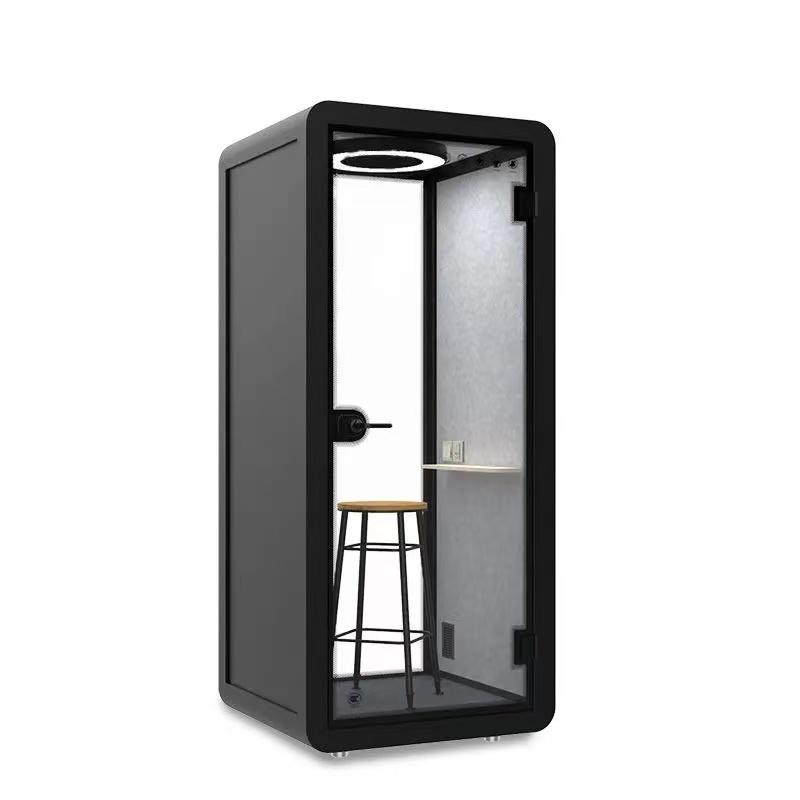
Walk the proposed entry sequence with the intended door operation and furniture positions represented accurately. Consider where the person stands while opening the door, where the computer goes first, and how the bag leaves their shoulder. Keep the door movement, handle approach, and route to the support position visible on the layout. Do not treat an empty floor patch as available storage until the full movement has been considered.
For the bag, compare a designated support point with a clear floor position only where the proposed arrangement permits it. A hook, shelf, or holder is an option to confirm with the supplier, not an assumed product feature. Ask how its suitability and permitted use are documented. A bag placed beneath a work surface can still interfere with feet, a seat base, or the movement needed to turn toward the door.
Represent the things that protrude, not just the neat outlines. A backpack strap, chair arm, projecting handle, and laptop carried against the body can change the entry sequence. A drawing should show those occupied positions as well as the furniture at rest.
Include users with different movement and reach needs in the review instead of selecting one convenient demonstration. Where a conflict appears, first reconsider the arrangement or furniture choice. Do not solve an unresolved entry problem by expecting every user to adopt an awkward maneuver or put a computer somewhere it is not supported.
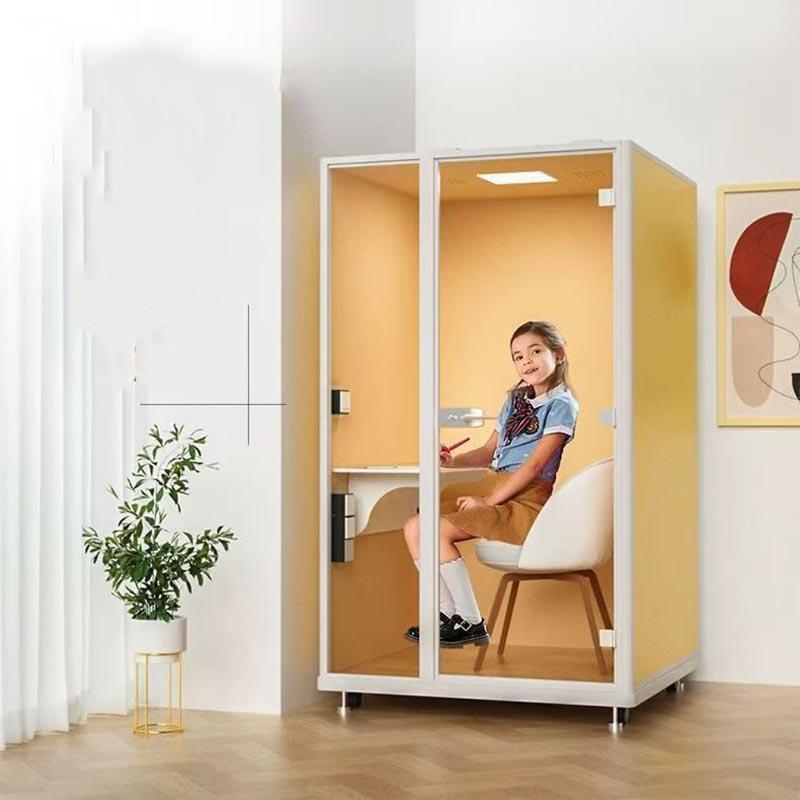
Compare standing and seated arrangements against the call activities, not against an assumed ideal call length. Standing support may suit a conversation with occasional reference to a screen, while sustained typing introduces a different set of questions about support and working position. A seated arrangement introduces its own demands: approaching the seat, getting into position, and leaving it without moving other objects. Neither category establishes comfort by itself.
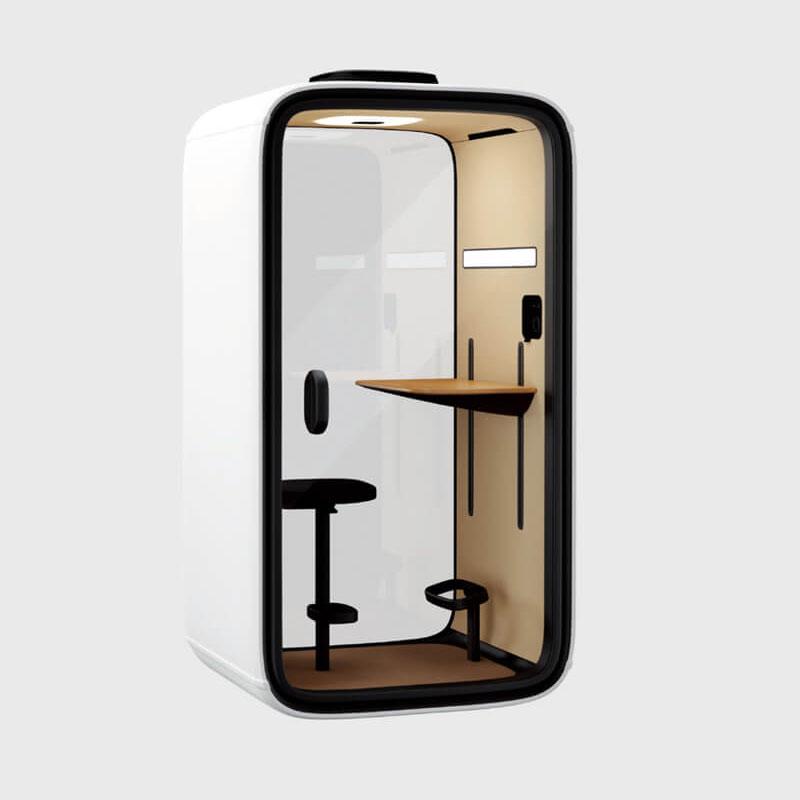
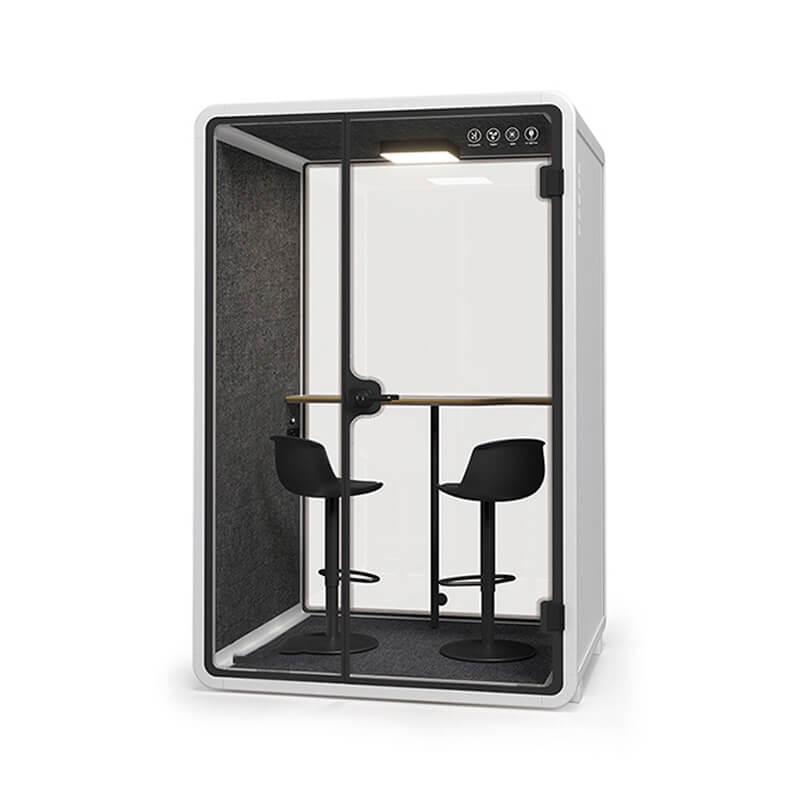
If a perch is proposed, treat it as a separate option rather than a substitute name for a chair. Review how the person approaches it, where their feet rest, and whether they can transition without using a surface for support that was not designed for that purpose. For any adjustable item, confirm the available adjustment and instructions for the actual model. Do not assume that adjustments shown in general illustrations are included.
An appropriate review should allow people to report that an arrangement does not suit them. If both standing and seated calls are required, establish whether one approved configuration genuinely supports both or whether different arrangements are needed. The comparison below records questions to resolve, not recommendations about undocumented products. Keep the selected seat, work surface, and any foot support together as a proposed set so that purchasing does not separate interdependent decisions.
| Proposed support | Task to review | Furniture conflict to resolve |
|---|---|---|
| Standing surface | Read the open laptop and make a brief note | Screen, writing hand, and bag compete for usable space |
| Seated arrangement | Approach the seat, type, then stand to leave | Seat movement and occupied floor space interrupt the route |
| Perch option | Transfer between supported and standing positions | Foot position and approach depend on the exact support design |
| Alternative configurations | Repeat the same call tasks in each proposed layout | A furniture substitution changes reach, setup, or departure |
Lay out the working surface with the actual laptop open and the intended paper or notebook beside it. A closed computer gives an incomplete picture of occupied space. Include the hinge position, the user's hands, and any cable connector that projects beyond the case. The planning question is whether the person can perform the call task without repeatedly relocating essential objects, not whether everything can be arranged for a tidy photograph.
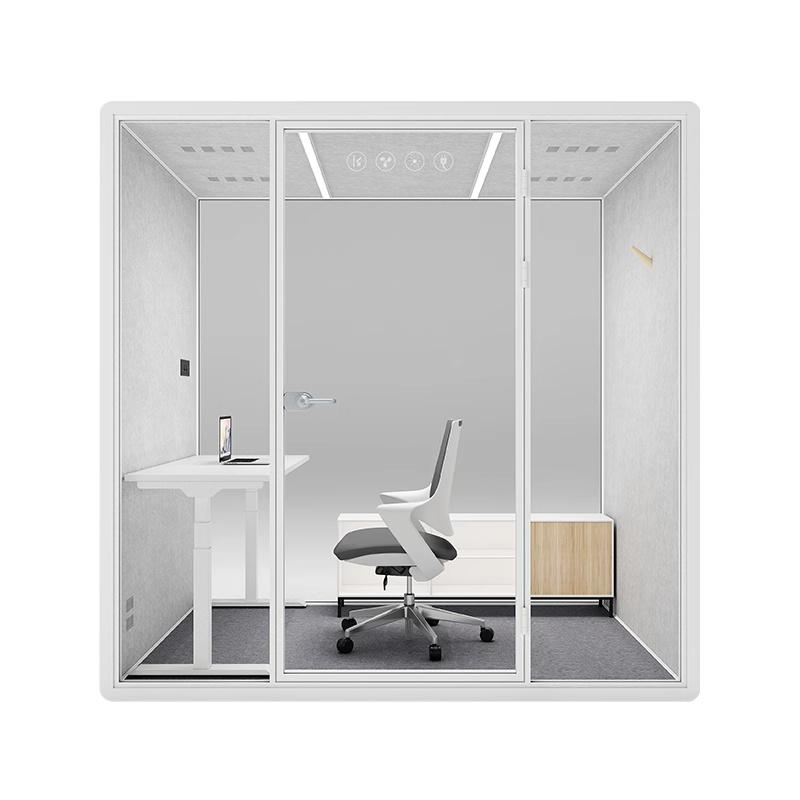
Decide which side needs room for writing, including people who use either hand. The screen may need to stay visible while the person writes or consults a phone. A leftover strip is not useful writing space merely because a notebook fits on it, and a phone ledge is not automatically a laptop work surface. Confirm the surface's intended use and support limits with the supplier. When essential tasks do not fit, choose a different arrangement rather than adding an unapproved extension.

From the intended working position, trace the actions that interrupt a call: picking up the phone, reaching for a pen, connecting a permitted cable, or operating an identified control. Keep objects in their normal locations during this review. Moving the bag or laptop out of the way for each demonstration conceals the conflict. Note where someone must lean, twist, stand, or change hands, then decide whether the furniture arrangement needs revision.
Review reach from both the working position and the approach position when a seated option is proposed. A control that is easy to reach while standing at the entrance may become inconvenient behind a computer screen. Likewise, a storage point can be visible but difficult to use once the person sits down. The aim is a coherent sequence, not a universal reach distance invented without knowing the furniture, user, or intended task.
Include cable movement only where the proposed equipment requires it. Ask how the approved arrangement accommodates the connector and any necessary slack without crossing the user's path. Do not improvise electrical alterations or attach accessories to the booth structure. Where access depends on repositioning a component, refer the question to the supplier. Keep unresolved reach conflicts in the decision record rather than treating them as minor details to fix after purchase.
The return journey deserves its own walkthrough. After the call, a person may need to close the laptop, collect loose notes, lift the bag, and operate the door while another task is already demanding attention. Follow that order with the furniture in its working position. A seat that has to be moved before departure changes the sequence; document that requirement rather than demonstrating only an arrangement prepared for easy exit.
Finish by defining the ordinary reset position. Specify where movable furniture belongs and which surfaces should be left clear for the next person. Avoid a reset procedure that demands repeated lifting or reassembly of furniture. Use the packing checks below to identify a clearer arrangement or a better matched set, without relying on unapproved hooks or fittings. If staff must continually correct the layout before the next person can enter, revisit the choice.

Bring the decisions into one furniture brief with an identified layout revision. List the selected support type, working surface, permitted storage provisions, intended equipment, and the objects used in the walkthrough. Distinguish confirmed features from requests awaiting a supplier answer. Attach the relevant product information when available, but do not convert an illustrative image into evidence of dimensions, adjustment, load capacity, or included accessories. Those details need configuration-specific confirmation.
Require any proposed substitution to be considered against the same sequence. A different chair can change approach and departure even when its general appearance is similar. A revised surface can change writing space or access to a control. Review the affected tasks rather than accepting replacements solely because each item has the same category name. Keep ownership clear: the person comparing quotations should know which substitutions require the workplace planner's review.
Before approval, close the unresolved furniture questions or mark the arrangement as pending. Record what was actually checked, who participated, and what remains to be confirmed. Do not describe a drawn layout as physically verified. This provides a practical basis for comparing phone booth office furniture: an explicit task sequence and an identifiable furniture set, with no need to claim an installation, performance result, or universal fit.
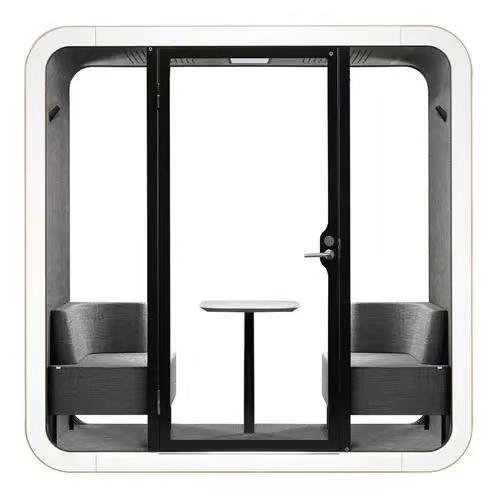
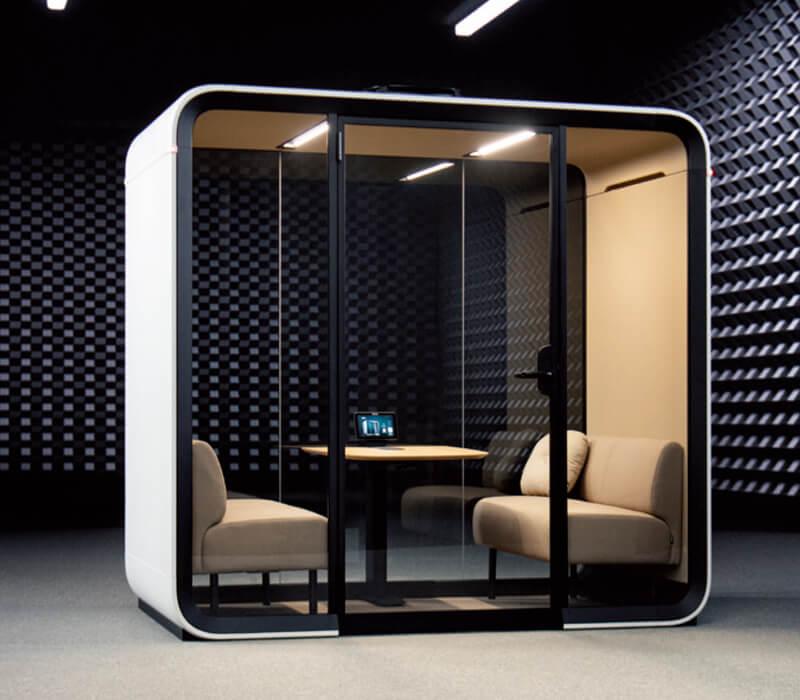
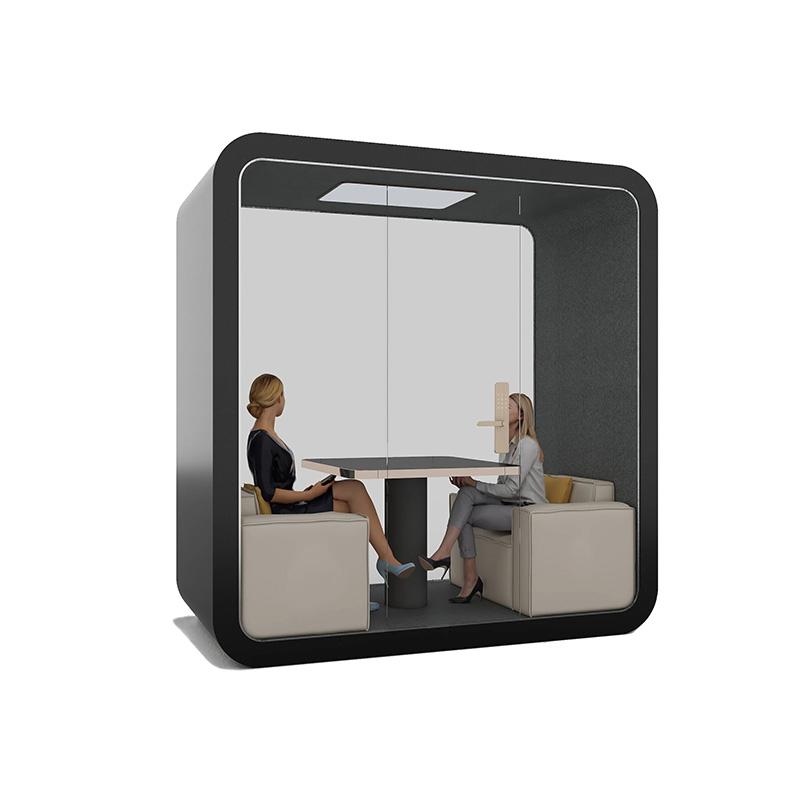
Check the proposed furniture against SOP phone booth configurations for the call walkthrough, with a drawing that includes the chair in use and the belongings carried inside.
Does a short call remove the need for a seat?
No. Call duration alone does not determine the support someone needs. Compare the intended activities and user requirements with the actual seated and standing options. Confirm what the selected configuration supports instead of assuming that a brief conversation suits everyone in the same position.
Can an existing office chair be added to the booth?
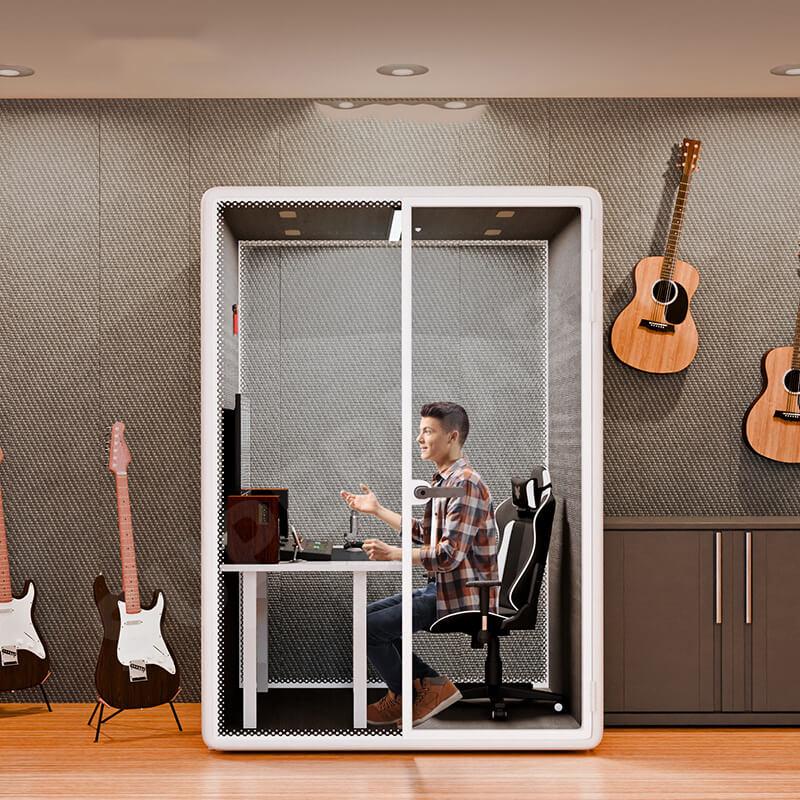
Treat it as a proposed configuration change. Confirm suitability with the supplier and review the chair's approach, working position, movement, and exit sequence together with the surface and door. A chair fitting inside the outline does not establish that the complete arrangement works.
What belongs in a furniture walkthrough?
Use the laptop, bag, notebook, phone, and permitted accessories relevant to the intended calls. Include arrival and packing, not only the settled working position. Keep the review representative and document its limits; it cannot establish suitability for every possible person or activity.
Should bags stay outside to create more room?
Do not make that an unstated assumption. Establish whether leaving belongings elsewhere fits the workplace's intended use. If users need bags with them, their placement belongs in the furniture brief and entry review rather than becoming an improvised arrangement after selection.
What if the laptop fits but there is nowhere to write?
Keep note taking in the task brief rather than declaring the layout complete. Ask whether a supplier-confirmed surface and support arrangement can accommodate the open laptop and writing hand together. If not, compare another arrangement or an explicitly agreed change to the call task.
Choose phone booth office furniture for the caller who arrives carrying things, not only for the person already seated in a product photograph. The Andorra brief should show where the laptop lands, how notes stay usable, and how the bag comes out again. If one of those transitions remains unresolved, keep the furniture choice open.
Carry one identified layout into the supplier discussion, with the proposed support, surface, and storage considered together. Ask about the particular conflict the walkthrough exposed and record whether it was observed physically or only on a drawing. The purchasing decision is then about a complete call sequence rather than a chair or ledge chosen in isolation.

 Tel: +8613538031763
 Email: info@sopworkpod.com
 MP/WhatsApp: +8613538031763
 Manufacturer Address:Liucheng Lujiang District,Meixi Road,Nanan City,Fujian,China