Author:SOP Work Pods Manufacturer TIME:2026-09-01
An office privacy phone booth is usually introduced when sensitive calls are being made at desks, in corridors, or inside meeting rooms that other teams need. In a Switzerland-oriented workplace, the decision may involve finance, legal, HR, healthcare, consulting, or any team handling information that should not be casually understood by nearby colleagues. The right procurement question is not whether the booth looks private. It is which information needs protection, where the listener may stand, and how the enclosure will be operated each day.
This article is a planning and supplier-review framework. It does not describe a named Swiss customer, a delivered site, a legal approval, a measured acoustic result, or a guaranteed level of confidentiality. The project team must confirm the actual building, electrical, fire, accessibility, property, data, and workplace conditions with the responsible local professionals. A product image can show form and finish, but it cannot prove the result of a confidential call.
Start by identifying the calls that create the need. A short internal update, an interview, a payroll discussion, a client negotiation, and a medical appointment do not have the same privacy objective. Record the normal call length, the longest session, the number of users, the device used, the speaking pattern, and the people who may be nearby. Do not copy conversation content into the planning file. Activity and exposure are enough to describe the requirement.
Define what “private” means for each use. The objective may be that a nearby colleague should not understand complete words. It may be that a screen or document must not be visible from a corridor. It may be that the person inside needs a controlled place to speak without interruption. These objectives can require different placement, door orientation, glass treatment, booking rules, and user instructions.
Also identify the consequence of an unsuccessful call. A minor inconvenience may be handled through location or scheduling. A sensitive HR, legal, or financial discussion may need a stricter release condition and a named owner. The classification helps the buyer decide where a practical site observation is sufficient and where configuration-specific technical information must remain open until review.
Mark the booth, the door approach, the nearest desks, the corridor, the reception point, the waiting area, and the likely listener positions on the floor plan. Include people who pass briefly as well as people who sit nearby for long periods. A listener standing beside the door may experience speech differently from a colleague working several metres away. The plan should make these positions visible before the product is ordered.
Draw time as well as space. A booth beside a printer may be acceptable during a quiet afternoon but unsuitable during a busy morning. Cleaning, visitor movement, deliveries, and team huddles can alter the surrounding sound and sight lines. If a confidential call is most likely to occur during a particular work period, observe that period rather than relying on an empty office.
Review the access route with a real laptop bag and ordinary office traffic. The user should be able to enter, close the door, begin the call, and leave without asking another person to move. A private room that is awkward to reach will be bypassed, and calls will return to the open floor. Usability is therefore part of privacy protection.
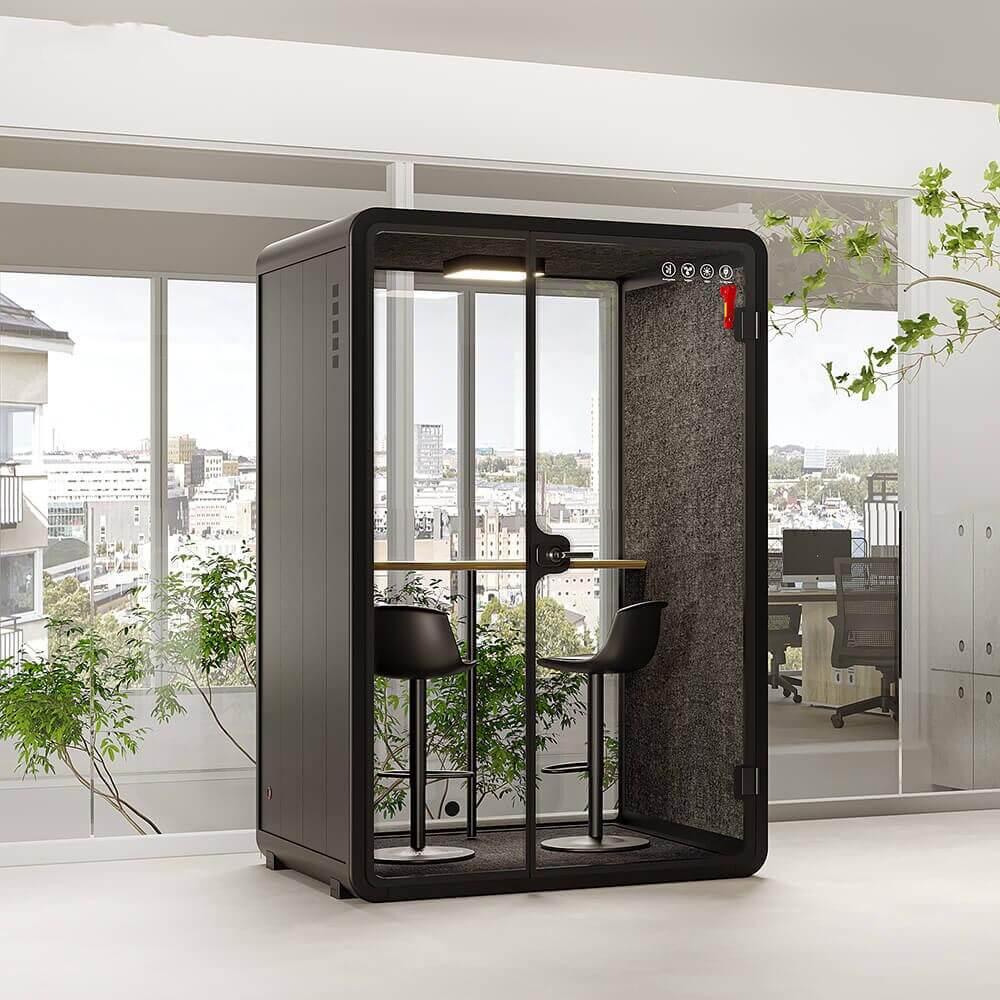
Speech privacy concerns what people outside can understand. Visual privacy concerns what people can see: a laptop screen, printed papers, a visitor, a caller’s identity, or the length of a meeting. An office privacy phone booth may improve one without completely solving the other. Review the glass, door position, display angle, lighting, corridor sight line, and the location of any writing surface.
Ask the user to follow a short call setup. Enter with the normal device, place it in the working position, open the relevant screen, close the door, and sit as the person would during a call. Ask a colleague outside to walk the usual route and note what is visible. The observation should describe the physical arrangement, not capture private information or imply that every document is protected.
Screen policy belongs in the operating plan. Users may need to lock screens, remove papers, clear whiteboards, and reset the booth after a call. If the booth is shared, define whether a booking name is visible, how visitors are handled, and how a concern is reported. Product selection cannot replace clear behaviour around confidential information.
Request the exact enclosure configuration under offer. The review should cover panels, glass, door and frame, seals, floor contact, ceiling connection, ventilation openings, furniture, lighting, outlets, controls, finish, assembly method, and service access. A component description is not the same as a complete system result. The approved drawing, option list, and quotation must identify the same version.
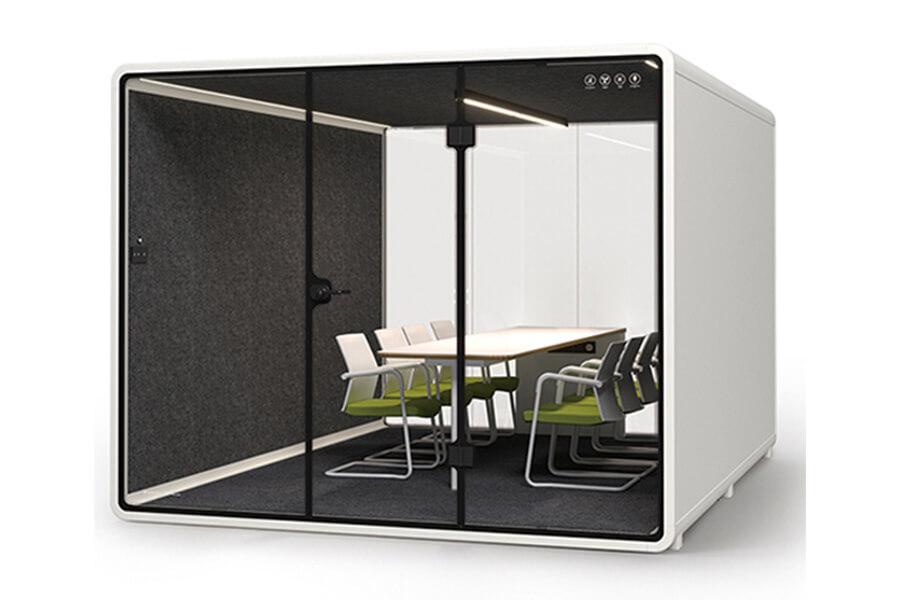
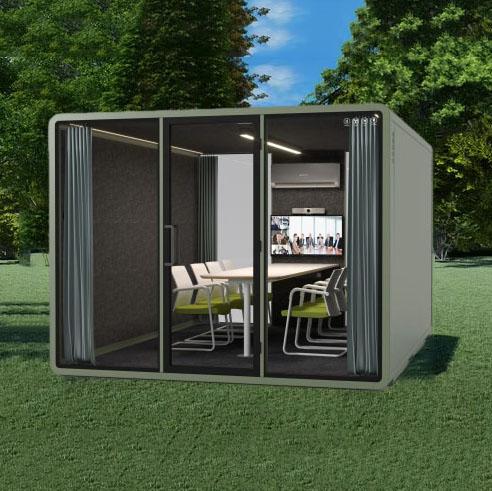
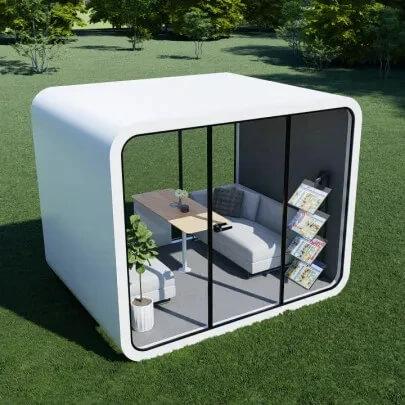
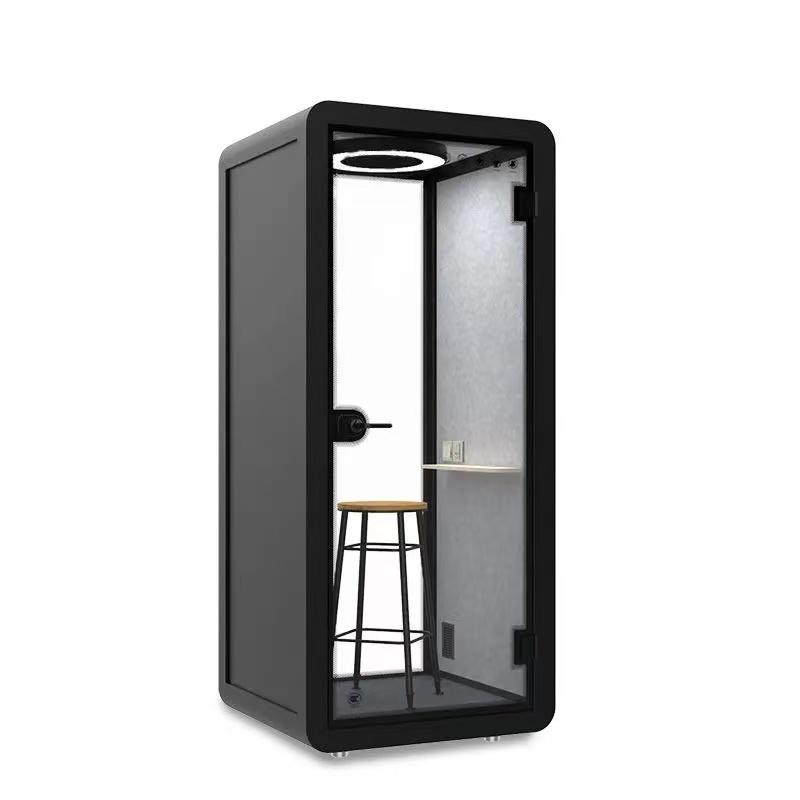
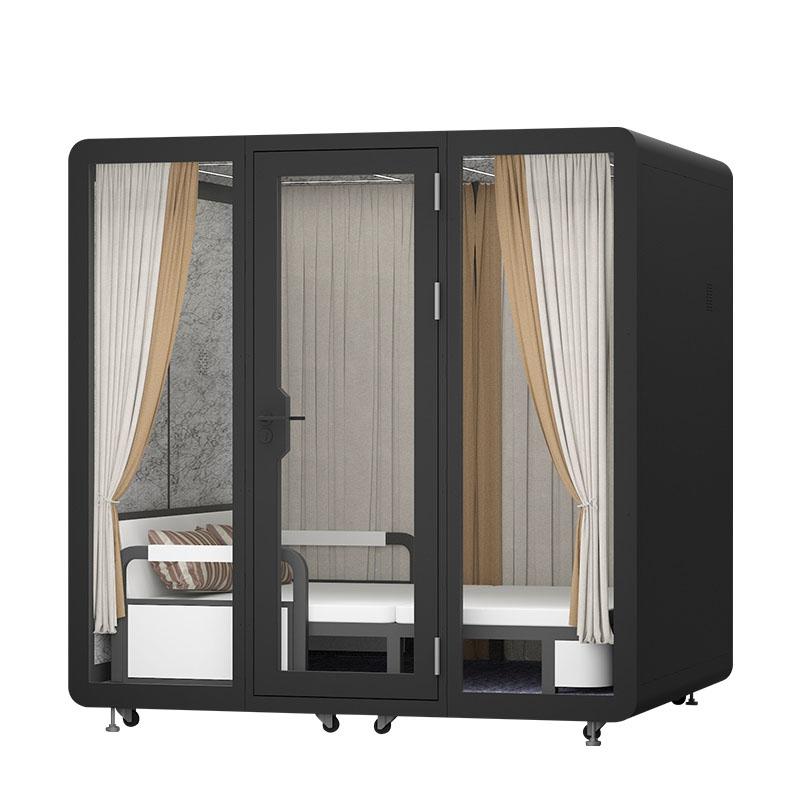
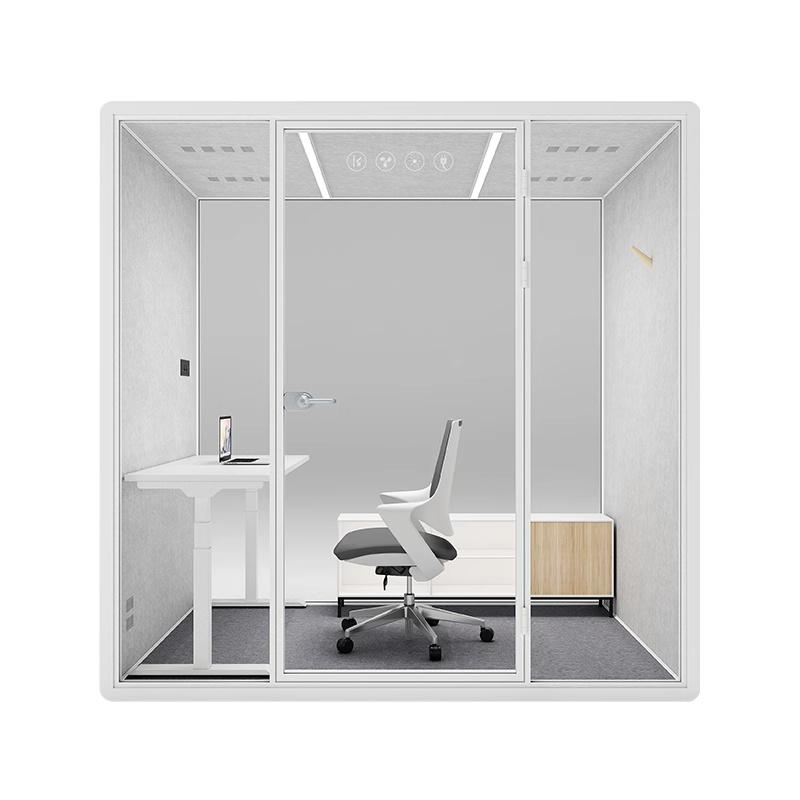
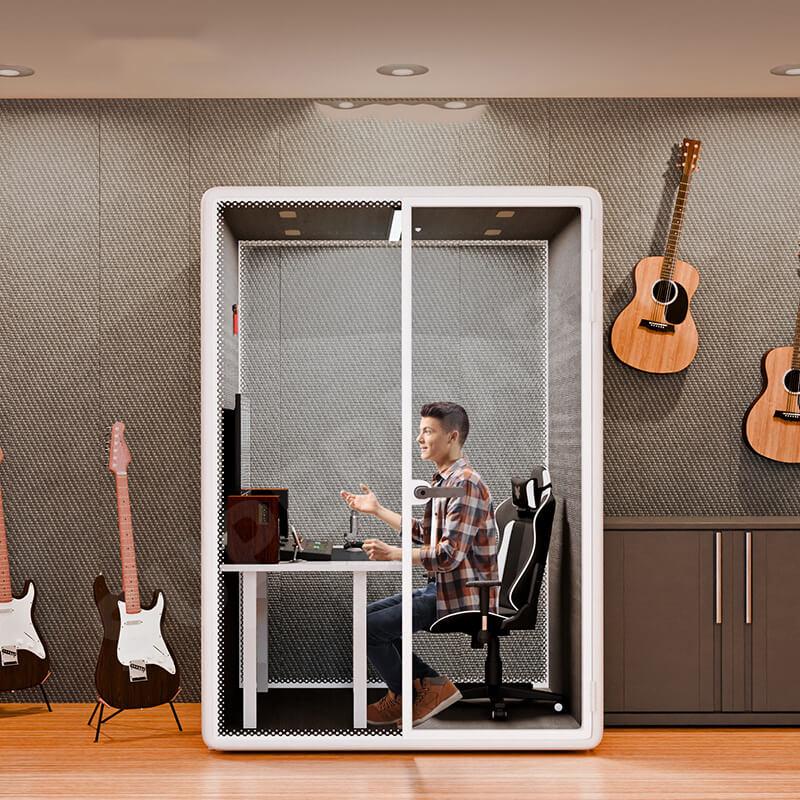
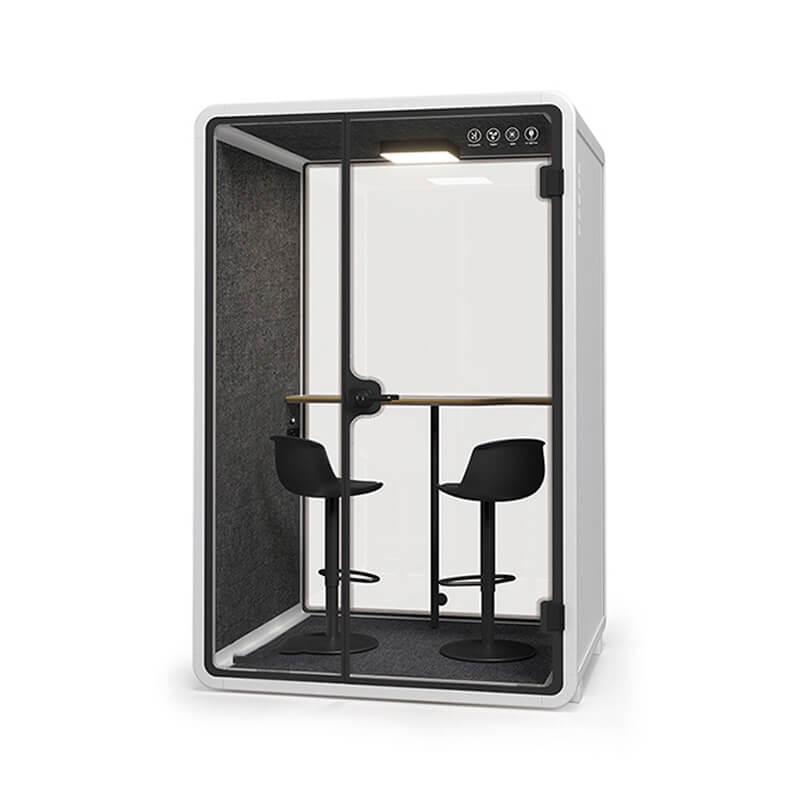
Use the office phone booth range to compare the relevant product family, then ask for a model-specific response. Confirm what is included, optional, excluded, or provided by the buyer. A photograph may show a stool, monitor, shelf, or light that is not part of the quoted package. Keep the commercial boundary beside the technical discussion.
If a supplier supplies acoustic or privacy documentation, preserve the scope and conditions. Ask what specimen, method, configuration, listener position, and limitation apply. Do not convert a reported value into a universal guarantee or describe a generic image as evidence of a Swiss customer outcome. A responsible record makes uncertainty clear while still allowing a fair comparison.
Privacy fails operationally when people cannot obtain the space at the right moment. Define how a user finds the booth, checks availability, books it, enters, ends a call, and releases it. A booking rule that requires too many steps may push users back to desks. A booth that is always occupied by long meetings may be unavailable for short sensitive calls. The usage policy should match the demand record.
Decide whether certain calls require a reservation, whether a time limit applies, and what happens if a user needs longer. Consider visitor support and accessibility without assuming that a product label answers every local requirement. The responsible project team should confirm applicable conditions for the actual building and user group.
Define reset behaviour. Users should know how to remove papers, wipe surfaces, return furniture, disconnect equipment, and report a fault. Facilities should know how to mark a booth unavailable without exposing why a previous user booked it. Small operating details protect both privacy and availability.
Map the laptop, headset, camera, charger, internal outlet, data route, lighting, ventilation controls, and external building connection. Confirm which items are supplied inside the booth and which items must be provided by the buyer, IT team, or building contractor. A booth may be physically complete while still requiring a final circuit, network point, protection, inspection, or service access.
Privacy can also be affected by technology placement. A camera should not frame an unintended corridor view. A screen should not face a public route. A microphone or speaker should be tested in the configuration users will actually use. If the project involves managed devices or sensitive systems, IT and information-security owners should define their own controls without asking the product supplier to make claims outside the enclosure scope.
Ask how ventilation, lighting, outlets, and controls are serviced. A private booth that becomes warm, dim, or difficult to connect will be abandoned. Test the longest normal call with the device and lighting state in use. Keep any model-specific airflow or sound information tied to its stated operating conditions.

| Review area | Question for the project team | Record to retain |
|---|---|---|
| Speech privacy | Where could a nearby listener stand, and what outcome is required there? | Marked floor plan and observation note |
| Visual privacy | Can a passer-by see screens, documents, or the caller's identity? | Sight-line check and screen-position record |
| Daily operation | How does a user book, enter, reset, clean, and report the booth? | Booking and maintenance procedure |
| Technical scope | Which power, data, lighting, ventilation, and device items are included? | Controlled configuration and responsibility list |
Keep this review beside the quotation rather than treating it as a separate design exercise. When an item is still open, name the owner and the decision date. That record gives procurement, facilities, IT, and workplace teams the same reference when the final configuration is approved.
Use at least two call scenarios: one ordinary and one demanding. The ordinary scenario shows whether the booth fits daily work. The demanding scenario may involve a longer session, a sensitive conversation, a video call, or a period with more surrounding activity. Record the configuration, door state, ventilation state, speaking level, listener location, time, and what was perceived.
Use careful language. “Complete words were understood at the named desk” is a useful observation. “The booth is completely soundproof” is a broad claim that the observation cannot establish. If the listener noticed a general sound but could not follow the words, record that distinction. If visual privacy was the concern, record sight lines instead of using an acoustic label.
Repeat the check after installation corrections. Door alignment, seals, furniture, lighting, and service connections can change during assembly. The acceptance record should identify the final configuration and avoid comparing an unfinished installation with a finished expectation.
Handover should compare the delivered booth with the approved drawing, finish record, equipment list, option schedule, and responsibility matrix. Inspect the door, frame, seals, glass, panels, floor contact, lighting, ventilation, outlets, controls, furniture, cable route, and service openings. Photograph open issues and assign an owner and closure date.
Keep the privacy policy beside the maintenance record. State how users handle screens and papers, how a fault is reported, who controls access, how cleaning is completed, and how the booth is marked unavailable. Do not place sensitive call details in a general facilities log. A clear separation protects information while keeping the product operational.
Schedule a follow-up after normal use starts. Review availability, repeated complaints, equipment connection issues, visual exposure, door behaviour, comfort, cleaning, and the positions where users avoid taking calls. If the result is weak, identify whether the cause is product configuration, placement, behaviour, equipment, or building services before selecting a remedy.

Does an office privacy phone booth guarantee confidential speech?
No. The buyer must define the listener position and outcome, then review the exact enclosure, installation, surrounding office, and any supporting documentation.
Is visual privacy separate from speech privacy?
Yes. Screen angle, glass, lighting, door location, and corridor sight lines should be checked separately from what people can hear.
Should sensitive calls always be booked?
Not necessarily, but the policy should make the space available when needed and prevent long, low-priority bookings from blocking higher-risk work.
What should the quote identify?
It should identify the model, dimensions, options, enclosure components, furniture, services, installation boundaries, delivery assumptions, maintenance route, and acceptance responsibilities.
Can a booth be placed beside reception?
It can be considered, but identity, visitor movement, visual exposure, speech, access, and cleaning should be reviewed in the actual reception environment.
An office privacy phone booth should be selected from a defined information-risk brief, not from the appearance of an isolated product photograph. The buyer needs a privacy zone map, separate speech and visual checks, configuration-specific evidence, a usable booking routine, clear service boundaries, and a handover observation that represents real calls.
For a Switzerland-oriented project, the next action is to classify the calls, mark the likely listener positions, request the controlled enclosure and service scope, and test ordinary and demanding use after installation. This creates a defensible workplace decision without inventing a named local customer or promising more than the evidence supports.

 Tel: +8613538031763
 Email: info@sopworkpod.com
 MP/WhatsApp: +8613538031763
 Manufacturer Address:Liucheng Lujiang District,Meixi Road,Nanan City,Fujian,China