Author:SOP Work Pods Manufacturer TIME:2026-08-28
A project meeting rarely stays in one mode. People arrive with drawings or laptops, bring a remote colleague onto the call, shift between discussion and screen review, make a decision, and leave material for the next task. An acoustic office meeting pod must support that sequence as a whole. A quiet first impression cannot show whether the layout, technology, airflow, privacy boundary, and room reset work together.
The most revealing comparison is a rehearsal. Use the team’s normal devices and a representative piece of work, then follow the meeting from preparation to exit. Observe where the pod helps, where the host office or IT setup carries the experience, and where a supplier statement still needs evidence. This approach respects acoustic claims without turning them into absolute promises.
The following workflow separates the meeting into decision points. It helps a project team compare configurations without assuming that chair count or an acoustic label alone determines fit.
Choose a recurring session that matters to the team: a design coordination call, drawing review, sprint discussion, client update, or risk meeting. Note who attends in person, who joins remotely, what material comes into the room, and what decision must leave it. The purpose is not to stage a perfect demonstration. It is to reproduce the ordinary demands that the selected pod will face.
Walk through preparation before anyone sits down. Can participants find the room, connect equipment, arrange papers, and begin without moving furniture or borrowing adapters? During the meeting, watch conversation flow, screen use, sightlines, entry interruptions, and whether people outside the pod remain distracted by activity around the door. At the end, note how files, cables, surfaces, and booking status are reset.
Map each difficulty to its owner. The pod may influence enclosure, furniture, ventilation, lighting, and service points. The buyer may own network equipment, booking rules, cleaning, or location. Participants influence speaking behavior and device settings. A fair comparison does not blame every issue on the pod, but it does refuse to leave ownership ambiguous.

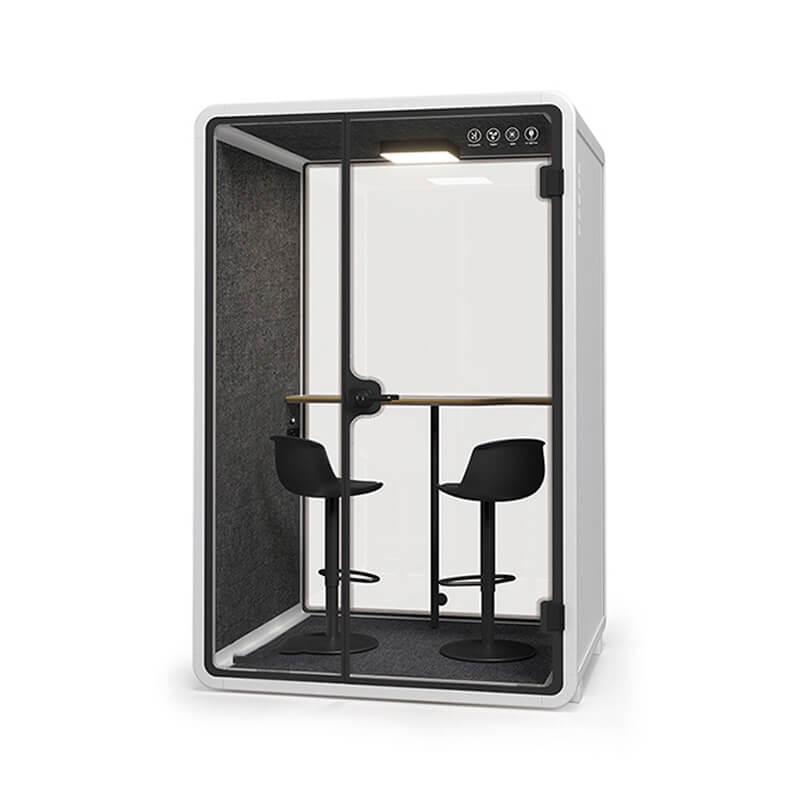
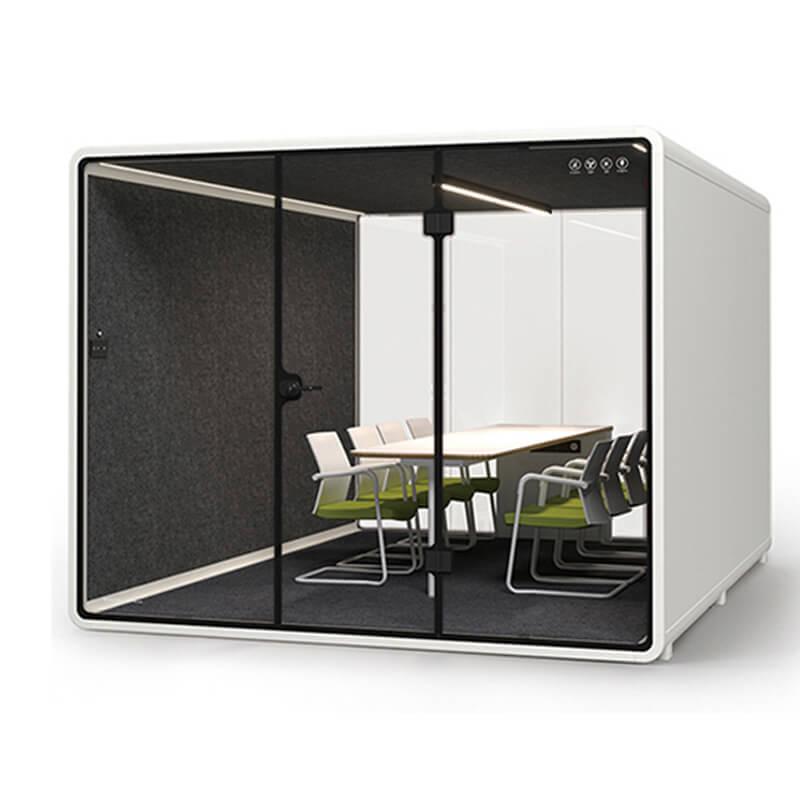
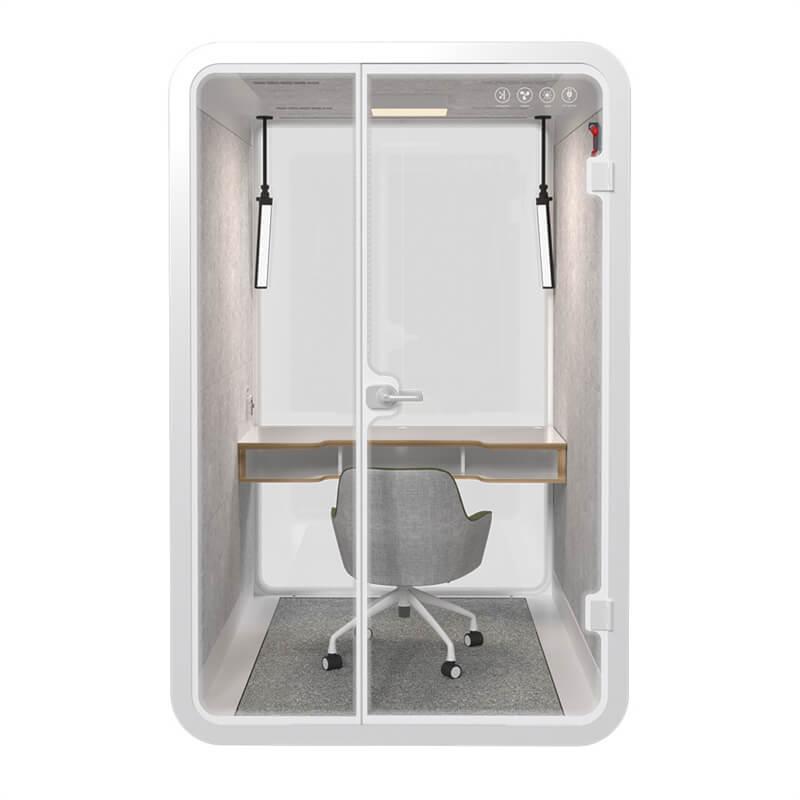
Nominal capacity is only the starting point. Project teams spread out laptops, notebooks, samples, and marked-up documents. They may need a shared display while keeping one screen private. Use a dimensioned layout to check table depth, elbow room, door swing, circulation, camera background, and the distance between faces and microphones. The layout should support the demanding normal meeting, not simply hold the advertised number of seats.
Test transitions as well as static positions. One person may stand to point at a display, another may enter late, and a third may need to leave without ending the call. A layout that looks balanced in a photograph can become awkward when cables, bags, and active documents appear. Note which compromise is acceptable and which would repeatedly interrupt the team.
Compare the available meeting pod format with the workflow record rather than treating a larger footprint as an automatic upgrade. Extra space may help material handling, while a smaller arrangement may better suit short focused reviews. The team’s session pattern supplies the decision rule.
Define what the project team means by acoustic performance. It may need nearby colleagues to lose the detail of a discussion, remote participants to hear speech clearly, occupants to avoid distraction, or all three. These are related but different observations. Write them separately so a broad description such as acoustic or soundproof does not become an unsupported universal conclusion.
Use normal speech and the intended location when possible. Listen outside at the relevant neighboring work area, not only beside the wall. Ask a remote participant to report clarity, echo, background noise, and interruptions. Inside, notice whether people raise their voices or change posture to be heard. Record the office background condition because a result in an active workspace may not transfer to a very quiet room.
Supplier documents can explain a configuration or test context, but the buyer still needs to decide whether that context resembles the planned use. Keep reported data, site observation, and user opinion in separate fields. This avoids converting one kind of evidence into another and makes limitations visible to reviewers.
Run the actual conferencing platform on the laptops, cameras, microphones, speakers, and display arrangement the team expects to use. Check the route from cable connection or wireless setup to joining, screen sharing, changing presenters, and ending the call. A pod can provide a suitable room while the technology experience still fails because equipment ownership or settings were never agreed.
Invite someone outside the pod to join remotely and assess the meeting from that side. Ask whether every speaker is understandable, faces are framed, shared content is readable, and room sounds interrupt the discussion. Inside, note glare, camera height, cable reach, power access, and whether people can see both colleagues and content without sustained awkward posture.
The workflow map below keeps observations attached to a meeting stage. It prevents a general good or bad rating from hiding the location of a problem and gives facilities, IT, users, and the supplier a clear place to respond.
| Meeting stage | Representative action | Observation to retain | Likely owner to confirm |
|---|---|---|---|
| Prepare | Find the pod, bring material, connect devices | Search, access, cable, and setup friction | Workplace and IT |
| Open | Seat participants and join remote attendees | Camera frame, speech pickup, display visibility | Team, IT, and configuration |
| Review | Discuss, annotate, share a screen, handle documents | Movement, privacy boundary, glare, and interruptions | Configuration and location |
| Decide | Confirm actions and sensitive details | Speech behavior and information exposure | Meeting owner and workplace |
| Reset | Disconnect, remove material, clean, release booking | Turnover time and unclear responsibilities | Operations |
A short visit cannot represent a long coordination session. Use the longest normal meeting duration and the expected number of occupants. Observe airflow, temperature perception, noise from fans or surrounding work, seating posture, and the temptation to leave the door open. Record when discomfort appears rather than claiming that one session proves a universal comfort result.
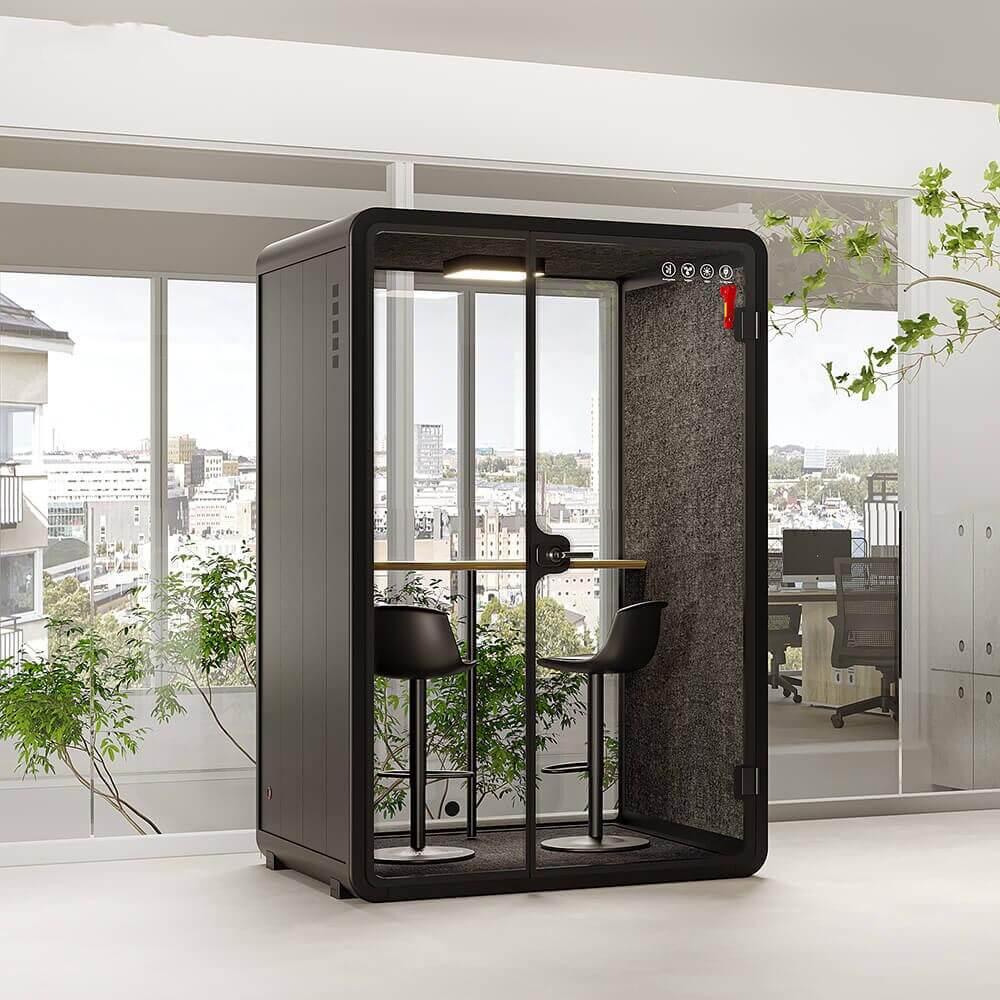
Location changes the experience. Nearby printers, circulation routes, bright windows, informal collaboration zones, and quiet desks can affect entry, glare, distraction, and the perceived speech boundary. Review the pod as part of that neighborhood. If the final location is not available, list the assumptions that a later site check must close.
Room reset is part of project-team efficiency. Decide who removes confidential notes, checks cables, reports faults, cleans high-touch surfaces, and returns furniture to the agreed arrangement. A pod that works during the meeting but is routinely left unusable has not passed the full workflow trial.
Bring the observations together by meeting stage, not by the order of a brochure. For each requirement, state the configuration tested, evidence seen, remaining assumption, responsible owner, and the effect on the decision. A requirement can pass, pass with a site or operating condition, require a different option, or remain unresolved. Avoid averaging a serious failure into a high overall score.
Compare alternatives only after the same representative session has been considered. One pod may favor document-heavy collaboration, another a compact hybrid check-in, and another a longer confidential review. The right outcome can differ by team. If several meeting routes matter, decide whether one configuration handles all of them acceptably or whether demand should be split across different spaces.
Preserve minority observations when they identify a real boundary. A taller participant, a user with an assistive device, a facilitator who works with physical samples, or a remote colleague using a different platform may reveal a condition hidden by the average session. The team should decide whether that condition belongs in the main configuration, an operating note, an alternative space, or a later specialist review. Deleting the observation because most participants were satisfied would weaken the decision file.
The final record should be understandable to someone who did not attend the demonstration. Attach the layout, equipment list, site assumptions, observation map, supplier evidence, and open actions. That file gives procurement a defensible basis for selection and gives the handover team a ready-made acceptance route.
Use the same record to brief installation and handover teams. It should show where the display is expected, which devices remain buyer supplied, which location assumptions matter, and what session will be repeated after assembly. This continuity limits a common failure: procurement approves one workflow, the installer receives only a product code, and users later test a different arrangement. A workflow-based brief keeps the reason for each option available through the project.
Close the comparison with a dissent check. Ask each reviewing role to name the strongest reason not to select the preferred configuration and the evidence that would resolve it. A facilities concern may involve access, an IT concern may involve device support, and a user concern may involve the session layout. Recording these views does not force consensus, but it prevents an unresolved specialist issue from disappearing beneath a general approval.

No. It describes only part of the decision and may refer to a particular configuration or test context. Project-team fit also depends on layout, documents, technology, session length, location, operating rules, and the specific privacy observation the buyer needs.
Use normal participants, devices, working material, conferencing software, and a credible meeting duration. Follow preparation, connection, discussion, screen or document review, decision capture, exit, and reset. Include a remote listener when hybrid work is part of the requirement.
State the observation and context: where the listener stood, what background activity was present, whether words were understandable, and which configuration was used. Keep supplier documentation separate from site observation and record any condition that limits the result.

Facilities should cover placement and services, IT the device and network route, representative users the meeting workflow, procurement the scope, and the supplier the offered configuration and evidence. Assigning each observation prevents important gaps from becoming nobody’s responsibility.
Compare an acoustic office meeting pod by following the work, not by counting features. A representative project session reveals whether people, material, displays, speech boundaries, remote participants, occupied comfort, and room reset form a usable route.
Select the configuration whose trade-offs are understood in the proposed context. Keep the workflow-fit record for handover, because the same observations that justify the purchase can later verify that the installed room supports the team’s real meetings.
Where evidence remains conditional, name the condition and its owner rather than smoothing it into a broad recommendation.

 Tel: +8613538031763
 Email: info@sopworkpod.com
 MP/WhatsApp: +8613538031763
 Manufacturer Address:Liucheng Lujiang District,Meixi Road,Nanan City,Fujian,China