Need Help?
Please leave your contact information to get our latest catalog
Get In Touch Now >


Author:SOP Work Pods Manufacturer TIME:2026-08-04
Voiceover Booth Signal-Chain Index
A home booth for voiceover work has two separate acoustic jobs. It must reduce unwanted sound entering from the home, and it must control reflections around the microphone so recorded speech is clear and consistent. These jobs are related but not interchangeable. Thick internal absorption does not stop a nearby door slam, while a well-sealed shell can still sound boxy if the microphone hears strong short reflections.
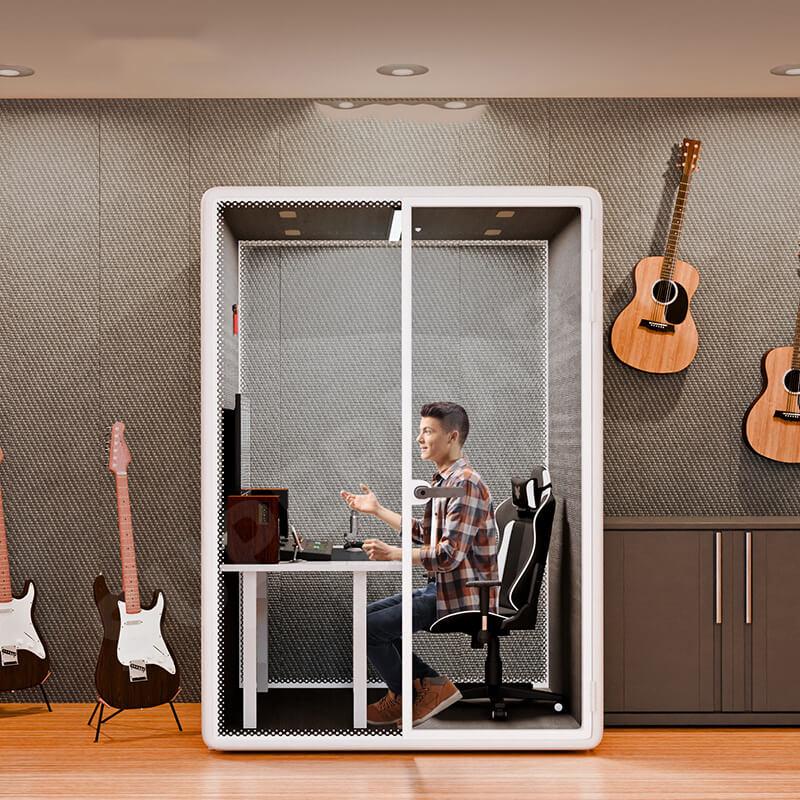
The buying brief should follow the recording signal chain from speaker to microphone, cable, interface, computer, and remote client. It should also account for heat, scripts, retakes, and household schedules. The video above is selected from the site's soundproof music-booth library and shows a relevant manufacturing context. Use it to understand assembly, then require a recording made in the proposed configuration before final approval.
Make a twenty-four-hour noise inventory before deciding where the booth will stand. Record traffic cycles, aircraft, neighbors, plumbing, kitchen appliances, heating and cooling equipment, computer fans, pets, children, floor impact, doors, rain, and garden machinery. Mark each event by time, duration, direction, and whether it produces low rumble, tonal noise, speech, or sharp impact. A short daytime visit can miss the event that ruins evening sessions.
Choose the quietest practical room position before relying on construction. Keep distance from shared walls, mechanical cupboards, laundry equipment, and lightweight floors where possible. Note flanking paths through the building: sound can travel through structure, ducts, gaps, and adjacent rooms rather than directly through the nearest booth panel. The supplier needs this context to discuss realistic limitations.

Measure the working envelope, not just the person. Include chair movement, standing narration, microphone arm, pop filter, script holder, screen, keyboard, audio interface, headphones, water, and the door path. A compact booth may fit a seated speaker but force the microphone too close to a wall or place the script at an uncomfortable angle. Those compromises change performance across a long session.
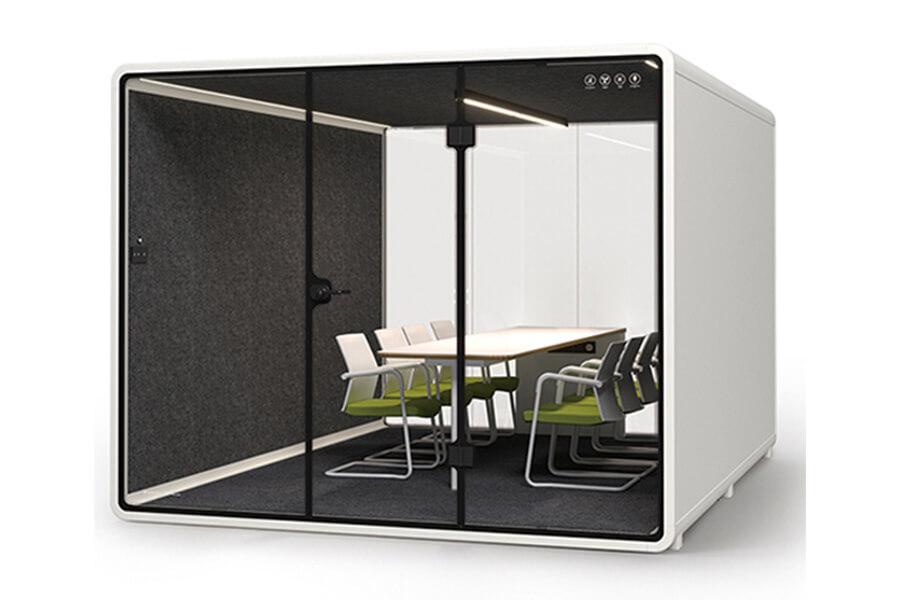
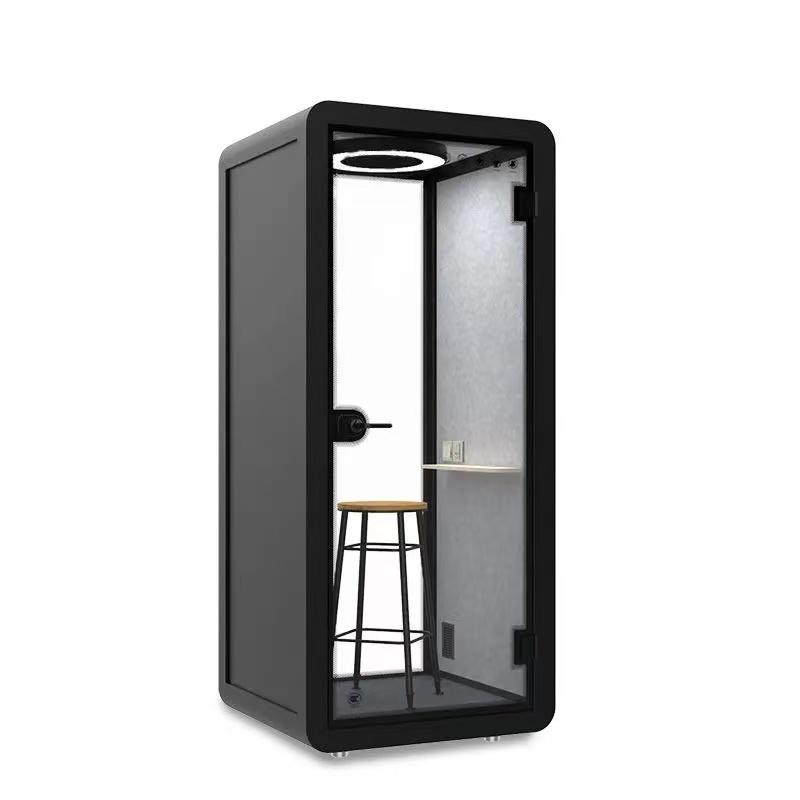
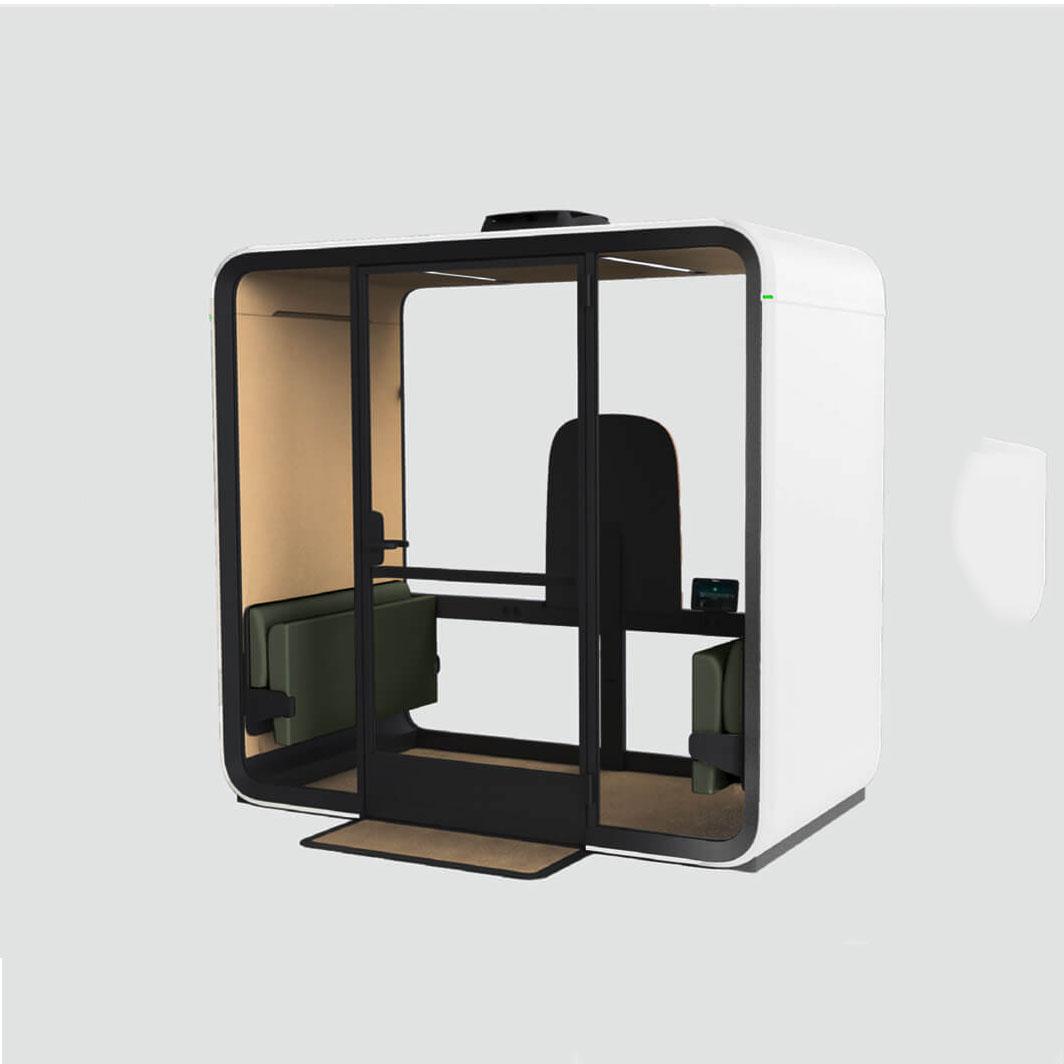
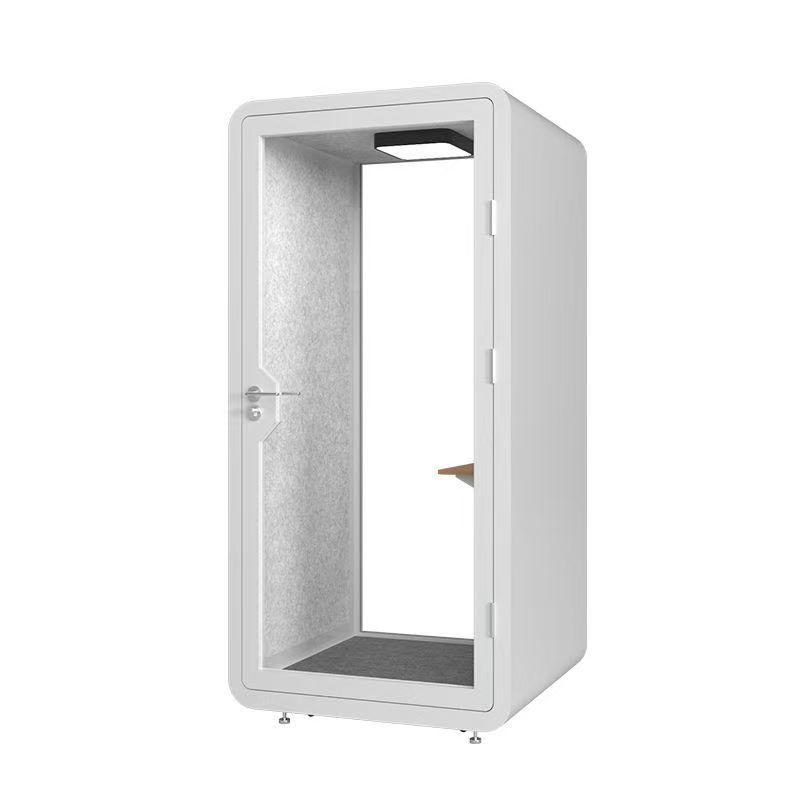
Set up a full-size mock layout with tape or temporary furniture. Rehearse sitting, standing, reaching the controls, turning a page, and leaving quickly. The microphone should remain stable when the desk is touched, and the operator should not brush absorptive surfaces or cable runs. Buyers reviewing a soundproof booth configuration should compare internal usable dimensions and equipment clearances, not only exterior footprint.
Voiceover treatment should reduce distracting early reflections while avoiding an unnaturally dull or uneven result. Ask how wall, ceiling, door, glazing, desk, and floor surfaces interact around the intended microphone position. A treatment package should be evaluated with spoken words, not only hand claps. Listen for coloration on vowels, hollow low-mid buildup, flutter between parallel surfaces, and changes when the speaker turns slightly.
Do not assume that every visible soft surface is acoustically useful at all frequencies. Request construction information and a representative recording. If panels can be repositioned, document the approved arrangement so cleaning or later equipment changes do not alter it accidentally. Keep fire, cleaning, durability, and indoor-air requirements in the material review; a recording surface is still part of an occupied room.
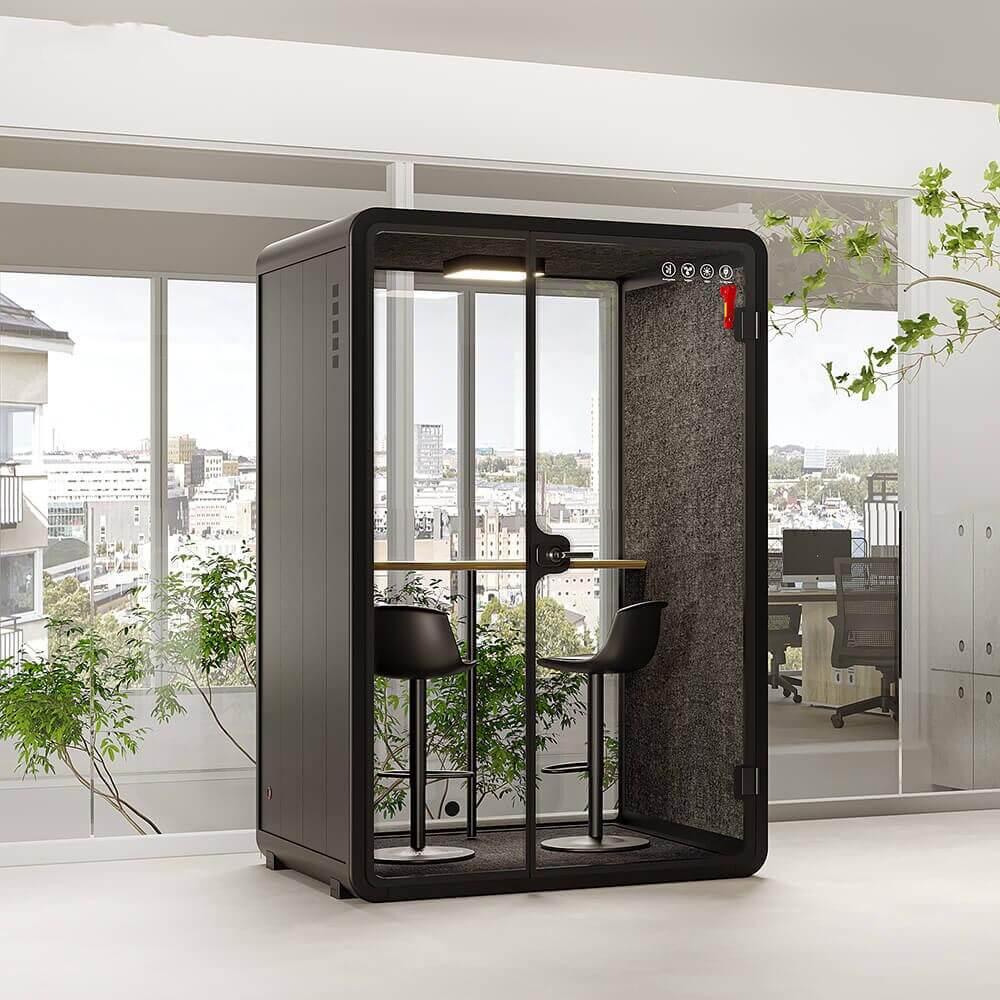
A narrator, display, computer, interface, and lighting all add heat. Test the booth with the door closed for the longest expected recording block. Ask how air enters and leaves, how fan speed is controlled, which parts require cleaning, and whether the ventilation sound is audible in a sensitive microphone. A fan that seems quiet to a person may create a steady noise floor in the recording.
Run two takes: one with ventilation operating normally and one under any approved short recording mode. Compare the files at the same gain and monitoring level. If ventilation is ever paused, the supplier and user should define a safe, time-limited operating method and a clear restart routine. Opening the door between every sentence is not a practical substitute for designed air movement.
Provide enough outlets for the interface, computer, monitor, lighting, chargers, and any approved cooling equipment without chaining temporary adapters. A qualified electrician should confirm local electrical requirements, protection, earthing, cable entry, and load. Keep mains power and sensitive audio cables organized, and test for hum or interference with the complete system operating.
Route cables so the door seal remains intact and chair wheels cannot damage them. Use strain relief at the microphone arm and provide an accessible point for disconnecting equipment. If the recording computer stays outside to reduce fan noise, plan a sealed connection method and verify cable length, latency, and control access. Do not improvise a gap through the doorway after the booth is installed.
The script position affects both delivery and noise. Paper can reflect sound and create page-turn noise; a screen can introduce fan noise, glare, and visual fatigue. Test the real script format at the microphone. Position text near the natural sightline so the narrator does not rotate away from the microphone, and adjust brightness so the face is comfortable during video-directed sessions.
Monitoring controls should be reachable without leaning into the microphone stand. Provide a stable place for the audio interface and a silent way to communicate with a remote producer. If a talkback or video-call device is used, test whether its speaker leaks into the recording. A clear operating diagram helps another narrator reproduce the approved setup instead of rebuilding the signal chain each time.

Test with realistic events outside: normal conversation in the adjacent room, a closing door, footsteps above or below, plumbing, the heating system, and common appliances. Record continuous room tone and spoken material while each event occurs. Listen on accurate headphones or monitors at a consistent level, and note whether the event is audible, identifiable, or likely to require a retake.
Also test sound leaving the booth. A late-night narrator may disturb sleeping occupants or neighbors even when incoming noise is acceptable. Place listeners at the most sensitive locations and use the intended performance level. Agree household quiet periods, door rules, and session hours when construction alone cannot manage every event. Operational controls are part of a realistic home-studio plan.

Use one short script with plosives, sibilants, quiet phrases, projected phrases, and pauses for room tone. Record the same performance position before and after any treatment or equipment change. The protocol below is an acceptance aid, not a substitute for professional acoustic analysis.
Keep the unprocessed source files and dated setup notes. They provide a reliable baseline when a seal, fan, microphone, room position, or household schedule changes later.
| Test segment | Controlled condition | Listen for | Record with result |
|---|---|---|---|
| Room tone | Speaker still, normal operating systems on | Fan tone, traffic, hum, household events | Gain, ventilation, time of day |
| Neutral narration | Fixed mouth-to-microphone distance | Natural timbre and consistent level | Microphone position photograph |
| Projected line | Same position, higher performance level | Reflections, rattles, sound leakage | Outside listener notes |
| Page or screen use | Normal script workflow | Rustle, desk vibration, fan or keyboard noise | Approved script arrangement |
| Ventilation comparison | Approved operating settings | Noise-floor change and heat comfort | Setting and occupied duration |
| Remote direction | Producer connected through normal platform | Talkback leakage, latency, workflow delays | Device and connection diagram |
Will a home booth remove all outside noise?
No. Performance depends on the complete shell, seals, ventilation, installation, building structure, noise frequency, source level, and location. Test the most important real household events before acceptance.
Is acoustic foam enough for voiceover work?
Foam or other absorptive treatment may help control some internal reflections, but it is not the same as sound isolation. The material selection should also address fire, durability, cleaning, and the required frequency range.
Should the computer be inside or outside?
Either can work. An inside computer simplifies control but adds heat and fan noise. An outside computer needs planned sealed cable routes and reliable remote control. Test the entire workflow.
How large should a voiceover booth be?
Large enough for the narrator's seated or standing posture, microphone system, scripts, controls, ventilation, and safe exit without crowding reflective surfaces. Make a full-size equipment mock-up before ordering.
What should be rechecked after changing microphones?
Repeat the room-tone, reflection, ventilation, working-distance, gain, and outside-leakage tests. A more sensitive microphone or different polar pattern can reveal conditions that were less obvious before.
A home soundproof booth for voiceover work should include a shell and sealing strategy suited to observed household noise, controlled internal reflections, quiet ventilation, safe power and cable routes, an ergonomic script workflow, and a repeatable recording test. Keep the established product keyword, but evaluate the purchase through actual audio files and documented settings rather than appearance or a single acoustic claim. Approval should mean the narrator can reproduce a clean, comfortable workflow during the hours when the booth will really be used.

 Tel: +8613538031763
 Email: info@sopworkpod.com
 MP/WhatsApp: +8613538031763
 Manufacturer Address:Liucheng Lujiang District,Meixi Road,Nanan City,Fujian,China


