Need Help?
Please leave your contact information to get our latest catalog
Get In Touch Now >


Author:SOP Work Pods Manufacturer TIME:2026-08-28
An escalation call can fail before the specialist has heard the customer's problem. The agent may repeat authentication while walking away from an open desk, lose the softphone session during a transfer, or reach a private room without the supervisor and account context needed to act. A quieter enclosure matters only when it removes one of those observed breaks.
The useful test begins with a real operating sequence rather than a promise about concentration. Follow the call from first contact through triage, movement, handoff, supervisor support, resolution, documentation, and agent recovery. At each step, record what the customer, agent, software, and workplace must preserve.
This review produces an escalation route with release conditions. It separates environmental friction from policy and staffing problems, then checks whether a quiet booth improves privacy and continuity without creating a longer hold, a failed transfer, or a new support bottleneck.
Select representative escalation types: billing dispute, service failure, technical incident, vulnerable customer, cancellation risk, complaint about an employee, or account-security concern. Record who receives the first contact, what authority they have, which facts must be captured, when a supervisor joins, and how the customer is told that the call is moving.
Measure current friction. Note hold time, repeated authentication, missing notes, background interruptions, transfer failure, callback, and after-call work. Ask agents which events make them raise their voices or leave their desks. The booth requirement should trace to one or more observed problems.
Separate call sensitivity from call difficulty. A technically difficult issue may not require greater speech privacy, while a short personal complaint may. Build routing categories that consider data, emotion, participation, and expected duration. This prevents a limited booth supply from becoming the default location for every call that feels uncomfortable.
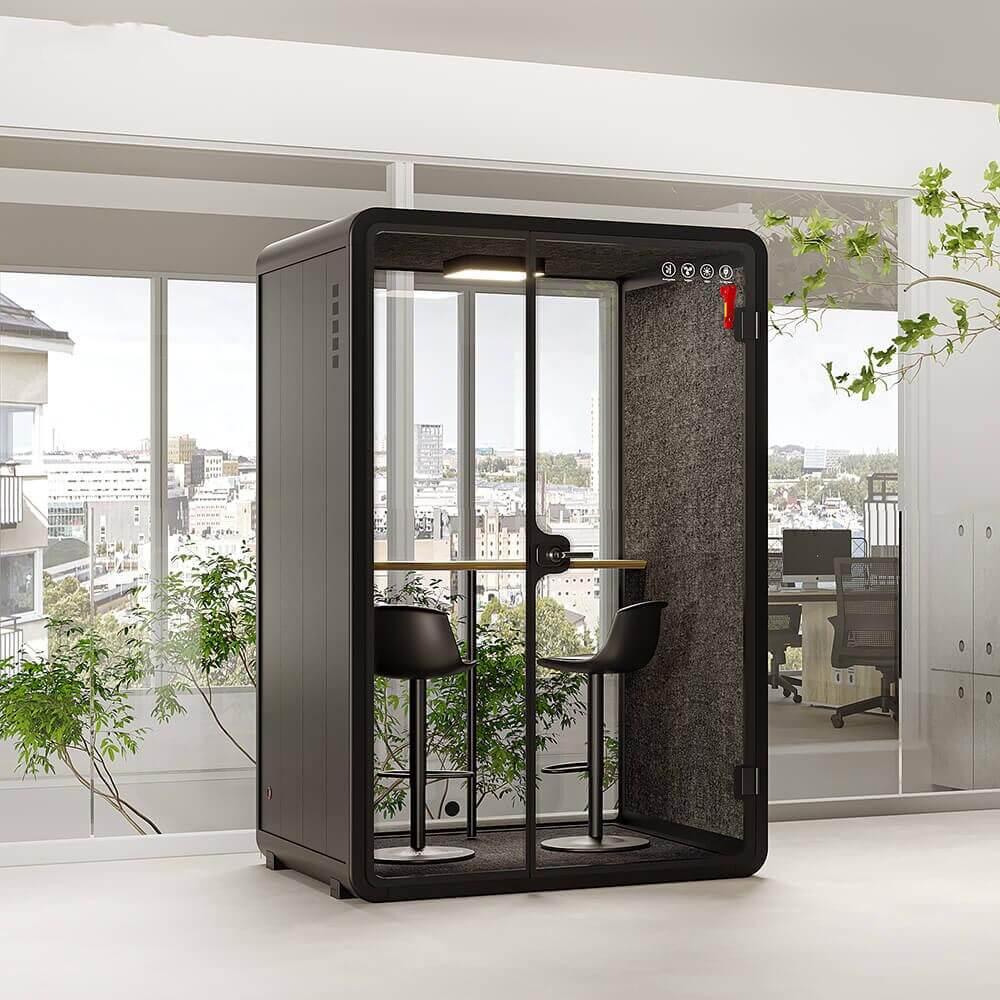
Create a simple trigger that an agent can apply under pressure. Examples include a need to discuss sensitive account information, repeated distraction at the open desk, an extended supervisor-assisted call, or a customer whose situation requires a calmer speaking environment. The trigger should also identify cases that belong in another approved room or specialist workflow.
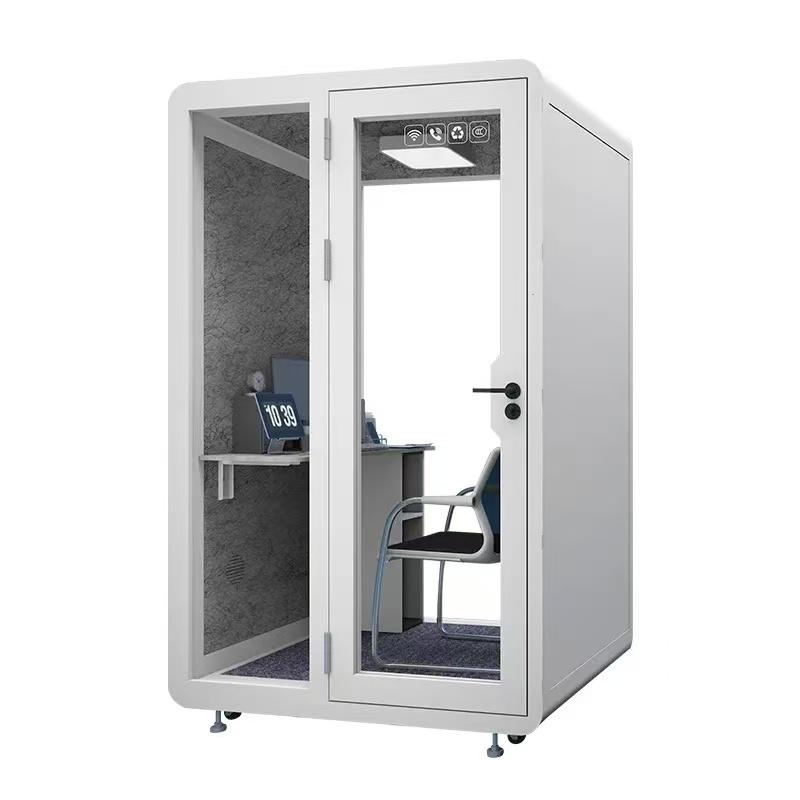
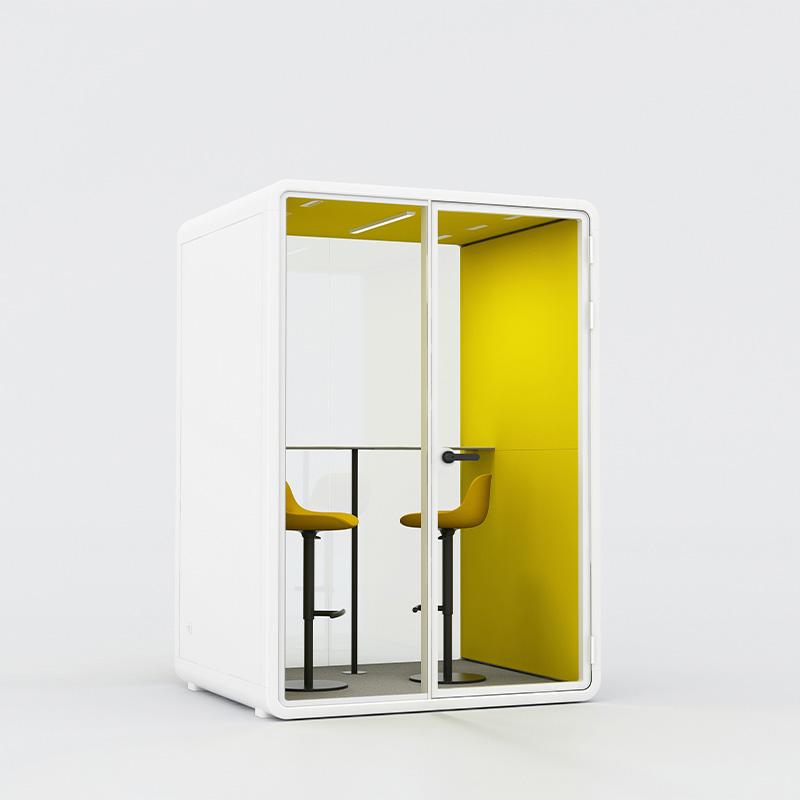
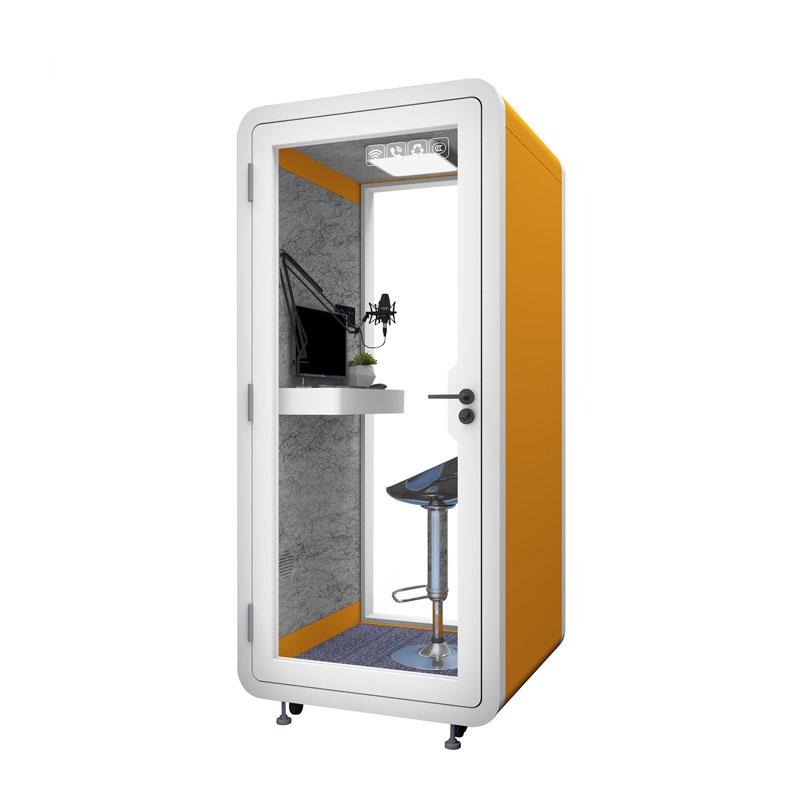
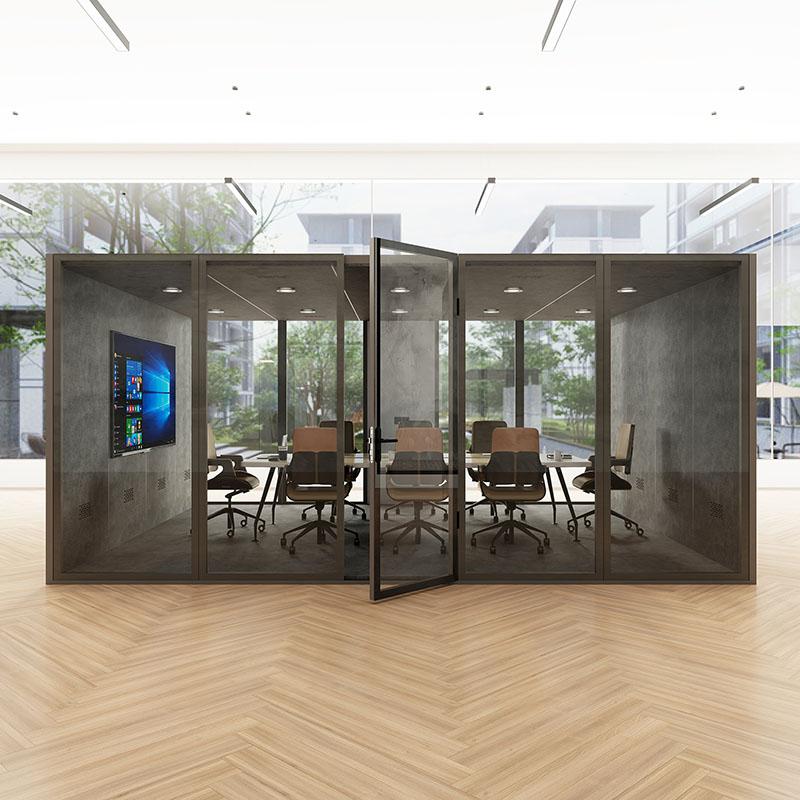
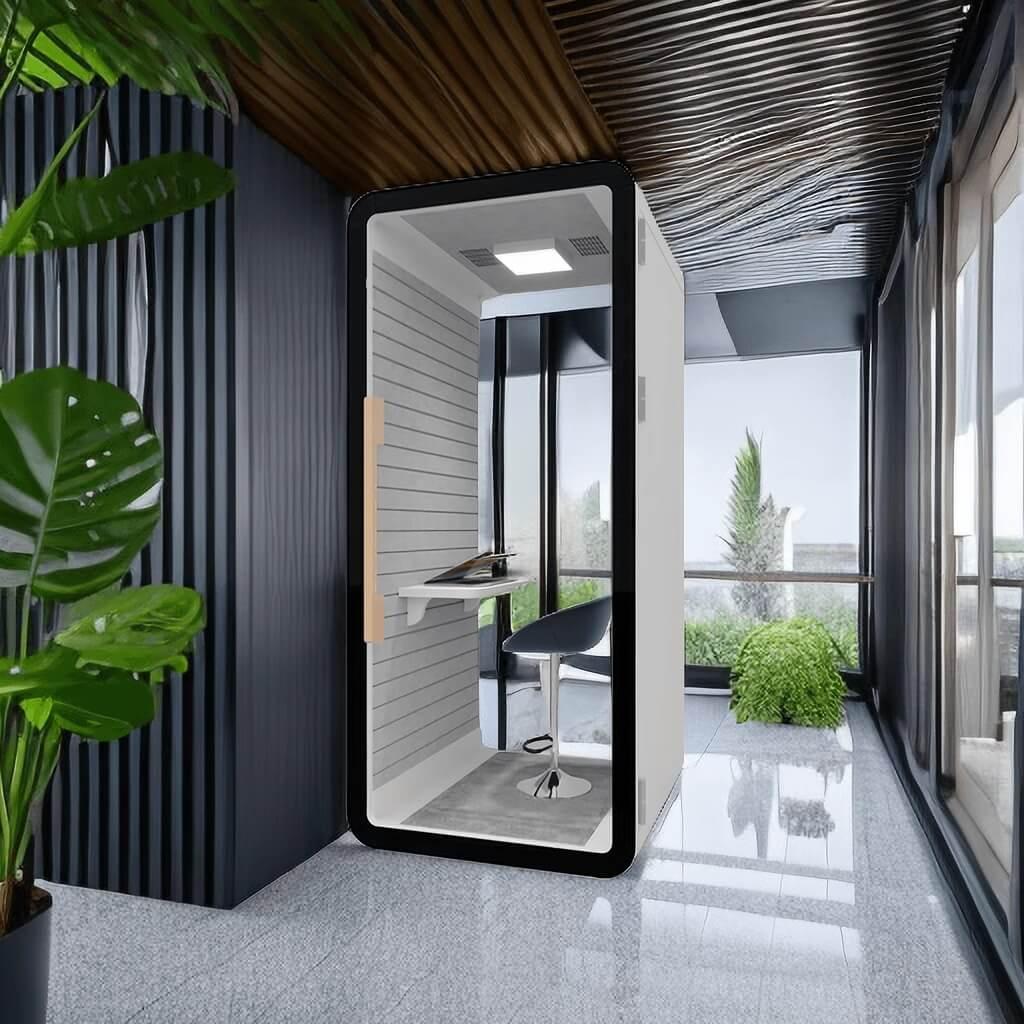
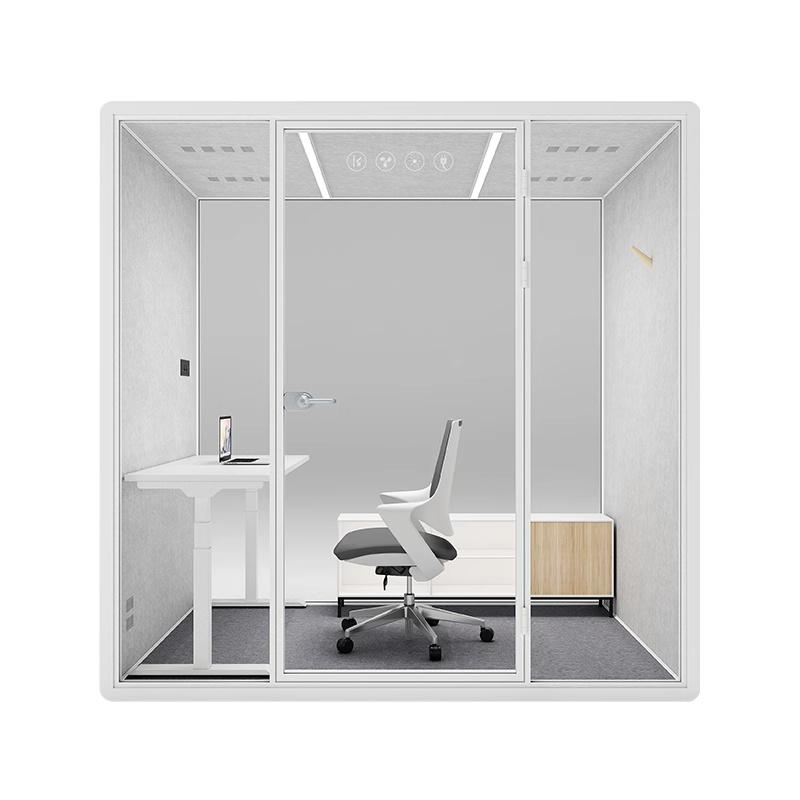
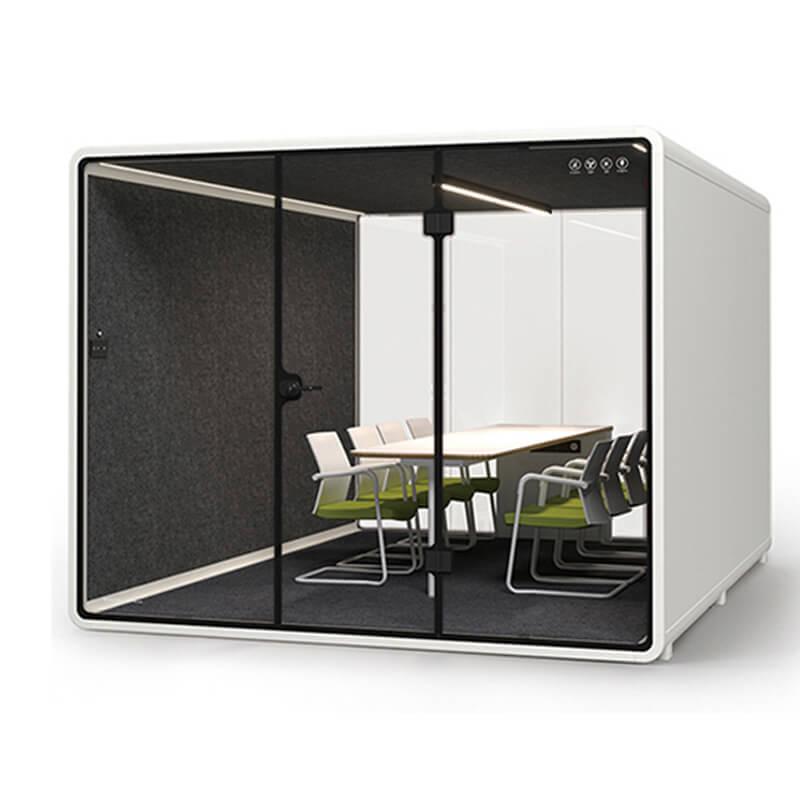
Review the available office phone booth configurations only after the trigger, equipment, privacy boundary, and supervisor route have been written. The product reference reference supports configuration discussion; the occupied pilot decides whether the selected setup belongs in the escalation process.
Decide whether the agent moves before a live transfer, places the customer on a short hold, schedules a callback, or begins the escalation from the pod. Test the movement time and system behavior. A distant booth can increase silence, hold time, and abandonment. A nearby booth can create a visible queue or expose screen content if its location is poorly chosen.
Reserve some immediate-access capacity rather than filling every booth with long focus bookings. Use occupancy information that shows availability without exposing who is handling an escalation. Review the trigger after the pilot; if agents ignore it, investigate whether the problem is training, availability, access, or the rule itself.
Before moving, the agent should capture a concise escalation note: verified identity status, customer's stated issue, actions already taken, promised next step, emotional or communication need, and the authority requested. The note should follow approved data practices and avoid speculation. It should let the supervisor join without asking the customer to repeat the entire story.
Test application persistence when the agent changes location. A laptop may retain the session, while a shared booth computer creates sign-in, profile, cache, and sign-out risks. Headset reconnection, softphone state, VPN, authentication, and screen sharing should be reliable. Do not assume a good Wi-Fi signal guarantees continuity.
Define ownership after handoff. The original agent may remain the customer contact while the supervisor advises privately, or the supervisor may take over. Both models need clear language and system notes. The pod layout and capacity should support the chosen model rather than forcing an unplanned second person into a one-person booth.
Evaluate speech at the installed location with normal and animated voices. Listen from adjacent desks, circulation, waiting points, and the ventilation side. Record whether words are intelligible rather than using the word 'soundproof' as a guarantee. Door gaps, user cables, hard nearby surfaces, and background sound affect the result.
Review sightlines to the customer record, camera background, paper notes, account numbers repeated aloud, screen notifications, and device locking. A quiet booth can reduce casual listening while a fully visible screen creates another exposure. Use organization-approved headsets and communication platforms.
Recording, transcription, quality monitoring, and supervisor-listen features should follow applicable organizational and legal requirements. The physical booth does not create consent or authorization. Support, privacy, security, and legal teams should approve the workflow for the relevant locations and customer groups.
Choose how supervisors assist. They may join remotely, sit beside the agent in a two-person pod, use an approved whisper function, or receive a separate internal message. Each model has different capacity, microphone, camera, and privacy implications. Test the method with the real support platform.
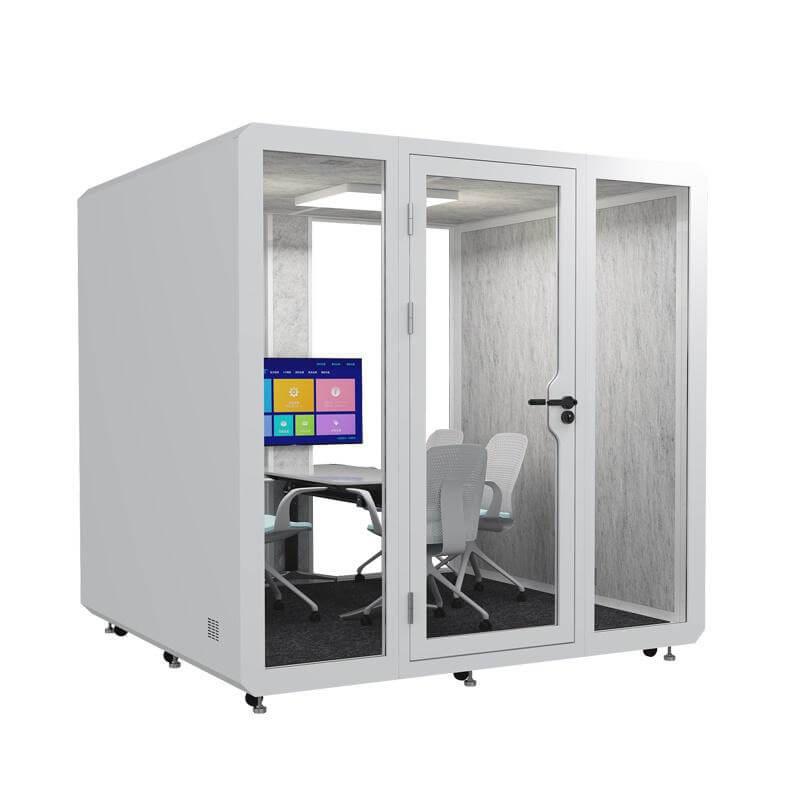
A one-person booth should not become a two-person room because the situation is urgent. Crowding can block the exit, worsen heat, place faces outside the camera frame, and increase call echo. If frequent joint escalations occur, provide a properly sized configuration or route them to an available room.
Supervisor availability needs an operating rule. A quiet booth does not help if the agent waits alone for ten minutes. Define escalation channels, response expectation, backup supervisor, and the point at which the customer receives a callback instead of remaining on hold. Buyers can compare quiet office phone booth options after the participation model is known.
Arrange the work surface around the approved support equipment: laptop or managed workstation, one or two displays, headset, camera, authentication device, and limited paper if allowed. Check screen distance, keyboard depth, mouse space, cable reach, outlet position, glare, and visibility through glass.
Standardize the call setup. Use a tested microphone level, camera position, lighting setting, notification policy, and background. Store shared adapters and cleaning items outside the customer-data area. If the booth has a display, define sign-out and clearing. Do not leave administrator controls accessible to every user.
Provide a quick pre-call check that takes less than a minute: network, headset, CRM session, booth air, door, and supervisor channel. Provide a fault code and alternate location. Agents should not troubleshoot complex technology while an upset customer waits.
Escalation calls can involve raised voices, emotional strain, and sustained concentration. Test the booth for the longest realistic call with all devices operating. Observe temperature, air movement, fan sound, seat pressure, posture, lighting, and whether the agent opens the door for relief.
Set a transition after difficult calls. The agent may need a short note-completion period, supervisor debrief, wellbeing support, or a different task. Do not maximize back-to-back booth bookings at the expense of air recovery and agent recovery. The operating model should align with established employee-support procedures.
Check accessibility for agents with varied mobility, hearing, vision, sensory, or stamina needs. An alternative private call location should provide an equivalent workflow when a particular booth is unsuitable. Avoid requiring disclosure to a broad team in order to reserve it.

Select a limited agent group, supervisor group, call categories, and trial period. Capture a baseline before introducing the booth. Train participants on triggers, movement, handoff note, privacy, technology, fault response, and room reset. Keep another approved escalation path available.
Observe real workflow without using customer content for unnecessary analysis. Useful operational evidence includes time to reach a suitable booth, transfer continuity, supervisor response, repeated explanation, avoidable interruption, door opening, technology fault, and after-call reset. Use appropriate governance for any customer or employee data.
Hold weekly reviews during the pilot. Correct location, booking, equipment, and training problems while the trial is running. Distinguish novelty from sustained behavior by measuring more than the first few days. Document configuration and limitations before expanding to other teams.
A balanced evaluation combines customer, agent, process, and facility evidence. Faster calls are not automatically better if the customer repeats information or receives a premature resolution.
| Outcome area | Measure | Useful interpretation | Warning |
|---|---|---|---|
| Customer continuity | Repeated explanation and failed transfer rate | Whether handoff preserves context | Do not infer sentiment from duration alone |
| Escalation access | Time from trigger to usable private space | Whether location and availability work | Exclude time caused by unrelated system outage |
| Agent environment | Interruptions, door opening, comfort reports | Whether the booth supports the call | Protect employee privacy in reporting |
| Supervisor support | Response time and participation method | Whether the operating model is staffed | A booth cannot solve unavailable authority |
| Technical reliability | Call, CRM, headset, and network faults | Whether the workstation is dependable | Separate user error from recurring defect |
| Resolution quality | Approved repeat-contact or re-escalation measure | Whether the outcome lasts | Use an appropriate observation window |
No. It helps when environment is a documented constraint. Handoff quality, authority, software, staffing, and policy must also support the escalation.
That depends on tested movement time, call platform, customer situation, and policy. Some cases work better as a planned callback or a transfer initiated from the booth.

Do not exceed the intended capacity. Use remote assistance, an appropriately sized pod, or another approved room.
Test speech intelligibility and screen sightlines at relevant points in the installed office, then combine that evidence with approved device and data procedures.
A quiet office phone booth earns a place in customer support when the complete escalation route becomes more reliable: agents reach privacy at the right moment, context survives movement, supervisors can participate, approved systems remain stable, and difficult calls do not create avoidable recovery or accessibility problems.
Keep the booth only when the pilot shows that improvement across customer, agent, process, and facilities evidence. When the result is weak, use the incident record to correct routing, software, authority, staffing, or location instead of treating additional enclosures as the automatic answer.
What makes a pilot credible: A baseline, representative cases, a documented trigger, stable configuration, balanced outcomes, data governance, and enough time for novelty to fade make the result more useful.

 Tel: +8613538031763
 Email: info@sopworkpod.com
 MP/WhatsApp: +8613538031763
 Manufacturer Address:Liucheng Lujiang District,Meixi Road,Nanan City,Fujian,China


