Author:SOP Work Pods Manufacturer TIME:2026-08-28
The best soundproof meeting pods layout for hybrid collaboration depends on what people must do together. A two-person interview, a four-person design review, a client presentation, a tutoring session, and a daily team check-in require different camera angles, screen positions, table depth, microphone coverage, document space, and movement. Seat count alone cannot identify the right layout.
The selection process should treat hybrid work as choreography between local participants, remote participants, content, devices, and the room. Define the session archetype, compare layout families at full scale, test the organization's actual platform, and observe whether every participant can see, hear, contribute, and understand who is speaking.
A useful pilot follows one complete agenda and records failures from both sides before any arrangement becomes the default.
List recurring sessions by local and remote participant count, duration, speaking pattern, content, confidentiality, and equipment. A one-to-one interview needs direct eye contact and a calm background. A design review needs a legible shared screen and space for physical drawings. A stand-up check-in needs rapid turn-taking more than a large table.
Record who leads, who presents, who annotates, whether local participants talk to each other, and how remote participants request the floor. Note documents, samples, whiteboards, interpreters, hearing support, or support persons. The pod should fit the whole collaboration sequence, not only the opening video frame.
Separate core and occasional formats. A compact layout optimized for the most frequent two-person hybrid work can be a better investment than a four-person pod used at full capacity twice a month. Route unusual sessions to another room when forcing them into the pod reduces participation quality.
Create a short scenario card for each recurring meeting pattern. Name the local and remote participant count, facilitation style, content type, expected movement, device platform, and any participant who needs captions, a clear view, or an accessible position. The card prevents a layout that worked for a presentation from being approved automatically for workshops, interviews, design reviews, or rapid stand-ups that place different demands on the room.
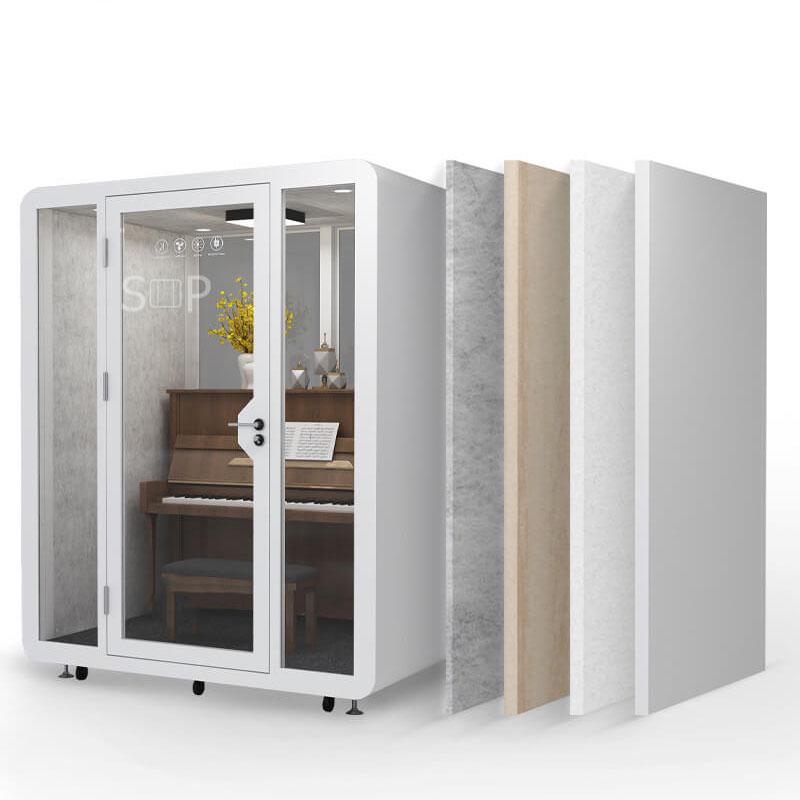
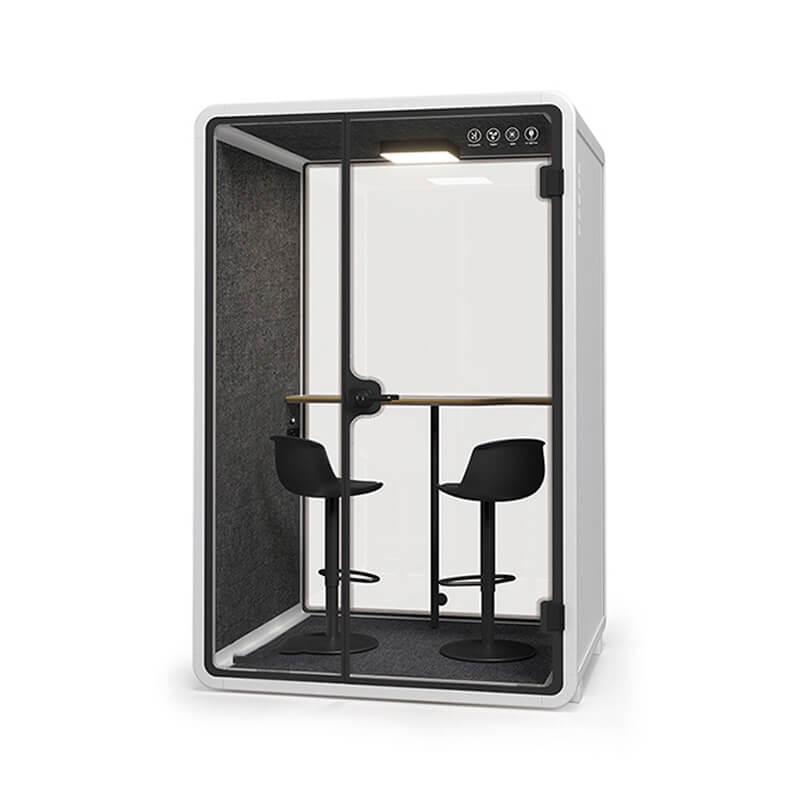
A front-facing layout places local participants side by side facing one display and camera. It creates a clear remote view and works for presentation-led sessions, but local conversation can feel less natural. A face-to-face layout supports local discussion but makes camera framing and shared content more difficult.
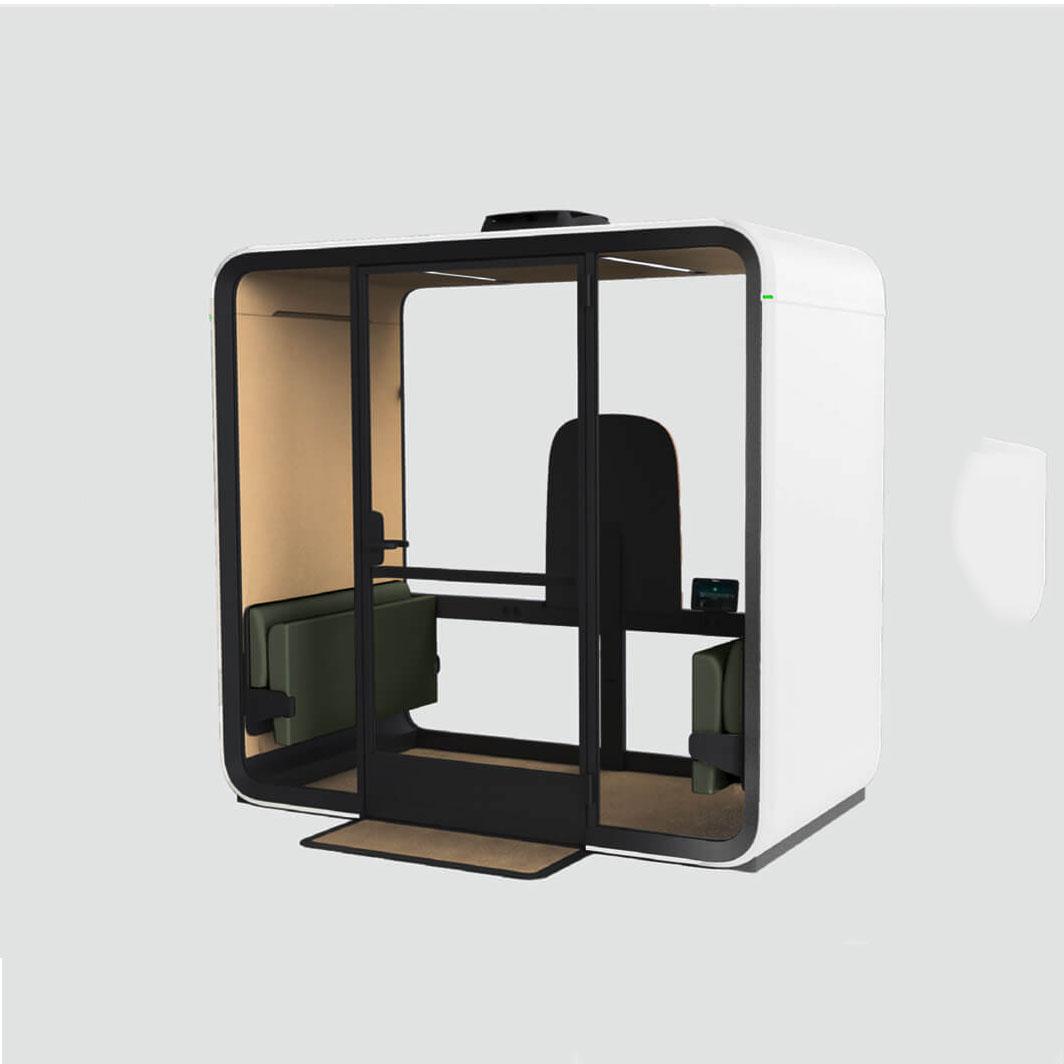
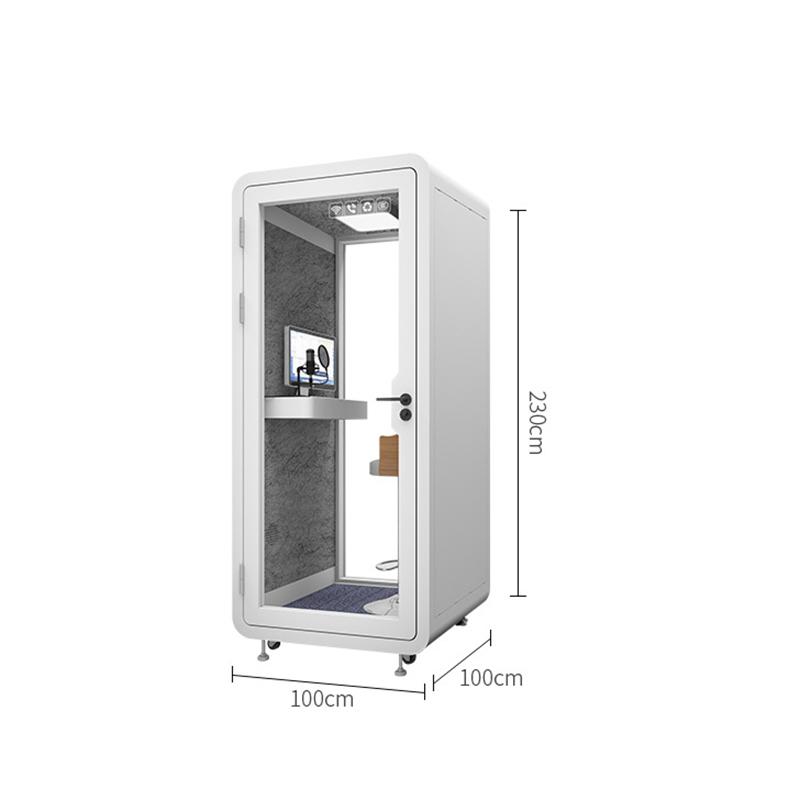
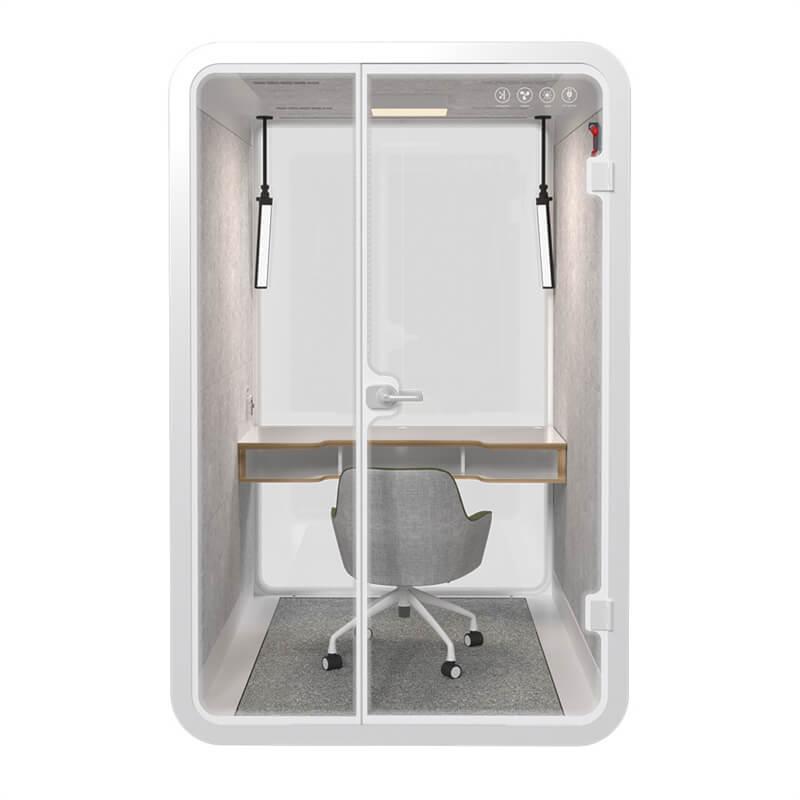
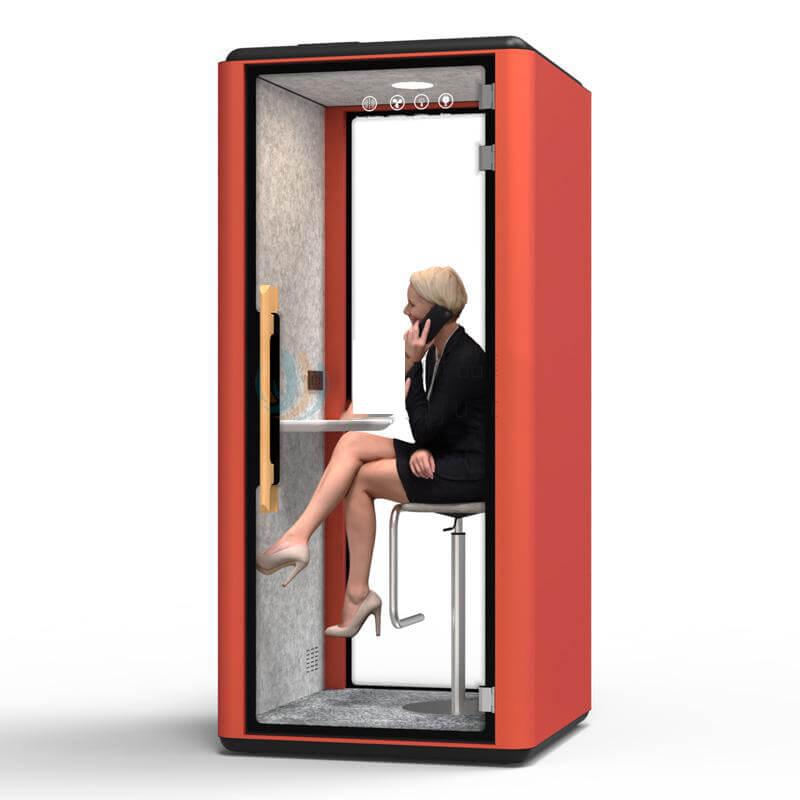
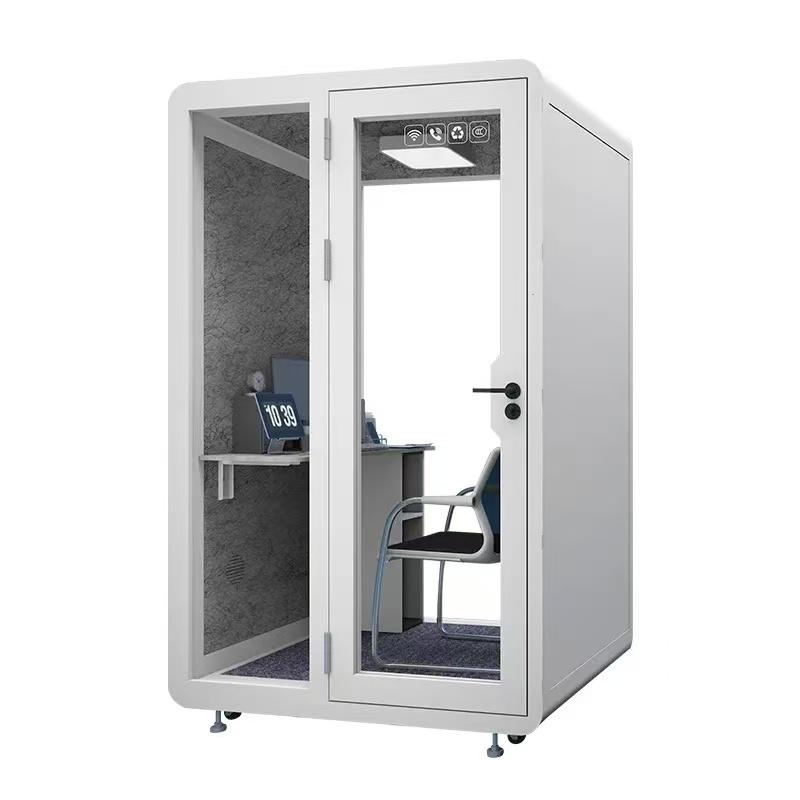
An angled layout turns seats toward both each other and the screen. It can balance eye contact and content, provided table corners and door clearance remain usable. A single-user focus layout serves one local participant with a larger remote group and can deliver strong framing in a compact footprint.
Mark each option at full scale with actual seats, table, display, camera, laptop, bags, and access route. Record knee clearance, viewing distance, exit, glare, screen sightlines through glazing, and whether any participant sits directly in a ventilation stream. Do not select from a plan thumbnail.
Remote participants should see local faces at a useful size, hear normal speech, identify the current speaker, view shared content, and enter the conversation without competing with side discussions. The layout should discourage local participants from turning away from the camera for extended periods.
Test turn-taking. Ask remote participants whether they can detect pauses and nonverbal cues. If local participants are small figures at the end of a long table, move the camera or reduce local capacity. If everyone looks at a laptop below the display, adjust content and camera geometry.
Create a facilitation rule for hybrid sessions: announce room changes, avoid private local sidebars, share physical content through an approved camera or digital file, and invite remote input at decision points. Room design supports equity, while meeting behavior completes it.

Set camera height near the local eye line and frame all intended participants without excessive empty wall or a view through the door. A very wide lens may capture the whole pod but distort faces and expose corridor activity. Use representative body sizes and seating positions during testing.
Choose display size and distance from actual content. Presentation text, spreadsheets, drawings, captions, and remote faces have different legibility needs. Check glare from booth lighting and office light through glass. A screen that looks bright in an empty showroom may be tiring in a long session.
Review privacy from outside. Content on a large display can be visible through glazing even when speech is controlled. Use orientation, screen position, approved visual treatment, and call routing. Buyers can review soundproof meeting pod layouts after defining display and camera geometry for their main sessions.
| Layout family | Strongest use | Evidence to collect | Common limitation |
|---|---|---|---|
| Single-user focus | One local participant with remote group | Camera eye line, screen distance, long-call comfort | No local collaborator capacity |
| Front-facing side by side | Interview, presentation, client call | Two-face framing, shared content, microphone balance | Local eye contact can feel constrained |
| Face to face | Local discussion with remote observer | Dual camera view, display rotation, remote turn-taking | One user may face away from camera |
| Angled collaboration | Mixed discussion and content review | Seat angles, table reach, camera and display sightline | Needs enough internal width and careful geometry |
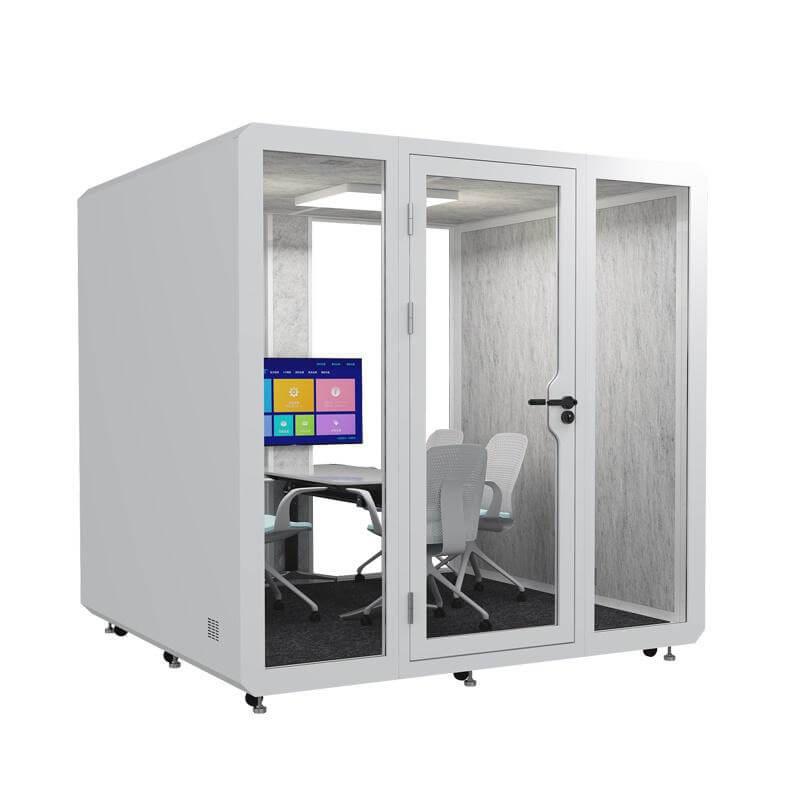
| Four-person team layout | Structured project review | Every-seat audio, heat, access, content legibility | Crowding and remote-participant scale |
| Accessible equivalent room | Sessions requiring more route or support space | Complete journey and equivalent technology | Must be equally bookable and private |
Run calls through the final platform with the intended microphone or room device. Test every seat at normal and quiet speech. Ask the remote listener to note clarity, level changes, echo, fan tone, keyboard noise, table vibration, and whether simultaneous speakers become unintelligible.
Internal acoustic treatment should support natural conversation without making speech dull or boxy. Ventilation paths and door seals affect both privacy and microphone noise. Do not infer complete-pod performance from one wall panel or use noise suppression to hide a layout that cannot support normal speech.
Test speech leaving the pod at relevant office positions. Hybrid sessions can become louder when participants compensate for poor remote audio. Correct device, microphone, and facilitation issues rather than asking users to speak unnaturally quietly.
Define whether content is presented, jointly edited, annotated, compared, or created from physical material. A display-led layout supports presentation but may not provide enough surface for drawings. A deep table supports materials but can push users too far from the camera.
Test the content path from a managed device: connection, authentication, sharing, captions, annotation, remote control, and clearing after the meeting. Avoid a collection of loose adapters. Label supported connections and provide a simple reset that does not expose administrator settings.
Physical whiteboards inside compact pods can create glare, limited camera visibility, and record-clearing risk. If they are essential, test their position and capture method. Otherwise, use an approved digital collaboration tool and provide enough work surface for brief handwritten notes.
Nominal seats are not usable capacity. Include entry, turning, transfer, service animal or companion where relevant, bags, coats, equipment, table movement, and emergency exit. Do not add a spare chair to a layout that blocks the door or air path.
Review threshold, door force, handle, turning space, table clearance, control reach, caption visibility, hearing support, lighting, contrast, and assistance. Where one pod cannot serve all users, provide an equivalent hybrid room with comparable technology, privacy, and booking access.
Longer sessions require occupied comfort testing. Run the maximum planned local occupancy with displays and lights operating. Record air, heat, fan, posture, and recovery. A layout that fits geometrically may not work physiologically.
Select three representative scenarios rather than one demonstration. For example: a one-to-one interview with shared resume, a four-person local design review with two remote specialists, and a presentation where the remote client asks questions. Use normal accounts, devices, network, documents, and meeting duration.
Observe entry, setup, seating, camera view, audio, content sharing, turn-taking, posture, temperature, interruption, and reset. Collect remote and local evidence separately. A local team can rate the session highly while remote participants struggle to hear side comments.
Revise one variable at a time: seat angle, camera height, table, display, microphone, light, or facilitation. Retest the affected scenario and preserve photographs and settings. Accept a named layout and capacity instead of approving a product family in general.

Use the table to compare fit for the main session archetypes. Ratings should come from the pilot, not generic assumptions.
Observe the remote side as a separate workplace. Ask a remote participant to identify speakers, follow side conversations, read shared material, notice raised hands, and interrupt at a natural point. Capture the point at which participation breaks and the change that restores it. This evidence is more useful than a local impression because a neat seating plan can still hide faces, compress voices, or make displayed detail unreadable beyond the pod.
Keep a change log during the pilot. Move only one element at a time where practical, such as the camera height, display angle, chair position, microphone mode, lighting level, or participant count. Link the change to the remote and local observation it addresses. The final layout can then be reproduced from a reasoned configuration record instead of a photograph whose hidden device and meeting settings are unknown.
It can support local conversation, but camera, display, and remote participation may suffer. Test it against the actual session archetype.
Choose from viewing distance and content type. Test normal text, drawings, captions, and remote faces rather than selecting by pod capacity alone.
It may produce poor framing and microphone coverage. Run an actual call and compare with a managed room device or a smaller local group.
It is one requirement. Layout, camera, microphone, display, network, access, ventilation, and meeting behavior also determine the result.
Treat it as one gate alongside visual, audio, network, access, and operating evidence.
The soundproof meeting pods layout that works best for hybrid collaboration is the one matched to a defined session archetype. It should preserve local interaction while giving remote participants clear faces, natural speech, usable content, fair turn-taking, and an accessible route.
Compare layout families at full scale and pilot complete scenarios through the real platform. Accept a named arrangement, equipment set, capacity, and operating method. That evidence is more useful than choosing the greatest seat count or the largest display that fits inside the enclosure.
When should the layout be retested? Retest after changing furniture, display, camera, microphone, platform, ventilation, glazing treatment, capacity, or pod location.

 Tel: +8613538031763
 Email: info@sopworkpod.com
 MP/WhatsApp: +8613538031763
 Manufacturer Address:Liucheng Lujiang District,Meixi Road,Nanan City,Fujian,China