Author:SOP Work Pods Manufacturer TIME:2026-08-28
A small meeting pod can be ready for a two-person call while one missing service makes its headline smart feature unavailable. The room still has seats, light, ventilation, and a door, but a cloud account, network segment, booking permission, paired device, sensor, or unsupported software version may sit between the users and the promised experience. The practical question is not how advanced the label sounds; it is which meeting can still be completed when a dependency changes.
Smart-pod procurement mixes enclosure decisions with workplace technology governance. Facilities may own power and ventilation, IT may own connectivity and security, workplace teams may own booking, the supplier may support embedded controls, and users bring devices that change frequently. Unless those boundaries are mapped, a feature can appear integrated during a demonstration and become an orphan after handover.
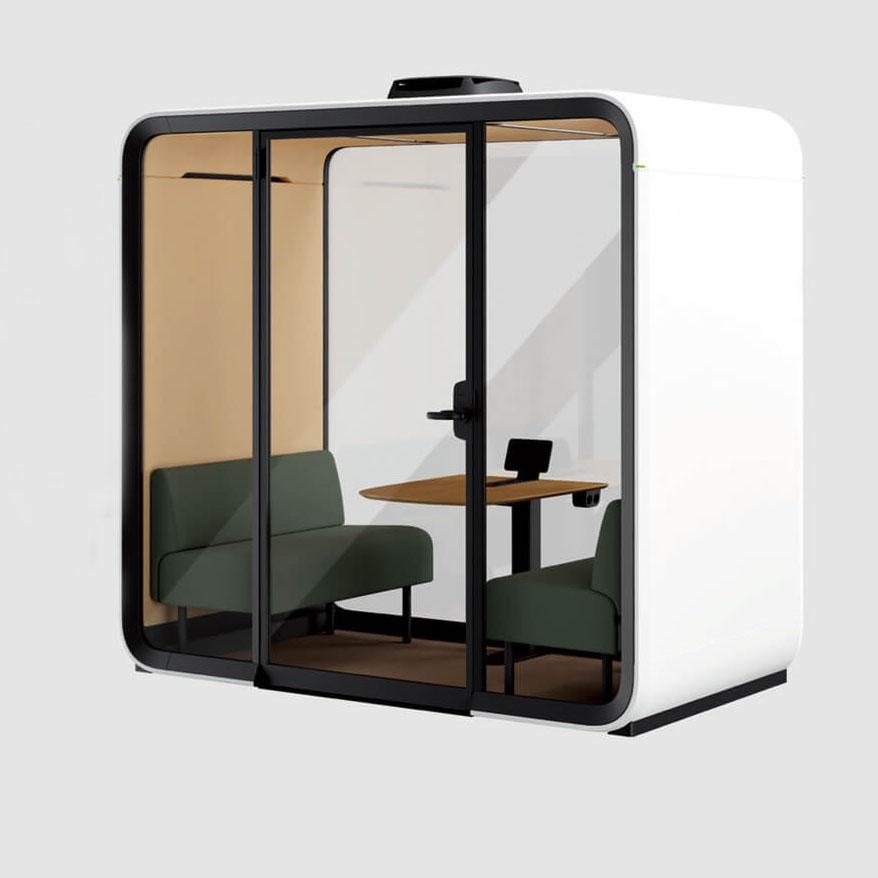
This review converts every advanced claim into a meeting job, a dependency chain, a privacy question, a failure state, and a supported fallback. It avoids assuming that the title proves a particular technical function. The exact offered small meeting pod must provide its own evidence, while the buyer decides whether the resulting operating model is proportionate to the work.
Define the meeting before the technology. Record occupancy, duration, participants, remote platform, devices, content sensitivity, presentation needs, accessibility actions, and what currently fails. A feature should address a named obstacle such as finding an available room, starting a call, controlling the occupied environment, or returning the pod to a known condition.
Rewrite feature language as a testable action. Instead of accepting smart booking, state who can reserve, how availability is displayed, what happens at arrival, how a no-show is handled, and how an urgent unbooked task is supported. Instead of accepting intelligent controls, state what changes, who initiates it, what the user sees, and which safe operating bounds remain fixed.
Remove functions that have no decision consequence. A buyer may still choose them for another reason, but they should not increase the score merely because they are novel. The comparison should distinguish a necessary meeting function, a useful convenience, an optional experiment, and a feature that creates more support or data burden than task value.
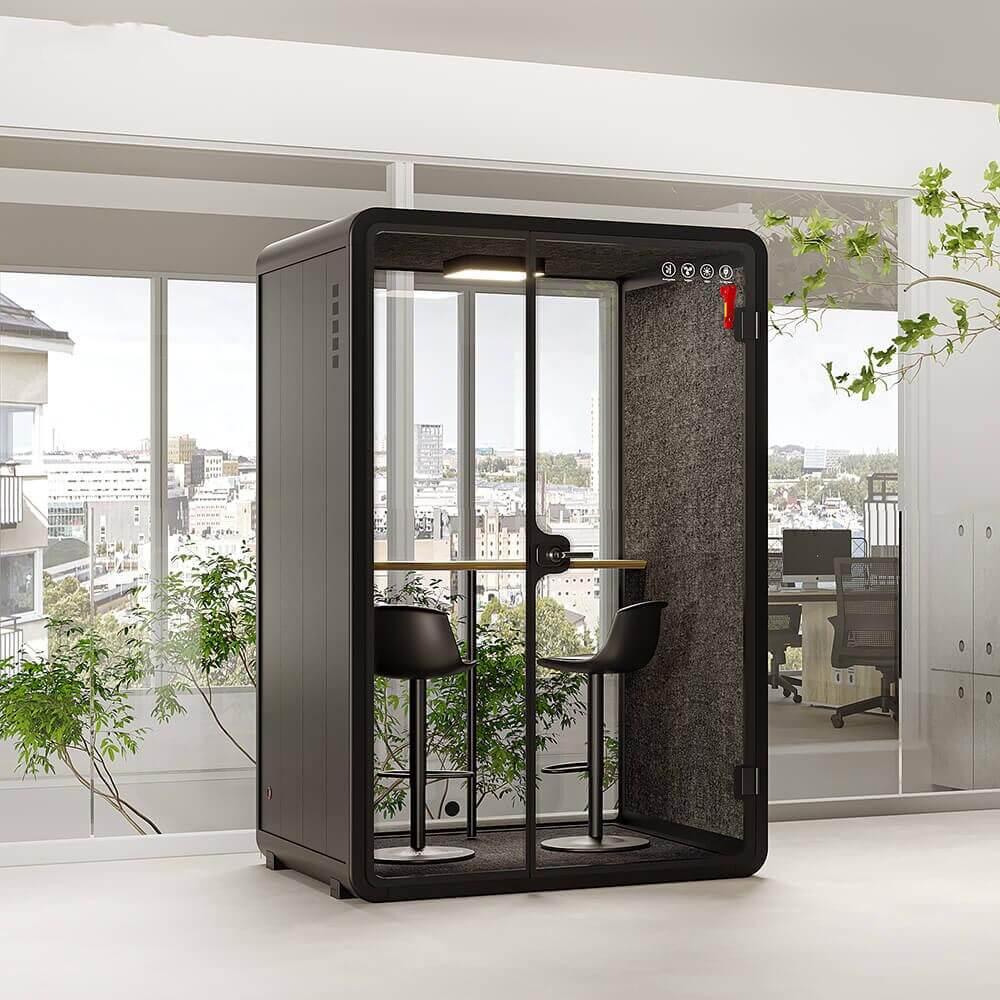
Attach every function to the exact configuration. The small meeting pod product reference identifies the physical product route, but option codes, software editions, subscriptions, control versions, and integration scope need their own record. Do not transfer a capability from a different model, market, or demonstration setup without written applicability.
Start at the user action and move backward. Joining a call may depend on a personal device, cable or wireless connection, local interface, account permission, network service, platform, room power, and an administrator. Booking may depend on identity, calendar integration, room resource configuration, network availability, and a status display. Environmental automation may depend on sensors, control logic, firmware, actuators, and a manual override.
Mark which dependencies are inside the pod, inside the building, supplied as a service, or carried by the user. The distinction controls testing and fault ownership. A successful supplier demonstration over a separate network does not release the workplace network, and an IT approval does not prove that the physical control can be reached from the occupied position.
Include time dependencies. Certificates, subscriptions, accounts, software support, security patches, replacement hardware, and platform compatibility can change while the enclosure remains in good condition. Ask who monitors expiry and change notices, who tests updates, and what evidence is retained before a new version reaches occupied use.
Find single points of failure and silent degradation. A status light can show the wrong state, a sensor can stop reporting, or an integration can fail while the door and furniture appear normal. Decide how users recognize the problem, how support confirms it, and whether the meeting can proceed without relying on incorrect information.

Inventory data by event rather than by marketing category. A system might process identity, booking time, occupancy state, environmental readings, device information, support logs, or usage history. For each item, ask whether it is necessary for the meeting job, where it originates, where it travels, who can access it, how long it remains, and how it is removed or exported at contract end.
Avoid inferring personal performance or behavior from room data. Occupancy does not explain why a person used the pod, and duration does not establish productivity. Limit reports to the service decision that was approved. Any broader people analytics requires its own governance, notice, lawful basis, security review, and employee process under local requirements.
Controls also create authority questions. Define who can change defaults, update firmware, view logs, reset accounts, disable a feature, or restore a configuration. Preserve an audit route for administrative changes without exposing meeting content. Supplier remote access should be explicit, bounded, and revocable rather than assumed from a support statement.
Test privacy at the interface. Booking displays, status indicators, notification messages, and support screenshots can reveal more than the room itself. Use representative names and sensitive meeting categories only in approved test conditions. Confirm what nearby people can see and what appears after a cancellation, fault, or forced reset.
| Meeting function | Critical dependency | Failure signal and fallback | Lifecycle owner |
|---|---|---|---|
| Room booking | Identity, calendar resource, integration, network, status display | Unknown or stale state; use approved local reservation route | Workplace service with IT support |
| Call connection | User device, interface, account, network, platform | No stable session; use direct supported connection or alternate room | IT and meeting owner |
| Environmental control | Sensor, controller, actuator, occupied services | No response or wrong state; use bounded manual control or close | Facilities and supplier |
| Usage information | Configured events, storage, permissions, reporting | Missing or excessive data; suspend report and verify governance | Data owner and security reviewer |
| Remote support | Admin access, secure channel, model records, competent technician | Unverified access or diagnosis; isolate remote route and escalate | Supplier support and buyer administrator |
A useful smart pod should fail into a known condition. If booking integration is unavailable, users need an approved way to determine occupancy and reserve or report the room. If device sharing fails, the meeting needs a safe direct connection or a move to another space. If an automatic setting stops, occupants need an understandable control or a support route that does not encourage unsafe intervention.
Define the minimum viable meeting. It may require only enclosure, occupied ventilation, lighting, power, suitable furniture, a personal device, and an alternative scheduling process. Verify which elements remain functional during credible outages and which failures require the pod to close. Do not keep a unit open when the affected condition involves safety or an unverified building interface.
Make fallback instructions short and local. Users should not need administrator access or a long diagnostic flow while a meeting is waiting. State what they can try, how they know it worked, when to stop, how to report the fault, and which alternative space to use. Preserve detailed repair steps for competent support staff.
Rehearse recovery, not just failure. After service returns, confirm that bookings, indicators, settings, logs, time, accounts, and device connections return to the accepted baseline. A recovered feature can still carry stale status or inconsistent configuration. Record who releases it back to users.
Use the devices and platforms that teams actually bring. Test connection, camera framing, microphone and loudspeaker behavior, screen position, charging, cable restraint, wireless performance, lighting on faces, and the time from entry to a stable call. Include a guest or unmanaged device route when that is part of the meeting role.
Smart functions should not distract from the enclosure. Observe fan character, control feedback, indicator brightness, unexpected automation, alerts, heat from devices, posture, reach, and reset between users. A technically successful connection may still create a poor working condition during a longer or consecutive session.
Run the support path with a real owner. A user reports the symptom; support identifies whether the cause is device, account, network, integration, embedded control, physical component, or site service; the correct party receives the case; and the pod returns with a documented release. Measure clarity of the route rather than inventing a resolution-time target.
Compare smart and manual routes under the same meeting task. Credit automation only for removed steps, fewer errors, clearer availability, better control, or another observed benefit. Also record added setup, permissions, maintenance, subscriptions, or training. The net result can differ by office and user population.
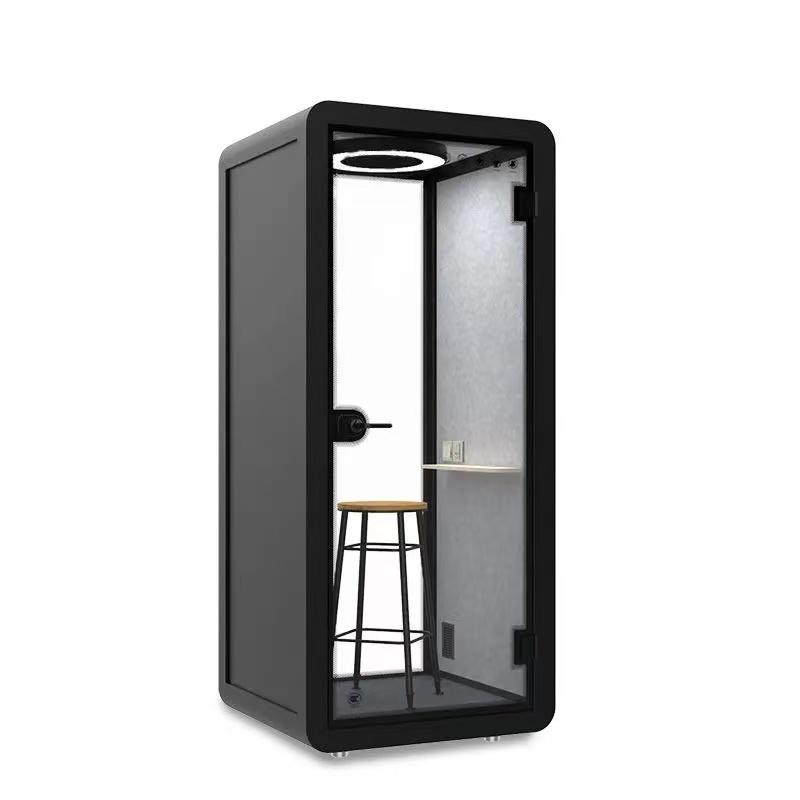
Procurement should receive a component and service register. List the embedded hardware, software or firmware, accounts, licences, integrations, network assumptions, administrative roles, replaceable parts, documentation, support channels, warranty boundaries, and data export or deletion route. Keep the physical serial or model identity linked to the digital configuration.
Establish change control before the first update. Define who receives notices, assesses security and compatibility, tests a representative pod, communicates downtime, approves release, and records rollback. A feature should not change behavior across the fleet simply because an automatic update became available.
Plan for supplier, platform, or feature retirement. Ask whether the enclosure remains usable, which controls keep working, whether a local mode exists, how data is retrieved, and whether replacement components or integrations are available. Avoid an operating model where a nonessential cloud function determines the useful life of the complete room.
Review adoption without turning usage into a success score. Examine failed starts, fallback use, support cases, repeated manual overrides, abandoned bookings, and tasks moved elsewhere. These events reveal whether the smart layer helps its assigned meeting. Retain, simplify, disable, replace, or retire features separately instead of treating the pod as one indivisible technology decision.
That depends on the exact design and chosen functions. Buyers should identify which enclosure, lighting, ventilation, power, controls, booking, and call routes remain available without each service. Reject a dependency that can disable the core meeting without a proportionate supported fallback.
Ownership is usually shared but should not be vague. The supplier can provide notices and technical scope, IT can review security and compatibility, facilities can assess occupied effects, and the workplace owner can approve service disruption. One named coordinator should preserve the test and release record.
Define the service decision, minimize the events collected, document origin and destination, restrict access, set retention and deletion, review security, and provide required notice. Do not use room events to infer individual productivity or health. Local privacy and employment requirements need competent review.
A fallback is insufficient when it bypasses safety, building controls, security, privacy, accessibility, or verified equipment limits; when users cannot understand it; or when support cannot restore a known state. Close or redirect the pod until the responsible party releases the affected function.

The most advanced small meeting pod is the one whose useful functions remain governable through normal change and credible failure. Meeting value comes from a clear job, visible dependencies, bounded data, understandable controls, occupied interoperability, supported recovery, and a lifecycle plan. The word smart cannot supply those records.
Accept each technology layer only after its owner demonstrates the intended meeting, the failure signal, a proportionate manual route, and recovery to the approved baseline. Preserve the enclosure's useful core when optional services change, and retire a feature when its support burden exceeds the work obstacle it was meant to remove.
Before requesting a project quotation, compare the intended occupancy, device setup, site route, support boundary, and approved options against the selected meeting-pod configuration.

 Tel: +8613538031763
 Email: info@sopworkpod.com
 MP/WhatsApp: +8613538031763
 Manufacturer Address:Liucheng Lujiang District,Meixi Road,Nanan City,Fujian,China