
Need Help?
Please leave your contact information to get our latest catalog
Get In Touch Now >


Author:SOP Work Pods Manufacturer TIME:2026-08-28
A booth can be empty, close to a desk, and still fail a thirty-second call. The user may not know whether it is available, may struggle with the door, may find the control or work surface out of reach, or may discover that the device and privacy conditions do not support the conversation. Counting an installed unit says little about productive use.
Review Modular Office Phone Booths as a complete task route: find, approach, enter, set up, communicate, control the environment, finish the call, leave, and recover when something goes wrong. Each step has a user, physical condition, information need, and owner. A barrier near the beginning can erase every feature later in the route.
This audit does not declare legal or accessibility compliance. Authorized local reviewers determine applicable requirements and accommodations. It provides a practical way to witness intended users completing real tasks, record exclusions without blame, assign corrections, and keep a suitable fallback available while the route is incomplete.
Productivity must be attached to an observable task. Describe the call type, urgency, privacy need, duration, devices, documents, preparation, remote participants, and what successful completion looks like. Include the route used today and its failure. A booth is not productive merely because a person sits inside it; it must help complete the assigned work without transferring unreasonable effort to the user or support team.
Identify variation among intended users and tasks. Some calls are brief and walk-up, while others require scheduled access, laptop power, notes, a camera, or a longer occupied period. A user may need a different approach, door force, furniture arrangement, control reach, communication aid, or alternative setting. Do not hide that variation behind an average employee.

Start where the user starts, not inside the booth. Check how availability is understood, how far the user travels, whether the route is clear, what happens at busy periods, and whether signs or booking information are accurate. Inspect floor transitions, turns, nearby furniture, queuing space, lighting, and conflicts with circulation. A good interior cannot compensate for an unusable approach.
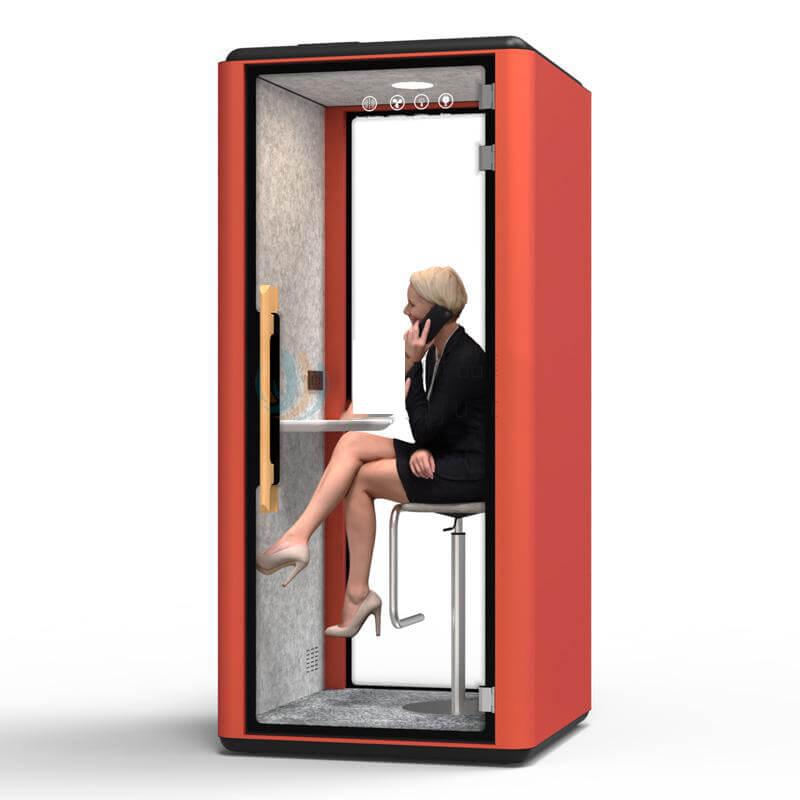
Observe entry and exit with the offered door, handle, threshold, and closing behavior. Note reach, force, clearance, timing, visibility, and any need to carry a laptop, headset, documents, or mobility aid. Keep the normal surrounding condition, including other people moving nearby. A demonstration with the route cleared specially for the test should be recorded as such.
Correct the physical or information barrier and repeat the whole step. Do not treat user assistance as the default solution unless the organization has intentionally designed and staffed that service. The release record should identify the users and loads witnessed, the accepted route, limitations, and the owner who keeps the approach clear.
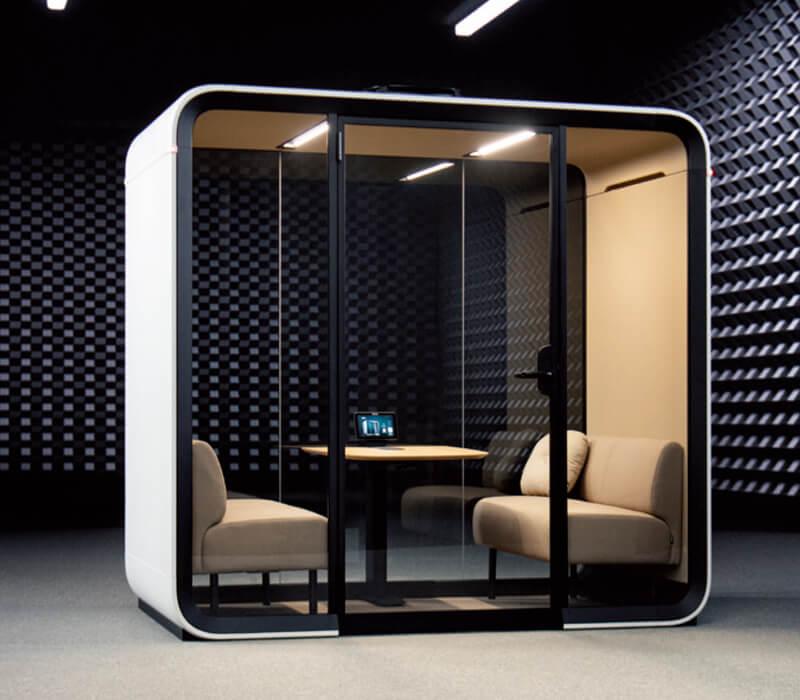
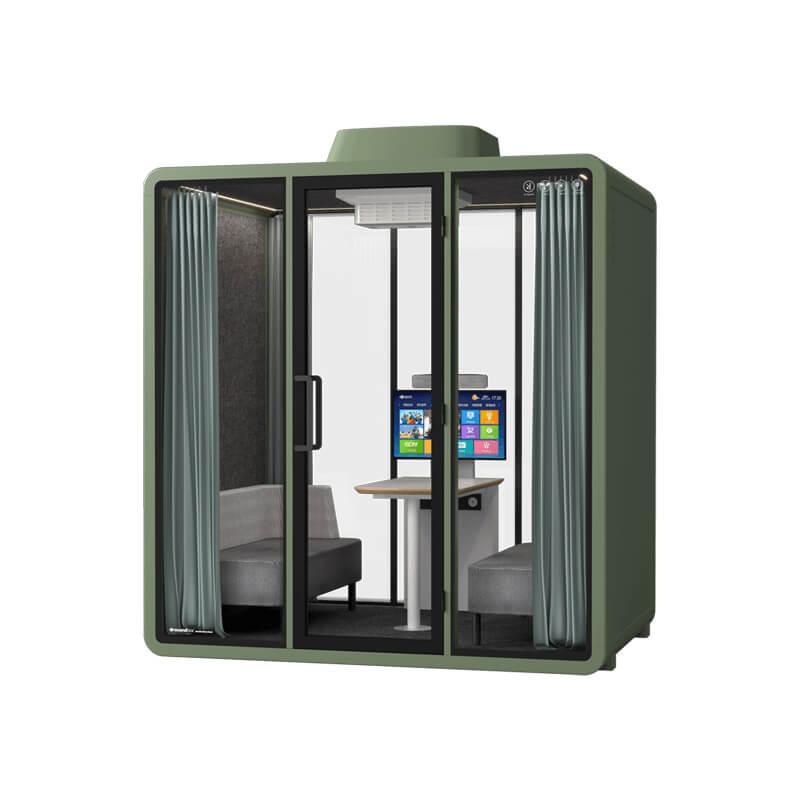
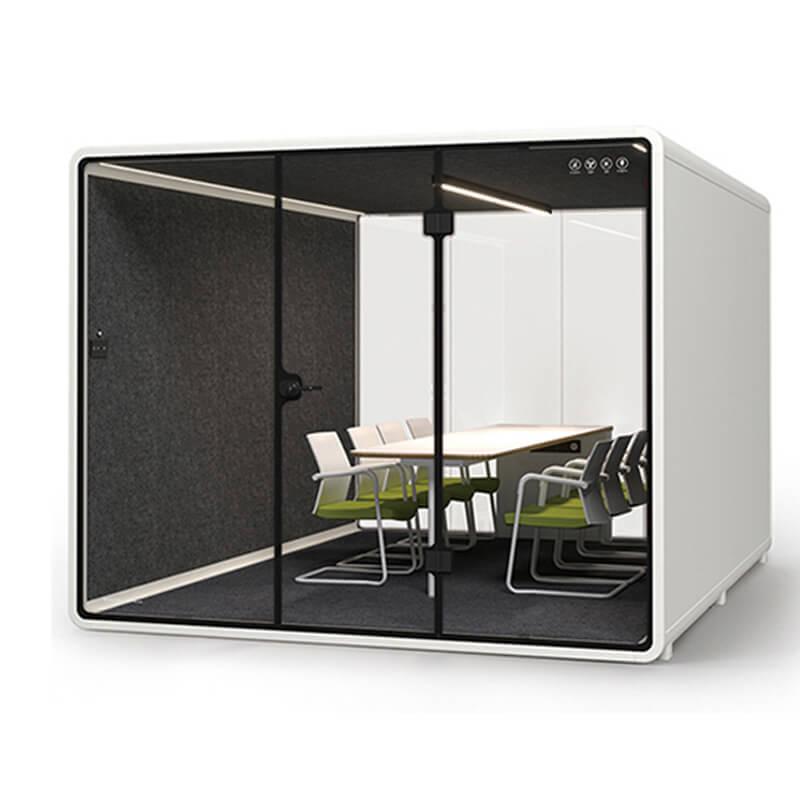
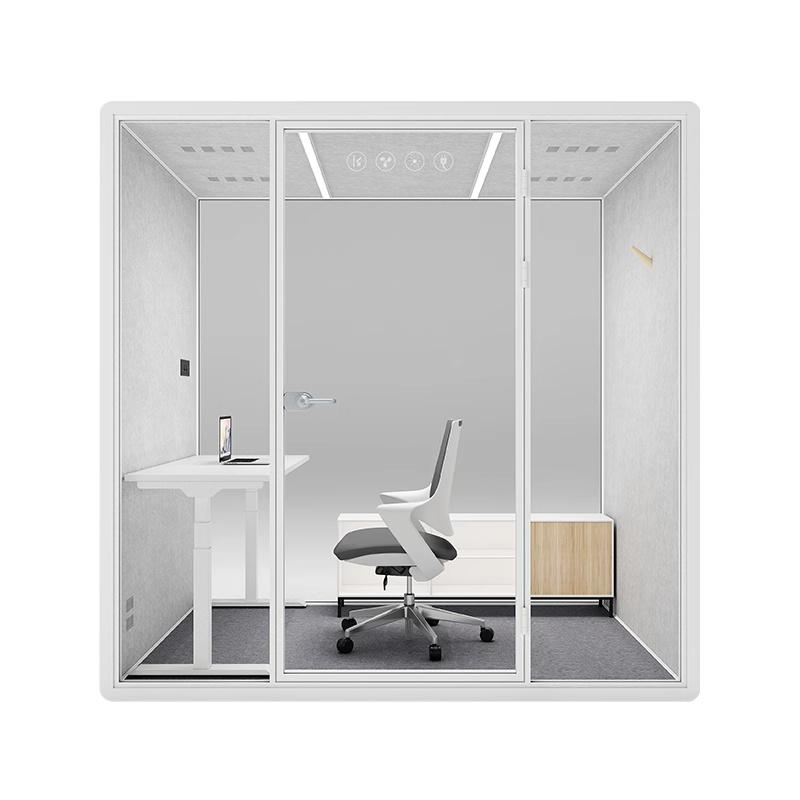
Inside the booth, map the occupied envelope. Review sitting or standing posture, work surface, seat, knee and foot space, device placement, camera view, microphone and speaker, power and data, lighting, fan control, door clearance, personal items, and the ability to turn or reposition as the task requires. Nominal internal dimensions are only the beginning.
Keep accepted configurations clear to later users. If the booth serves more than one posture or device pattern, state how the setting changes and who restores it. If the offered model cannot support a user-task combination, preserve that exclusion and provide the fallback instead of promising that future guidance will solve the physical constraint.

A productive call needs the user to hear, speak, see, and share information while the relevant speech and visual boundaries remain acceptable. Define source, listener, screen orientation, door state, booth location, surrounding activity, device chain, and whether the concern is audibility, speech intelligibility, screen exposure, or interruption. Avoid a single privacy label that merges these different questions.
Run the intended call with a representative remote participant. Observe setup, microphone selection, loudspeaker or headset behavior, voice level, screen angle, reflections, fan state, connection, and any need to repeat or move. At the same time, place authorized observers at the receiving positions used for the privacy decision. Preserve both sides of the call record.
A correction can change several boundaries. Turning a desk may improve camera framing but expose a screen; opening a door may relieve a comfort complaint but alter speech privacy; raising device volume may help the user and affect nearby listeners. Release the combined configuration only after the task and boundary observations agree.
| Journey stage | Barrier to observe | Temporary workaround risk | Release owner |
|---|---|---|---|
| Find and approach | Unclear availability, long route, obstruction, queue, or circulation conflict | User abandons the task or relies on informal help | Workplace operations |
| Enter and close | Threshold, clearance, reach, force, load carrying, or door behavior | Special demonstration hides normal entry difficulty | Facilities and authorized reviewer |
| Set up and control | Posture, surface, device, power, lighting, fan, and personal item placement | User blocks the exit or adopts a strained position | Configuration owner |
| Communicate privately | Speech, screen, camera, microphone, listener, and surrounding activity | One call side improves while another boundary fails | Workplace and IT |
| Finish and recover | Turnover, cleaning, fault, support, alternative, and return to service | The user loses the task when the preferred booth fails | Service owner |
Productivity across a workday depends on more than a successful visit. Test discovery, reservation or walk-up use, overrun, queue behavior, no-show handling, session reset, cleaning, personal item removal, fault reporting, support contact, and the alternative when the booth is out of service. Use realistic attendance periods so hidden demand and operating burden can appear.
Rehearse a fault. A failed light, fan concern, door problem, damaged cable, device issue, or cleanliness complaint should have a clear response. The user needs to know whether to stop use, how to report the condition, and where to complete the task. The operating owner needs an inspection and return-to-service rule rather than an informal message chain.
Record non-use and abandonment as carefully as completed sessions. A booth may be available but avoided because the route, setup, comfort, or social rule is unclear. Those observations can lead to signage, allocation, support, location, or configuration changes. They should not be converted automatically into a demand for more units.
Compare the offered configuration with alternatives. Another booth model, a small room, adjusted furniture, remote arrangement, policy change, scheduling method, or different location may provide a better route for a particular task. The office phone booth range can support product comparison after the user journey and limits are documented.
Publish the accepted assignment, fallback, support contact, fault route, and review trigger in the workplace operating record. Recheck after relocation, furniture change, control change, device update, team move, or repeated complaint. Inclusive productivity is maintained through visible recovery and change control, not through a one-time claim that the booth works for everyone.
Keep separate counts for completed routes, routes completed after adjustment, routes redirected to a fallback, and routes abandoned. Those categories show whether a correction improves access or merely moves failure later in the journey. They also give authorized reviewers a concrete starting point when a user reports that the published assignment no longer works.
Review the categories by task and user condition, not as one aggregate success rate. A route that works for brief voice calls may still fail laptop sessions or a different entry need. The detail protects the fallback from disappearing behind an overall count.
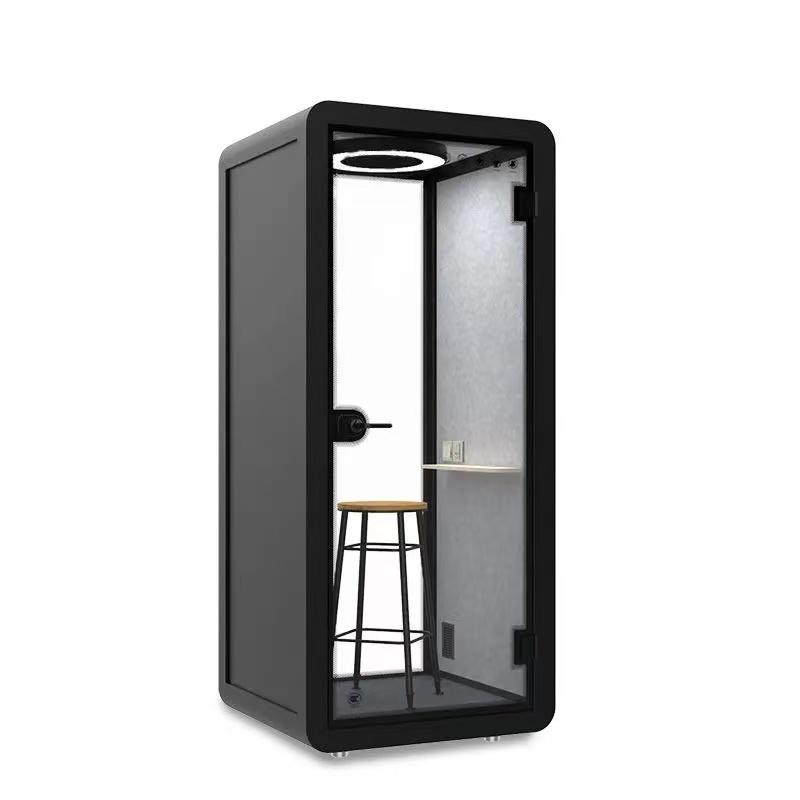
No. More capacity can help only when the booth supports a recurring task and users can complete the full route. Poor location, unclear availability, entry barriers, unsuitable controls, device problems, privacy conflicts, discomfort, or weak fault response can leave added units underused or shift work elsewhere.
Diagnose the failed task first. Pilot the route, include non-use and queues, and add capacity only when demand and the accepted operating condition are both visible.
Check how the user identifies availability, travels to the location, waits if necessary, reaches the handle, crosses the threshold, and clears the door while carrying normal work items. Review the surrounding circulation and information state under ordinary office conditions.
Entry should not depend on furniture being moved or a colleague providing unplanned assistance. Where support is an intentional accommodation, document the service owner and reliable request route.
Treat them as separate configurations until the task route proves otherwise. Device size, surface area, charging, camera position, microphone, loudspeaker or headset, screen privacy, posture, and session length may differ. Witness setup, communication, control use, and exit for each intended pattern.
Keep approved arrangements visible and provide a reset method between users. A laptop trial does not automatically release a handheld call, and the reverse is also true.
Provide the normal fallback and record the barrier without assigning fault to the user. Authorized workplace and accessibility reviewers should decide whether configuration, location, another product, a room, scheduling, or a different work channel resolves the task.
Do not leave the booth as the only privacy route while that review is open. The final operating record should show the accepted assignment and the recovery path with equal clarity.

Modular Office Phone Booths create a more productive workspace when intended users can find, enter, configure, use, leave, and recover from the booth under real working conditions. The value sits in the completed task route, not in availability counts or a list of interior features.
Release only the user-task routes that pass with a workable fallback. Preserve the observed configuration, privacy and communication condition, support ownership, exclusions, and triggers for another review. That record directs the next action clearly: correct a barrier, assign another setting, or scale a route that users have actually completed.

 Tel: +8613538031763
 Email: info@sopworkpod.com
 MP/WhatsApp: +8613538031763
 Manufacturer Address:Liucheng Lujiang District,Meixi Road,Nanan City,Fujian,China


