Need Help?
Please leave your contact information to get our latest catalog
Get In Touch Now >


Author:SOP Work Pods Manufacturer TIME:2026-08-28
The first person to experience a failed vocal isolation booth may be the remote participant. Local quiet can coexist with weak microphone placement, distracting fan sound, a poor camera angle, exposed background activity, or a device route that cannot recover from a routine fault.
For video conferencing, the booth is one part of a two-ended communication system. The call profile, local speech path, incoming audio, visual frame, connectivity, occupied duration, privacy boundary, and support process must work together.
The practical output is a witnessed call configuration with exclusions. It tells users which calls fit, which settings are repeatable, who supports the route, and when another room or production setup is the better choice.
A booth cannot be accepted against the word video alone. Interviews, training, client reviews, presentations, and sensitive conversations place different demands on speech, listening, documents, posture, devices, and fallback space.
Define the video conference and participant experience.
Separate one-to-one calls, interviews, presentations, training, client sessions, sensitive conversations, long meetings, recording where authorized, local and remote participant roles, duration, speech, listening, screen and document use, platforms, devices, privacy, urgency, fallback, and tasks requiring a different room or production setup.
Observe current conference failures and write a test profile with local and remote success conditions before choosing equipment or enclosure.
Reopen the call trace if one generic call test missing the buyer's important communication route becomes plausible.
Finish the call trace entry with a decision to approve conference profiles and exclusions. Name its correction owner and next trial condition.
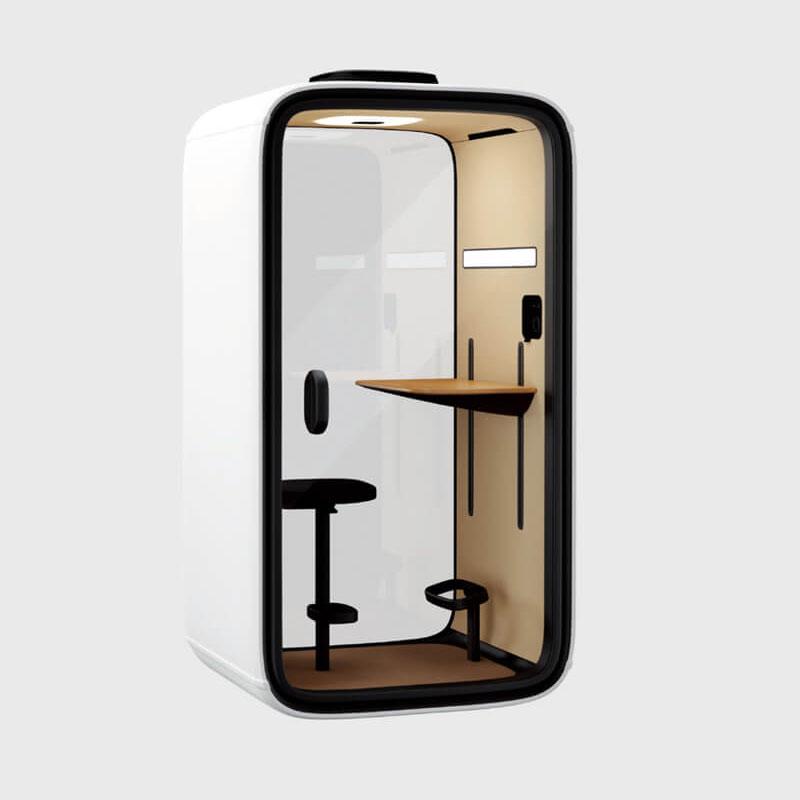
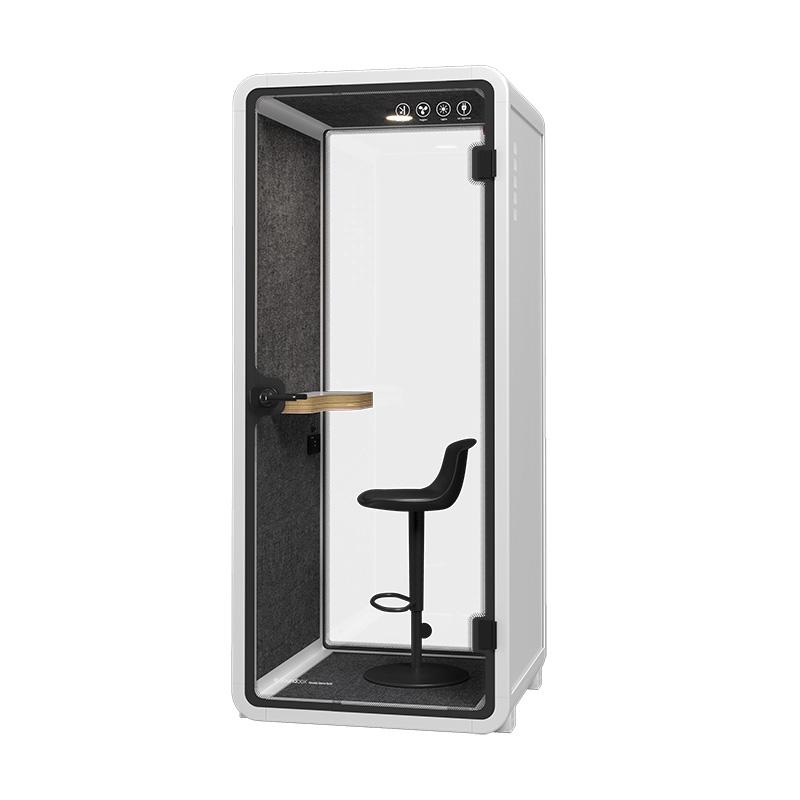
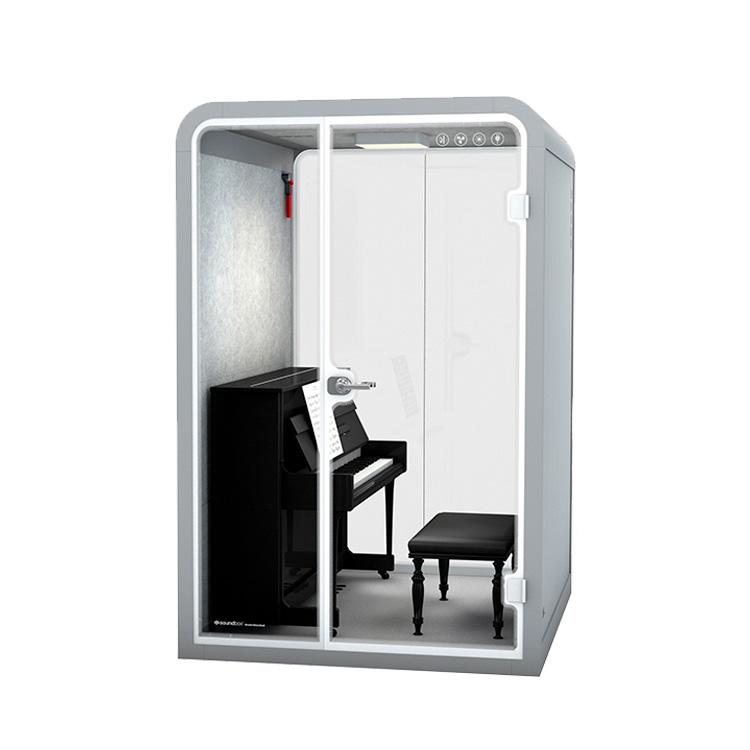
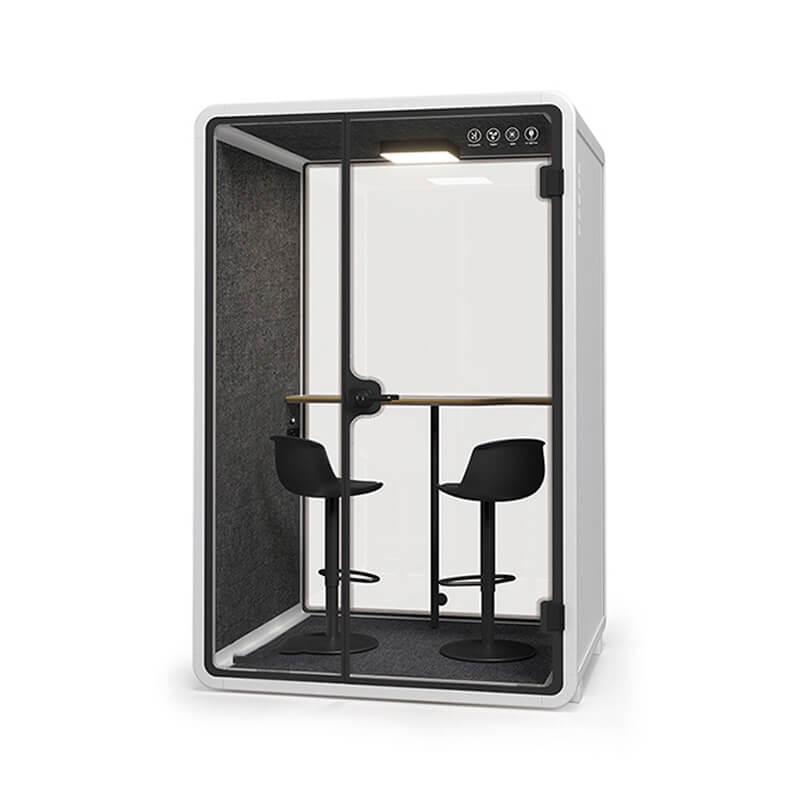
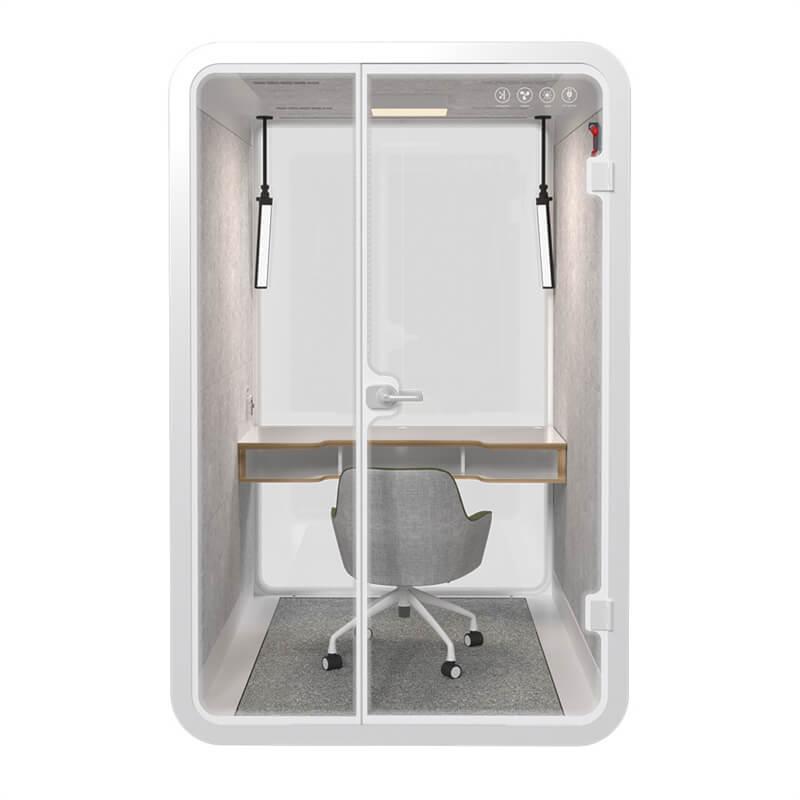
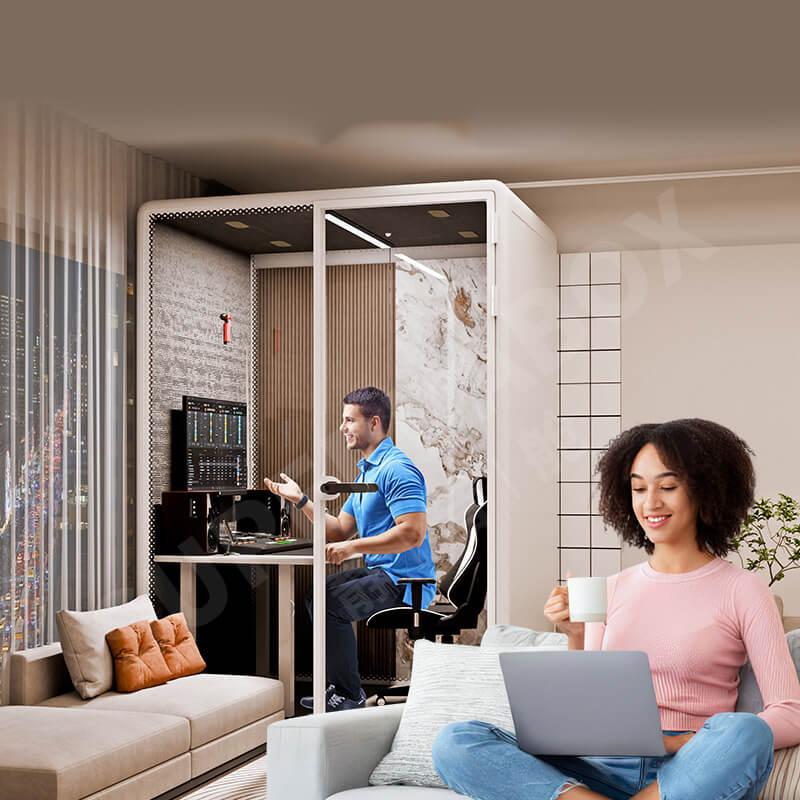
After the conference profile is written, the office phone booth for calls and video meetings can be screened for space, controls, and equipment support without assuming that enclosure alone guarantees call quality.

The person inside and the people outside hear different systems. Outgoing clarity starts with speech, microphone position, enclosure response, and platform settings; incoming privacy adds loudspeaker or headset choice, sightlines, and approach routes.
Trace local speech microphone and enclosure sound.
Use ordinary speech at representative levels and ask remote listeners to report what they hear while configuration and conditions are preserved.
Reopen the call trace if local quiet being assumed to prove clear remote speech becomes plausible.
The call trace should state how to release a repeatable outgoing audio route. Place each open limitation beside the responsible owner and review trigger.
Review incoming sound distraction and privacy boundaries.
Run practical local listener and sightline checks with representative remote audio that contains no sensitive material.
Reopen the call trace if good user listening exposing remote speech outside the booth becomes plausible.
Release this call trace step only when the team can state incoming-audio and privacy limits. Its retained evidence shows unresolved conditions and next actions.
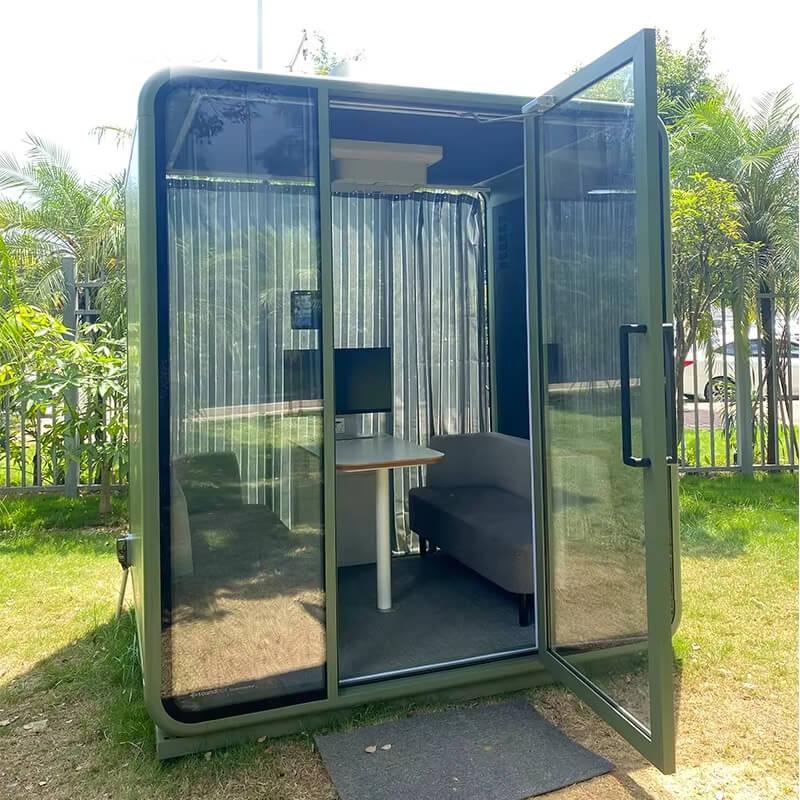
Camera quality is not just a camera specification. Eye line, screen position, movement, glazing reflections, background exposure, and changing light determine whether a normal user can remain well framed without blocking access or airflow.
Commission camera framing lighting and visual background.
Review camera position, lens field, eye line, headroom, user movement, posture, screen location, background, glazing reflections, daylight variability, installed lighting, glare, shadows, color appearance only as observed, privacy of documents and passersby, platform preview, remote composition, and adjustment without blocking ventilation or access.
Record representative remote views under available local conditions and have the user enter, sit, move, present, and exit naturally.
Reopen the call trace if a fixed demonstration frame failing during normal use or changing daylight becomes plausible.
Turn the call trace finding into an instruction to approve a bounded visual setup. Record the invalidating condition and person who must respond.

The enclosure should not receive credit or blame for an undocumented device or network condition. Acceptance needs the intended hardware, platform access, connection route, peripheral selection, and a fault that support staff can actually recover.
Verify devices connectivity platform and recovery.
Run the intended devices on the actual available connection and rehearse a recoverable fault with support ownership visible.
Reopen the call trace if the booth being blamed for or credited with an unrecorded device or network condition becomes plausible.
Close the call trace route by agreeing how to release a supported technology configuration. Preserve its accepted boundary, correction, and reason for retest.
| Call stage | Local observation | Remote confirmation | Release condition |
|---|---|---|---|
| Setup | Entry, device placement, controls, cables, preview | Invitation, identity, selected input and output | The intended user can start without undocumented help |
| Conversation | Speech effort, fan state, privacy path, posture | Intelligibility, level stability, echo, visual frame | Both ends remain usable for the assigned call |
| Interruption | Fault indication and support handoff | Connection loss, device swap, or platform recovery | A named owner can restore or redirect the call |
| Exit and reset | Documents, device removal, controls, turnover | Call ends without unintended content exposure | The next user receives a known condition |
A short demonstration can conceal heat, posture, speaking effort, support friction, or a poor reset. The decisive trial begins before the call connects and ends only when the next user can start from a known condition.
Hold the full call while observing comfort and behavior.
Ask representative users to complete the longest eligible call and preserve duration, settings, environmental condition, coping behavior, and reason for any interruption.
Reopen the call trace if a short technical check concealing a failed full-duration session becomes plausible.
This call trace output explains how to approve occupied call limits. It identifies the owner, remaining uncertainty, and change that reopens review.
Witness the end-to-end call from both sides.
Verify booth identity and assembly, door, seals, ventilation, lighting, controls, power, local and remote devices, connectivity condition, microphone, output, camera, platform, privacy path, occupied duration, support, faults, fallback, documents, limitations, defects, corrections, user guidance, reset, and acceptance authority.
Run the complete conference from discovery and setup through conversation, content exchange, fault recovery, exit, and reset while both sides record observations.
Reopen the call trace if local signoff omitting the people the booth is meant to communicate with becomes plausible.
End the call trace step with an explicit route to sign off the bounded remote communication chain. Attach context, limitation, and operating ownership.
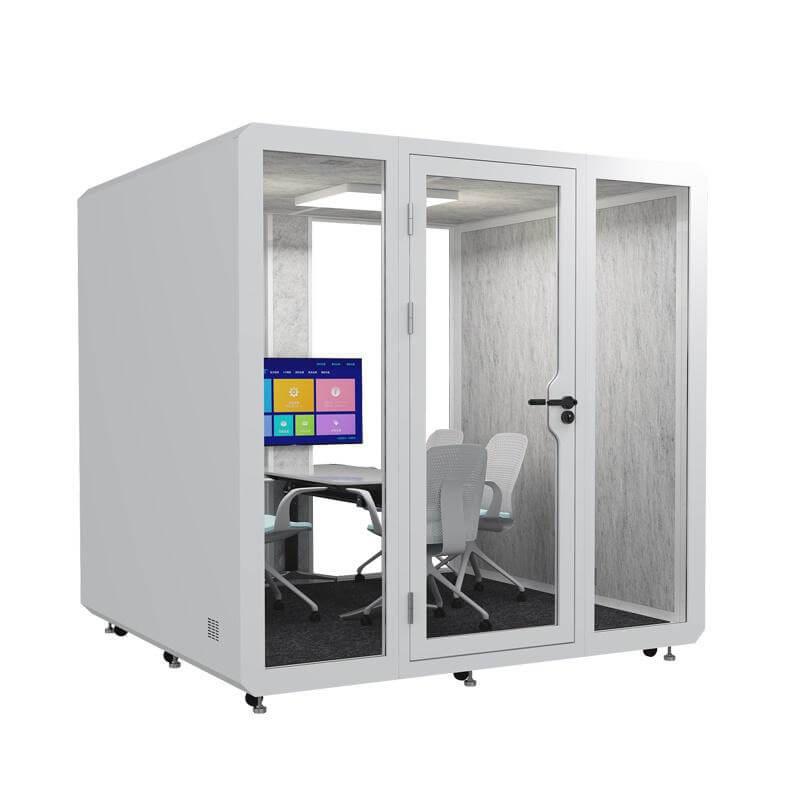
Use the calls that carry the highest consequence or represent normal demand: an interview, client review, training session, presentation, sensitive conversation, or long internal meeting. Define who speaks, who listens, what is shown, which devices are used, and how long the call normally runs.
Exclude work that needs production equipment, group collaboration, unrestricted movement, or another privacy route. Acceptance becomes credible when the booth is tested against the calls it will actually receive rather than one generic demonstration.
Acceptance should preserve a normal seated or standing position, the intended screen, user movement, platform preview, and the view received at the remote end. Check installed light, changing daylight, glare, shadows, glazing reflections, background traffic, and visible documents under the conditions available at the site.
A fixed promotional frame is insufficient if ordinary users must shift the camera, block airflow, or expose a corridor to appear correctly. Release a bounded setup that users can repeat without creating another access or privacy problem.
Device, platform, peripheral, authentication, and connection choices can change audio, video, content sharing, and recovery. Recording them prevents the enclosure from receiving credit for a strong network or blame for a device setting that was never part of the offered scope.
Keep the supported configuration and buyer-owned dependencies together. When a laptop, headset, platform, camera, or connection route changes, the team can identify which part of the witness call needs to be repeated instead of assuming the previous result still applies.
Remote participants should confirm intelligibility, level stability, echo or distracting sound, camera composition, content visibility, interruption behavior, and whether the conversation remains workable through the intended duration. Their evidence should be tied to the same call profile and local settings.
Ask for observations rather than a broad good or bad rating. A remote listener can describe when speech changed, what was hard to follow, and whether recovery restored the call. Keep those comments beside local observations so one side does not overrule the other.

A vocal isolation booth can reduce distractions around a video conference, but the title's promise is earned only through the complete call. Clear outgoing speech, controlled incoming audio, a usable visual frame, supported devices, occupied comfort, and a recoverable fault path must survive the same trial.
Accept a repeatable call profile rather than an abstract claim of isolation. Record the intended calls, settings, device ownership, connection condition, privacy boundary, duration limit, fallback, and changes that require retesting.
The next action is an end-to-end witness call with observers at both ends. Release the configuration when ordinary users can set up, communicate, recover, exit, and reset without relying on a demonstration-only arrangement. For a project-specific comparison, send the intended call profile, room dimensions, device route, and expected occupancy through the existing inquiry or WhatsApp contact so the available booth configuration can be checked against the same evidence.

 Tel: +8613538031763
 Email: info@sopworkpod.com
 MP/WhatsApp: +8613538031763
 Manufacturer Address:Liucheng Lujiang District,Meixi Road,Nanan City,Fujian,China


