Soundproof Office Pods: Own-Brand Labels and User Manuals
Author:SOP Work Pods ManufacturerTIME:2026-11-24
MENU
An own-brand name is useful only if somebody can use it to find the right instructions. A customer looking for help with soundproof office pods should not have to guess whether the name on the enclosure, the model in the manual and the description recognized by the support team refer to the same product. Before approving artwork, agree how those names will stay connected throughout ordinary use.
Consider one hypothetical order. Cedar One is a fictional buyer-facing name, while Frame-A is a fictional supplier configuration reference; neither identifies an actual SOP model or customer. The buyer is considering a soundproof office cabin under its own label. Following that example, this guide explains the user-facing document pack worth specifying: a clear product identity, applicable instructions, readable versions and a support route that works without exposing the customer to internal naming confusion.
01
Give the Customer Name a Precise Meaning
Begin with a short naming sheet rather than a folder of brochures. Put the proposed customer name beside the supplier's configuration reference and the particular interior being purchased. Describe the recognizable arrangement in everyday language: the supplied seating, work surface and user controls, where confirmed. That description helps someone distinguish the intended enclosure from another product sharing the same brand.
In the hypothetical example, Cedar One points to the agreed Frame-A configuration, not to every enclosure the supplier might offer. If another interior is later sold under the Cedar name, the naming sheet needs a clear way to distinguish it. A family name can remain convenient for marketing while a more precise identifier leads customers to the correct instructions.
Ask the seller to explain its existing identification method before inventing a parallel one. The buyer-facing name may sit alongside an established reference. Preserve the connection in the document pack even when that internal reference does not belong on the front cover.
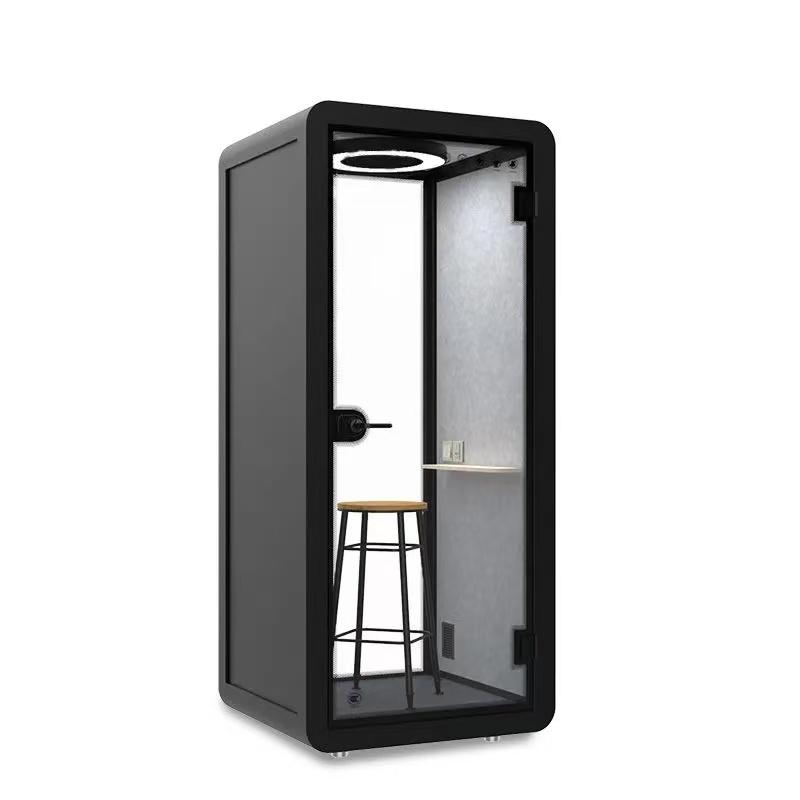
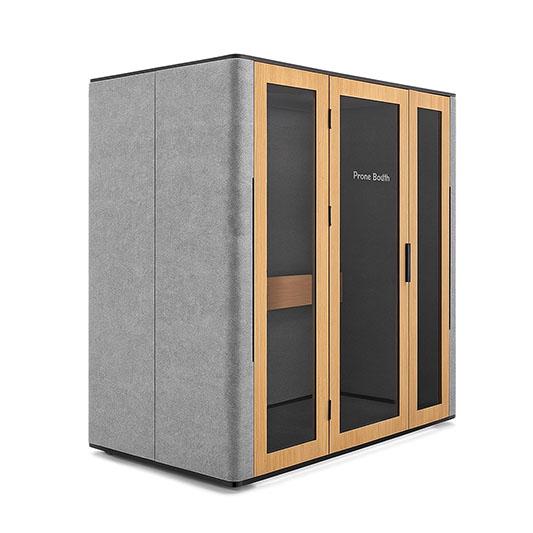
A black individual booth has a glazed door, high stool and desk shelf; these are visible features, not evidence of a document package.02
Use the Product Label to Find Help
Separate decorative branding from the information somebody uses when seeking assistance. A large logo may make the enclosure recognizable without identifying its configuration. Agree what the proposed identification label will contain, where an ordinary user can read it and which details the support team will ask for. Do not assume the supplier's original identifier can be removed or covered by a replacement graphic.
A useful label proof shows the actual proposed words, not a blank rectangle marked customer logo. Compare those words with the naming sheet and manual cover. Where a unit reference is available, clarify how it is assigned and how it will appear in the buyer's own product information. This is an identity conversation, not an instruction to alter technical markings.
For Cedar One, the practical question is whether a person can read the label and identify the appropriate manual without knowing the fictional Frame-A shorthand. If the answer depends on asking the original salesperson, the naming arrangement is unfinished.
03
Make the Manual Useful at the Moment of Need
Start the manual discussion with the actions the customer actually performs. How is the door operated normally? Which controls are present? What may a user adjust, and how is a problem reported? Ask the supplier for applicable instructions, then compare the illustrations and descriptions with the proposed interior. A familiar-looking control in a generic manual is not enough if its behaviour differs from the offered configuration.
Distinguish ordinary use from work requiring assistance. Users need to recognize a problem and know whom to contact; they do not need improvised repair directions. Cleaning and maintenance references should point to the applicable supplied guidance, not become a newly written set of procedures that the buyer has inferred from photographs. Keep unsupported instructions out of the own-brand edition.
Give someone unfamiliar with the order an ordinary question to answer from the draft: find the explanation of a fitted control, identify a limitation or locate the support contact. Notice where they choose the wrong page or cannot recognize the pictured part. That reading exercise tests whether the document is understandable; it does not verify the enclosure's operation or replace a product demonstration.
For an own-brand enquiry about SOP office pods, describe the proposed user-document pack separately from the visual customization so the supplier can confirm what is available and included.
04
Separate Fitted Features From Possible Options
A manual covering several options needs a visible way to tell the customer which passages apply. Otherwise an attractive illustration can create an expectation that the supplied enclosure includes the pictured device. Ask whether the seller can provide configuration-specific instructions or a clear applicability page. Do not leave the customer to infer the contents from an unmarked catalogue image.
In the Cedar One example, suppose a draft booklet illustrates a control that the proposed configuration does not include. This is a hypothetical document mismatch, not a statement about an actual product. The correction might be an applicable edition or a clearly identified exclusion, subject to the supplier's agreement. Removing the picture without checking the surrounding text could leave contradictory instructions elsewhere.
Keep this distinction practical. The reader wants to know which actions and controls belong to their enclosure, not study the supplier's entire option range. The buyer should obtain that answer before presenting the booklet as the product's user manual.
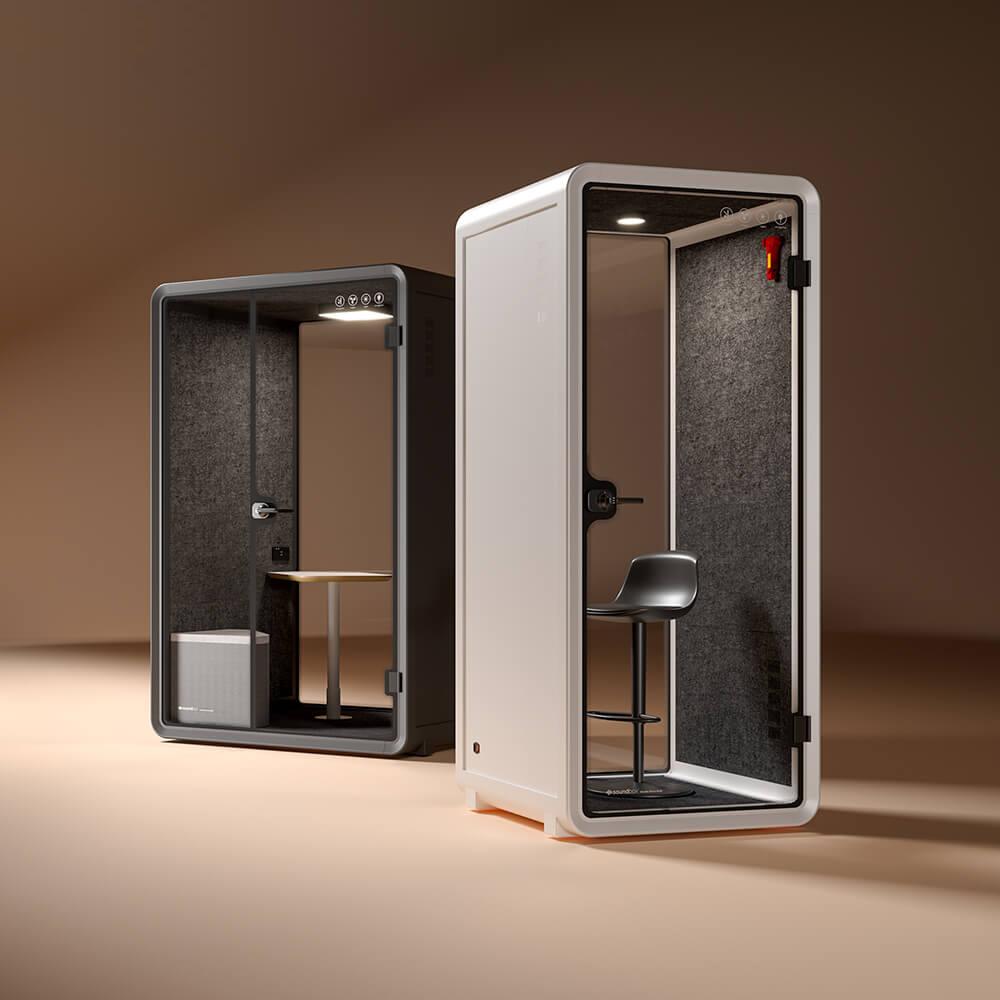
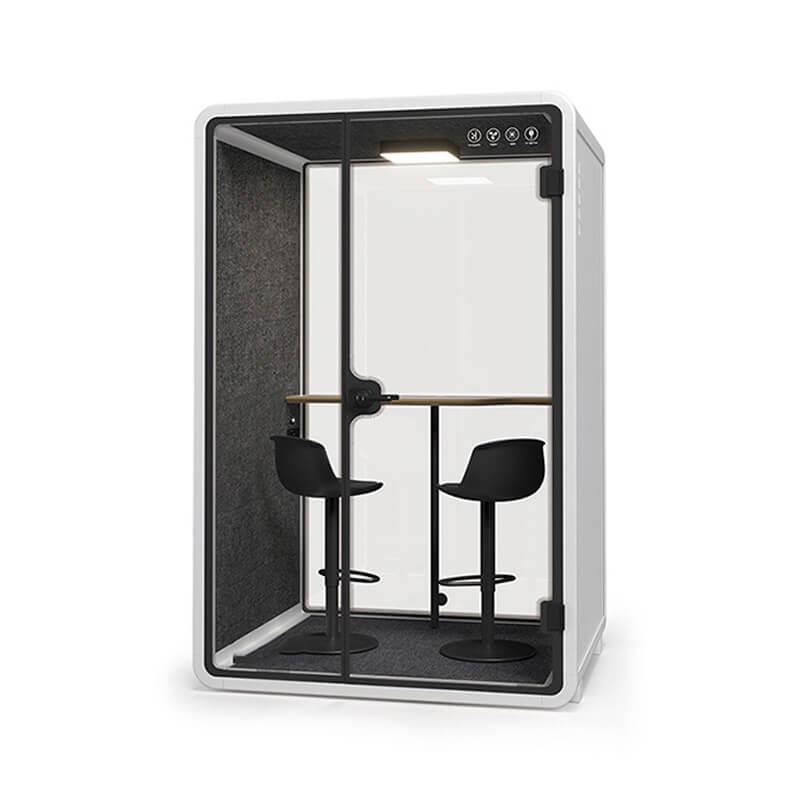
A dark booth and a white booth show visible differences in seating and work surfaces; this view does not identify their model references or supplied documents.05
Keep the Label and Manual in the Same Story
Use a compact crosswalk to connect the customer name, configuration and applicable documents. Its purpose is to answer a common service question: which instructions belong with this enclosure? A file named final manual is weak identification because another final version may arrive later. Ask for an edition identifier that can be recognized on the document itself.
The table below describes the hypothetical Cedar One pack. These are proposed contents to discuss, not documents known to be available from SOP. A working copy can include the agreed edition references once the seller supplies them. An unanswered box should remain a question rather than acquire an invented reference merely to make the table look complete.
If the seller changes an illustrated control or replaces an instruction sheet, establish which users are affected and how the applicable edition will reach them. Replacing the newest download must not silently erase the instructions still needed for an earlier supplied configuration.
The Hypothetical Cedar One User-Document Pack
Pack element
Hypothetical Cedar One example
Connection to establish
Customer name
Cedar One, a fictional own-brand alias
Specific offered Frame-A configuration
Identification label
Proposed Cedar One wording
Readable identifier recognized by support
User manual
Applicable edition, reference awaiting agreement
Instructions and pictures matching the offered interior
Language edition
Required reading language to be confirmed
Same applicable product and manual edition
Support information
Customer contact to be agreed
Named role and route to applicable instructions
06
Let Readers Identify the Applicable Language Edition
Agree the required reading languages and ask which editions can actually be supplied. A translated cover with unchanged internal references is not a usable language edition. The buyer needs a simple connection between the selected language, the product identity and the applicable manual edition, whether the document is printed or supplied as a file.
Clarify who prepares an additional edition if it is not offered. Also ask who checks that illustrations, control names and support details still correspond to the agreed source text. This article does not prescribe a translation process or decide local language obligations. Its narrower purchasing question is whether the customer can identify and obtain the correct available document, with any missing edition openly stated rather than implied by an own-brand cover.
07
Make the First Support Conversation Straightforward
Choose the customer-facing support contact separately from the factory contact used during purchasing. They may be the same organization, but that should be explicit. A customer should be able to explain which product they have without discovering that the advertised brand is unfamiliar to the person answering. Confirm the naming sheet is usable by whoever will receive those enquiries.
For Cedar One, imagine the customer quoting the fictional label name and asking where to find an applicable instruction. Can the proposed support route identify the relevant configuration and document without relying on the original order email? Discuss what information is useful, such as a readable identification detail or a description of the affected control. Do not ask customers to open panels or attempt repairs merely to establish identity.
State the contact's agreed role plainly. Receiving an enquiry, providing an applicable document and arranging technical assistance are different commitments. An own-brand manual must not promise response hours, repair coverage or services that nobody has agreed to provide.
Two white glazed booths show desk shelves and wheeled chairs; the photograph does not establish model identity or included paperwork.08
Approve a Pack Someone Else Can Use
Bring the proposed naming sheet, label proof, applicable manual, available language editions and support information together for a final reading. Ask a colleague outside the purchasing conversation to identify the enclosure and find the relevant user information. Their questions can reveal a missing connection that remained invisible to the people who chose the name.
Separate what the order includes from what still needs agreement. The seller may confirm some documents while an additional language edition or revised label remains undecided. Resolve whether those items are required before placing the own-brand order, rather than treating a logo approval as acceptance of an unfinished document pack. No available document should be described as supplied merely because the buyer has requested it.
Keep the agreed pack together after purchase. When product information changes, compare the affected pieces instead of distributing a replacement page in isolation. The objective is continuity for the customer: the name on the enclosure should still lead to understandable instructions and the agreed source of help.
Name test: can a reader connect the identification label with the applicable manual?
Applicability test: can the reader distinguish fitted controls from optional illustrations?
Help test: does the named contact recognize the customer-facing product reference?
09
FAQ: Agreeing the Own-Brand User Document Pack
Can the buyer simply replace the supplier name on an existing manual?
Not without confirming that the manual applies and agreeing the proposed changes. A name replacement can break the connection to configuration references, illustrations and support details. Review the complete applicable document rather than approving only its cover.
Does a custom logo mean the document pack is included?
No. Visual customization and the user-facing pack are separate parts of the enquiry. Ask which labels, manuals, editions and support information the offer includes. Leave unavailable or undecided items explicit instead of assuming they follow the logo request.
Should every customer see the supplier's internal configuration code?
Not necessarily. Agree a practical customer identifier while keeping a dependable connection to the supplier reference. The support team needs that connection; the customer should not need to understand internal naming conventions to obtain the correct instructions.
What if the offered manual covers more than one interior?
Ask how the customer will identify applicable passages and illustrations. An applicability page or a suitable edition may help if agreed by the supplier. Do not imply that every illustrated option comes with the enclosure or delete material without checking the remaining instructions.
Does this pack establish certification or permission to sell?
No. It connects product identity with user information and the agreed support route. Certification applicability, technical approvals and local selling requirements remain separate questions for the appropriate reviewers; an own-brand label cannot settle them.
10
Conclusion
Approve the connection between name, enclosure and user information, not just a polished cover. A useful own-brand pack lets a customer identify the product, choose the applicable instructions and reach a contact who understands the same reference. Confirm what the seller will supply and make the remaining document work explicit before ordering. The fictional Cedar One example is complete only when those connections work for somebody who was not part of the purchasing conversation.





 Tel: +8613538031763
 Email: info@sopworkpod.com
 MP/WhatsApp: +8613538031763
 Manufacturer Address:Liucheng Lujiang District,Meixi Road,Nanan City,Fujian,China