Author:SOP Work Pods Manufacturer TIME:2026-10-15
Imagine viewing a used meeting enclosure while its seller demonstrates a booking display. The screen responds, but the demonstration runs under the seller's organization. What will the buyer receive when that organization stops administering it? This hypothetical gap matters when comparing second hand meeting pods: a working demonstration can show today's operation without establishing tomorrow's authorized access.
Start by finding out whether any connected functions exist at all. Some configurations may have no account, subscription or calendar connection to transfer. Where they do, prepare a digital handover alongside the separate physical inspection. The purchasing decision is which required functions the receiving organization can legitimately operate, what they depend on, and what remains unresolved before payment.
Ask the seller to describe each fitted control or digital accessory in ordinary operating terms. Distinguish local lighting or ventilation controls from booking displays, remote administration, usage reporting and any separately supplied meeting equipment. These are possible categories, not a list of features every pod contains. A screen might belong to an independent accessory supplier; an enclosure might have only local controls. Mark each function as present, absent or unconfirmed against the actual offered unit.
For every present function, write down what the buyer needs it to do and what enables that action. Possible dependencies include a vendor association, an organizational administrator, a paid service or an approved network connection. Ask who supplied each element rather than assuming the enclosure manufacturer controls everything. Use the table as a question map, deleting inapplicable rows. An absent feature is a resolved scope decision; an unknown dependency is still an unanswered purchasing question.
| Possible dependency | Question for the authorized provider | Consequence for the offer |
|---|---|---|
| Local controls only | Does this configuration require any activation? | Remove account transfer from scope only after confirmation |
| Vendor-associated device | Can this identified unit join the receiving organization? | Keep required connected operation pending until resolved |
| Calendar integration | Who confirms outgoing separation and new connection? | Do not count the seller's booking demonstration as buyer access |
| Paid digital feature | What service may the buyer obtain on its own terms? | Compare the receiving service cost separately from hardware |
| Independent display or accessory | Which provider administers this component? | Include a separate handover or explicitly exclude it |

The person arranging the sale may not administer the connected service. A broker, office clearance contractor and former occupier can have different responsibilities. Ask the seller to introduce the party authorized to release the identified device through the provider's established support route. Physical possession, an invoice or a successful demonstration should not be treated as permission to enter another organization's account.
Request confirmation that the provider supports the proposed handover for this unit and receiving organization. Ask what authorization it needs, who supplies it and whether the proposed destination changes eligibility. The buyer should provide its own organizational information through the agreed channel, not impersonate the outgoing user. Keep the support reference and confirmed next action with the offer; do not put passwords, activation secrets or recovery codes in a purchasing spreadsheet.
If the former administrator cannot be reached, ask the provider whether an authorized resolution exists. Keep a required function unresolved until that answer arrives. A seller offering a shared login has not supplied a transfer route. Do not attempt access, bypass an association or use credentials left on a device to investigate the previous organization.
For each account-dependent function, ask whether the buyer would receive an approved reassignment, need a new agreement or be unable to obtain the service. Those outcomes are not interchangeable. Establish which organization would be billed, what scope the proposed service includes, whether activation or setup is separately charged, and when any quoted period begins. Do not calculate savings using the seller's remaining subscription unless the provider has explicitly confirmed that treatment for this transaction.
Keep recurring service costs apart from the enclosure purchase and from optional accessory costs. Ask what happens to the named functions when a trial ends, a service is not renewed or a plan changes. A feature that is visible during a demonstration might not belong to the buyer's proposed package. Record the provider's dated answer rather than interpreting advertising as a continuing entitlement. Questions about disputed ownership, contract interpretation or licensing rights belong with the buyer's appropriate advisers; this is a procurement comparison, not legal advice.
Where a calendar or booking integration exists, identify the outgoing organization responsible for it. Ask its authorized administrator and the service provider to handle the separation through their approved process. The buyer needs confirmation of the relevant connection's status, not visibility into historic meeting subjects, attendee lists or account contents. Avoid collecting screenshots that expose the previous occupier's information simply to prove that a screen once worked.
Ask the responsible parties to distinguish removal of the old association, treatment of locally stored information where applicable, and any provider-held records outside the buyer's control. These are questions about scope and responsibility, not an instruction to erase information. A changed display name does not answer them. Retain a completion reference describing what was addressed and what remains outside that confirmation.
Only then should the receiving organization's authorized administrator arrange its own permitted connection. Use dummy appointment text for any agreed demonstration. If old information appears unexpectedly, stop the demonstration and refer it to the responsible administrator without copying, exploring or distributing it. The handover should never require the buyer to inspect the seller's digital history.
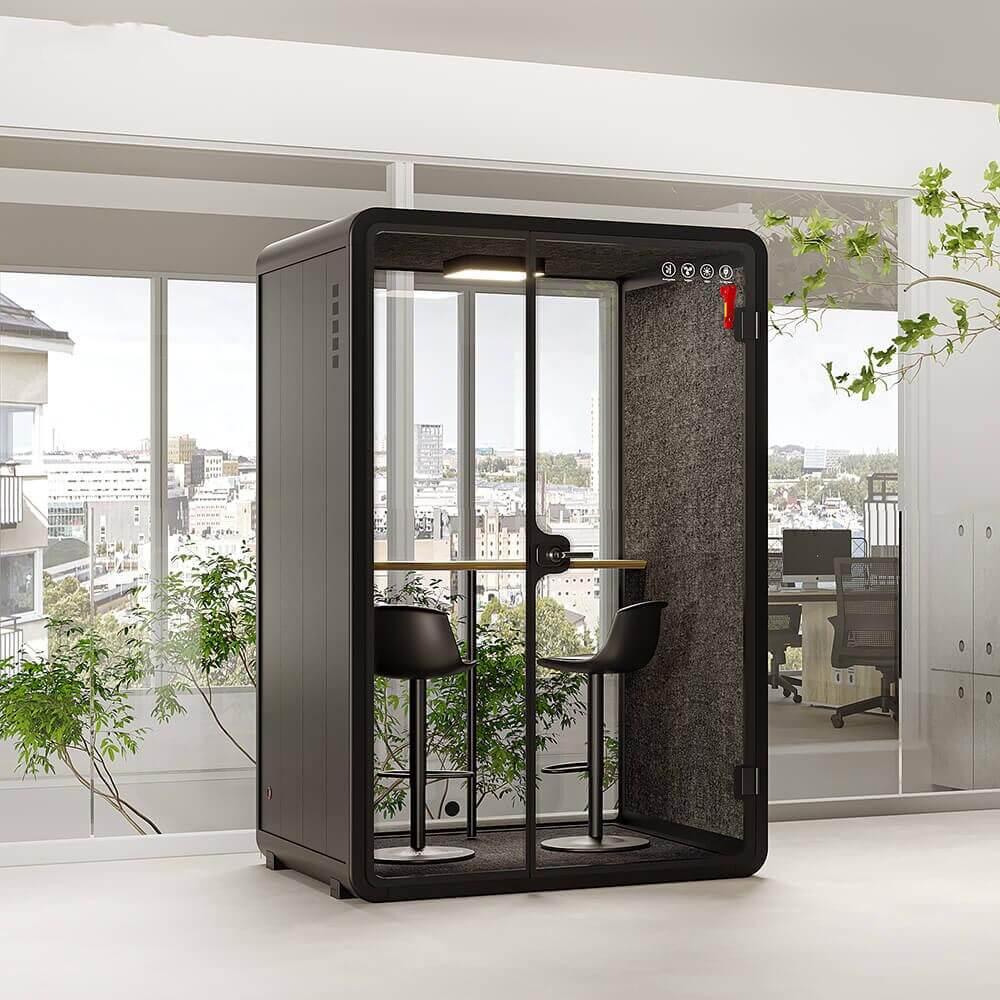
An offline description needs to name functions. Ask whether ordinary lighting, approved ventilation operation and any local user controls remain available without the optional connected service, if one is fitted. Separately ask what happens to booking, status displays or remote settings. Do not infer independence because one lamp illuminates. The provider should explain the operating condition in which each answer applies, including whether initial activation is required before local use.
Ask for an authorized demonstration of the supported unconnected condition where practical, with the provider controlling any necessary setup. Do not pull network cables, interrupt power, reset a controller or disable ventilation to create a test. If that demonstration is unavailable before purchase, distinguish written confirmation from observed behavior. Decide whether the remaining uncertainty affects an essential function or only an optional convenience. A buyer can omit an optional service only when the resulting configuration is supported and meets the intended use.
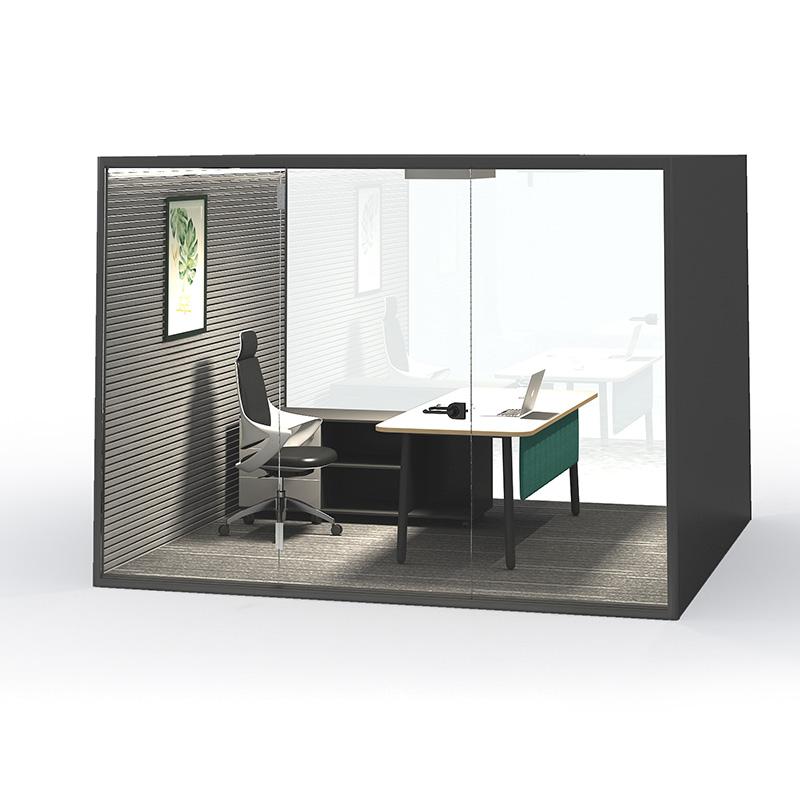
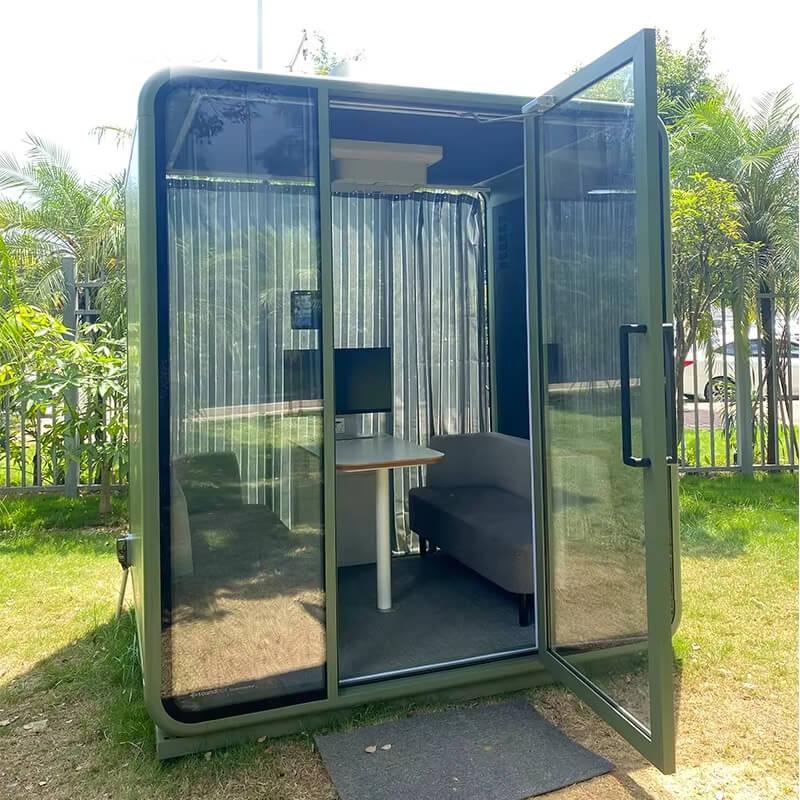
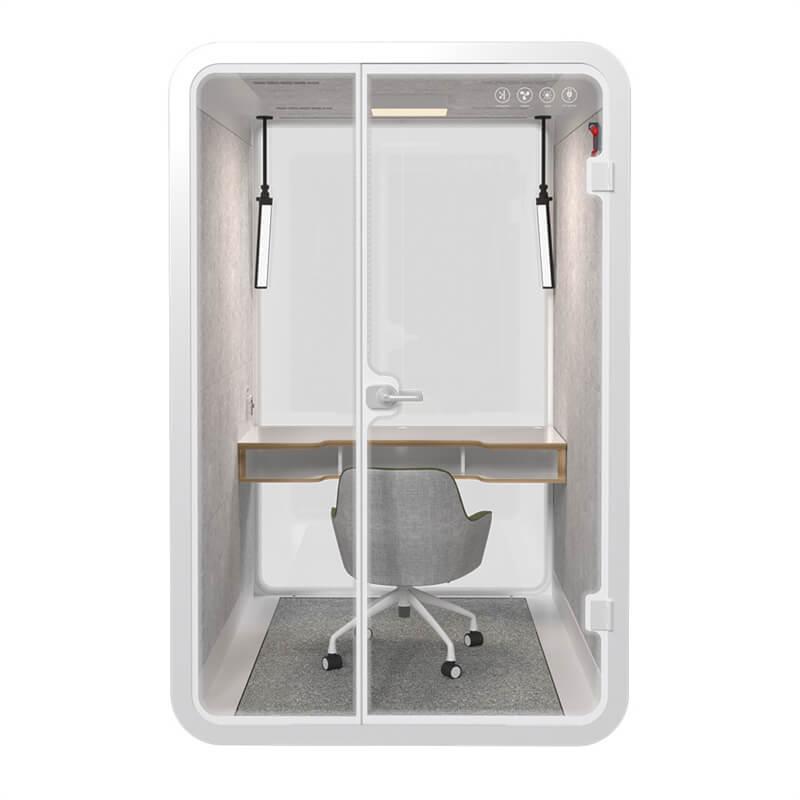
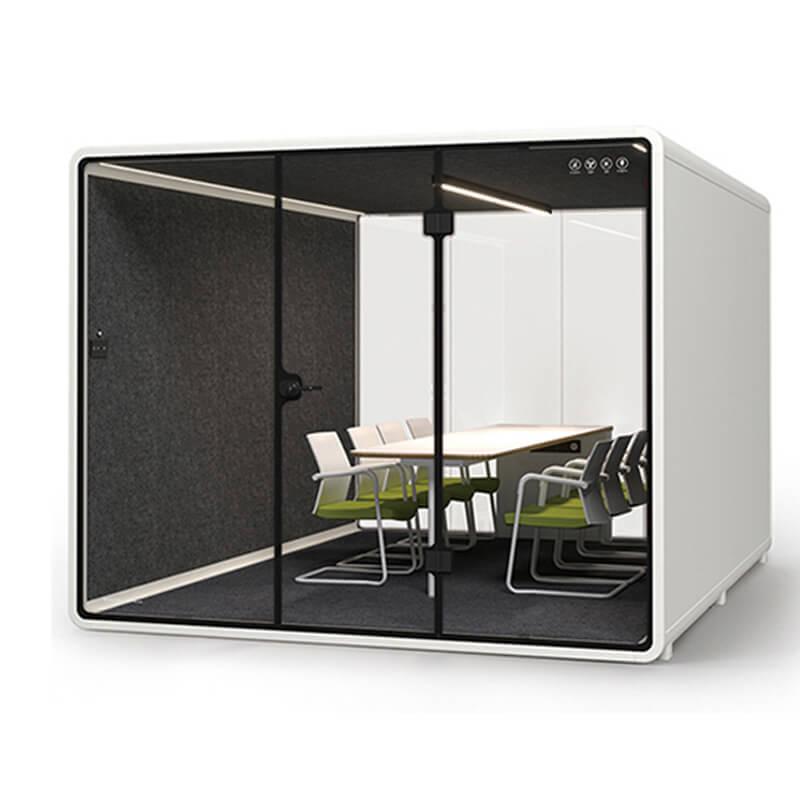
When comparing an alternative offer for SOP meeting pods, request its actual control configuration separately; neither a product image nor this resale discussion establishes connected features.
Schedule the handover demonstration around the point at which the receiving organization is authorized to operate the relevant service. Have its designated administrator use its own approved access, with the provider present or available as agreed. A seller navigating a familiar dashboard again does not establish this result. Match the demonstrated unit to the resale offer using the provider's permitted identification method, without opening technical compartments.
Observe the few functions that drove the purchase decision. If booking is included, use a clearly fictional booking through the authorized new connection and observe its expected visible result. If the buyer needs only local controls, demonstrate those in their approved condition. Record the setup and actual outcome, not a general statement that everything works. An unsuccessful action should identify the missing prerequisite and next responsible party.
Use the short sequence below to keep the session bounded. Do not extend a purchasing demonstration into an audit of another organization or a test of undocumented service modes. Administrative release evidence and receiving-side operation answer different questions; retain both when both apply.
Turn the findings into one digital-dependency handover attached to the proposed purchase. For each required function, state whether it is not applicable, confirmed for the receiving organization, awaiting authorized action or unavailable on the offered terms. Include the enabling service, responsible party, confirmation date and supporting reference. Keep required and optional functions distinct so an unresolved convenience does not conceal an unresolved operating dependency.
Ask the commercial owner to agree how outstanding digital items affect the proposed payment milestone before committing funds. Do not assume a right to withhold an already due payment. Where essential access cannot be established, defer the purchasing decision or compare an alternative configuration. Where an optional feature is deliberately excluded, describe that limitation plainly. Transfer the final record to the receiving administrator and facilities owner without embedding credentials, so later staff changes do not recreate the same ambiguity.

Does every second-hand meeting pod need an account transfer?
No. First establish the fitted configuration and its dependencies. A pod with no connected services may have no digital transfer to complete. Record that answer rather than inventing an account requirement; physical inspection and ordinary operating checks remain separate.
Can the seller simply give the buyer its login?
Do not accept shared credentials as a handover. Ask the provider and authorized outgoing administrator for the supported route, then use the receiving organization's own approved access. A seller's willingness to share a password does not establish transfer authority.
Does resetting the display prove the previous account is removed?
No. A visible change is not confirmation of the provider-side association or any separate calendar connection. Do not attempt a reset as a purchasing workaround. Request the authorized provider's completion reference for the specific dependency.
Can an optional booking subscription be left out of the purchase?
Possibly, if the provider confirms a supported configuration without it and the remaining functions meet the buyer's needs. Record what would be unavailable. Do not assume that cancelling a service leaves every local function unchanged.
What should stay pending when the provider has not answered?
Keep the affected feature's eligibility, cost or release status unresolved. Price and approve only a clearly described offer. A missing answer is neither permission to access the old service nor proof that a new service will be available.
Second hand meeting pods need a digital handover only to the extent that the offered configuration has digital dependencies. Where it does, distinguish the seller's working setup from the receiving organization's authorized operation. Release authority, service eligibility, calendar separation and supported local use should each have a clear answer.
Before payment terms are finalized, put those answers beside the required functions and agree how unresolved items affect the purchase. The result is a usable digital-dependency record, not another physical condition checklist and not a collection of someone else's passwords.

 Tel: +8613538031763
 Email: info@sopworkpod.com
 MP/WhatsApp: +8613538031763
 Manufacturer Address:Liucheng Lujiang District,Meixi Road,Nanan City,Fujian,China