Author:SOP Work Pods Manufacturer TIME:2026-08-28
A sale listing is only the beginning of an office phone booth comparison. The useful buying question is whether each supplier is pricing the same configuration, delivery boundary, installation responsibility, and handover evidence. Without that common baseline, a low headline figure may exclude work that another offer includes, while a detailed listing may still leave critical site conditions unresolved.
A disciplined review converts every offer into a controlled procurement record. The record should show what is confirmed, what is assumed, who owns each open point, and what evidence is required before approval. This approach does not require buyers to invent technical thresholds. It requires them to ask comparable questions and keep commercial decisions tied to documented scope.
Start with the intended use rather than with a supplier brochure. Record whether the booth is primarily for short calls, video meetings, focused individual work, or confidential conversations. Note the expected user turnover, the equipment likely to be used inside, the final room, the available floor area, and any restrictions on access or working hours. These conditions form the comparison baseline. They do not promise that a particular booth will perform in a certain way; they tell suppliers which situation their proposal must address.
The baseline should distinguish requirements from preferences. A requirement is a condition that would prevent the project from working, such as a delivery route that cannot accept the proposed package or a power interface that the site cannot provide. A preference may affect shortlisting but can be discussed later, such as a finish choice or an optional accessory. Keeping these categories separate prevents a visually attractive option from hiding an unresolved operational constraint.
Use the same baseline for every bidder. Ask each supplier to identify exceptions rather than simply confirming that the offer is suitable. A useful response states the proposed model, configuration, assumptions, exclusions, and information still needed from the buyer. A vague response such as “standard specification included” is not yet comparable because the meaning of standard may differ between offers.
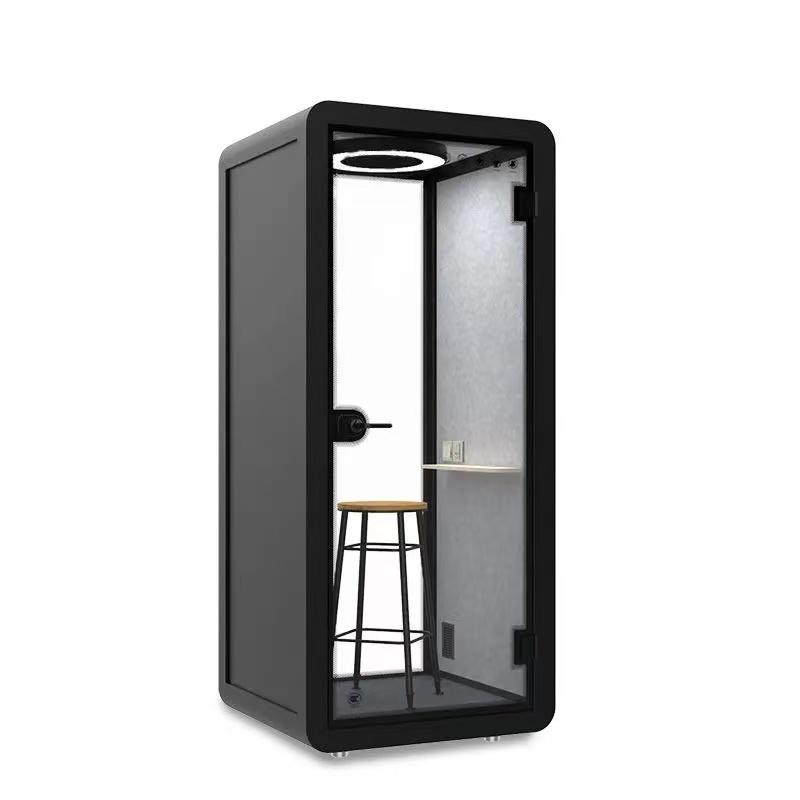
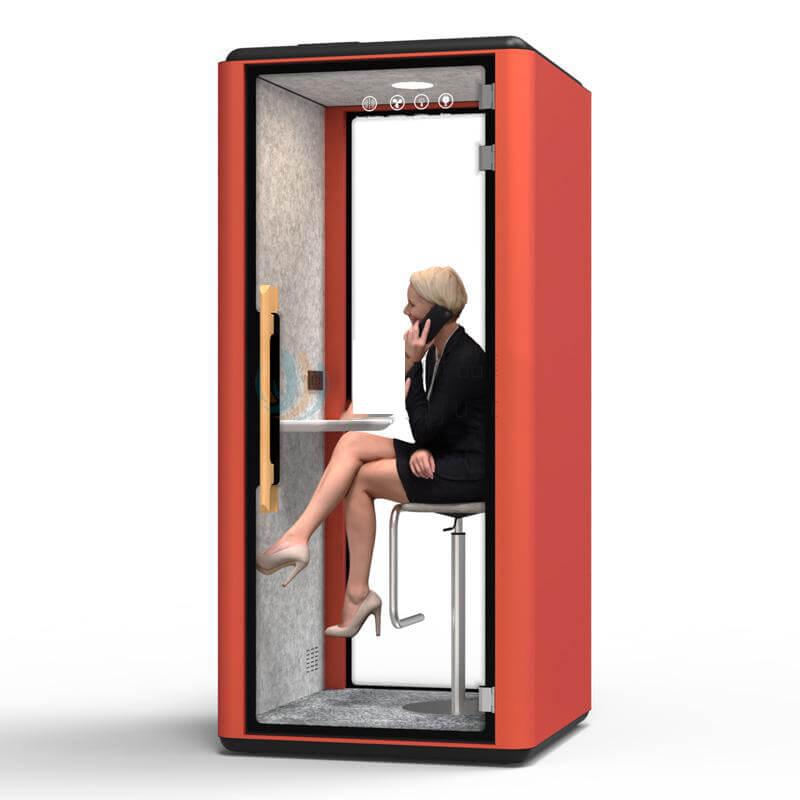
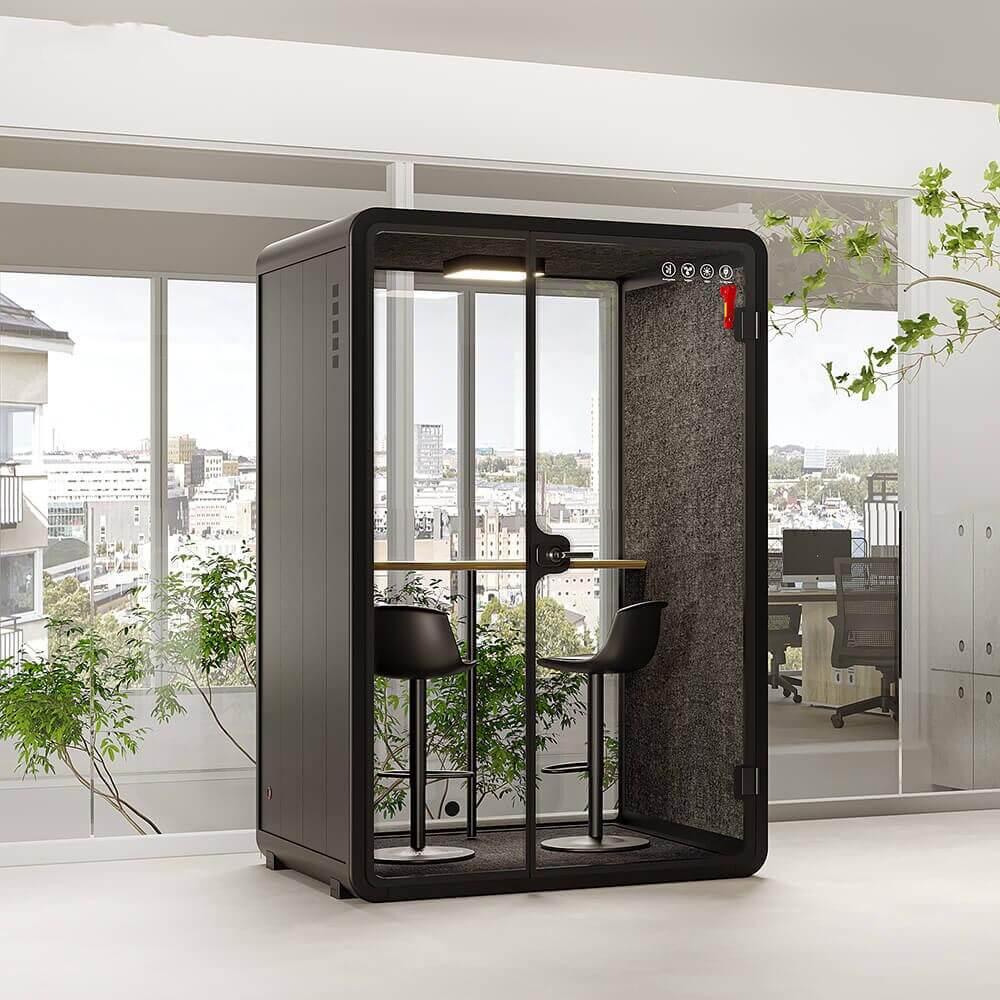
A product name rarely describes every element that affects delivery and use. Door handing, glazing, interior surfaces, work surface, seating, lighting, ventilation controls, sockets, cable entry, finish, and optional equipment may vary. Buyers should request a configuration schedule that lists the selected elements and references the same revision as the quotation and drawings.
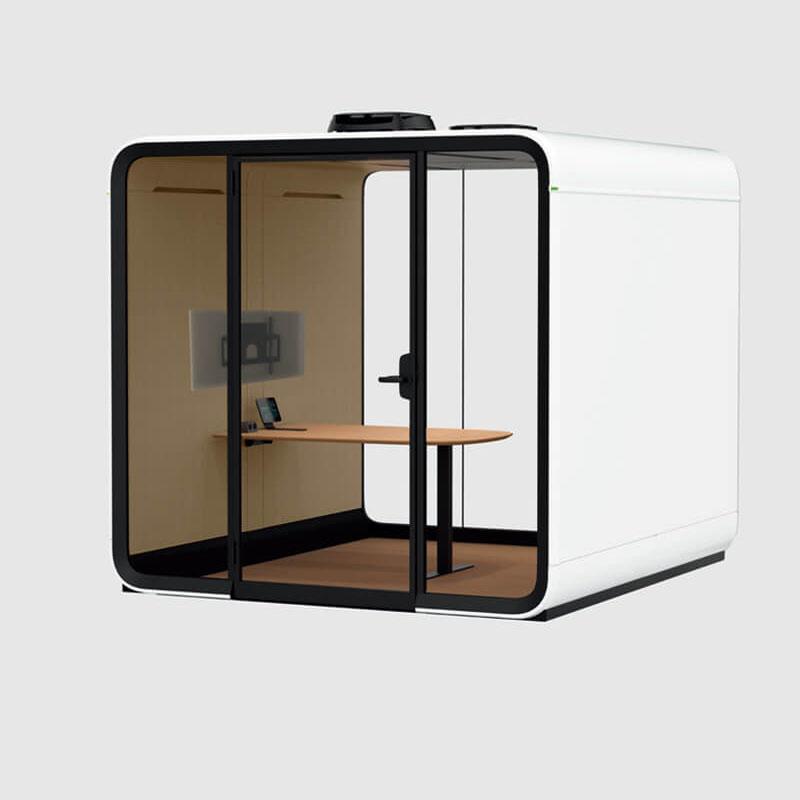
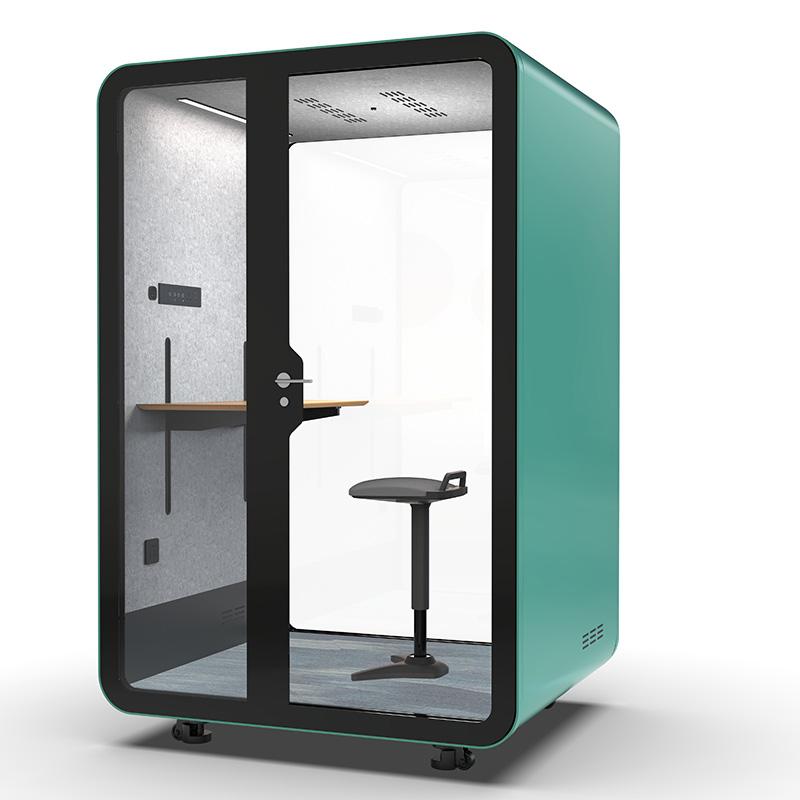
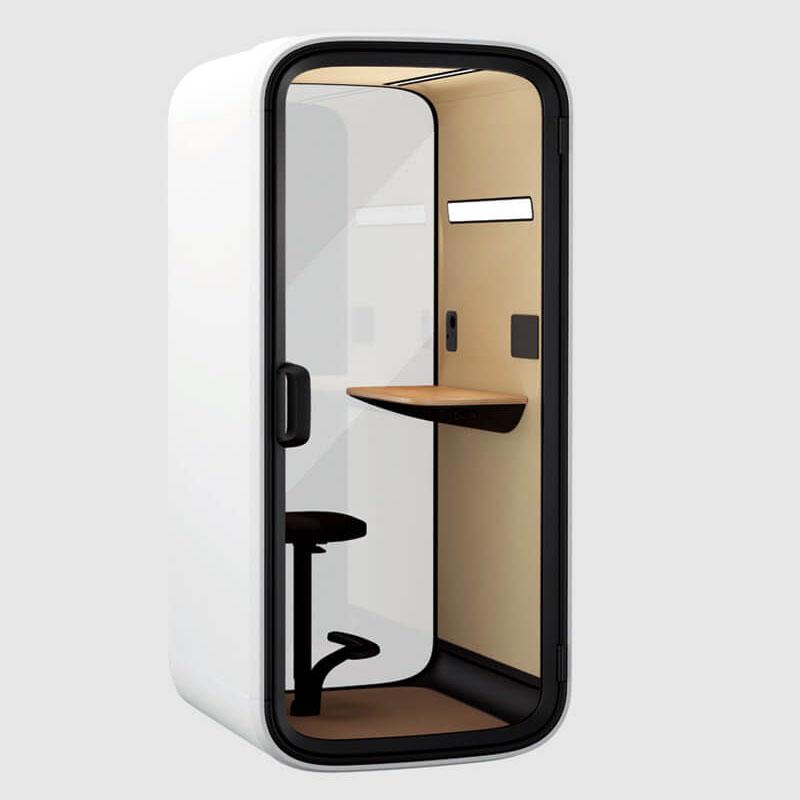
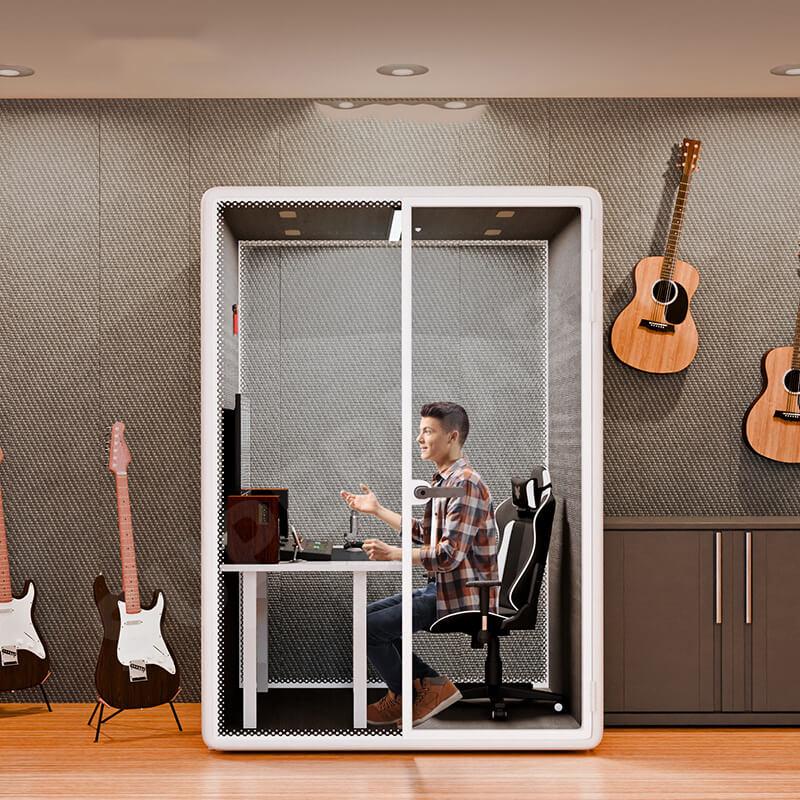
Photographs can help a reviewer understand appearance, but they should not be treated as the configuration record. An image may show an accessory, finish, or furniture arrangement that is not included in the quoted unit. Mark every visual reference as illustrative unless the supplier confirms that it represents the exact offered configuration. When a component changes, update the schedule and quotation together so that the commercial record cannot drift away from the technical record.
The configuration schedule should also state which information is supplier-provided and which remains subject to project confirmation. For example, a supplier can describe the interfaces and operating guidance for a ventilation system, while suitability in the host room may still depend on placement and room conditions. This distinction is more useful than an unsupported universal claim because it identifies the evidence needed at the next decision point.
Decision principle: an offer is not ready for comparison until its model, options, drawings, quotation, and exclusions refer to one controlled revision.
Delivery access can change the practical meaning of an office phone booth for sale. Record the path from unloading point to final position, including external gates, entrances, corridors, turns, lifts, stairs, floor transitions, door closers, ceiling restrictions, and temporary staging areas. Measurements should include the clear opening available during delivery, not only the nominal door or lift dimensions.
Ask the supplier for package dimensions, package weight, handling orientation, lifting points where applicable, and the sequence in which components arrive. Then compare that information with the measured route. If the booth is supplied in components, confirm where unpacking and assembly can occur and how packaging will be removed. If a route has not been checked, label it as an open project risk rather than assuming that modular construction automatically resolves access.
Operational restrictions belong in the same survey. Some buildings limit delivery hours, lift use, noisy work, waste movement, or contractor access. The quotation should identify whether such restrictions were considered. The buyer should also assign responsibility for protection of floors and walls, temporary storage, permits, escorts, and making good after installation.

Comparisons become reliable when each cost and responsibility sits in a named scope. Product scope covers the configured booth and included components. Delivery scope covers transport, unloading, movement to the work area, packaging, and any location limits. Installation scope covers assembly, positioning, connection activities, checks, cleaning, and handover. Site scope covers power availability, floor condition, room readiness, access permissions, and work by other trades.
The table below is a review tool, not a universal specification. Replace each “confirm” entry with the supplier's written answer and attach the supporting document. A blank field should remain open; it should not be filled with an assumption merely to complete the comparison.
| Comparison item | Evidence to request | Buyer check | Decision status |
|---|---|---|---|
| Exact configuration | Revision-controlled schedule and drawings | Matches intended use and quotation | Confirm, conditional, or open |
| Delivery boundary | Package data and written route assumptions | Measured route and building restrictions | Confirm, conditional, or open |
| Installation work | Task list, interfaces, and exclusions | Site work and other-trade responsibilities | Confirm, conditional, or open |
| Operating information | User and maintenance guidance | Owner and schedule for routine checks | Confirm, conditional, or open |
| Acceptance and handover | Inspection record and document index | Approver, witnesses, and open actions | Confirm, conditional, or open |
Commercial review should include currency, tax treatment, payment milestones, quote validity, and the process for changes. It should also identify optional items separately from required items. Do not compare a base configuration with a fully equipped alternative as though both offers cover the same requirement. Where a service or accessory is optional, record whether the project can proceed without it and what decision date applies.
A booth that reaches the correct location still needs an operating owner. Before approval, map the first day of use and the first routine inspection. Identify who explains controls, who manages booking or access, who checks visible condition, who cleans interior surfaces, and who receives a fault report. These responsibilities often sit with different teams, so a general promise of after-sales support is not a complete operating plan.
Ask the supplier to identify user-adjustable controls, normal indications, accessible inspection points, cleaning restrictions, replaceable items where applicable, and the route for service questions. Keep supplier instructions separate from facility procedures. The supplier can state what applies to the product; the facility team should decide who performs approved tasks and how the work is recorded. Do not assign staff to open panels or work on electrical or mechanical parts unless the approved guidance explicitly permits the task.
Run a tabletop review using plausible events. Consider a user who cannot operate a control, an opening that is blocked by relocated furniture, a door that no longer closes as expected, a visible damaged surface, or an unusual operating sound. For each event, record the safe first observation, the person who owns the response, and the escalation route. The purpose is not to predict every failure. It is to prevent a small issue from remaining unreported because no owner or service boundary was agreed.
Service information also affects offer comparison. One supplier may include commissioning, user orientation, or a defined document pack, while another may price only the physical unit. Show these differences in the commercial matrix. If the buyer expects spare parts information, maintenance guidance, or a response route, request those items before approval and state whether they are included, optional, or unavailable.
An evidence ledger gives the approval team one place to see why an offer can proceed. Each row should name the requirement, the supplier response, the document or drawing that supports it, the owner of any open action, and the deadline. Use simple states such as accepted, accepted with condition, excluded from scope, or unresolved. Avoid a single overall “compliant” box that hides exceptions.
Before approval, review disqualifiers. Examples include an unverified delivery route, conflicting model references, missing service boundaries, a configuration that cannot be identified, or a performance statement with no stated conditions or evidence. A disqualifier does not automatically mean that a supplier is unsuitable. It means the offer is not ready for approval until the relevant uncertainty is resolved.
For a closer look at the available product family, use the office phone booth range as a configuration starting point, then request project-specific confirmation for the selected unit. The page should inform the discussion; the signed quotation, revision-controlled schedule, and handover record should control the order.
No. A headline price is useful only after buyers confirm that offers cover the same configuration and project boundary. Compare required product options, delivery assumptions, installation tasks, site work, optional services, and handover records. If one offer leaves an item open, show it as an uncertainty rather than assigning an invented allowance.
Ask what was measured or assessed, under which conditions, for which configuration, and what evidence is available. Distinguish a supplier's stated product information from a result guaranteed in the buyer's room. Placement, interfaces, user behavior, and surrounding conditions may affect the occupied experience, so acceptance observations should be agreed for the actual project.
It should identify who unloads, moves, unpacks, assembles, positions, connects, cleans, tests, and removes packaging. It should also list buyer-provided power, room readiness, access, permits, working hours, and work by other trades. Named exclusions are as important as named inclusions because they prevent responsibility gaps.
The appropriate pack depends on the project, but it can include the approved configuration, final drawings, product and operating information, maintenance guidance, inspection records, accessory list, contact route for service questions, and an open-action register. Agree the index before delivery so missing records do not delay acceptance.

Before comparing an office phone booth for sale, normalize the offers. Define the intended use, lock each configuration to one revision, check the real delivery route, separate product and service boundaries, and approve through an evidence ledger. The next practical action is to send the same requirement sheet to every shortlisted supplier and keep unresolved points visible until a responsible party provides the required evidence. When an offer changes, repeat the affected checks and record the new revision instead of relying on an informal clarification.

 Tel: +8613538031763
 Email: info@sopworkpod.com
 MP/WhatsApp: +8613538031763
 Manufacturer Address:Liucheng Lujiang District,Meixi Road,Nanan City,Fujian,China