Need Help?
Please leave your contact information to get our latest catalog
Get In Touch Now >


Author:SOP Work Pods Manufacturer TIME:2026-08-08
Table of Contents
A quiet booth used for software sprint planning is not simply a smaller meeting room. It is an operating environment for estimation, negotiation, screen review, and short periods of concentrated discussion. The setup succeeds when the booth helps the team reach a credible sprint commitment without creating fatigue, technology delays, or a queue outside the door. That makes the design question operational: how many people participate, which artifacts they need, how long they stay, and which parts of the conversation must remain private?
This field guide treats the booth as part of the planning system. It separates room capacity from agenda capacity, describes a repeatable pre-meeting check, and gives buyers evidence they can use when comparing layouts. The embedded video above shows a relevant quiet-pod environment selected from the website's own video library; it complements the written checks but does not replace a live product demonstration.
Sprint planning alternates between broad conversation and precise inspection. A product owner explains intent, engineers question scope, the team reads acceptance criteria, and someone usually shares a backlog or design file. A room that is acceptable for a ten-minute call can become uncomfortable during a sixty- or ninety-minute planning block. Speech must remain intelligible when several people contribute, yet sound escaping into the open office should not reveal roadmap details, customer names, or unresolved technical risks.
The room also has to protect attention without isolating the team from its tools. People need to see the same screen, refer to notes, connect a laptop, and occasionally stand to draw a dependency. If the display is too high, the table too deep, or the ventilation response too slow, participants stop discussing the work and start adapting to the room. That interruption is a useful diagnostic signal: a well-prepared booth should fade into the background once the agenda begins.
A practical brief therefore starts with four questions: Who must be present for the full session? Who joins remotely? Which decisions require a shared visual reference? What is the longest realistic occupied period? These answers are more useful than choosing a booth by its nominal person count alone.

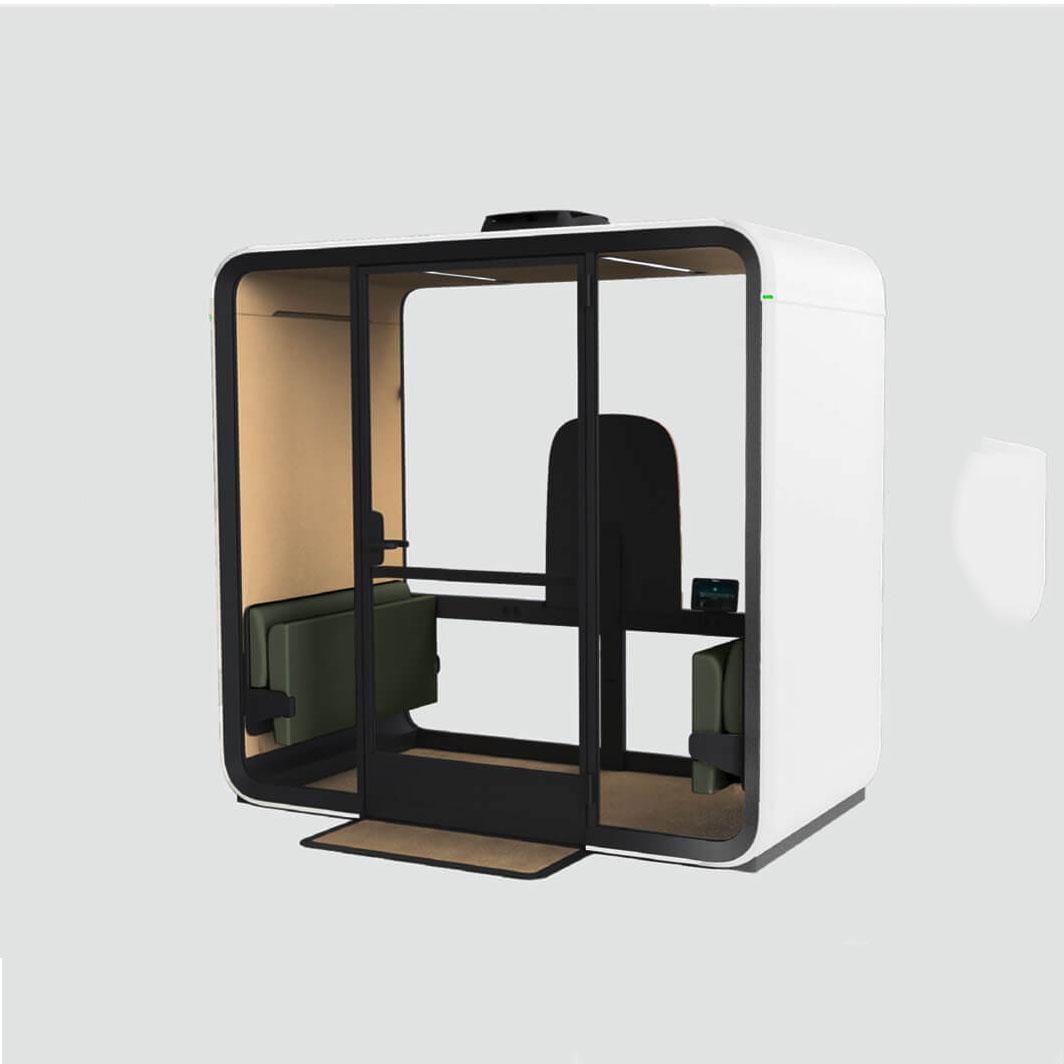
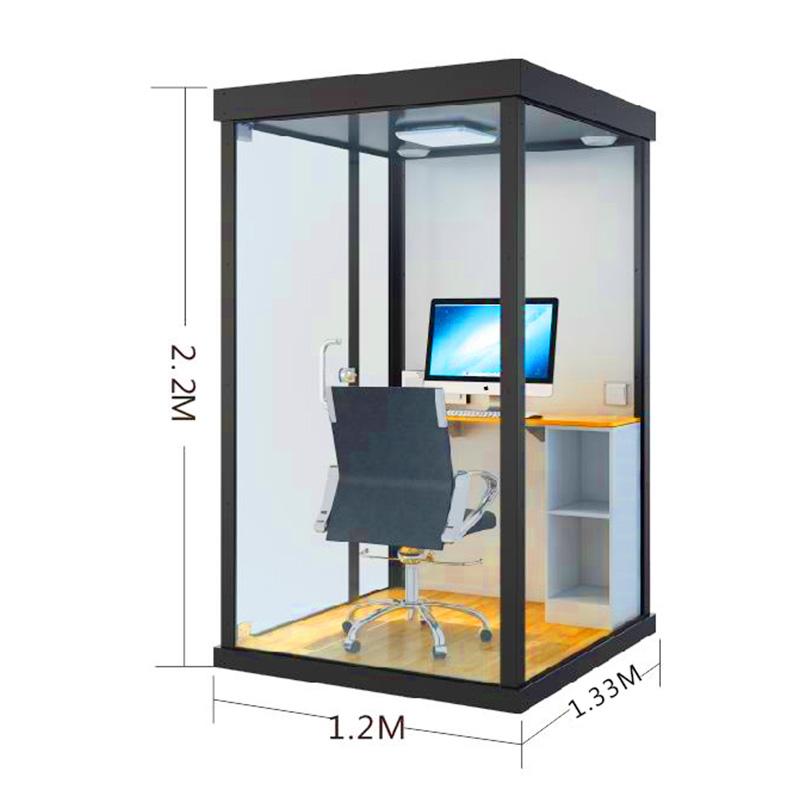
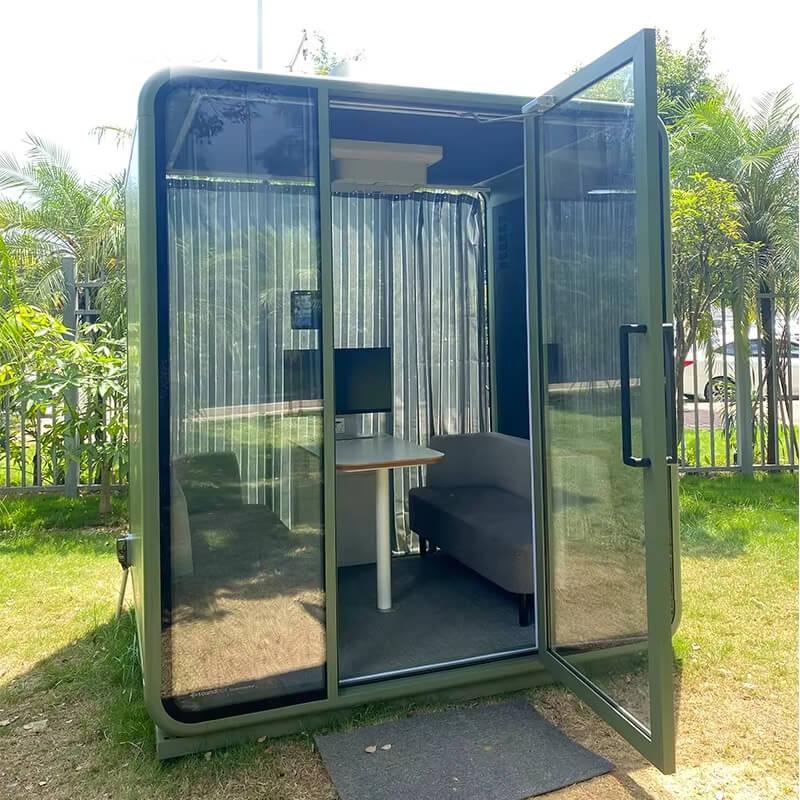
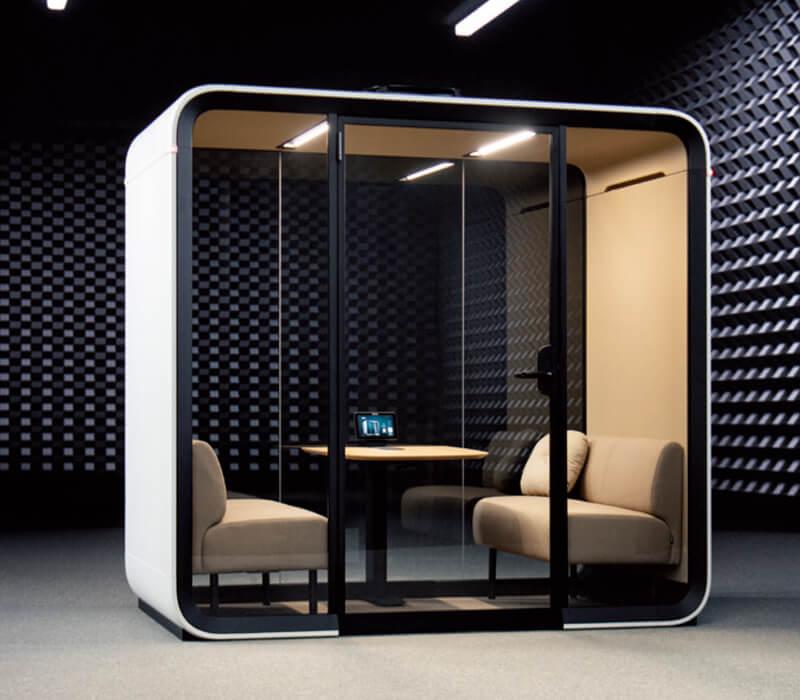
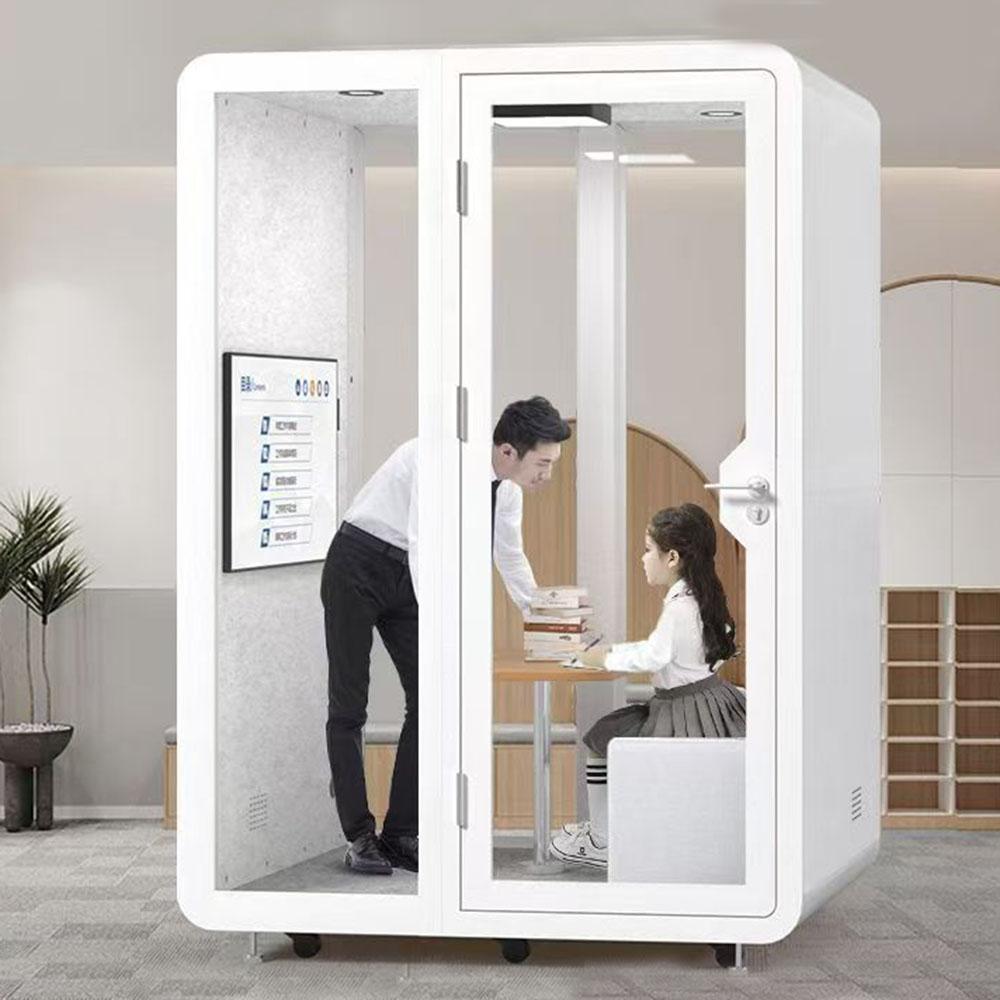
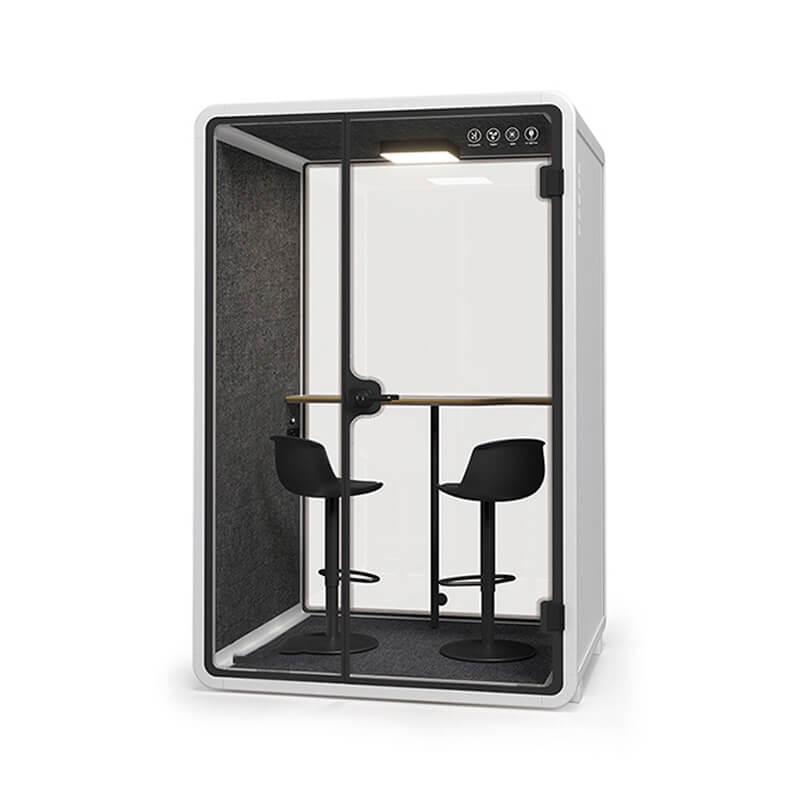
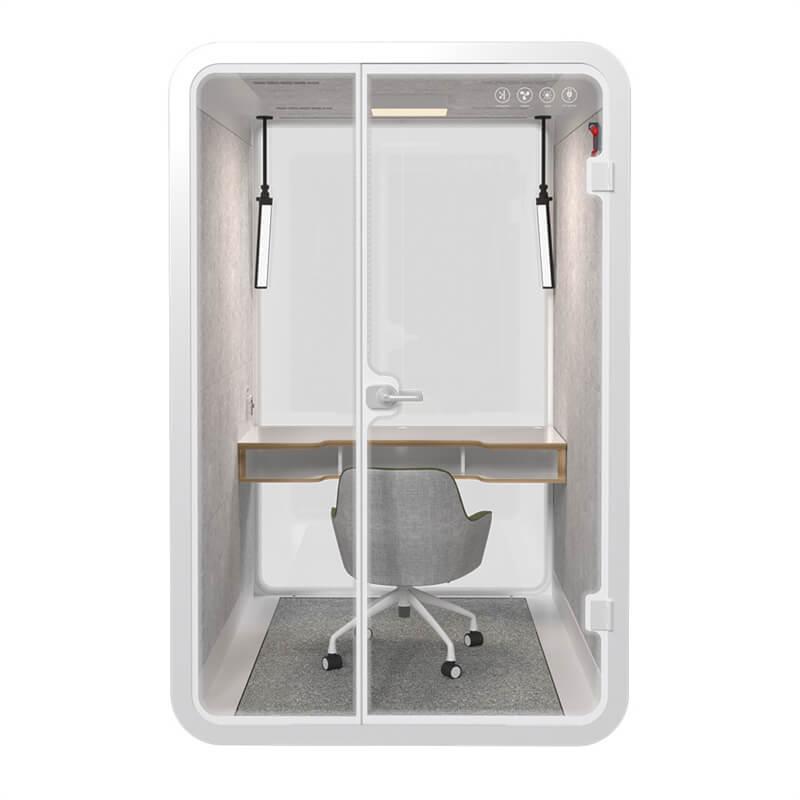
Capacity should be based on the meeting's most demanding phase, not its average attendance. A two-person booth can support backlog clarification between a product owner and an engineer, but it is rarely the right place for a full delivery team to estimate a sprint. A four-person booth may work for a compact product group when one person joins remotely. A larger meeting pod becomes more appropriate when the team needs a shared display, movable seating, or a writable surface that everyone can reach.
Do not count a remote participant as if that person occupies no space. Hybrid planning needs a camera position, microphone coverage, a display large enough for faces and backlog text, and a seat arrangement that does not turn local participants into silhouettes. A room that physically seats four may operate more reliably as a three-person hybrid room. This is not wasted capacity; it is allowance for sightlines and equipment.
For buyers comparing configurations, the useful measure is usable planning capacity. Record the number of seated participants who can view the shared screen, open a laptop, hear remote speech, and leave the booth without asking another person to stand. The office pod collection can then be reviewed against that operating requirement rather than treated as a list of nominal sizes.
Sprint planning creates more movement than a normal video call. A facilitator may point at a display, a developer may turn a laptop toward the group, and a participant may leave after clarifying a specialist issue. The door swing, chair clearance, and cable route should support these movements without forcing people to step over bags or power leads. Where possible, keep the path from door to seat visually obvious and free of temporary storage.
The table should hold the tools used during planning, not every object people might bring. A shallow shared surface often works better than a large boardroom table because it preserves knee clearance and keeps the display within a comfortable reading distance. Provide a deliberate place for one shared keyboard or control pad, and keep personal laptops slightly angled so they do not form a wall between participants.
A writable panel can be valuable for dependencies that are difficult to express in the backlog. Position it where a standing participant can write without blocking the camera or the exit. If wall writing is not available, use a removable board that has a defined storage location outside the booth. Loose boards leaning against the glazing quickly become both a visual distraction and a handling risk.
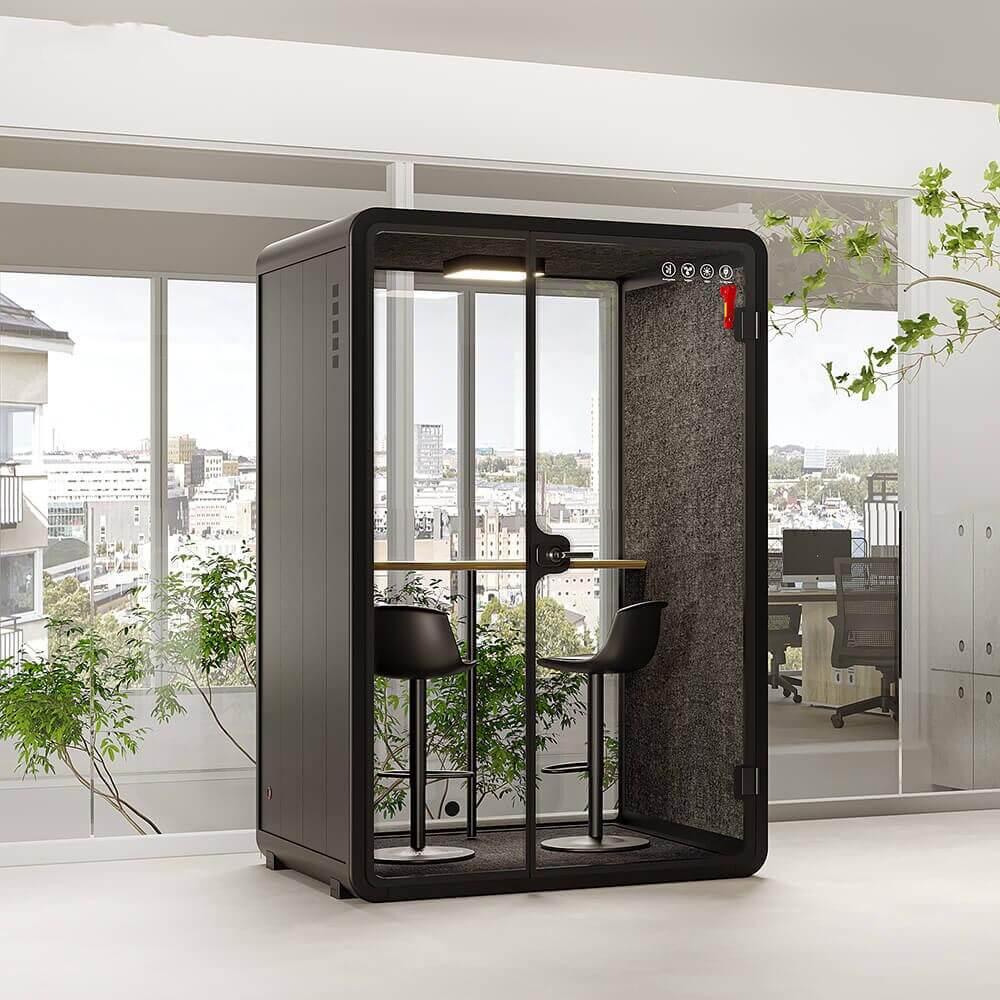
Acoustic performance has two separate jobs. First, people inside should understand one another without raising their voices. Second, speech outside the booth should be reduced enough that nearby work does not compete with the meeting. A showroom test should include normal conversation, a remote voice through the speaker, and typical office noise outside the enclosure. Listening only for total silence can lead buyers away from the more relevant question of speech clarity.
Ventilation should be judged over the intended meeting duration. Ask the supplier how airflow starts, whether occupants can adjust it, how quickly the booth clears heat after a group leaves, and what maintenance the air path requires. Test with the door closed and the display operating because people and equipment both add heat. A short, empty-booth demonstration cannot represent a full planning session.
Thermal comfort is affected by placement as well as ventilation. Direct sun, a nearby radiator, or a supply-air grille can change the booth's internal condition. Record the intended floor position before ordering and review it with the facilities team. If the booth is moved later, repeat the comfort check rather than assuming the original result still applies.
The technology stack should be small enough to remain dependable. A shared display, a camera with a natural eye line, a microphone suited to the seating pattern, a speaker that keeps remote speech clear, and accessible power are usually the core. Add a room computer only when the organization can maintain it consistently. Otherwise, a documented bring-your-own-device connection may create fewer login and update problems.
Place connectors where a participant can reach them while seated. A cable hidden behind a display may look tidy in photographs but waste time at the start of every meeting. Label the preferred input, provide a short spare cable where appropriate, and avoid routing power across the exit path. Wireless sharing can be useful, but it should have a tested fallback for visitors or devices on a restricted network.
Camera framing deserves a real check. Capture a test image with every seat occupied, the display active, and the door closed. Look for faces cut off at the edge, strong reflections in the glass, and a bright display that makes participants appear too dark. Correcting camera height or light direction before launch is cheaper than asking every team to improvise.
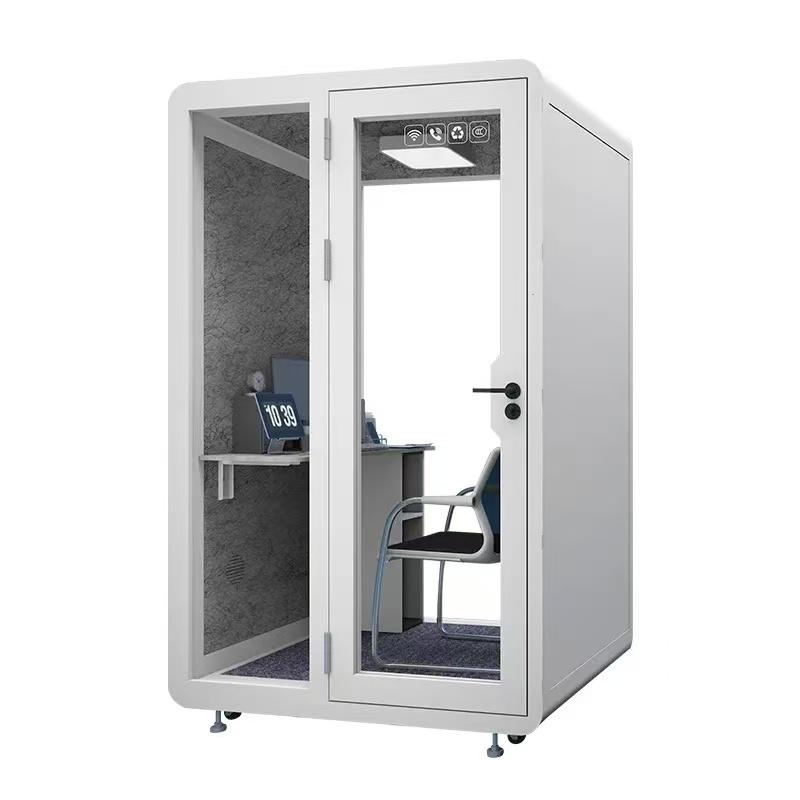
Use a short calibration routine before the first planning session and after any relocation or equipment change. The purpose is not to certify the booth; it is to catch predictable friction while there is still time to correct it. The table below can be printed as a facilities handover record or kept with the room-booking documentation.
| Check | Method | Acceptable evidence | Owner |
|---|---|---|---|
| Screen readability | Open a representative backlog at normal zoom from every seat | Text is readable without leaning or moving a chair | Product team |
| Remote audio | Run a five-minute call with one external participant | Both sides understand normal speech without repetition | IT support |
| Camera coverage | Record a still image with all planned seats occupied | Faces are visible and no seat is outside the frame | IT support |
| Air recovery | Close the door after a full-capacity test and observe the next booking | The room is comfortable for the following group | Facilities |
| Exit clearance | Place chairs and bags as users normally would | The exit route remains unobstructed | Facilities |
| Privacy check | Hold normal speech inside while a listener stands at nearby desks | Words are not readily intelligible in the work area | Workplace lead |
Method note: Record the date, booth location, equipment configuration, and participant count with each check. A pass without those conditions is difficult to compare after the booth is moved or the technology is replaced.
Reserve the booth with a short setup margin before the planning block. The facilitator should open the backlog, connect remote participants, confirm the sprint goal draft, and place any physical notes before the team enters. This keeps the occupied period focused on decisions rather than connections. It also reduces the temptation to extend the booking into the next team's time.
During the session, divide the work into visible phases: goal and capacity, item clarification, dependency review, estimation, and final commitment. A small room can make discussion feel intense, so announce short transitions and use a brief standing reset when the session runs long. The booth is not a reason to compress every issue into one meeting. Questions that need research should be assigned and removed from the immediate agenda.
End with a two-minute room reset. Disconnect guest devices, remove confidential notes, return chairs to their marked positions, and report technology faults through one known channel. This routine protects the next booking and creates usable maintenance evidence instead of informal complaints.
Good planning evidence is concise. Record the sprint goal, accepted scope, major dependency owners, unresolved risks, and any capacity assumption that changed the commitment. Do not photograph a wall of notes merely because the booth makes it convenient. Information should move into the team's approved work system, and confidential temporary material should be removed from the room.
Facilities evidence is different. Keep a short room log for recurring issues such as display connection failures, stale air after long bookings, door-latch noise, or a seat that repeatedly blocks the exit. Three dated observations are more useful than a general statement that the booth is uncomfortable. They also help separate a product issue from a booking pattern or technology configuration.
Planning annotation: If a meeting repeatedly overruns, first compare agenda length, team size, and unresolved backlog quality before concluding that the booth is too small. Room changes should solve observed physical constraints, not process problems that will follow the team into a larger room.

Access must be reviewed with actual users and local requirements. Check door width, threshold conditions, turning space, seat transfer needs, control height, display visibility, and whether the booking interface communicates accessible features. A booth should not be labelled accessible solely because it has a low threshold. The route from the surrounding office, the door operation, and the usable interior all matter.
Recovery time is the gap needed between demanding bookings. It allows air to refresh, surfaces to be cleared, and equipment faults to be noticed. The appropriate interval depends on booth volume, ventilation behavior, group size, and session length. Start with measured observation during the pilot period and adjust the booking rule. A fixed assumption copied from another site is weaker than evidence collected in the actual location.
Repeated cable searches indicate poor connector placement or unclear instructions. Participants raising their voices suggests an audio, reverberation, or external-noise problem. People leaving the door open during a long session may indicate heat or air concerns, but it can also reflect a broken latch or anxiety about being interrupted. Chairs migrating into the exit path point to a mismatch between furniture and usable floor area.
A queue outside the booth often means the room has become the only reliable private space in the office. Adding a strict time limit may protect bookings but does not address demand. Review call volumes, planning schedules, and the availability of smaller booths for individual work. A large planning pod should not be occupied by one person for routine calls when a smaller alternative is available.
Finally, watch for teams abandoning the shared display and huddling around one laptop. That pattern usually signals poor screen readability, unreliable sharing, or a seating geometry problem. It is a measurable setup issue, not merely a user preference.
Can a one-person quiet booth be used for sprint planning?
It can support an individual joining a remote planning session, but it does not support an in-person team. Confirm camera framing, screen readability, and session length because a booth designed for short calls may not be comfortable for a long planning block.
How long should a sprint-planning booth booking be?
Base the booking on the team's agenda and include setup and reset time. When a session regularly exceeds the comfortable occupied period observed during the pilot, split preparation from commitment or use a larger room rather than extending the booking automatically.
Does a soundproof booth guarantee confidential discussion?
No enclosure should be treated as a guarantee without a site-specific test. Privacy depends on speech level, surrounding noise, placement, door closure, penetrations, and the performance of the complete installed system. Test intelligibility at nearby work positions.
Should the booth have a permanent computer?
Only when IT can maintain accounts, updates, security, and recovery consistently. A clearly documented laptop connection with a tested spare may be more dependable for teams using different tools.
What should be rechecked after the booth is moved?
Repeat the privacy, ventilation, thermal, camera, network, power, door-clearance, and emergency-route checks. A booth's product specification may be unchanged, but its operating conditions are not.
A quiet booth supports software sprint planning when its usable capacity, sightlines, sound control, air movement, technology, and booking rules are designed around the real agenda. The strongest purchasing decision is supported by a full-capacity demonstration, a documented calibration check, and a pilot period in the intended location. Treat the booth as part of the team's operating system: prepare it before the meeting, record evidence when friction appears, and recalibrate it after any move or equipment change. That approach produces a more reliable planning environment than selecting a pod by person count or appearance alone.

 Tel: +8613538031763
 Email: info@sopworkpod.com
 MP/WhatsApp: +8613538031763
 Manufacturer Address:Liucheng Lujiang District,Meixi Road,Nanan City,Fujian,China


