Need Help?
Please leave your contact information to get our latest catalog
Get In Touch Now >


Author:SOP Work Pods Manufacturer TIME:2026-08-28
Telephone pods for offices can help shared legal departments handle calls without occupying formal meeting rooms, but their suitability depends on more than acoustic marketing. In-house counsel may discuss employment matters, commercial negotiations, investigations, disputes, intellectual property, regulatory questions, and routine project advice in the same day. Each conversation has a different participation pattern, technology need, record-handling rule, and sensitivity.
A legal team should treat the pod as one control within a wider information-governance system. Location, speech behavior, screen sightlines, booking labels, paper handling, access, device security, and staff practice all influence the outcome. This article provides a facilities and operations framework, not legal advice; organization-specific requirements should be confirmed by responsible legal, privacy, security, accessibility, and workplace teams.
The selection record must therefore connect each call pattern to a permitted location, configuration, and escalation route.
Create a call map using the department's real workload. Categories might include quick internal advice, contract negotiation, privileged counsel discussions, witness preparation, employee interviews, external-lawyer conferences, regulator calls, and cross-functional project meetings. Record typical participants, duration, devices, documents, voice intensity, and whether the user needs to take notes or display evidence.
Do not force every legal call into the highest-sensitivity category. That can make scarce private rooms unavailable and create cumbersome procedures that people bypass. Instead, define practical tiers with clear routing. A routine status call might use a one-person pod in a controlled staff area. A highly sensitive multi-party investigation call may require a larger enclosed room with approved access and technology.
Include exception scenarios. An expected ten-minute call can become a forty-minute negotiation. A participant may join unexpectedly. A user may need to consult a colleague or open a large bundle. The pod policy should state when to continue, when to move, and how to preserve the conversation during that transition.
A pod's acoustic performance is affected by what surrounds it. Map nearby desks, circulation routes, waiting areas, kitchens, printers, lifts, collaboration zones, and public access. Consider who can stand beside the door, view through glazing, or hear ventilation outlets. A well-built booth placed beside a reception queue may be a poor legal-call location.
Use distance, orientation, background sound, and access boundaries together. Turn glazing away from high-traffic sightlines where practical. Avoid locating the pod directly against a quiet workstation where faint speech becomes more noticeable. Keep vents and service gaps clear, and verify that building elements do not create an unexpected flanking path.
Define privacy through a site test rather than an absolute word. Ask what complete-pod evidence exists and how it relates to the proposed installation. Then test normal, low, and animated speech from relevant listening positions. Record whether words are intelligible, whether a conversation is merely detectable, and whether neighboring work remains undisturbed. These are different observations with different operational consequences.
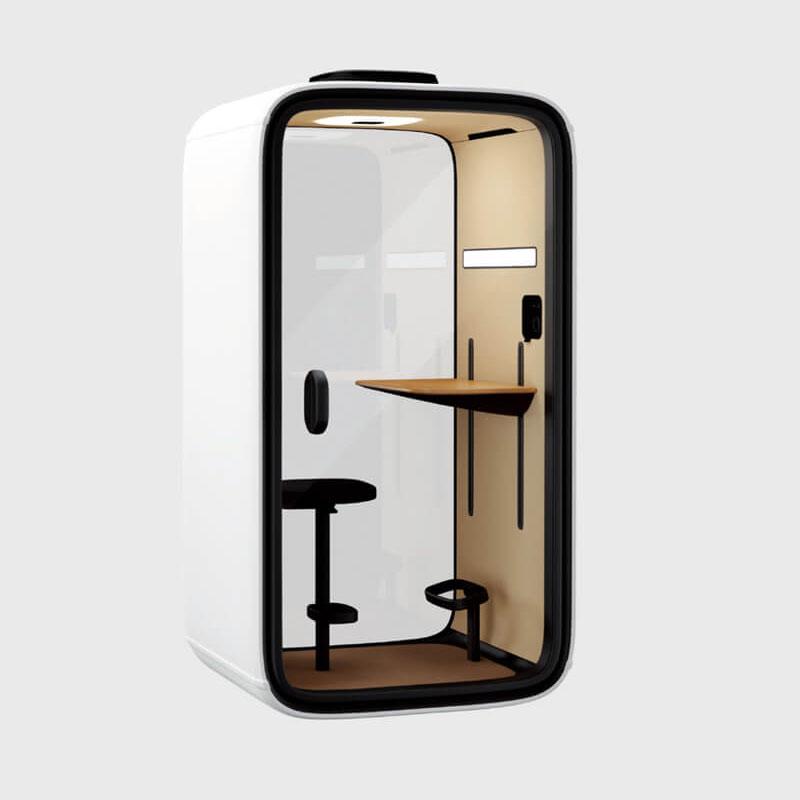
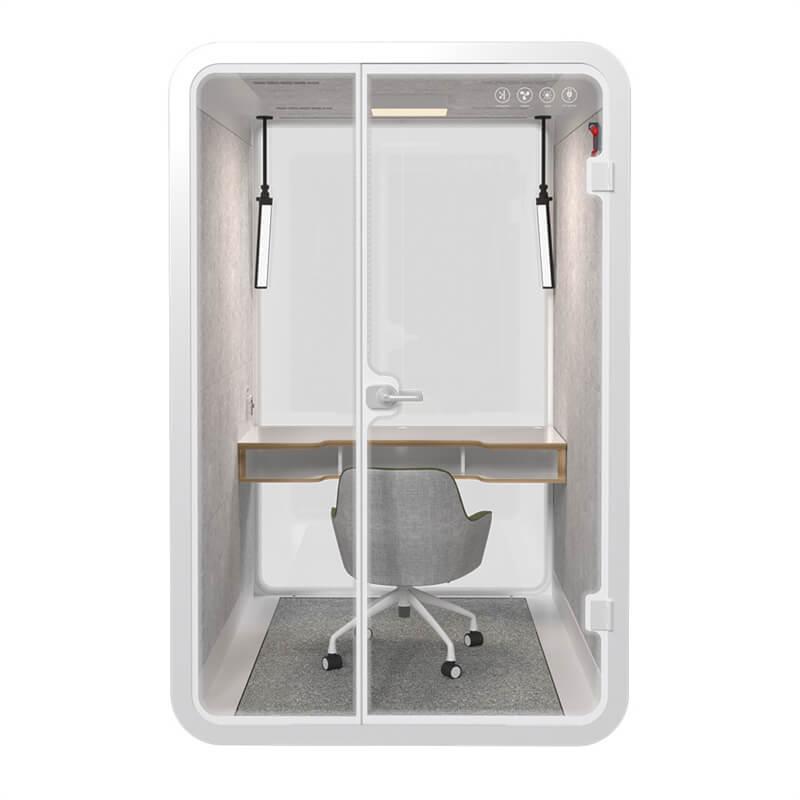
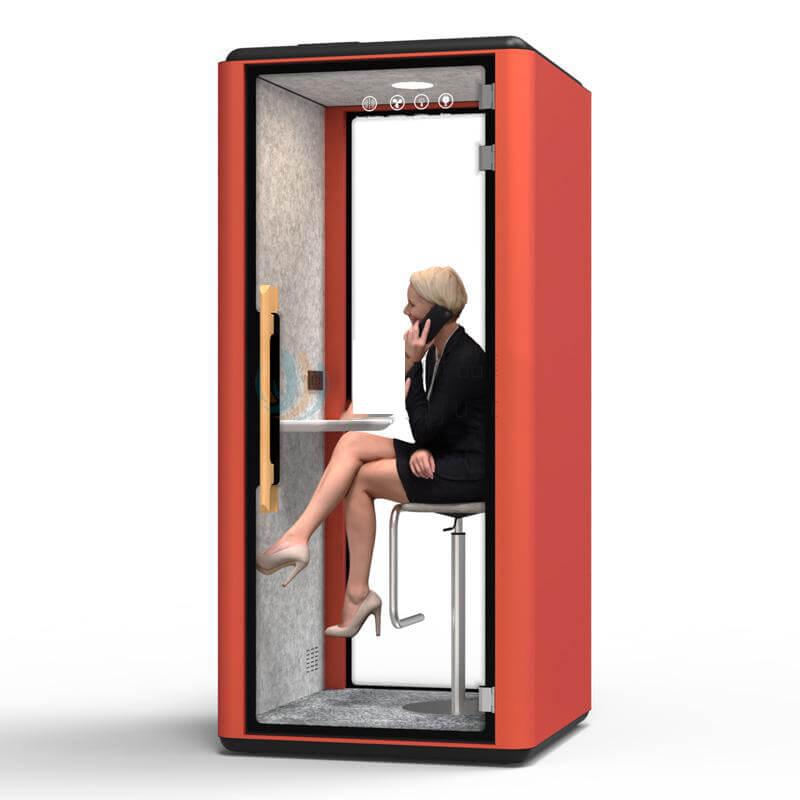
A one-person telephone pod is efficient for individual calls and can increase access across a legal team. It should provide enough surface for a laptop and limited notes, with a camera angle and lighting suitable for external participants. It is not appropriate when a second counsel routinely needs to join, when a witness is present, or when large documents must be reviewed.
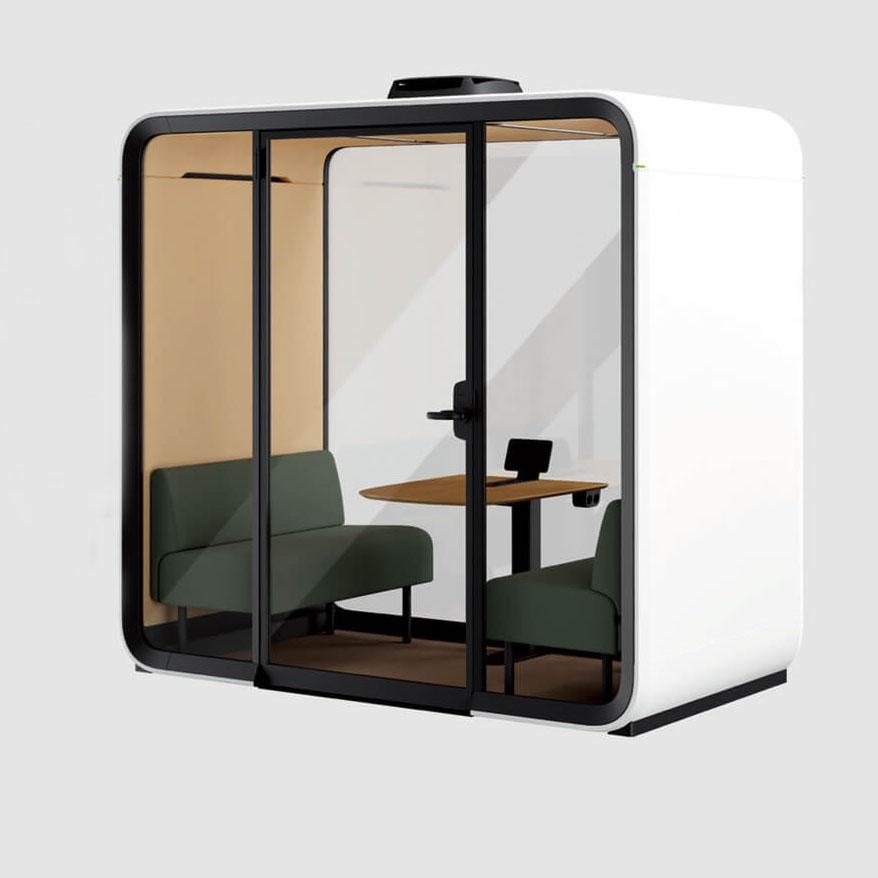
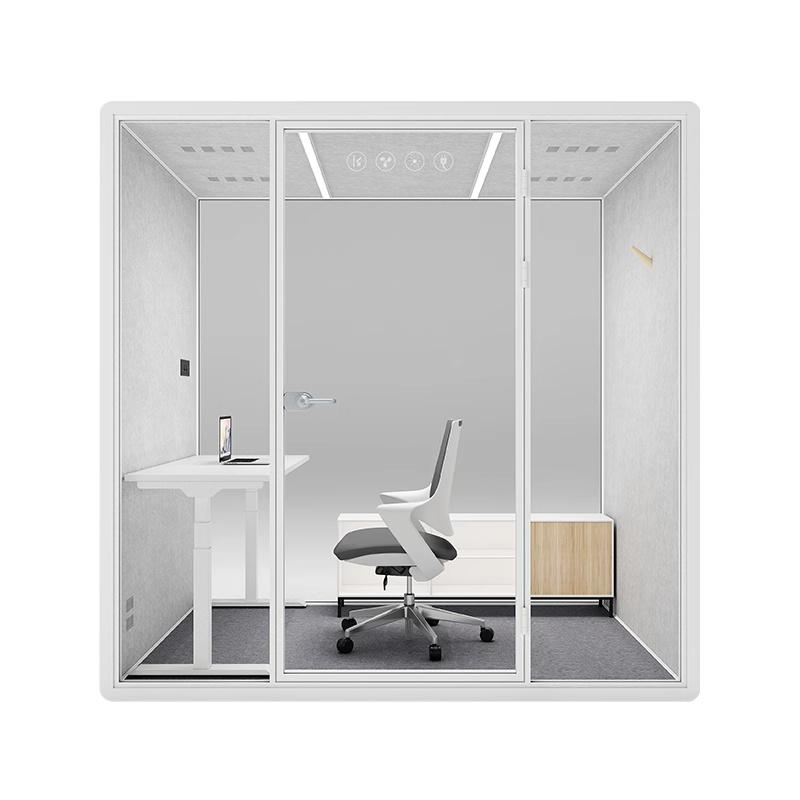
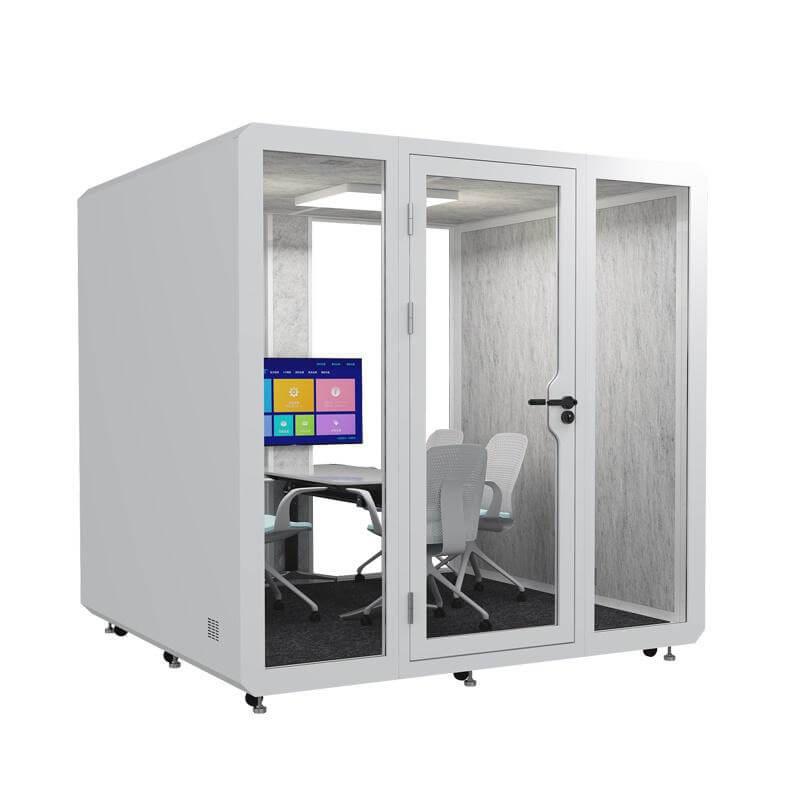
A two-person booth supports short joint calls and mentoring, but seating geometry matters. Both users should be visible on camera without crowding, and neither should block the exit or ventilation. For longer negotiation teams, interviews, or sessions involving support people, a small meeting pod may be more suitable than stretching a telephone-booth format beyond its intended capacity.
Use the call map to estimate simultaneous demand by time of day. Buying only one larger pod can create a queue when several counsel need individual calls. A mix of sizes may be more resilient. Teams can review telephone pod configurations for office calls and compare each option against observed participation, not nominal seat count alone.
The calendar can reveal more than the room. Avoid booking titles that name a sensitive matter, employee, investigation, counterparty, or legal strategy when that detail is not operationally necessary. Users generally need to see availability and perhaps an approved purpose category, not the substance of another person's call.
Set rules for recurring reservations, late release, overrun, and priority. A shared department should be able to identify a suitable room quickly without learning why someone else needs it. If access is restricted, define who can grant it and what happens outside normal hours. Occupancy indicators should show room status without exposing participant identities.
Matter separation continues inside the pod. A user should not find notes, printouts, open files, or remembered browser sessions from the previous booking. Include a short reset period where necessary and make the sign-out action obvious. Cleaning staff and facilities technicians should have appropriate access procedures for spaces where documents or screens could be present.
Decide whether paper is permitted and, if so, how it enters and leaves. A small shelf can encourage users to stack files where pages fall, remain visible through glazing, or are forgotten. Provide only the storage needed for an active session, and keep permanent matter storage in approved systems outside the booth.
For digital work, check screen orientation from every exterior sightline. Use device locking, approved accounts, and the organization's secure communication tools. Privacy filters may help in some positions but should be tested for readability and camera use. Shared displays need a documented sign-out and clearing process; consumer casting features should not remain open to unintended users.
Headsets can reduce speaker output, yet microphones, call recording, transcription, and voice-assistant functions still need policy. Users should know which features are authorized and how consent or notice is handled where applicable. The physical enclosure does not change the organization's obligations for records, monitoring, retention, or secure disposal.
Test the department's actual conferencing platforms, authentication, virtual desktop, document repository, and headset inside the proposed location. Measure performance during busy office periods. A legal call may involve screen sharing and several remote parties; wireless instability or a forced update can waste scarce meeting time and create pressure to move the discussion into an open area.
Plan wired connectivity where policy and layout support it, or verify a managed wireless design with IT. Cable entries should be safe and should not bypass acoustic seals. Provide enough power without relying on loose extension leads. Place chargers and adapters where they remain accessible for service but do not become shared items that disappear.
Camera, lighting, and microphone should be evaluated as a system. A bright background can obscure the user's face; a wide lens may reveal documents; a microphone may emphasize fan noise; a loudspeaker can increase audibility outside. Run a recorded test call, review both local and remote experience, and save approved settings for consistent use.
Trace an accessible route from the legal department to the pod. Review door width and force, threshold, turning space, control reach, table clearance, seat options, visual contrast, hearing support, and space for an interpreter or assistant. If one pod type cannot serve all users, provide an equivalent room with comparable privacy and booking access.
Long legal calls can be intense. Test air movement, temperature, seat support, screen height, lighting, and ease of exit for the longest expected session. Define a maximum booking length where needed and encourage users to choose a larger room for extended multi-party work. Comfort failures can lead people to prop the door open, undermining the planned privacy condition.
Emergency and welfare arrangements should be simple. Users need to know how to leave, adjust ventilation, and request help. Authorized staff need a procedure for an unresponsive occupant or a door fault. These arrangements should respect dignity while meeting the organization's safety and accessibility responsibilities.
Commissioning should recreate the department's call tiers. Use representative speech, the normal laptop and headset, a live conferencing session, sample documents, and realistic office activity outside. Test from named listening and viewing positions. Note door state, ventilation setting, participant count, background sound, and whether individual words can be understood.
Check the complete journey: finding and booking the room, entering with equipment, connecting, conducting the call, handling an overrun, clearing records, and reporting a fault. Ask a lawyer, legal operations representative, IT, facilities, accessibility reviewer, and nearby employee to take part. Each sees a different failure mode.
Record the accepted configuration and operating controls. Include pod location, furnishings, glazing treatment, device settings, booking rules, cleaning method, emergency access, service clearance, and open limitations. If the enclosure is moved or technology changes, repeat the checks affected by that change. Commissioning is evidence for a particular setup, not a permanent property of the product name.

The table below routes call types to suitable configurations. It does not classify legal privilege or replace case-specific judgment; it helps facilities and legal operations ask consistent questions.
| Call pattern | Likely configuration | Controls to verify | Escalation trigger |
|---|---|---|---|
| Routine individual project advice | One-person telephone pod | Site speech test, secure headset, screen sightlines | Sensitive matter or unexpected participant |
| External counsel working call | One- or two-person pod | Reliable platform, document reset, booking privacy | Large bundle, long duration, or joint team |
| Joint negotiation preparation | Two-person or small meeting pod | Capacity, shared screen, camera framing, ventilation | More participants or sustained animated speech |
| Employee or witness interview | Approved private meeting space | Safeguarding, access, records, organizational procedure | Case requirements exceed pod controls |
| Highly sensitive multi-party matter | Purpose-approved legal room | Full security and governance review | Any uncertainty about access or technology |
| Accessible individual call | Accessible pod or equivalent private room | Complete journey, controls, hearing and support needs | User cannot obtain an equivalent experience |
No. Confidential handling depends on the complete acoustic environment, location, people, devices, records, booking data, access controls, and organizational procedure. Test the real setup and route higher-risk calls appropriately.
Usually the system should expose only the information needed to reserve and operate the room. The legal and privacy teams should define naming and retention rules for the organization's tools.

It may cover a large share of individual calls, but simultaneous demand and joint sessions can justify a mix of sizes. Use call-pattern and occupancy evidence before deciding quantity.
That should not be assumed. Active and stored records should follow approved matter-handling rules. The default shared-pod reset should leave no paper or accessible digital session behind.
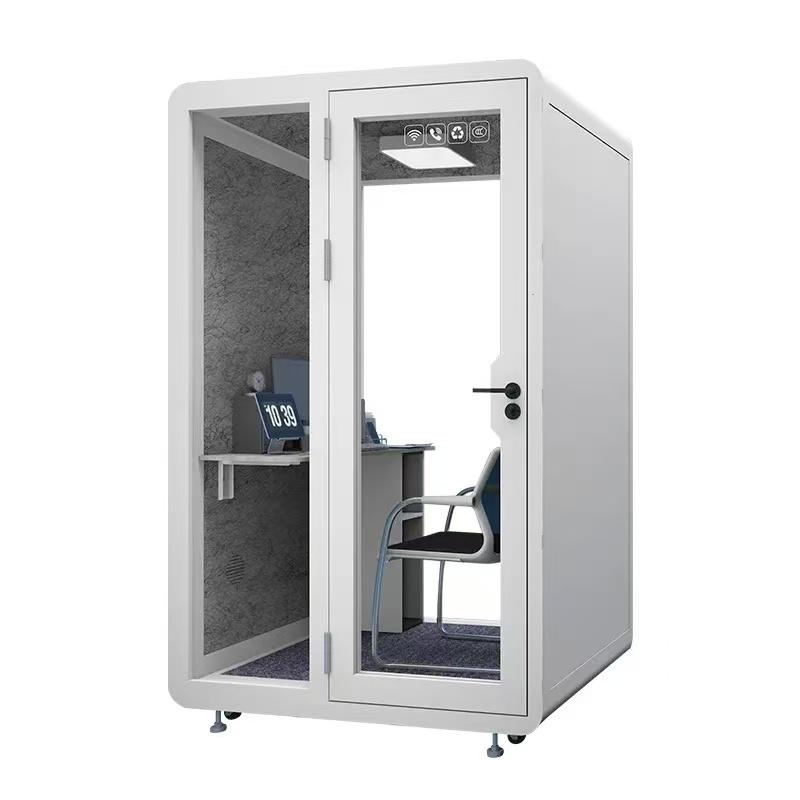
The telephone pods that fit shared legal departments are those embedded in a documented call-routing and information-control system. Product capacity should match participation patterns, while location, speech testing, booking labels, records discipline, hybrid-call reliability, access, comfort, and emergency procedures define how safely the pod can be used.
A mixed set of configurations may serve a department better than one universal booth. Commission each accepted location with representative legal workflows and preserve the limitations as carefully as the passed tests. That creates a dependable choice for routine calls and a clear trigger for moving higher-risk work to a more controlled room.
How often should privacy performance be retested? Retest after moving the pod, replacing seals or ventilation components, changing nearby layout, modifying glazing, or receiving a credible concern. Add periodic checks to normal maintenance.

 Tel: +8613538031763
 Email: info@sopworkpod.com
 MP/WhatsApp: +8613538031763
 Manufacturer Address:Liucheng Lujiang District,Meixi Road,Nanan City,Fujian,China


