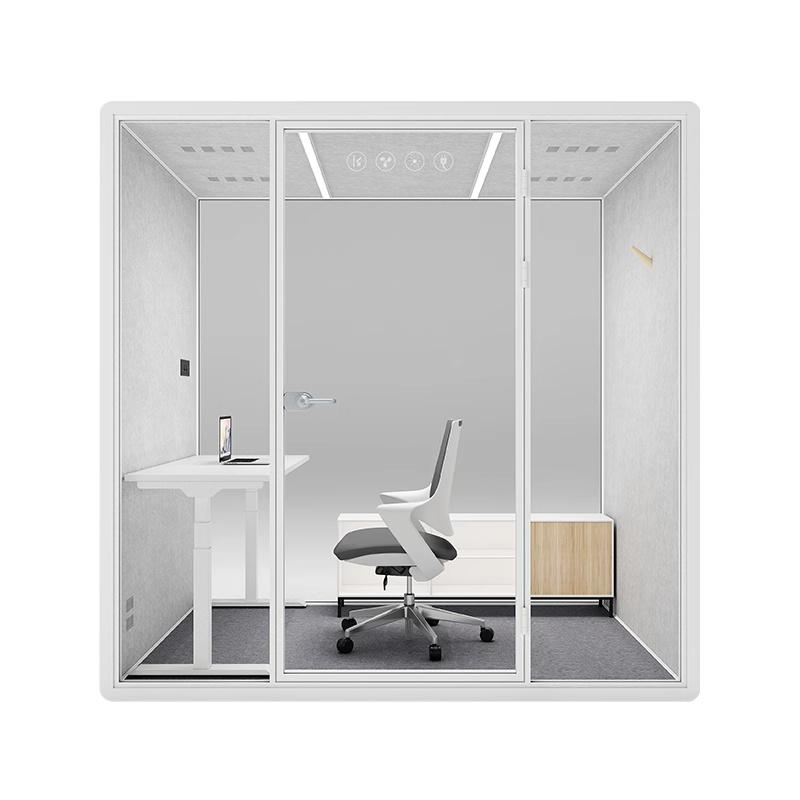
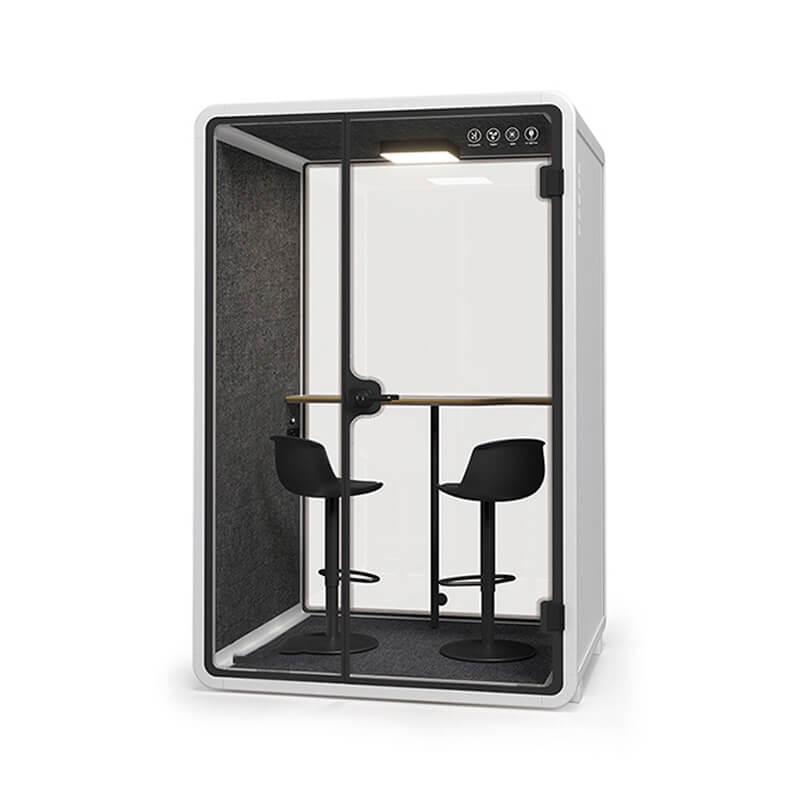
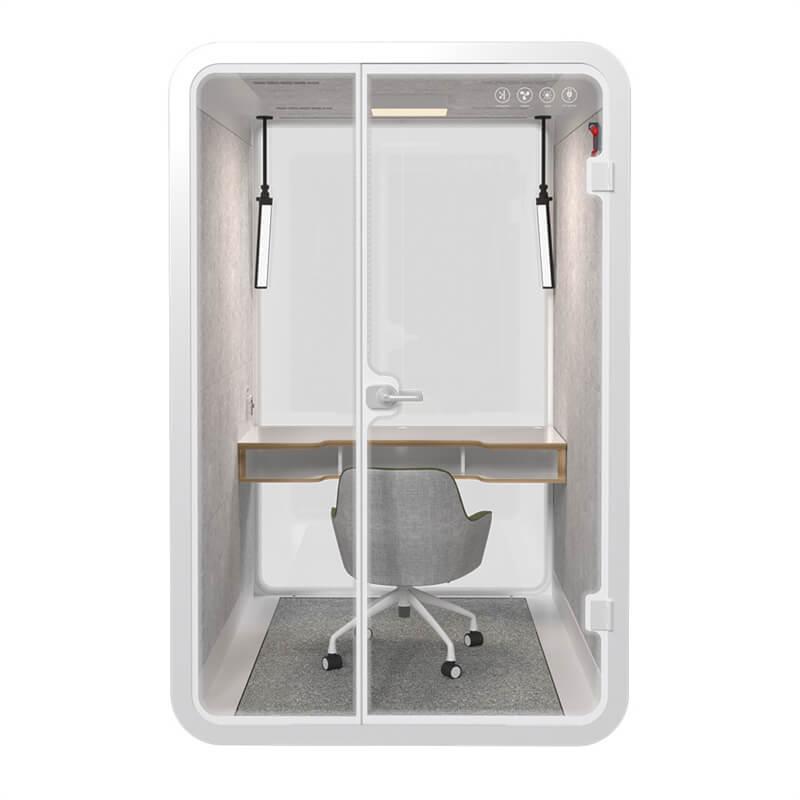
Author:SOP Work Pods Manufacturer TIME:2026-08-28
Office phone booth privacy for sales and HR calls should be evaluated as a layered information-control problem. Sales teams may discuss pricing, account plans, renewal risk, customer credentials, or an unreleased offer. HR teams may handle employee relations, interviews, benefits, health-related information, compensation, or investigations. The acoustic enclosure is important, but privacy can also fail through glazing, screens, calendars, devices, paper, call platforms, and user behavior.
A strong review maps information, listeners, sightlines, technology, and operating steps for the installed location. It avoids an absolute promise that a booth makes every conversation confidential. Organization-specific privacy, employment, records, monitoring, and consent requirements should be confirmed by responsible professionals in the relevant jurisdiction.
Treat the proposed booth location as part of the control design, because nearby desks, queues, corridors, glazing, and device practices can change the exposure result.
Create practical call classes rather than one category named "private." Routine prospecting may involve public business information and normal account notes. Contract negotiation can reveal pricing limits and strategy. An HR scheduling call differs from an employee grievance, accommodation discussion, interview, or investigation.
For each class, record participants, duration, speaking intensity, data displayed, paper used, recording or transcription, remote platform, expected location, and required authority. Identify calls that can use a standard phone booth, those that need a higher-control room, and those that require a specialist process.
Keep classification simple enough to use. If employees cannot recognize the category during a busy day, they will either route everything to scarce rooms or bypass the rule. Test examples with sales, HR, privacy, security, facilities, and legal stakeholders.
Mark who could hear or see the call: adjacent employees, visitors, reception users, cleaners, contractors, people in a corridor, cameras, smart devices, and remote participants. Review the booth door, glazing, seams, ventilation, nearby hard surfaces, screen orientation, camera background, and booking display.
Consider predictable behavior. A salesperson may speak loudly during negotiation. An HR partner may spread documents or invite a second participant. A user may prop the door open because of heat. A cleaner may enter immediately after a call. These actions can matter more than a laboratory panel rating.
Rank threats by likelihood, consequence, and existing control. Use the map to choose location, booth size, glazing treatment, technology, booking rule, and call routing. Do not collect personal case details in the facilities threat map; describe information type and scenario only.
Ask what complete-booth acoustic evidence is available and what it measures. Then run a site test after installation. Use normal, quiet, and animated speech from realistic positions. Listen at adjacent desks, corridor pause points, reception, and near ventilation openings. Record whether words are intelligible, a voice is detectable, or work is merely disturbed.
Control the test conditions: booth door, fan, background sound, speaker position, listener position, voice task, nearby doors, and office occupancy. Avoid recording real employee or customer content. A standardized neutral script makes retesting easier after maintenance or relocation.
Speech privacy is not the same as silence. The goal may be to prevent understandable words at a defined location while preserving acceptable speech inside. If the installed outcome does not support a call class, change the location, configuration, surrounding environment, or routing rule.
Write acceptance conditions before the trial begins. For a sales call, the team may focus on customer details, commercial terms, and screen content; an HR conversation may add identity, welfare, or employment information. Describe which information must not be understood, seen, displayed in booking data, or left behind. This keeps the review tied to observable exposure instead of treating the word privacy as a single product feature.
| Privacy layer | Test or record | Acceptance question | Recheck trigger |
|---|---|---|---|
| Speech | Neutral-script intelligibility test at named points | Does the installed result support the assigned call class? | Move, seal, fan, or surrounding-layout change |
| Visual | Standing and seated sightline walk | Are screens, papers, and participants appropriately protected? | Screen, furniture, film, or lighting change |
| Digital | Managed device and platform review | Are account, network, recording, and sign-out controls approved? | Software, policy, or device change |
| Booking | Calendar, display, retention, and access check | Is only necessary room information exposed? | Booking-system configuration change |
| Paper and records | Pre-call and reset observation | Can active material enter and leave securely? | New workflow or found-document incident |
| Human operation | Sales and HR scenario trial | Can users follow the control under realistic pressure? | Training gap, complaint, or role change |
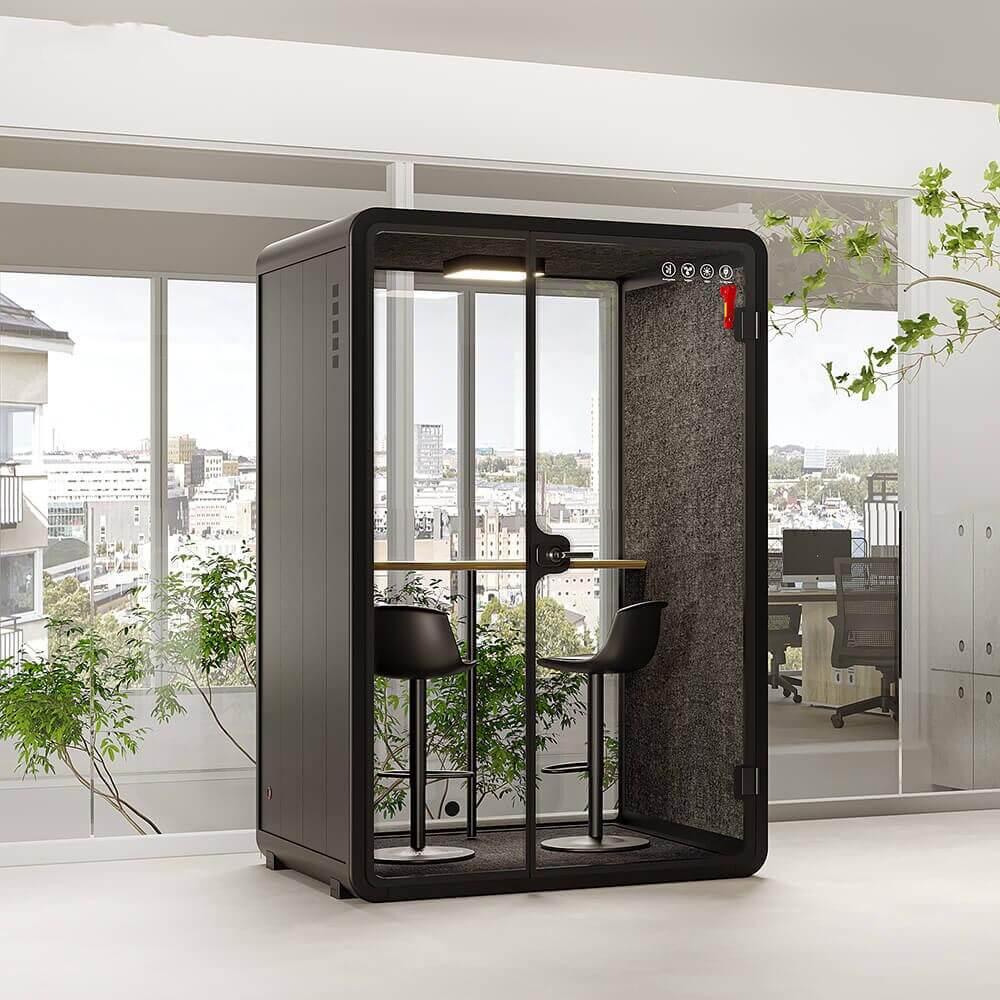
Walk every exterior sightline at standing and seated heights. Check customer records, candidate resumes, employee names, compensation data, whiteboards, paper notes, and notifications. A privacy film or blind may reduce direct views, but it must not interfere with required visibility, access, light, ventilation, or emergency arrangements.
Position the screen so users can work without facing it toward the door. Use managed privacy filters where appropriate and test their effect on readability and camera work. Keep paper to the active session and remove it afterward through approved storage or destruction processes.
Review camera framing. A wide lens may show the corridor through glass, a colleague, or documents beside the user. Standardize a suitable position and background. Users should preview before joining an external call and know when virtual backgrounds are required or prohibited by policy.
Use organization-approved platforms, accounts, devices, headsets, network, and authentication. Define whether recording, transcription, artificial-intelligence summaries, remote control, or supervisor monitoring is permitted for each call class. Obtain the necessary organizational and legal approvals rather than assuming the booth changes digital obligations.
Shared devices need automatic locking, account separation, update management, cache and download controls, and a reliable sign-out process. Consumer casting and nearby voice assistants can create unintended paths. If users bring laptops, provide secure power and network without leaving unknown adapters.
Test call continuity and fallback. A failed connection can drive an employee into the open office while the sensitive conversation continues. Define an approved alternate room and how to pause, transfer, or reschedule without exposing content.
Calendar titles can expose a sensitive situation before anyone enters the booth. Use neutral room names and the minimum reservation information needed to operate the space. Avoid listing employee cases, candidate names, customer disputes, investigation subjects, or negotiation details on public room displays.
Define who can see reservations, how long records remain, how recurring bookings work, and how no-shows are released. A restricted HR room may need different access from a general sales booth, but access controls should not make urgent support impossible. Align the system with institutional retention and audit rules.
Occupancy indicators should show availability without identifying the caller or meeting. If the room display integrates with a calendar, test what appears when locked, offline, or viewed from a corridor. Facilities support should not need access to call content to diagnose a booking fault.
Sales users may need a clean account view, approved pricing file, headset, and post-call CRM note. HR users may need a protected document workflow, two-person capacity, interpreter or support person, and a different record route. Publish short protocols that reflect these differences.
Before the call: select the approved room class, check availability, preview the screen and camera, connect the headset, remove unrelated documents, and confirm recording settings. During the call: keep the door in its tested state, manage voice level, prevent interruptions, and move only through the approved fallback.
After the call: save records to the correct system, remove paper, clear whiteboard and shared screen, sign out, reset furniture and visual controls, report faults, and release the booking. Buyers can compare office phone booth configurations after defining whether one or two users and which documents must fit.
Users need a simple route to report that speech was understood, a screen was visible, a device remained signed in, paper was found, a call was recorded unexpectedly, or the door and fan forced unsafe behavior. Do not ask them to place sensitive case details in a general maintenance ticket.
Triage the concern across facilities, IT, privacy, HR, security, legal, or sales operations as appropriate. Preserve relevant technical facts such as pod ID, time, location, door state, device, and reported path. Follow the organization's incident process for personal or customer data.
Correct and retest. A loose seal, relocated desk, new booking display, software update, or changed cleaning process can create a new path. Communicate operating changes to affected users without publishing the underlying private matter.
The table prevents a single acoustic claim from standing in for the complete privacy system.
Use two complementary listening rounds. One follows normal nearby work while the booth user speaks in an ordinary call voice; the other checks foreseeable weak points such as the door edge, glazing side, ventilation path, and a waiting position. Record words or topics that can be understood rather than a vague impression of quietness. If the call changes device, headset, speaker level, or booth location, repeat the relevant round before extending the earlier result.
After the physical trial, walk through the complete information trail with the process owner. Check how the call appears in calendars, whether a visitor or colleague can infer the topic from a reservation, where notes are stored, which screen faces the glazing, and how the booth is cleared. Assign each failed condition to facilities, IT, HR, sales operations, or the user so the correction and retest do not disappear between teams.
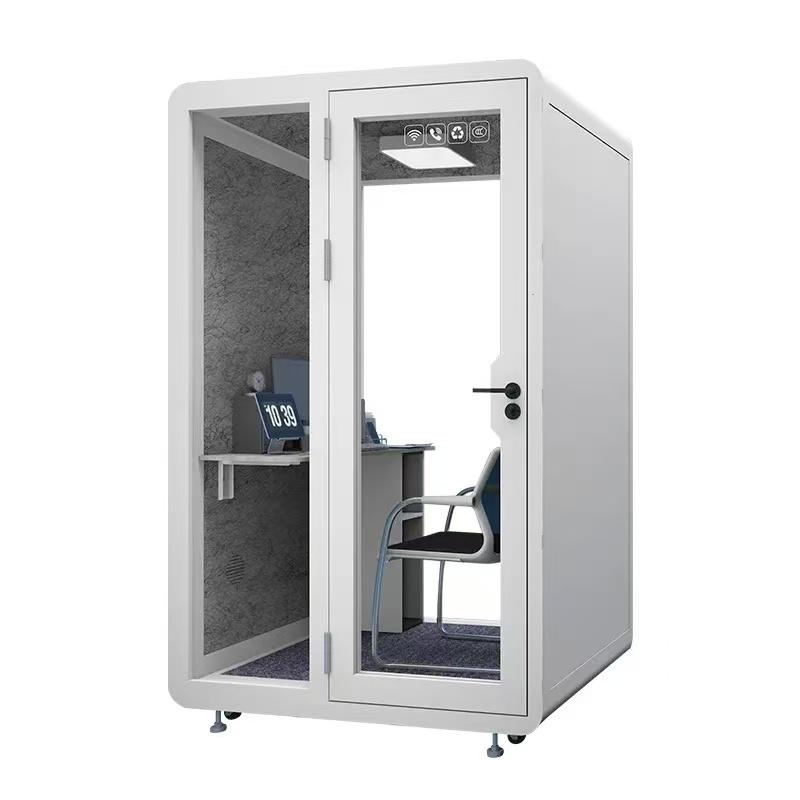
No. Privacy depends on installed acoustic behavior, location, glazing, devices, booking, records, people, and applicable organizational controls.
The installed condition and operating practice still require their own acceptance evidence.
They can when the configuration, call class, access, records process, and installed privacy evidence support both uses. Some HR activities may require a different room.

The system should show only what is operationally necessary and follow approved access and retention rules. It still needs to communicate availability reliably.
No. It should be reviewed with sightlines, dignity, occupancy awareness, accessibility, light, emergency needs, and organizational policy.
Review daylight, supervision, accessibility, and camera effects before selecting any treatment.
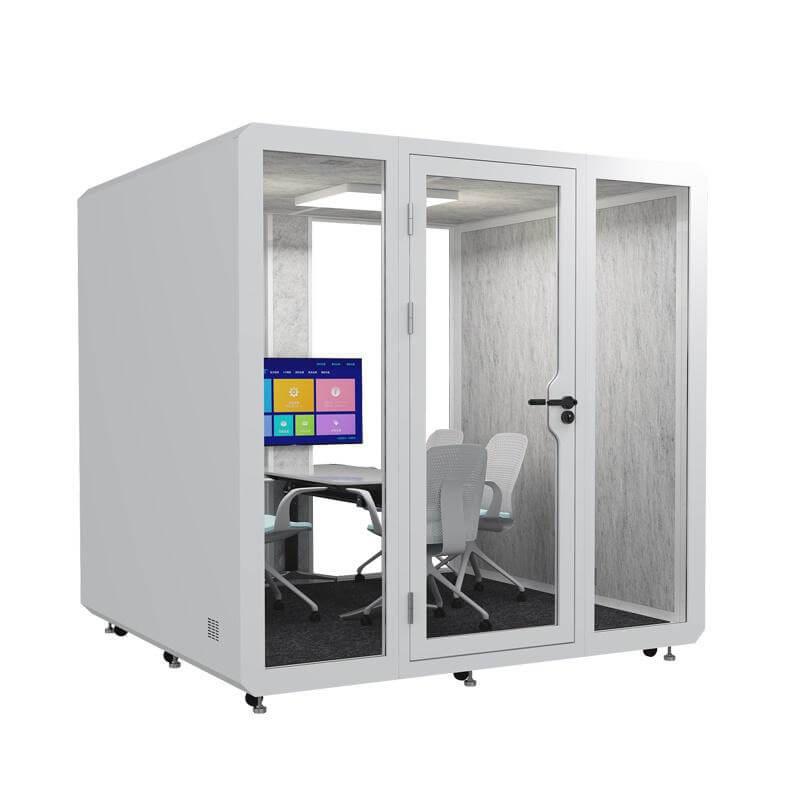
Office phone booth privacy for sales and HR calls should combine call classification, installed speech testing, visual control, managed technology, minimal booking data, role-specific protocols, and a credible incident response. The enclosure is a valuable layer, not a universal guarantee.
Approve each use class against evidence from the actual location and workflow. When employees know which booth to use, how to operate it, and when to choose a higher-control room, privacy becomes a repeatable working practice rather than a marketing adjective.
When should privacy be retested? Retest after moving the pod, changing seals, fan, glazing treatment, furniture, screens, booking display, nearby layout, or receiving a credible concern.

 Tel: +8613538031763
 Email: info@sopworkpod.com
 MP/WhatsApp: +8613538031763
 Manufacturer Address:Liucheng Lujiang District,Meixi Road,Nanan City,Fujian,China