Need Help?
Please leave your contact information to get our latest catalog
Get In Touch Now >


Author:SOP Work Pods Manufacturer TIME:2026-08-28
Every hybrid meeting takes place in two rooms at once: the physical room around the local participants and the digital room experienced by everyone on the call. An office pod can feel quiet and comfortable inside while remote colleagues struggle with framing, audio, screen content, or interruptions. The reverse can also happen. Choosing well requires both perspectives.
Instead of asking for one best pod, define the dominant meeting scenarios and test them. A solo client call, a two-person review with screen sharing, and a small project discussion each change furniture, camera distance, speech pickup, display use, privacy, duration, and booking demand. The critical scenario should carry more weight than a broad feature count.
The scorecard below is not a universal product ranking. It is a way for a workplace to expose trade-offs and retain the evidence behind its own selection.
List the hybrid meetings that repeatedly fail in the current workplace. Include participant count on site and remotely, normal duration, confidentiality, devices, screen-sharing behavior, documents, decision type, and turnover. Distinguish a frequent solo call from a less frequent group review. Both may matter, but they should not silently receive equal influence.
For each scenario, describe success in observable language. Remote participants can understand each speaker; local participants can see shared content; the camera includes the necessary people; conversation detail is managed at nearby desks; the session can run for its normal duration; and the room can be reset for the next booking. Avoid promises about productivity or absolute privacy.
Add an exclusion. A pod selected for two-person reviews may not replace a larger room for workshops. A solo call booth may not be the correct setting for a confidential group decision. Stating the boundary keeps an occasional exceptional meeting from distorting every other configuration choice.
Give each scenario a frequency and a consequence rather than one blended priority. A daily solo client call and a monthly confidential panel may both be important for different reasons. The workplace can decide that the panel must use another controlled room while the pod serves the daily route, or select a configuration that supports both if the evidence and site allow it. The scorecard should preserve that reasoning.
Hybrid capacity includes more than seats. Place representative laptops, notebooks, headsets, and any shared display on the proposed layout. Check table depth, elbow room, cable paths, camera background, sightlines, and the clear route to the door. Ask whether someone can enter or leave without crossing the camera or interrupting the conversation.
Camera geometry can favor or rule out an arrangement. Test the intended device height and distance rather than assuming that a wide-angle lens will solve every framing problem. Check whether participants look toward the remote audience while seeing shared content and whether glass or strong light creates glare. Keep the exact equipment in the record because a different device can change the result.
Review an office pod configuration against the demanding normal scenario. A larger pod may support group framing and material, while a compact pod may suit a solo route with less booking pressure. The scorecard should show the reason for the fit, not reward size by itself.
Include users who join meetings in different ways. A presenter facing the display, a note taker using two screens, a participant who needs more circulation, and someone joining late can reveal different geometry. Do not turn one person’s preference into a universal rule. Record which scenario is affected and whether the response is a configuration choice, an equipment change, an operating practice, or use of another room.
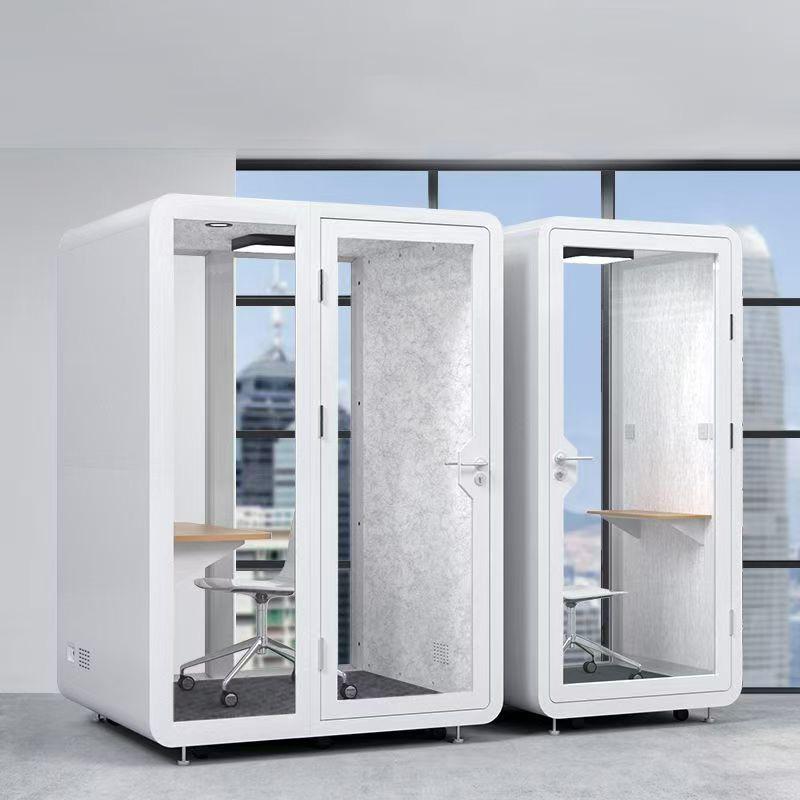
Use three listening positions. Inside participants judge distraction, echo, and whether they need to raise their voices. A colleague at a relevant nearby position notes whether conversation detail is understandable in the surrounding office. A remote participant reports speech clarity, background noise, overlap, and interruptions. Together these observations describe the communication route more honestly than one acoustic adjective.
Record normal speech behavior, location, background activity, door state, devices, and configuration. Do not present the observation as a laboratory rating or a promise for every office. If supplier evidence is available, retain its test context separately and decide whether it is relevant to the proposed use.
Watch for compensating behavior. People may lean toward a laptop, speak louder, use headsets despite a shared-room intention, or open the door during a long meeting. These actions show where layout, technology, occupied condition, or user guidance may need attention.
A bright interior is not automatically good video light. Check the face, background, glass reflections, display, and paper documents on camera at the same time. If daylight affects the proposed location, observe the relevant operating periods or retain the condition for a later site check.
Run screen sharing and content review using the normal platform. Remote participants should be able to follow the speaker and the material; local users should not twist between a display and the camera for the full session. Note whether confidential content is visible through glazing or to someone entering the room.
Technology ownership belongs in the selection. Identify who supplies the camera, microphone, speakers, display, adapters, network equipment, and support. A suitable room can still fail if the buyer and supplier assume the other party owns a necessary device or connection.
Test failure recovery as well as a successful connection. Disconnect and rejoin under normal user permissions, switch presenters, and submit a sample support request when appropriate. The aim is not to stress the network or bypass controls. It is to confirm that participants know what to do when a routine device or platform issue interrupts the meeting and that the right support team receives enough information.
| Scenario | Critical route | Evidence from the trial | Selection effect |
|---|---|---|---|
| Solo external call | Fast setup, face framing, speech clarity, nearby privacy | Live call from the intended laptop and location | Favors a simple repeatable one-person setup |
| Two-person document review | Shared surface, camera composition, screen and paper use | Representative files, devices, and seated positions | Requires usable work area, not only two seats |
| Small project discussion | Multiple voices, display sightline, movement, longer occupancy | Remote listener plus occupied-duration observation | May require a larger layout or a different room |
| Confidential hybrid meeting | Speech, screen, entry, and booking boundaries | Contextual observation and operating controls | Can block a location or require stronger conditions |
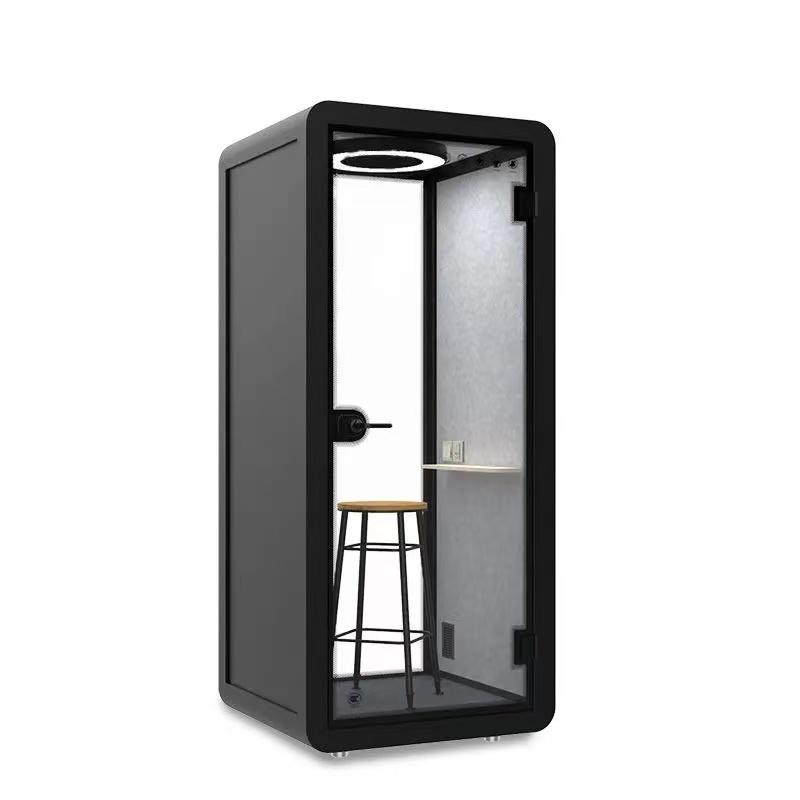
Hybrid calls often occupy a room longer than quick phone conversations. Test the demanding normal duration with intended occupancy and equipment. Observe airflow, temperature perception, fan sound on the remote side, posture, charging needs, and the point at which behavior changes. Keep the result bounded to the test condition.
Use booking data or a short workplace observation to understand demand. A well-fitted pod still disappoints if one room serves several teams at the same peak time. Conversely, adding capacity without a clear use pattern can leave a specialized room idle. Match quantity and distribution to scenarios rather than relying on a generic utilization claim.
Define reset: cables returned, confidential notes removed, surfaces handled under the approved cleaning method, furniture restored, faults reported, and booking status released. Remote-meeting quality includes the next user being able to start without inheriting the previous session’s setup.
Score each scenario with evidence and list any condition required for the result: a particular device, furniture arrangement, location, booking rule, or operating behavior. Do not average away a failure in the meeting that justified the purchase. Mark critical requirements separately from preferences.
If one pod cannot serve all scenarios, consider whether demand should be divided. Solo video calls, paired reviews, and group hybrid discussions may be better supported by different space types. This is not a weakness in the method; it is a more accurate description of workplace demand.
Issue the selection record with the scenario definitions, layout, equipment list, site assumptions, trial observations, supplier evidence, scorecard, and open actions. Reuse it at handover. The chosen pod is then best for a stated hybrid route, not declared best in the abstract.
Plan a short review after users have completed real meetings. Compare actual scenarios with the selection assumptions and look for repeated issues in framing, speech, booking, duration, reset, or support. Do not rewrite the trial to claim success. Add the operational evidence and decide whether guidance, equipment, placement, configuration, or room allocation needs adjustment.
Keep remote participants in that review. Local users may report a comfortable and productive session while online colleagues experience weak speech, poor framing, or confusing screen transitions. Capture both sides against the named scenario. If the results conflict, investigate the equipment and room route rather than choosing the more convenient account. Hybrid quality exists only when the shared meeting remains workable for both audiences.
When two configurations remain close, return to the scenario with the greatest consequence and the weakest workaround. A small preference in finish or nominal capacity should not outrank a failed remote-audio route, an unusable camera arrangement, or a location that cannot protect the intended meeting. Document the deciding scenario so the final choice remains understandable after the project team changes.
No. A larger layout may help group framing, movement, and shared material, but it can be unnecessary for frequent solo calls. Select against the dominant scenarios, usable work area, equipment geometry, booking demand, and the space available at the site.
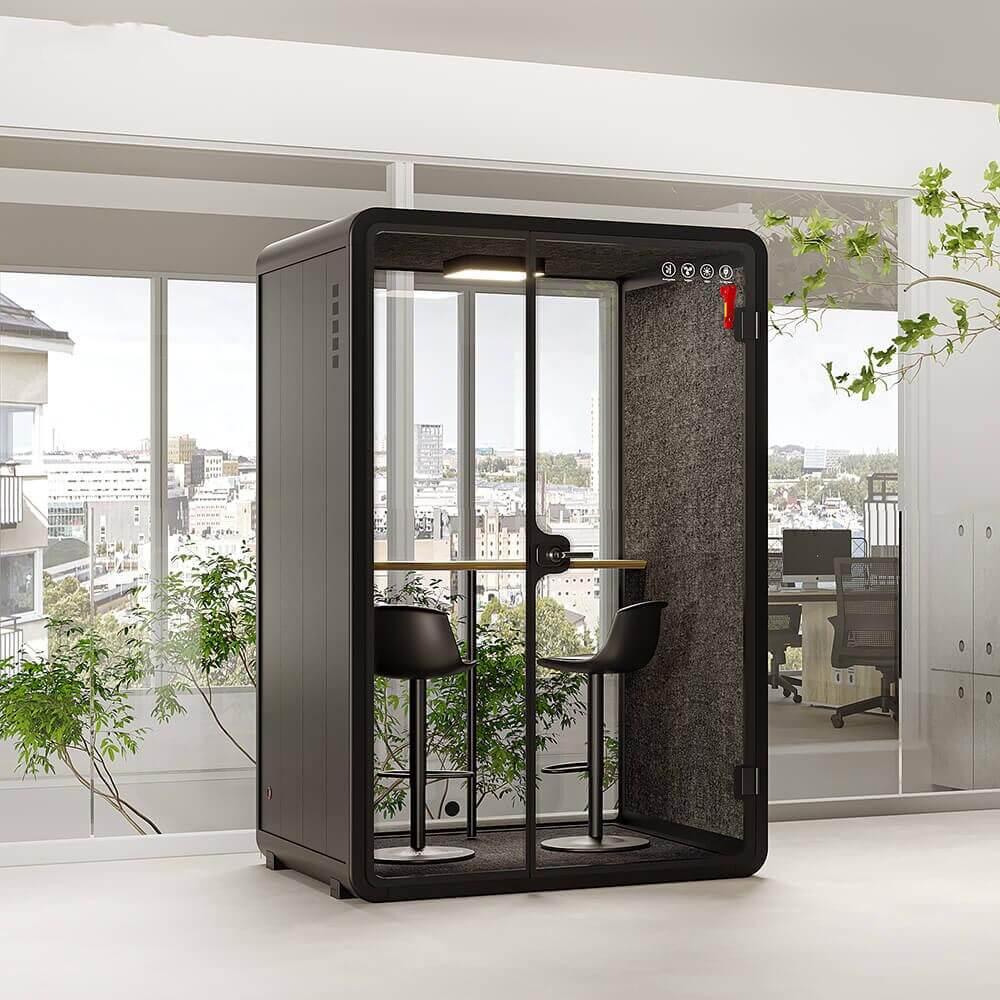
That depends on the meeting setup, devices, participant count, and desired experience. Test the intended microphone and speaker arrangement from the remote side. If headsets are required, include them in the operating brief rather than treating them as an unplanned workaround.
Observe normal speech from relevant neighboring positions, review screen and camera sightlines, and check entry transitions. Retain location, background activity, devices, and behavior with the result. Do not convert one site observation into an absolute soundproof claim.
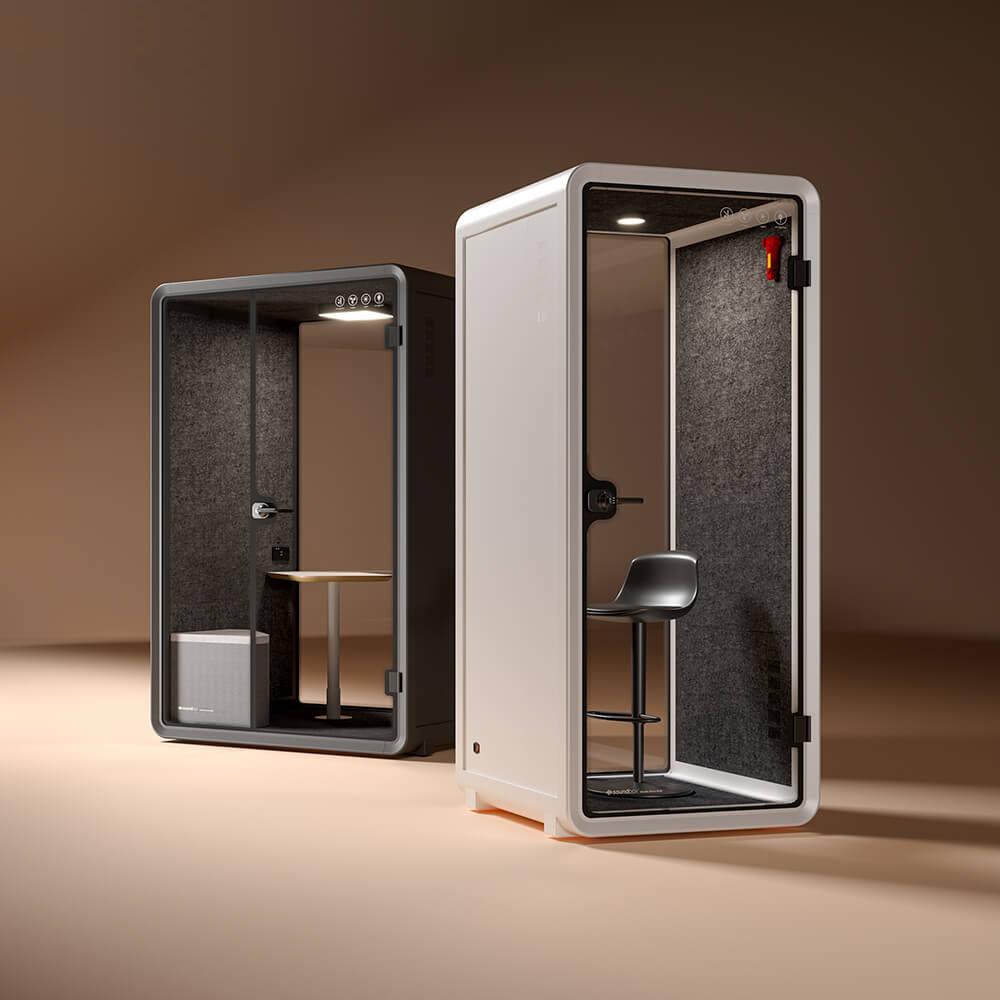
IT should confirm network readiness, conferencing platform behavior, device ownership, cable or wireless connections, camera and microphone performance, display use, user support, and the fault handoff between building, product, and technology teams.
The best office pod for hybrid meetings is the one that supports the workplace’s critical scenarios from both sides of the call. Capacity, camera geometry, audio, light, displays, occupied duration, booking, privacy, and reset must operate as one route.
Choose from witnessed sessions and owned conditions, not an average feature score. If the scenarios conflict, divide the demand instead of asking one enclosure to solve every meeting. Keep the scorecard for handover so the installed setup can be tested against the reason it was selected.
The remote participant’s evidence should remain beside the local team’s observations through that final review and any later equipment, software, furniture, or physical layout change.

 Tel: +8613538031763
 Email: info@sopworkpod.com
 MP/WhatsApp: +8613538031763
 Manufacturer Address:Liucheng Lujiang District,Meixi Road,Nanan City,Fujian,China