Need Help?
Please leave your contact information to get our latest catalog
Get In Touch Now >


Author:SOP Work Pods Manufacturer TIME:2026-08-28
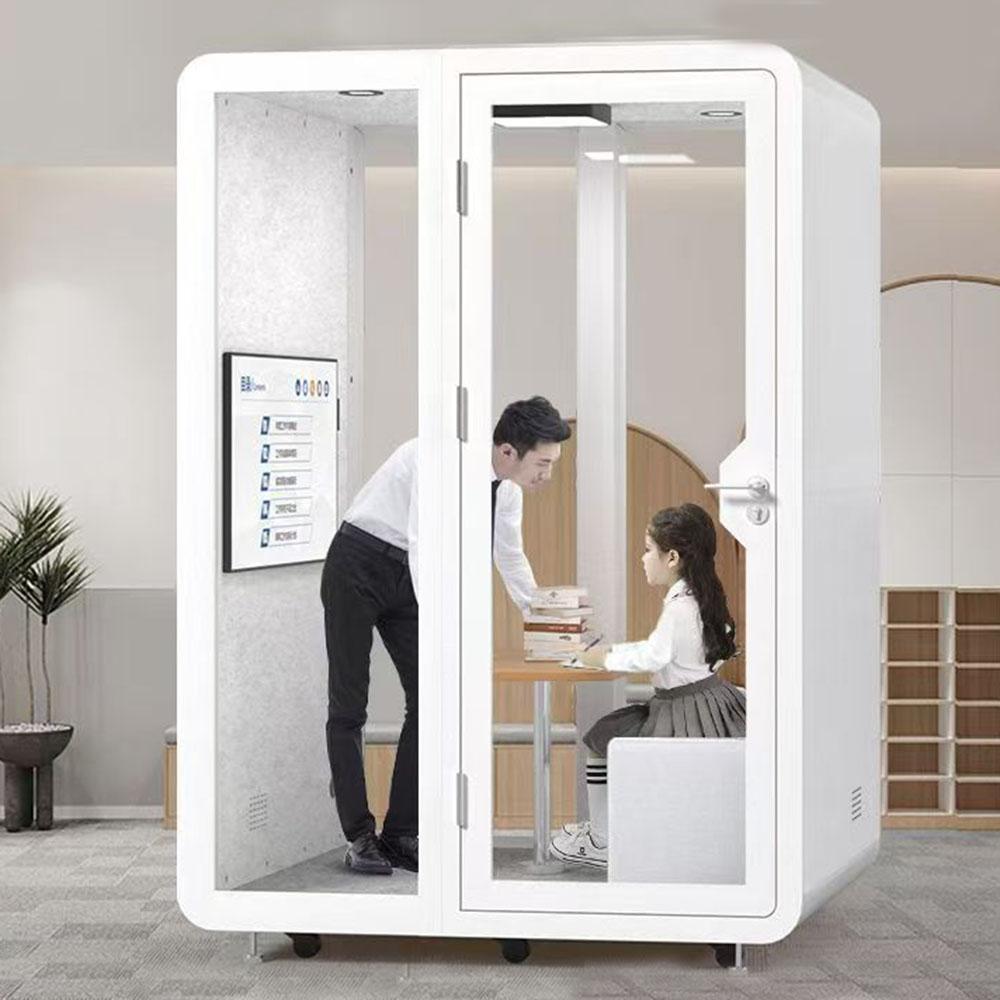
Tuesday is the busiest hybrid day. Individual video calls begin at open desks, small rooms fill with one person, and a sensitive conversation waits because the nearest private setting is occupied. On Friday, the same floor may have spare rooms and an empty booth. Calling a Privacy Office Booth the ultimate solution ignores this weekly rhythm.
Treat the booth as one work channel among desks, focus areas, meeting rooms, remote work where permitted, scheduled quiet periods, and other approved private settings. Allocate tasks by privacy, participants, duration, devices, interaction, access, and concurrency. Then test whether the booth's location and operating route support the assignments at the times they occur.
The result is a dispatch rule, not a universal product verdict. It tells employees which work belongs in the booth, which needs another setting, what to do when the channel is full or faulty, and when workplace teams should reallocate capacity. Hybrid behavior changes, so the rule needs evidence and a review signal from the start.
List the settings available to the team and the tasks each can support. Include open desks, partially screened desks, focus rooms, small and large meeting rooms, collaboration areas, approved remote arrangements, and the proposed booth. For every channel, record participant range, speech and visual boundary, device capability, duration, location, booking or walk-up behavior, support, and fallback.
Observe actual use rather than relying on room names. A focus room may have become a video room; a meeting room may lack the device needed for hybrid collaboration; a quiet zone may permit concentrated work but not confidential speech. These details prevent the booth from becoming a catch-all for every problem the floor has not classified.
Preserve channels that work. The allocation question is where the booth adds a specific capability or releases another setting for better use. A channel inventory also exposes dependencies: if the booth becomes unavailable, the fallback must come from this same portfolio.
Count overlapping eligible tasks by daypart, team pattern, and zone rather than averaging the week. Record when individual calls, interviews, sensitive conversations, focused work, and small hybrid sessions occur, how long they last, and which alternatives are available at that moment. One crowded hour can matter more than a quiet daily average, but it should not be exaggerated into permanent demand.
Separate scheduled and unpredictable work. Interviews and recurring reviews may be planned, while urgent client or employee calls arrive without notice. The same booth cannot be promised simultaneously to reserved and walk-up users without a conflict rule. Note which tasks can wait, move, use another channel, or require protected access.
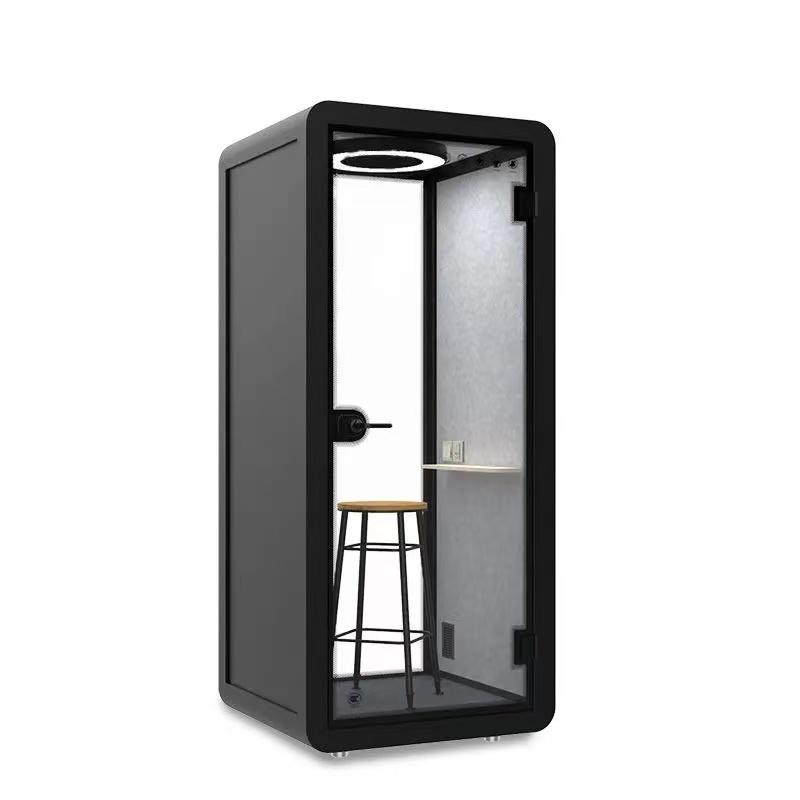
Write eligibility as a task condition. A booth may support one-person calls, sensitive speech, short focused work, or another defined activity when occupied fit, privacy, technology, and duration are acceptable. Exclusions may include larger groups, work needing extensive surfaces, sessions beyond the accepted comfort condition, tasks requiring equipment not supported, or users whose route needs another setting.
Avoid assigning work by label alone. A hybrid meeting may be a solo remote call, a two-person local conversation with remote participants, or a group session. These forms differ in occupancy, camera view, loudspeaker behavior, documents, privacy, and room capability. Route each form to the setting witnessed for it.
Make exclusions useful. State the alternative channel and reason, not just 'not permitted.' Review those decisions with authorized workplace and accessibility owners so the booth does not become the only route to a private task for people it cannot support.
The booth assignment fails if the remote participant cannot hear, see, or interact effectively. Test the intended laptop or phone, camera framing, microphone selection, loudspeaker or headset, connection, lighting, screen and document position, speech level, fan state, background, and application controls managed by the organization. Include setup time and recovery from a device problem.
Ask the remote participant to report intelligibility, level changes, distracting sound, camera limitations, and turn-taking friction. Observe whether the booth user leans, repeats, raises their voice, changes controls, or opens the door. These behaviors connect the remote experience to privacy and occupied comfort inside the office.
Keep IT and workplace ownership distinct. A network or device fault should not become evidence against the enclosure, while a physical layout or sound-path issue should not be left to software support. Release the channel only when the complete call chain works for the assigned configuration.
Privacy can fail before entry, during the call, or at exit. Review waiting positions, glazing, screen orientation, door opening, nearby circulation, listener locations, document handling, notifications, and the moment one user changes to the next. Define whether the concern is hearing sound, understanding speech, seeing a screen, or exposing the subject of a scheduled meeting.
Run the source-listener and sightline checks under ordinary office activity. Door state, user position, voice level, device output, booth location, and background all belong to the record. Avoid claiming universal confidentiality from one demonstration. Sensitive work may require organizational procedures or another setting beyond the physical booth.
| Work event | Primary channel condition | Peak conflict rule | Fallback and review signal |
|---|---|---|---|
| Solo routine video call | Booth only when device, duration, privacy, and occupied fit are accepted | Release reservations promptly and route overflow by the time map | Approved alternate setting; review repeated desk workarounds |
| Sensitive one-person conversation | Defined speech and sightline boundary with protected transition | Priority must be explicit and not expose the meeting subject | Higher-boundary room or approved work channel; review listener failures |
| Interview or scheduled review | Reserved configuration with tested remote side and setup window | Do not displace urgent use without a published rule | Suitable room; review no-shows, overruns, and device incidents |
| Two-person or group hybrid work | Use only a configuration witnessed for occupancy and interaction | Do not stretch solo capacity because larger rooms are busy | Meeting room; review room mismatch separately |
| Booth fault or unsuitable user route | Remove channel from service or assignment | Keep the user out of an unverified workaround | Equivalent approved route; review fault recurrence and exclusion |
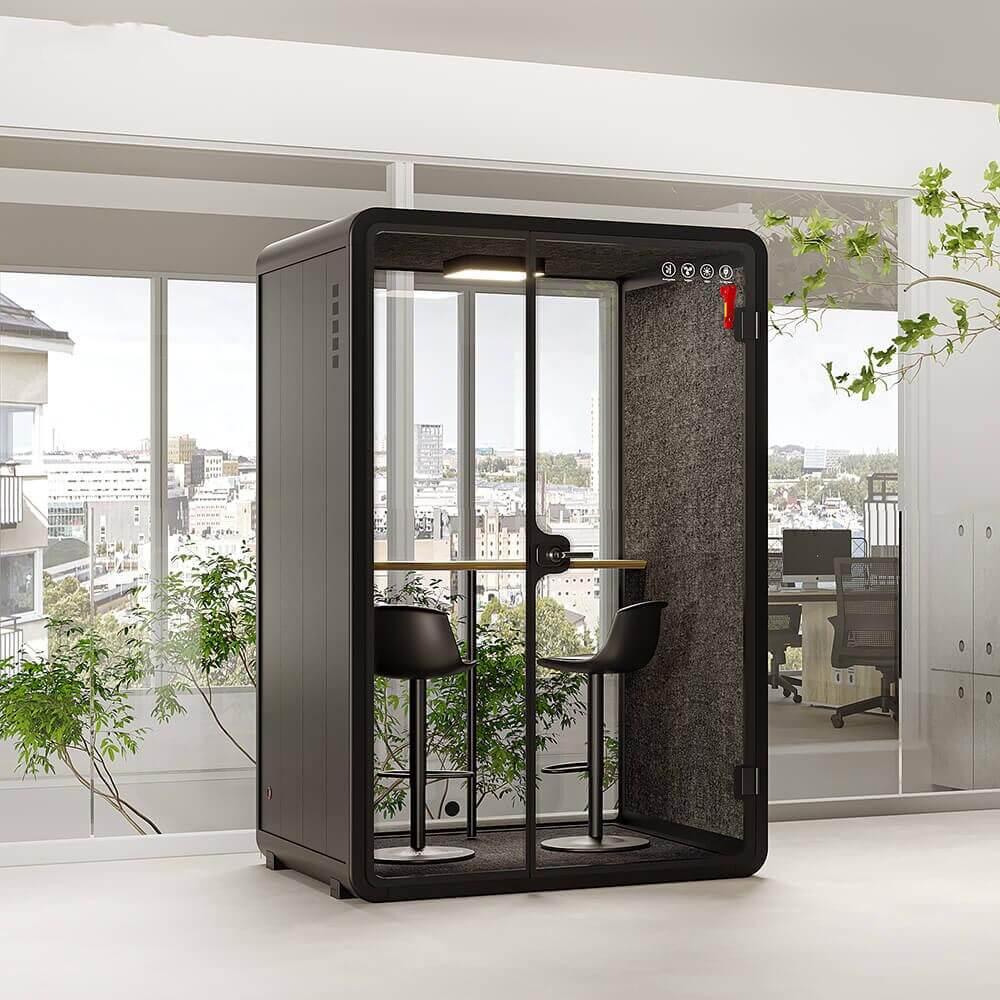
Choose a dispatch method that reflects the demand map. Pure booking can protect scheduled tasks but create no-shows or empty gaps. Pure walk-up use can support urgent calls but leave interviews uncertain. A mixed rule needs priority, release, overrun, queue, and visibility conditions that employees can follow without negotiation at the door.
Rehearse a peak period and a fault. Observe whether users select the correct channel, find an alternative, wait in a privacy-safe place, and report a problem. Define cleaning, reset, door and seal checks, fan or lighting faults, technology support, downtime, and return to service. If the preferred booth fails, the fallback must protect the task rather than merely relocate the inconvenience.
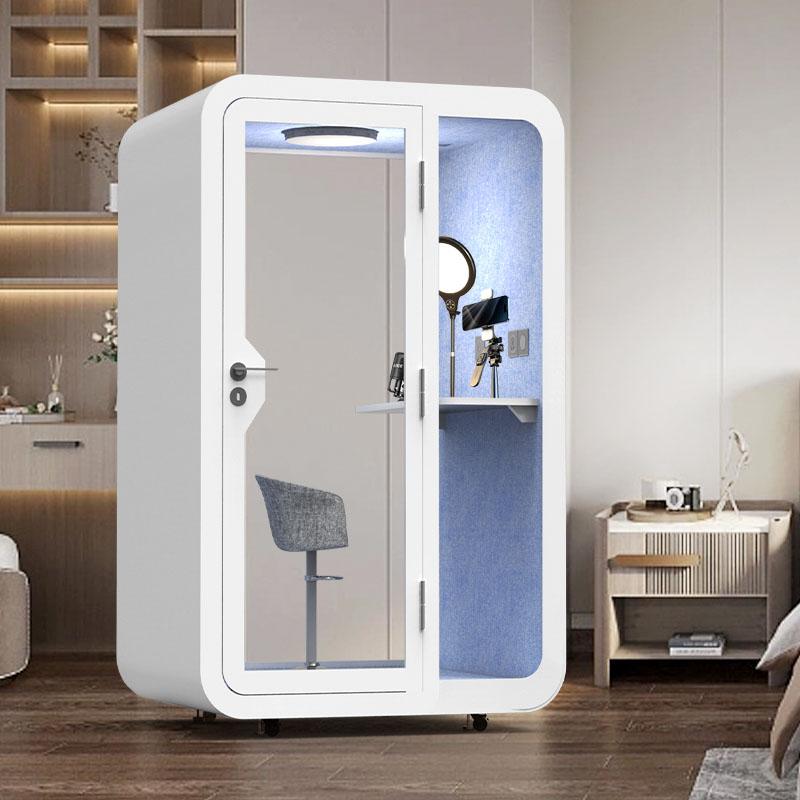
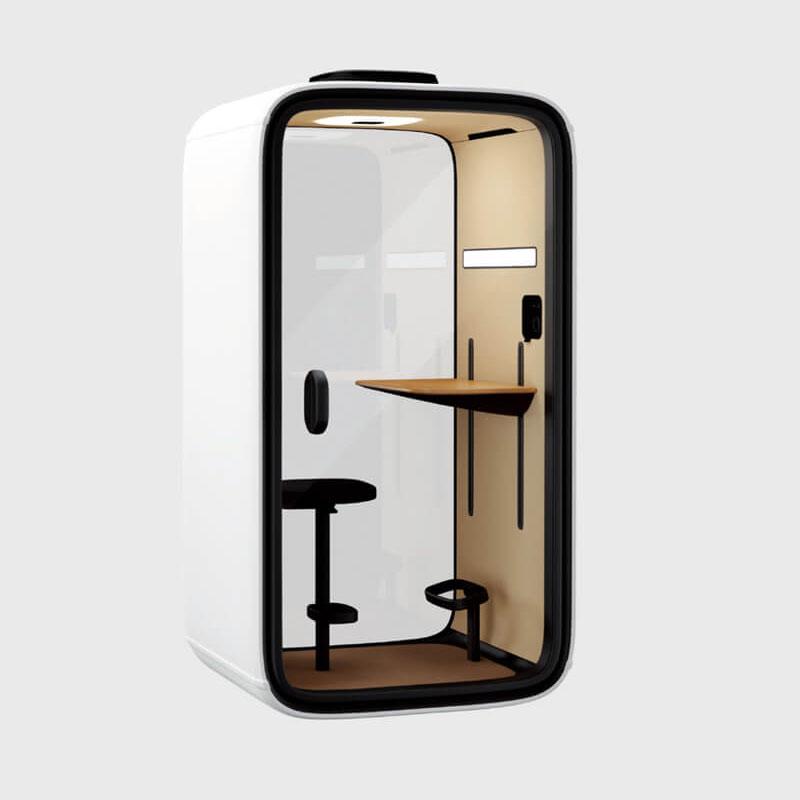
After the dispatch need is stable, the privacy office booth range can help compare configurations. Quantity and model should follow eligible concurrency, site fit, and operating ownership. More units do not correct an unclear allocation rule.
Attendance policies, team structure, room supply, technology, and work patterns can shift. Define signals that reopen the timetable: recurring queues, persistent underuse, large-room displacement, sensitive calls returning to desks, repeated early exits, inaccessible routes, support burden, changed session length, or a new location. Review the cause before moving or adding capacity.
Reallocation may mean changing eligible tasks, adjusting priority, improving another channel, relocating a booth through a qualified route, selecting a different configuration, or reducing the assignment. Preserve the old and new evidence so the team can distinguish a behavior change from a product or service fault.
Publish the revised rule with the same clarity as the first. Users need the current task, channel, fallback, booking behavior, and support route. A booth remains useful in a hybrid office when its role follows the work week instead of being frozen as the ultimate answer.
Only tasks witnessed for the offered occupancy, duration, privacy, device, comfort, access, and location should be assigned. Solo calls or sensitive conversations may fit, while larger collaboration, extensive materials, specialized equipment, or longer sessions may need another setting.
Publish both eligibility and exclusions with a fallback. A task name such as hybrid meeting is too broad unless the participants and interaction pattern are defined.
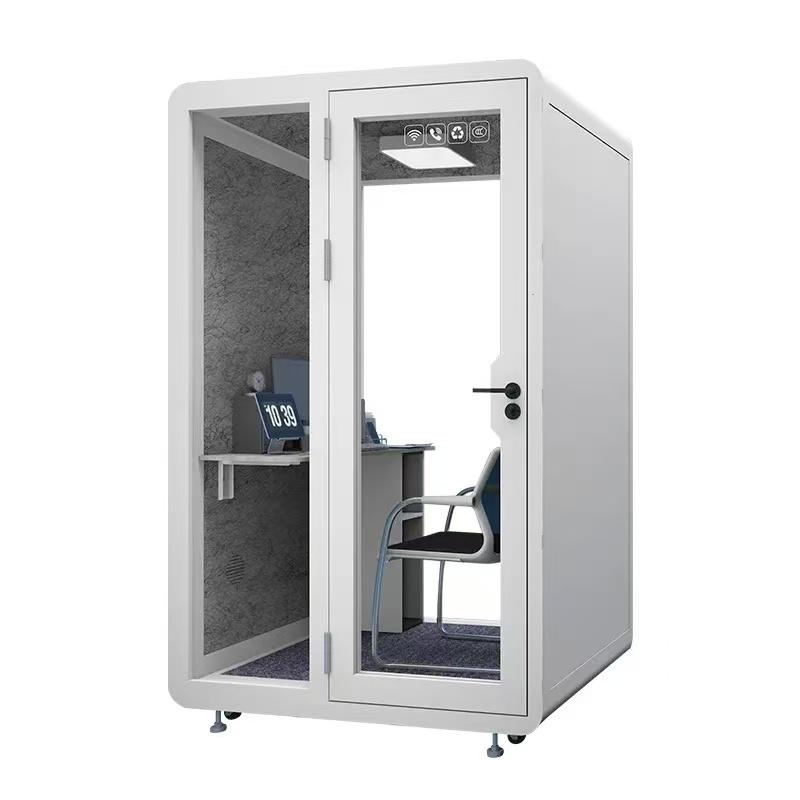
Choose from the demand pattern. Scheduled interviews may need booking certainty, while urgent calls need walk-up capacity. A mixed rule can work when priority, overrun, no-show release, queue behavior, and availability information are clear.
Pilot the rule at the actual attendance peak. Booking software alone does not prove that employees can find an appropriate channel when the task occurs.
It may support several bounded tasks, but it should not inherit capabilities that were not witnessed. Occupancy, surface area, camera view, loudspeaker use, privacy, access, and session duration can direct work to different channels.
Keep desks, rooms, remote arrangements, and other approved settings in the allocation. The booth is most useful when it releases pressure without becoming a fragile single point of failure.
Reopen the timetable for repeated queues, underuse, large-room displacement, desk-based sensitive calls, early exits, device problems, access failures, recurring faults, changed attendance, new teams, altered locations, or longer session patterns.
Compare the new observations with the original time map. The response may be a rule change or repair rather than another purchase.

A Privacy Office Booth is a useful hybrid-office solution when it has a precise place in the weekly channel map. The assigned tasks, attendance peaks, privacy boundary, remote-call setup, occupied condition, booking behavior, service owner, and fallback must agree. It is not the ultimate setting for work that needs a different occupancy or capability.
Publish a weekly channel allocation with fallback and review signals. That is the next operational step: employees can route work consistently, and workplace teams can see whether to correct the service, reassign a task, move capacity through a qualified process, or expand only the demand that has been observed.

 Tel: +8613538031763
 Email: info@sopworkpod.com
 MP/WhatsApp: +8613538031763
 Manufacturer Address:Liucheng Lujiang District,Meixi Road,Nanan City,Fujian,China


