

The first thirty seconds inside a modern office pod can feel very different from the twentieth minute. Closing the door may create immediate separation from the office, yet the real experience continues through finding the controls, arranging a laptop, hearing one's own voice, adjusting posture, noticing airflow, managing a call, leaving the space, and deciding whether to choose it again tomorrow.
That sequence is more informative than a showroom reaction. An occupied journey diary follows the user from approach to repeat choice and records observable friction: hesitation, assistance, changed speech, cable rearrangement, control use, constrained movement, fidgeting, door opening, early exit, incomplete reset, avoidance, or a return to the same pod. It also keeps differences between users rather than averaging them into a universal feeling.
Use representative tasks, actual devices, intended location, normal duration, and repeated sessions. Ask remote participants and nearby listeners for the parts of the experience the occupant cannot judge alone. The output is a correction and use decision tied to a specific configuration, not a promise that every modern office pod feels identical to every person.
Follow discovery approach and threshold without coaching
Give the user a normal task trigger and observe how they find the pod. Note visibility, occupancy cue, booking or walk-up route, queue, walking distance, door approach, handle, opening effort, swing, threshold, turning, belongings, lighting transition, and immediate orientation. Avoid explaining the route in advance; hidden coaching can make a confusing experience look effortless.
Record hesitation, mistaken occupancy, assistance, contact with the door or furniture, blocked circulation, and what happens when the preferred pod is unavailable. Include users with different stature, familiarity, and relevant mobility needs. The approach belongs to the product experience because a technically comfortable interior provides little value when the task cannot reach it in time.
Use an observer who does not rescue minor friction immediately, while never compromising safety or dignity. Note the point at which help becomes necessary and what information would have prevented it. This separates a learnable first-use pause from a persistent access barrier. Repeat the route later to see whether familiarity solves the issue or merely teaches one user a workaround.

Capture the first closed-door sound and privacy response
Begin representative speech soon after entry. Ask the occupant what changes in office sound, internal reflections, fan sound, own-voice character, sudden noise, and confidence about being heard. At the same time, collect a remote participant's call impression and observations from likely external listener positions with the door and ventilation in their intended state.
Watch behavior as well as comments. Lowered voice, repeated glances at glazing, moving closer to the microphone, opening the door, or ending early may reveal a concern that a simple quiet-or-noisy question misses. Preserve speaker, listener position, surrounding activity, device, door, fan, and task. The first impression is a moment in the journey, not a transferable acoustic rating.
Let the user discover controls devices and recovery steps
Ask the occupant to establish the complete task setup: lighting, ventilation or fan control, power, charging, data or wireless connection, laptop and phone placement, camera framing, microphone, loudspeaker, content sharing, and any required sign-in. Observe labels, reach, feedback, cable paths, and whether changing one control has an unexpected effect.
Introduce one common and safe interruption, such as reconnecting a peripheral or recovering a platform session. Record whether the user understands the next step, needs privileged support, or abandons the pod. Quick use includes recovery. A route that succeeds only when a demonstrator prepares every setting should remain a commissioning issue rather than being described as intuitive.

Observe posture reach movement and ordinary work materials
Continue the assigned task with the person's normal bag, notebook, documents, drink where policy permits, and devices. Observe seat or standing support, desk depth, keyboard and screen position, elbows, knees, personal space, writing, turning, speaking, listening, reaching controls, retrieving an item, and moving toward the exit. For intended multi-person use, include entry order and natural interaction.
Do not ask only whether the pod is comfortable. Note adjustments, work held on the lap, objects moved to the floor, constrained shoulders, repeated posture changes, blocked controls, accidental contact, or a task step postponed until outside. These details identify whether the furniture and envelope support the work or merely contain the occupant.
Compare observations without forcing one ideal posture. Users vary in stature, preferred working position, equipment, and movement. The review should look for repeated constraints and task failure, not punish ordinary variation. Where an adjustable element exists, observe whether the user can change it independently and whether the new position preserves camera, privacy, control, and exit requirements.
| Journey moment | Observable user response | Recovery and decision effect |
|---|---|---|
| Approach and entry | Hesitation, assistance, blocked route, occupancy confusion, awkward threshold or belongings | Correct discovery or access; hold use when the intended person cannot enter independently |
| Sound and setup | Changed speech, listener concern, cable rearrangement, control search, failed connection | Recommission the route and define privacy or device limits before release |
| Duration and work | Posture change, fidgeting, door opening, break, early exit, incomplete task | Try a bounded correction; set duration or task limits when coping persists |
| Exit and repeat | Incomplete reset, next-user correction, avoidance, support request, different space selected | Assign operating ownership and use repeated behavior for retain, relocate, or reject |
Track comfort through coping behavior over normal duration
At intervals during the longest normal task, record airflow, temperature perception, fan sound, lighting, glare, posture, device heat, speech effort, concentration, control changes, fidgeting, breaks, door opening, task switching, frustration, and early exit. Keep the room condition and occupancy with each note. A brief visit may never reach the moment when a control or layout becomes important.
Coping behavior is not automatically proof of a product defect. It is a signal to investigate the interaction between user, task, duration, equipment, location, and configuration. Try one bounded correction and repeat the same task. If the friction remains or the correction undermines privacy or workflow, set a use limit, change the setup, relocate the task, or reject that role.
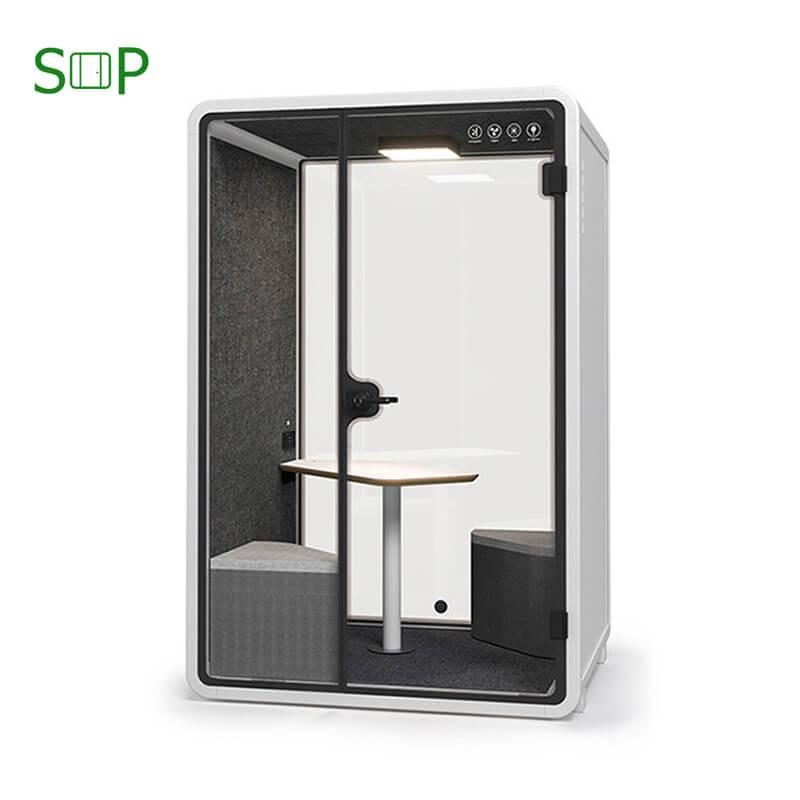
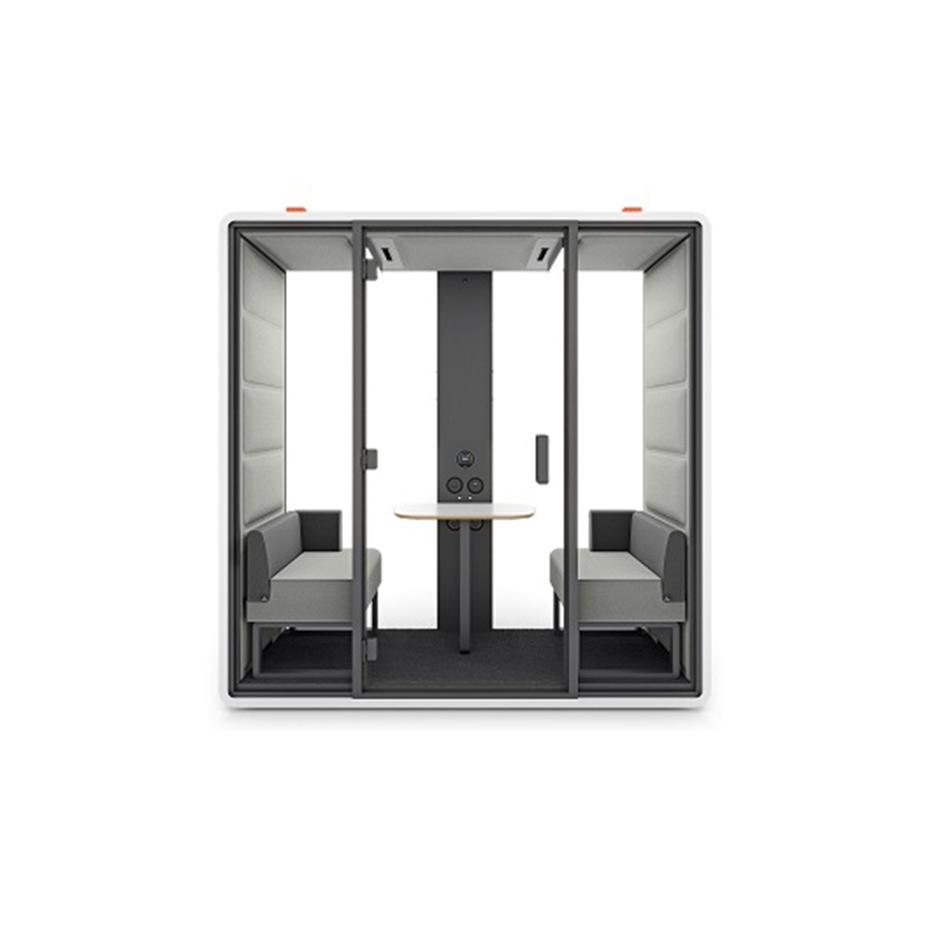
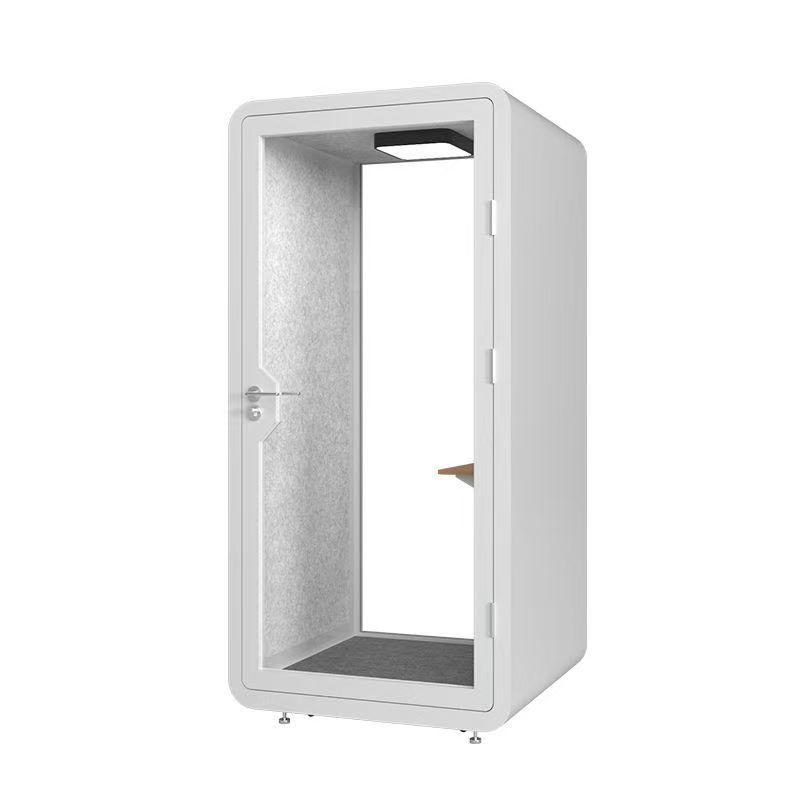
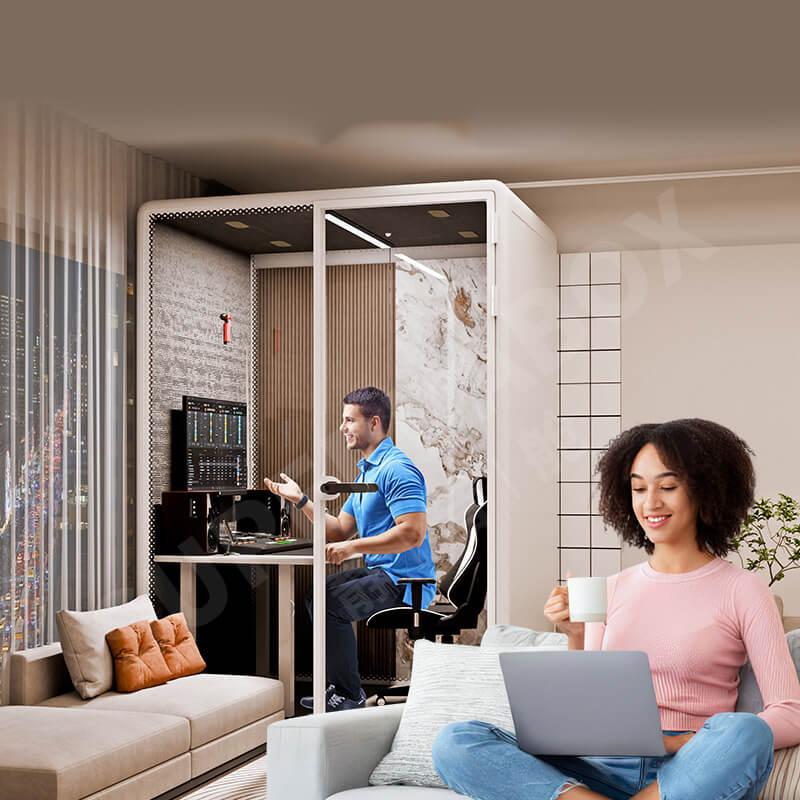
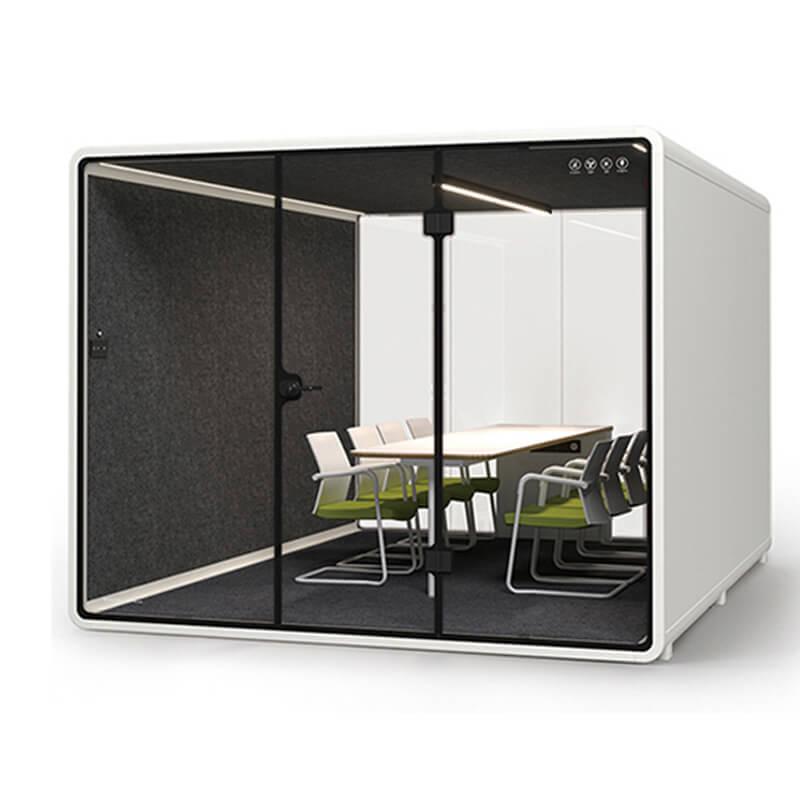
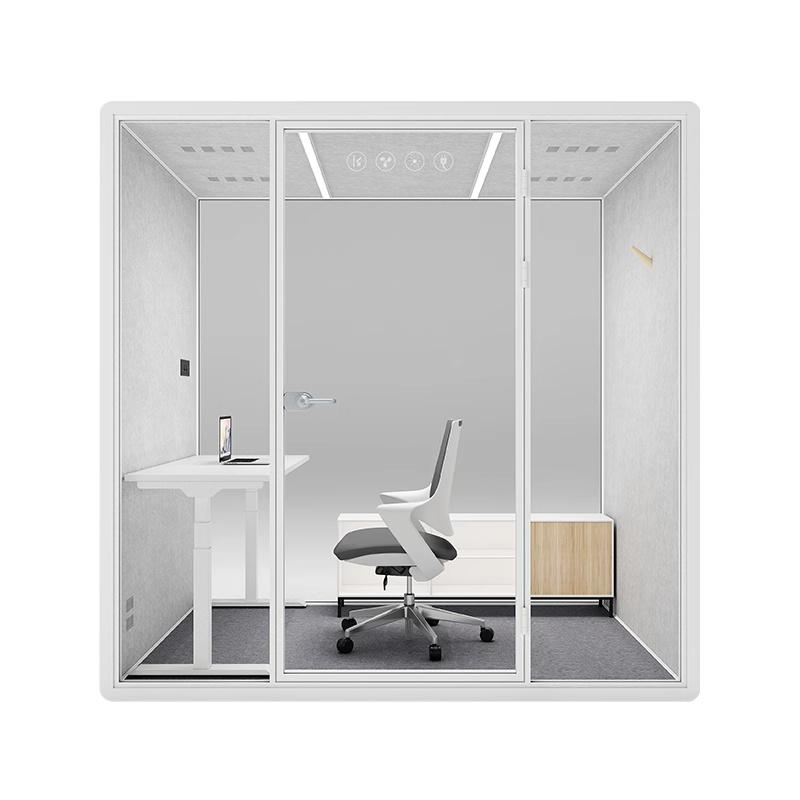
After the duration diary identifies the accepted task, use modern office pod configurations to keep model and furniture context attached to the observation; the page does not replace the occupied trial.
Watch exit reset and the next person's first minute
Follow the end of the session: logout, cable removal, belongings, waste, surface condition, furniture position, lighting, ventilation state, door operation, occupancy cue, overrun, and fault reporting. Then send the next user through without a special reset. Record what they must notice, move, clean, reconnect, or report before their task can begin.
The second user's experience reveals hidden operating work left by the first. Assign responsibility for routine reset, cleaning, consumables, device state, and faults that users should not repair. Include unavailable time in any capacity decision. A pod that feels simple to one occupant but repeatedly transfers friction to the next is not yet a stable shared service.
Observe the return to the user's original work as well. The occupant may need to reconnect equipment, recover a document, explain an overrun, or rebuild concentration after leaving. These effects can be minor, but they belong to the complete journey when the pod is promoted for quick task switching. A better location, cable plan, booking buffer, or accepted task may reduce this transition cost.
Use fault state during reset as a handover test. The next person should be able to recognize that the unit is unavailable and find the fallback without entering a failed session. The responsible team needs a clear ownership cue and closure check. Hiding a problem to protect availability data only transfers the failure to another user and weakens the experience record.
Use repeat choice to separate novelty from durable experience
After familiarization, offer the same eligible task again and observe whether users choose the pod, select another one, delay the work, ask for support, shorten the duration, leave the door open, or return to an unsuitable fallback. Ask for the reason after recording the choice so explanation does not replace behavior. Keep changes in attendance, location, policy, room availability, and task mix visible.
Compare first and repeated sessions by user group instead of averaging away a recurring barrier. A feature one person appreciates may create difficulty for another. Decide whether to retain, correct, relocate, reassign, limit, or reject the role, and set the condition for another review. The repeat decision should cite the exact task, configuration, location, duration, observations, correction, and unresolved difference.
Schedule follow-up after a material change rather than waiting for general dissatisfaction. Furniture adjustment, new devices, platform updates, relocation, booking changes, a repaired door, altered ventilation settings, or different surrounding occupancy can change the journey. Repeat only the affected steps and the complete task needed to confirm that the correction did not create a new friction elsewhere.
What should a user notice before entering a modern office pod?
Notice whether the unit is easy to find, whether occupancy is clear, how booking or walk-up access works, whether the route and door are clear, and what fallback exists when it is unavailable. For evaluation, record hesitation and assistance rather than turning these points into a long instruction list that hides poor discovery or access.
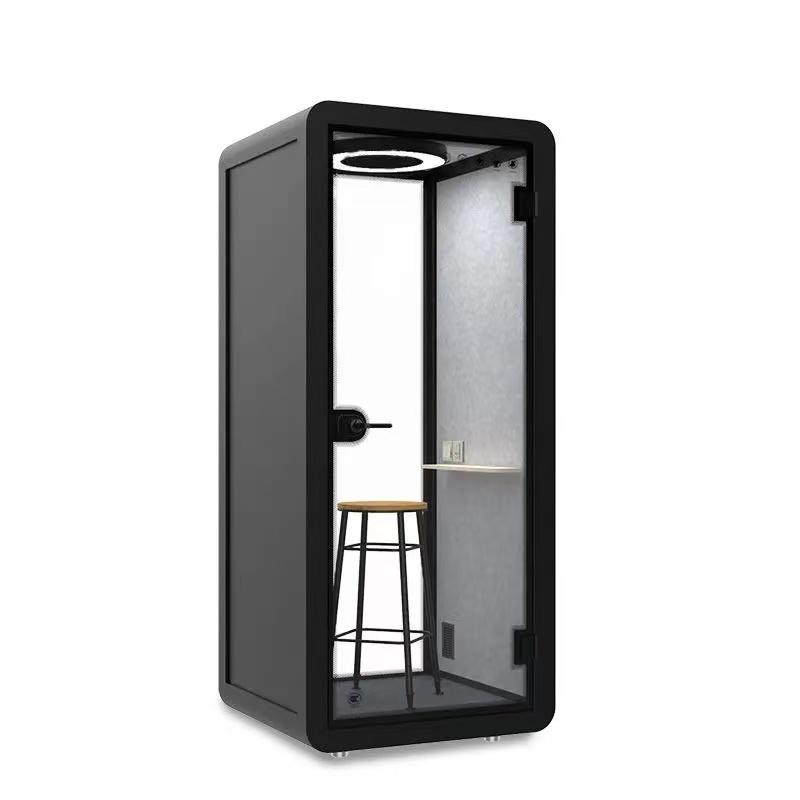
Why can the first quiet impression be misleading?
The first moment may reflect novelty and a contrast with the open office. Normal speech, fan sound, internal reflections, external listener concern, device audio, and comfort emerge during the task and over time. Collect occupant, remote-participant, and listener observations in the actual position before treating that first impression as durable.
Which behaviors suggest comfort is declining?
Repeated control changes, fidgeting, posture shifts, louder or quieter speech, opening the door, moving equipment, taking an unplanned break, losing concentration, or leaving early can justify investigation. None proves a single cause. Keep task, duration, occupancy, devices, and room condition with the observation, then repeat after a bounded correction.
When should repeat use overturn a positive showroom visit?
When intended users repeatedly avoid the pod, choose another space, shorten the task, need support, open the door, encounter reset friction, or report a material privacy or access barrier under normal conditions. Investigate and correct what can be corrected. If the behavior persists, limit or reject that role even if the original demonstration was appealing.

Conclusion
What it feels like inside modern office pods is a journey, not a single adjective. Discovery, threshold, sound response, controls, device recovery, posture, work materials, comfort over time, exit, reset, and repeat choice all contribute. Different users may reach different conclusions, and a repeated barrier should remain visible instead of being averaged away.
Run the same representative task again after the first correction and act on the earliest friction that changes behavior. Keep the accepted configuration and limits with the diary. A modern office pod experience is credible when ordinary users can repeat the task and leave the next person a workable route. For a project-specific comparison, send the accepted task, normal duration, room dimensions, device route, and observed friction through the existing inquiry or WhatsApp contact so the available configuration can be checked against that diary.

 Tel: +8613538031763
 Email: info@sopworkpod.com
 MP/WhatsApp: +8613538031763
 Manufacturer Address:Liucheng Lujiang District,Meixi Road,Nanan City,Fujian,China


