
Need Help?
Please leave your contact information to get our latest catalog
Get In Touch Now >


Author:SOP Work Pods Manufacturer TIME:2026-08-28
A foot support can improve one user's position and obstruct the next person's entry. A cushion can change seat height while reducing table clearance. A monitor arm can help camera framing but occupy the surface needed for notes, cover a control, or conflict with the pod's approved attachment points. Comfort gains and interface losses can happen at the same time.
Personalization should start with an observed task and a reversible hypothesis. Identify who uses the booth, the work duration, posture changes, devices, reach, entry, exit, controls, ventilation, cleaning, and reset. The accessory is then assessed as part of an occupied action sequence rather than as an isolated ergonomic product.
This route uses the office booth seating context to build a small task kit, not a permanent collection of extras. Each item must have a purpose, fit boundary, attachment status, owner, storage location, cleaning method, and removal trigger. Shared booths also need an equivalent unmodified state for users who do not want the accessory.
The 'Define the user task and personalization need' checkpoint tests a accessory-fit decision for office booth seating accessories planning. State call, video, reading, writing, focused work, duration, device, posture, reach, mobility, personal items, repeated discomfort, shared-use pattern, and the specific limitation the accessory should address. Keep the article-specific task user condition attached to the evidence.
Use a occupied configuration trial before approval. Observe the unmodified seating during the intended task and record the user's adjustment, coping behavior, discomfort, and assistance without assuming one user represents all occupants. Record contrary evidence because preference language replacing an evidenced fit problem would change the decision route.
Close 'Define the user task and personalization need' by deciding how to approve a bounded accessory purpose. For this task user checkpoint, preserve context, observed result, limitation, owner, correction or confirmation, retest need, and effect on the approved seating setup.
Record the unmodified task first so the trial has a comparison. Note where the user shifts, reaches, pauses or removes an item, but avoid turning one person's observation into a universal ergonomic rule.

The 'Check posture reach support and pressure distribution' checkpoint tests a accessory-fit decision for office booth seating accessories planning. Review seat height and depth, back support, feet, knees, hips, elbows, work surface, screen, keyboard, phone, head position, camera view, movement, standing transition, and how the accessory changes contact and reach. Keep the article-specific posture fit condition attached to the evidence.
Use a occupied configuration trial before approval. Run the normal task with and without the accessory and record natural posture changes, adjustment frequency, constrained movement, and early removal. Record contrary evidence because one comfort improvement transferring strain elsewhere would change the decision route.
Close 'Check posture reach support and pressure distribution' by deciding how to release an occupied posture configuration. For this posture fit checkpoint, preserve context, observed result, limitation, owner, correction or confirmation, retest need, and effect on the approved seating setup.
The 'Protect door movement circulation and interior clearances' checkpoint tests a accessory-fit decision for office booth seating accessories planning. Measure door swing, threshold, entry, exit, seat movement, aisle, knees, elbows, emergency egress, control access, ventilation grilles, cable routes, lighting, cleaning reach, and storage or bag positions. Keep the article-specific clearance condition attached to the evidence.
Use a occupied configuration trial before approval. Place the accessory in every intended position and rehearse entry, work, exit, reset, cleaning, and service access. Record contrary evidence because a compact addition obstructing an essential route or control would change the decision route.
Close 'Protect door movement circulation and interior clearances' by deciding how to approve location and maximum accessory envelope. For this clearance checkpoint, preserve context, observed result, limitation, owner, correction or confirmation, retest need, and effect on the approved seating setup.
Mark the accessory envelope with the seat in every allowed position. The check includes knees, elbows, bags, cables and the movement needed to stand, not only the static seated pose.
| Accessory purpose | Occupied action | Interference to test | Disposition |
|---|---|---|---|
| Foot support | Sit, adjust, stand and exit | Threshold, chair movement, knees and cleaning | Retain only with stable storage and clear route |
| Seat or back cushion | Reach table, controls and camera position | Seat height, depth, heat, cover movement | Offer as a removable personal or managed item |
| Device support | Type, read, join a call and reset | Work surface, sightline, cable and vent access | Use only approved attachment and loading |
| Task light | Adjust light without leaving the seat | Glare, power, heat, controls and cable path | Confirm electrical and cleaning ownership |
| Personal organizer | Place and retrieve normal work items | Door swing, visual clutter and forgotten property | Limit size and define end-of-booking reset |
The 'Verify attachment loading and booth compatibility' checkpoint tests a accessory-fit decision for office booth seating accessories planning. Identify free-standing, clipped, strapped, adhesive, screwed, powered, or furniture-integrated items; fixing points; surface protection; loading; sharp edges; stability; removal; finish damage; electrical interface; supplier permission; and warranty effect. Keep the article-specific attachment condition attached to the evidence.
Use a occupied configuration trial before approval. Obtain model-specific guidance and inspect a trial attachment before authorizing repeated or permanent use. Record contrary evidence because an improvised fixing damaging the booth or becoming unstable would change the decision route.
Close 'Verify attachment loading and booth compatibility' by deciding how to release an approved attachment method. For this attachment checkpoint, preserve context, observed result, limitation, owner, correction or confirmation, retest need, and effect on the approved seating setup.
Free-standing does not mean risk-free. An item can slide, tip, catch clothing or migrate against a door, vent or control even when no fastener touches the pod.
The 'Review materials cleanability and shared contact' checkpoint tests a accessory-fit decision for office booth seating accessories planning. Check cover and core material information, odor, shedding, color transfer, heat, moisture, cleaning products, disinfection where required, removable covers, seams, wear, allergens or sensitivities reported by users, storage, and replacement route. Keep the article-specific materials cleaning condition attached to the evidence.
Use a occupied configuration trial before approval. Trial the agreed cleaning method on the actual item and inspect condition after representative shared use. Record contrary evidence because a comfort accessory becoming a hygiene or finish-maintenance burden would change the decision route.
Close 'Review materials cleanability and shared contact' by deciding how to approve cleaning and replacement rules. For this materials cleaning checkpoint, preserve context, observed result, limitation, owner, correction or confirmation, retest need, and effect on the approved seating setup.
Decide whether an item is personal, shared or disposable before choosing storage and cleaning. That ownership choice changes labeling, inspection, reset and responsibility for a missing cover or damaged surface.
The 'Coordinate accessories with devices power and controls' checkpoint tests a accessory-fit decision for office booth seating accessories planning. Review monitor or phone holders, task lights, charging, extension leads, cables, power load information, control visibility, fan and lighting access, camera framing, microphone path, speaker behavior, trip or snag points, and reset after use. Keep the article-specific devices controls condition attached to the evidence.
Use a occupied configuration trial before approval. Run the complete device setup and remove it without coaching, documenting loose parts, cable interference, unsupported electrical use, and time to reset. Record contrary evidence because personal equipment weakening booth operation or next-user readiness would change the decision route.
Close 'Coordinate accessories with devices power and controls' by deciding how to release a supported device-accessory setup. For this devices controls checkpoint, preserve context, observed result, limitation, owner, correction or confirmation, retest need, and effect on the approved seating setup.
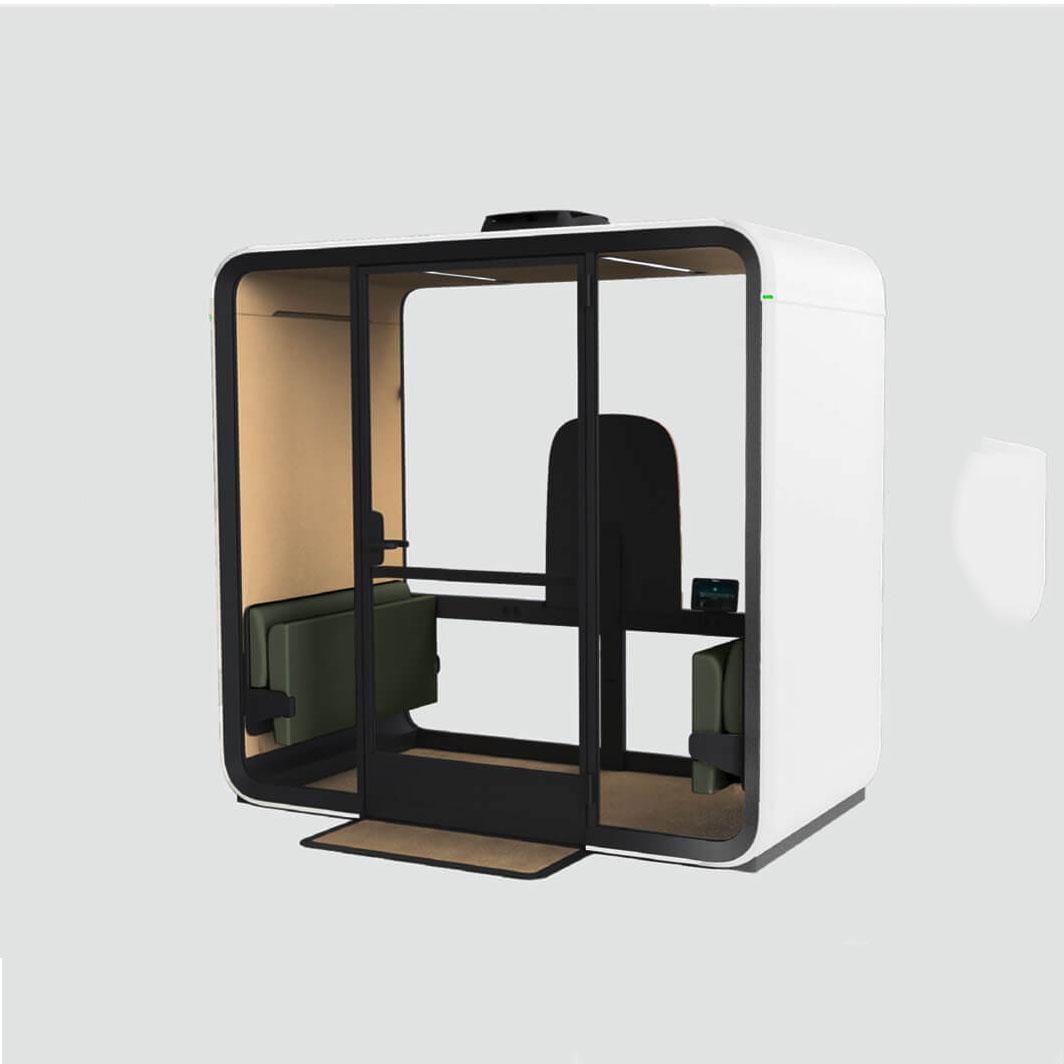
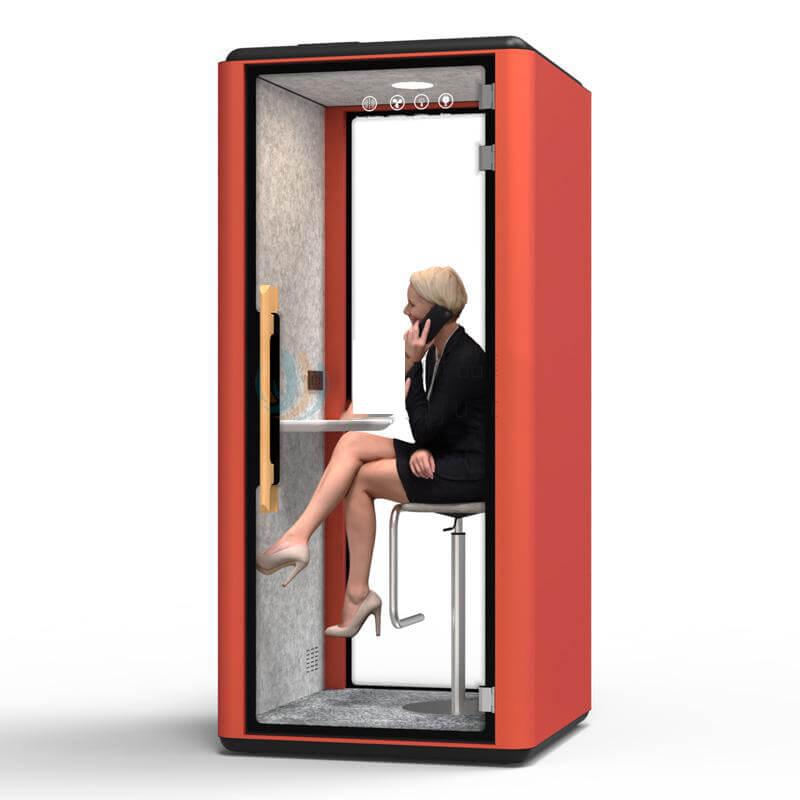
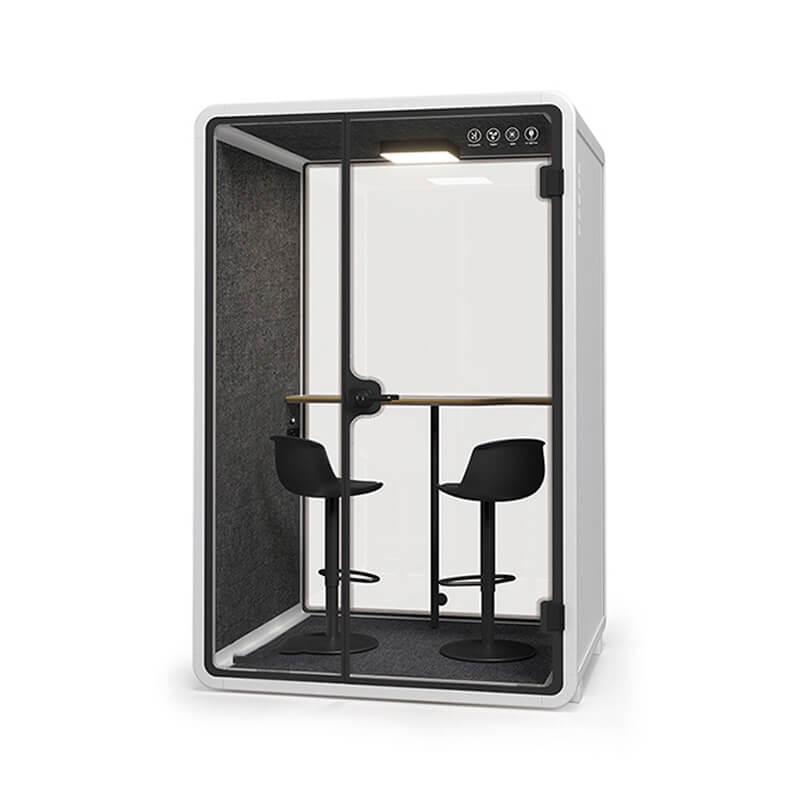
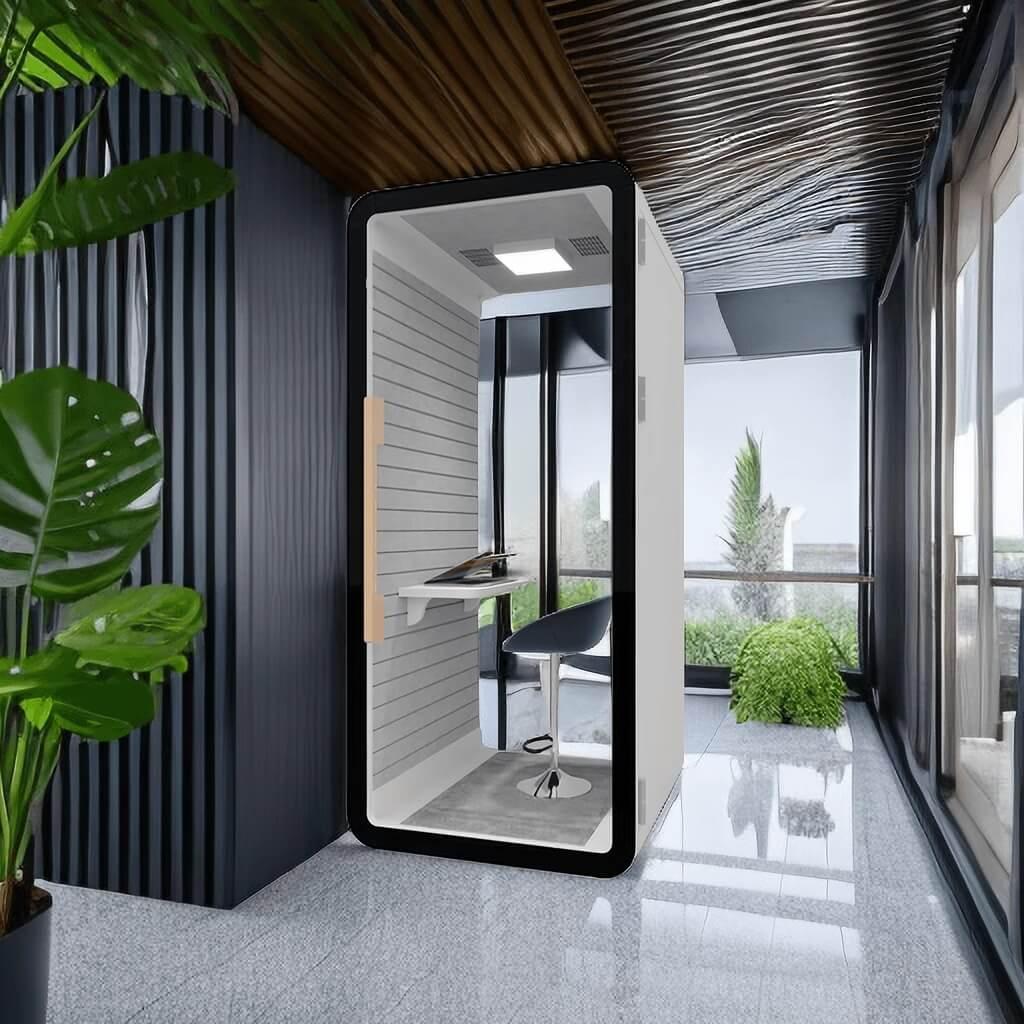
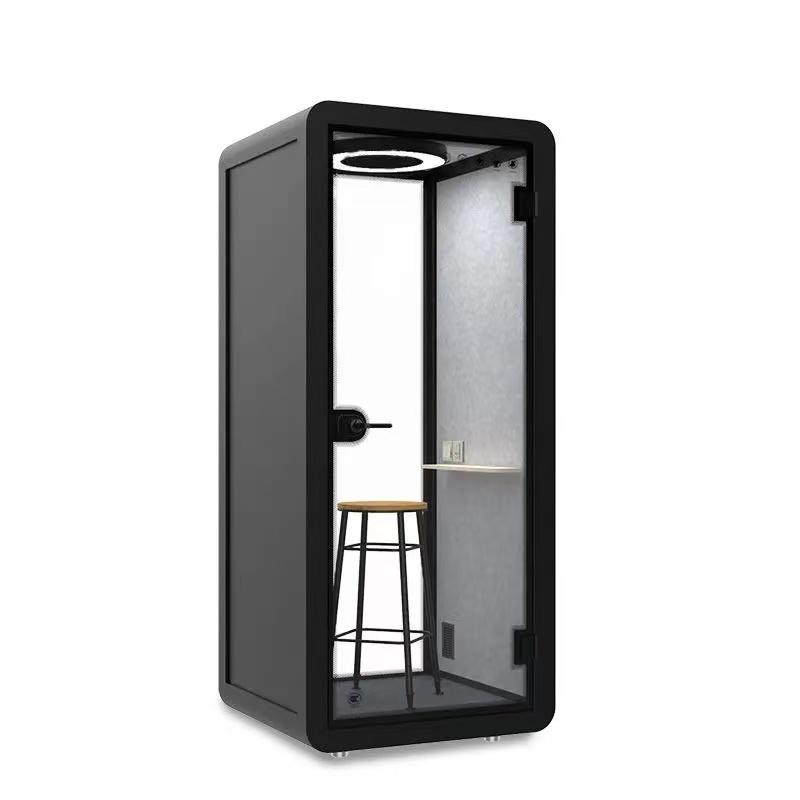
After the buyer completes the 'Coordinate accessories with devices power and controls' checkpoint, the office booth seating configuration page may be reviewed as a product reference for this seating accessory fit and change-control study; it does not replace site evidence or assigned responsibility.
The 'Standardize through a reversible trial and handover' checkpoint tests a accessory-fit decision for office booth seating accessories planning. Define users, task, duration, booth, accessory identity, adjustment range, attachment, cleaning, storage, reset, inspection, fault reporting, removal trigger, prohibited modifications, ownership, and evidence needed before wider use. Keep the article-specific trial handover condition attached to the evidence.
Use a occupied configuration trial before approval. Observe repeated sessions and the next user's experience, then close each issue through retain, adjust, limit, replace, or remove. Record contrary evidence because a successful one-person trial becoming an uncontrolled office standard would change the decision route.
Close 'Standardize through a reversible trial and handover' by deciding how to publish an approved configuration and change route. For this trial handover checkpoint, preserve context, observed result, limitation, owner, correction or confirmation, retest need, and effect on the approved seating setup.
End the trial by returning the booth to its agreed baseline. If reset takes too long or the accessory has no stable home, the operational burden may outweigh its task benefit.
A single cushion will not suit every body, task, or preferred posture. If a shared item is offered, keep use optional, test its effect on seat height and clearances, provide a clean storage route, and preserve the original seating state. Formal individual needs should follow the workplace's appropriate review process.
Only after model-specific guidance and responsible approval establish the permitted location, method, load, surface protection, access, warranty effect, and removal route. Adhesive, screws, clamps, and straps create different risks. A fitting that feels secure during setup may still interfere with services or damage a finish.
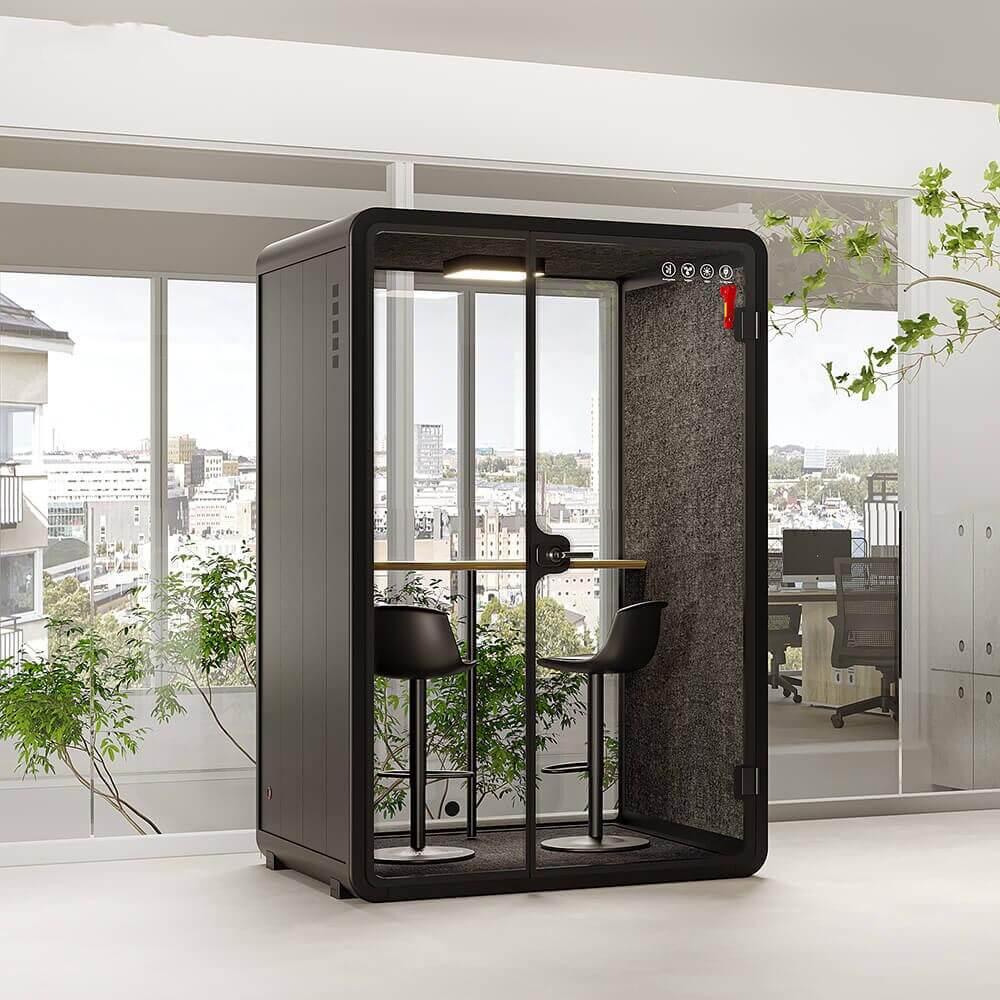
Cover the longest intended task and the normal sequence of entry, setup, work, posture change, device use, exit, cleaning, and reset. Use more than one representative user where practical. Do not convert comfort comments into a universal duration claim; record the task and conditions under which the configuration was accepted.
Remove it when it obstructs entry or exit, blocks controls or airflow, damages a surface, cannot be cleaned, creates unstable loading, repeatedly migrates out of position, is not being reset, or no longer solves the named task problem. Keep removal simple so a trial does not become an unsupported permanent alteration.

Seating personalization succeeds when a specific accessory improves a named work action without weakening access, clearances, controls, airflow, attachment integrity, cleaning, or the next user's reset. The answer is a configured task trial, not a promise that more accessories create more comfort.
Approve a small reversible kit, record where each item belongs and why, and preserve the unmodified seating state. Remove or revise any item that fails the occupied action sequence.
For an office booth seating quote, provide the user task, available clearance, device setup, accessory needs, and quantity through the inquiry form or WhatsApp.

 Tel: +8613538031763
 Email: info@sopworkpod.com
 MP/WhatsApp: +8613538031763
 Manufacturer Address:Liucheng Lujiang District,Meixi Road,Nanan City,Fujian,China


