Author:SOP Work Pods Manufacturer TIME:2026-08-29
A phone booth for office use is often judged by its outside appearance, but daily adoption is decided by small practical details: whether the user can see the screen, whether a call can be started quickly, whether the door approach is clear, whether the air remains comfortable, and whether people nearby understand how the space is intended to be used. A Netherlands-oriented planning reference should therefore examine the full call journey rather than treat the booth as a piece of isolated furniture.
The following framework is an application reference, not a report of a named Dutch customer or a measured local installation. It does not establish a delivery time, price, certification, legal requirement, or performance result. The buyer should use the questions to prepare a site-specific brief and ask the supplier and local project professionals to confirm the information that belongs to the real building.
Start with the calls that are currently difficult to make. A sales representative may need a quick headset conversation, while a finance or HR user may need to read a document, share a screen, and protect sensitive words from nearby colleagues. A hybrid worker may use a camera, laptop, charger, notebook, and second screen. Write the normal and longest call length, the equipment, the speaking style, and the required level of discretion.
Describe the entry-to-exit sequence. The user should be able to find the booth, enter without crossing another person's desk, place equipment, connect, adjust the light or controls, make the call, end it, and leave. If a workflow needs too many improvised steps, users will avoid the booth and return to the open floor. Adoption is therefore part of the product decision, not a training problem that can be postponed.
Scope boundary: The Netherlands reference identifies a target planning context. It does not prove a Dutch project, local customer behavior, or national building rule. Any site, electrical, fire, accessibility, and property condition must be verified for the actual address.

After the call journey is defined, the team can compare the office phone booth range with the intended users, equipment, and floor plan. Use the product category to start the conversation, then freeze the exact configuration and responsibilities in the quotation and handover records.
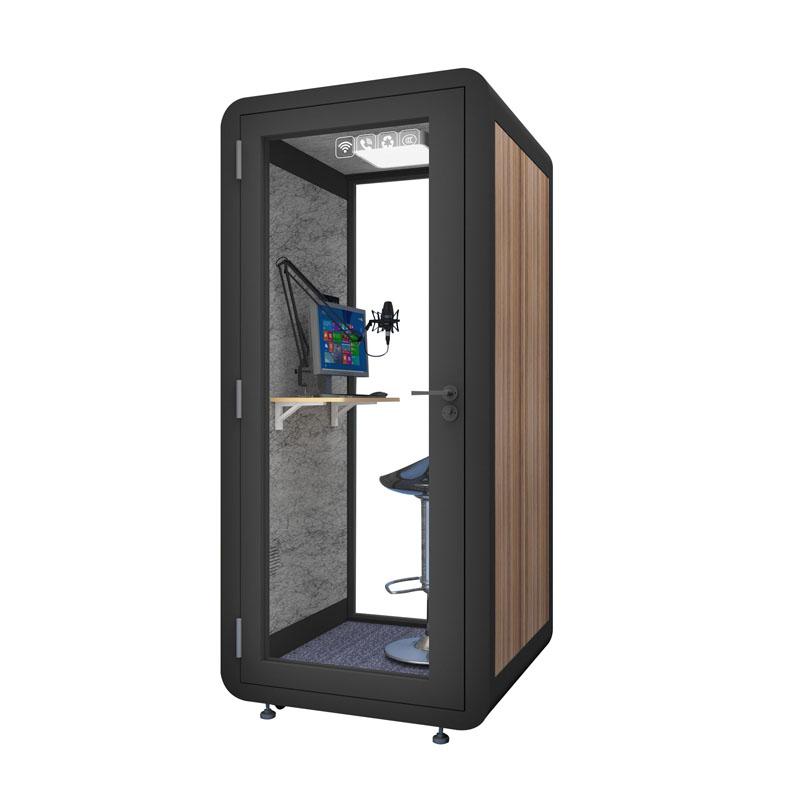
Video calls expose problems that a voice-only review can miss. The camera may face a bright window, a reflective surface, or a blank wall that makes the user uncomfortable. A laptop may sit too low or too close to the edge. A screen, microphone, headset, and charger may compete for the same small surface. Place the actual equipment on a plan or full-size mock-up before selecting the desk position.
Record the expected camera framing and background. The user should not need to twist the laptop or sit at an awkward angle to keep the door out of view. If the booth is shared, the setup should be easy to reproduce without a technician. Cable reach and outlet position also affect the speed with which a person can start a call, especially when sessions follow one another.
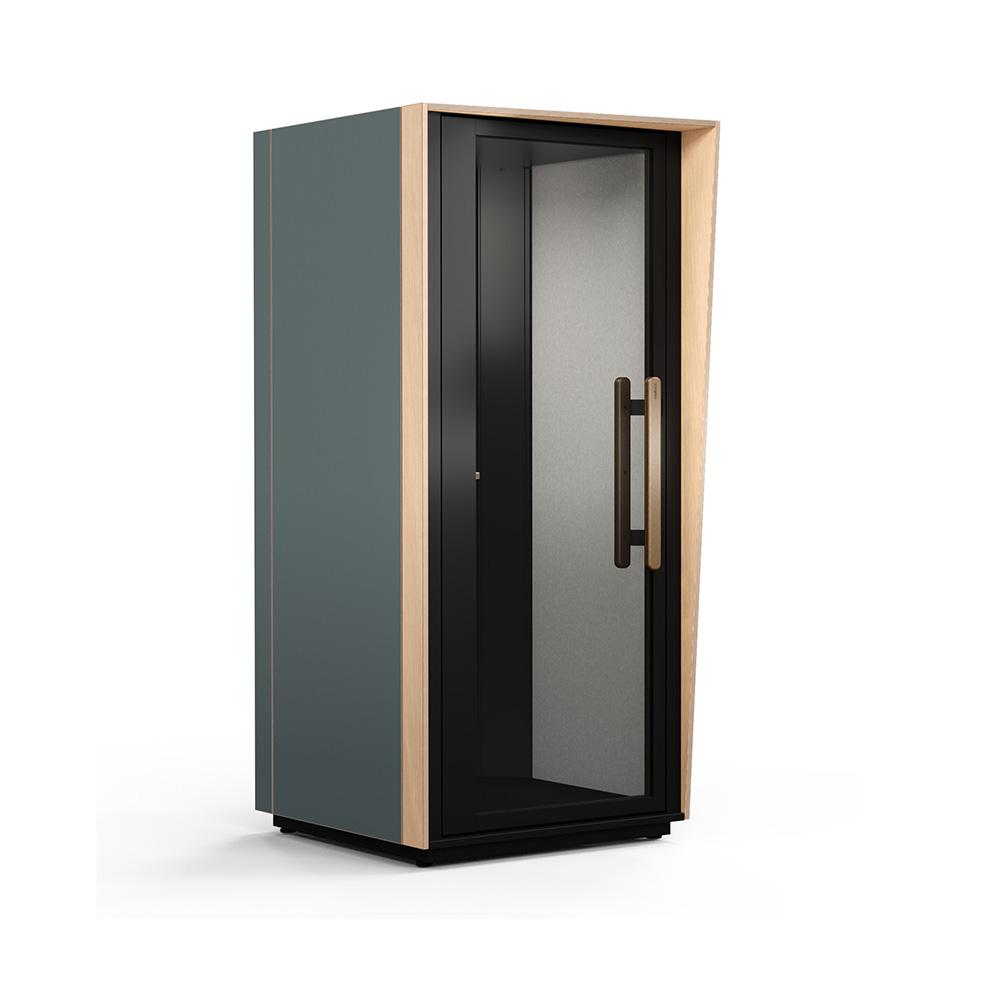
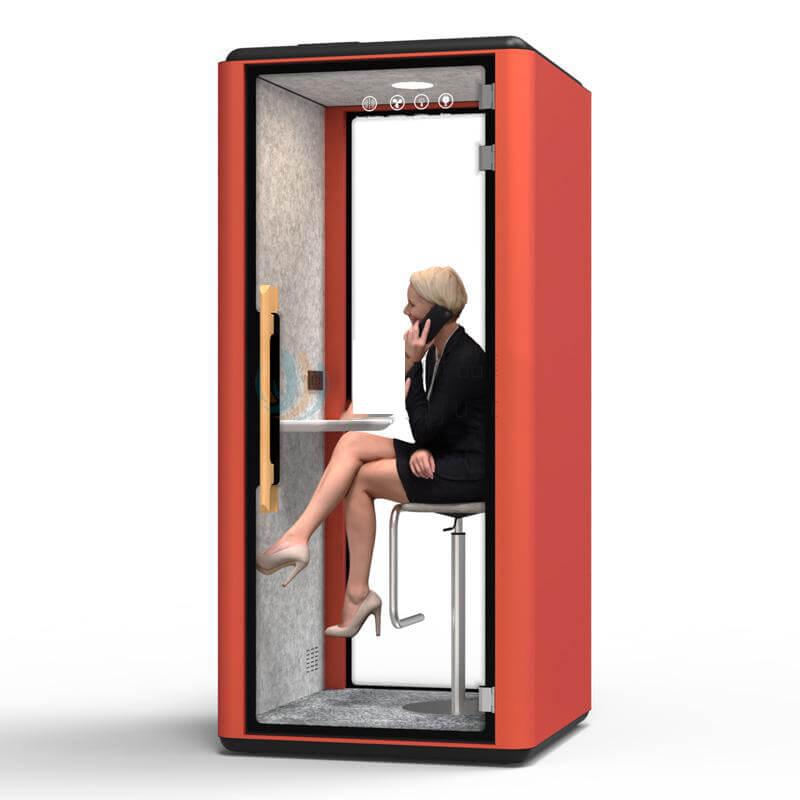
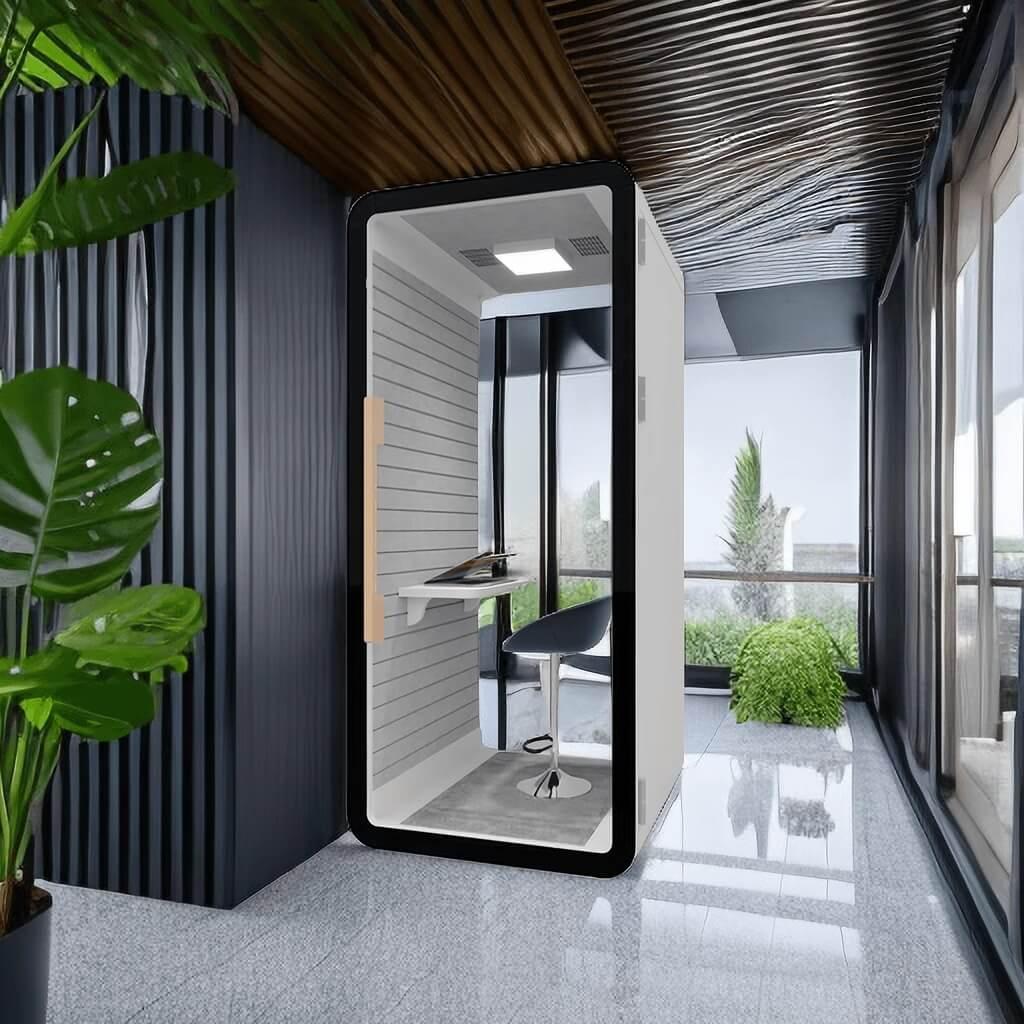
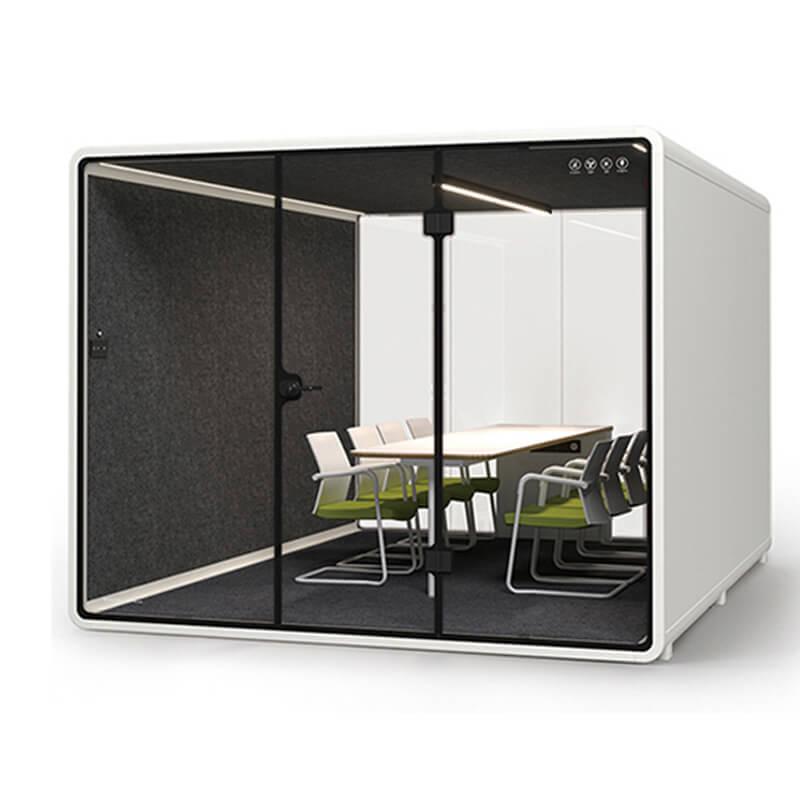
Do not allow a staged product photograph to stand in for a video-call check. The image may show a different camera, chair, light level, table, or finish. The project team should describe the offered equipment and run the intended call with the actual user devices where possible.
Poor lighting can make a phone booth feel difficult even when the acoustic and furniture arrangement is reasonable. Users notice glare on the laptop, strong shadows on the face, reflections in the glass, and a background that looks too bright or too dark. Mark window direction, ceiling fixtures, camera position, and screen orientation on the floor plan. Then inspect the arrangement at different times of day if natural light is important to the room.
Lighting should support both work and communication. A person reading notes needs a usable work surface; a person on camera needs a consistent face view. Ask how the light is controlled, where the switch or control is located, and what maintenance access is needed. Keep the answer tied to the offered configuration rather than promising a universal result for every office.
| User moment | Observation to record | Action when the experience is weak |
|---|---|---|
| Entering | Approach, door movement, bag and coat placement | Adjust location, door orientation, or furniture plan |
| Starting a call | Camera angle, light, outlet reach, connection steps | Reposition equipment or clarify the setup |
| Speaking | Screen visibility, posture, outside activity, fan state | Review layout, controls, and privacy evidence |
| Leaving | Ability to disconnect, reset, and exit without blocking others | Improve cable management, instructions, or circulation |
The space outside the booth influences whether people use it. Mark the door swing, clear approach, nearby desks, waiting point, storage, exits, and cleaning path. A door that opens into a work route may create a conflict every time someone enters. A booth placed too close to a reception desk may expose the identity and duration of every user, even if the conversation itself is difficult to hear.
Test the route with a person carrying a laptop bag. Check whether the person can enter without asking others to move, whether the door can be closed fully, and whether someone outside can pass safely. If the booth is used by visitors, contractors, or people with different mobility needs, the project team should obtain the applicable local advice rather than assume that a general product image answers the access question.
Cleaning and servicing use the same circulation. Leave enough access for the responsible person to clean surfaces, inspect the door, reach controls, and maintain ventilation components. A tightly packed office may need a scheduled service window, which should be recorded as an operational responsibility.
Ventilation should be considered with the real call pattern. A booth used for occasional short calls may experience a different comfort pattern from one occupied continuously by a support team. Run the longest ordinary session with the laptop, screen, headset, and light operating. Observe air movement, heat, fan sound, controls, and the recovery between users.
Ask where air enters and leaves, how the user changes the control, and how service parts are reached. Request the exact model information if a supplier provides airflow, filter, or noise data. Do not convert a typical value into a guaranteed outcome or add a number that the source does not contain. The useful record is the condition under which the information applies.
Placement can affect comfort. A booth beside a radiator, strong sun, printer, kitchen, or high-traffic door may feel different from the same booth in a calmer position. Include surrounding heat, glare, noise, and maintenance routes in the site review.

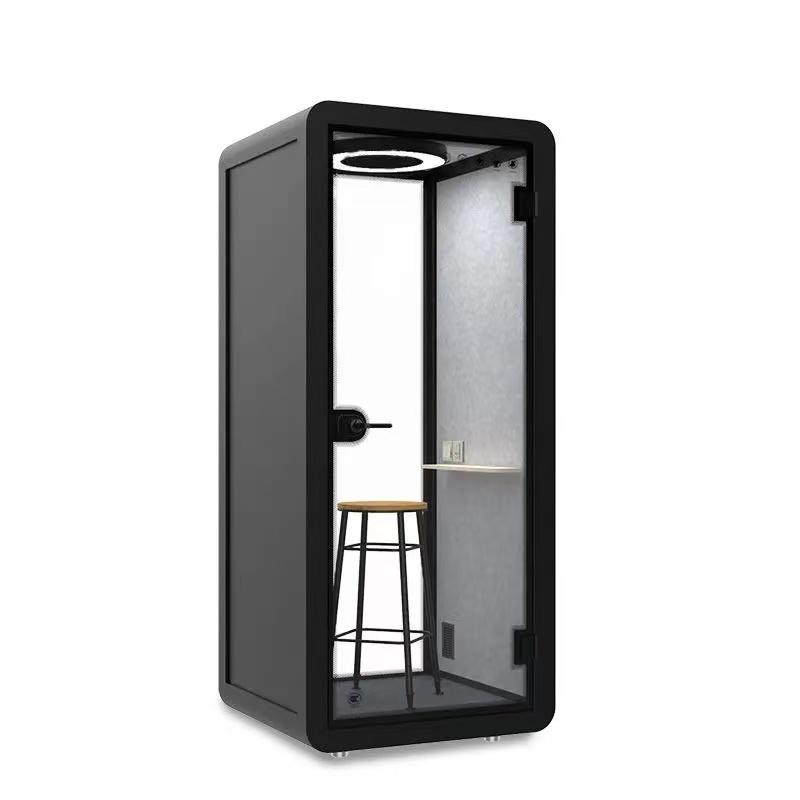
Privacy needs a defined listener and a defined conversation. For a sensitive call, the buyer may ask whether nearby colleagues can understand complete words. For a focus session, the user may care more about outside speech and movement. Write the target in plain language, then identify where the listener will stand and what activity will occur outside the booth.
During an observation, record the door, ventilation, surrounding activity, speaking level, listener position, and configuration. Note whether the listener understood words, detected speech, or noticed only general sound. This is a project observation, not a laboratory certificate. If a formal document exists, preserve its exact scope and test conditions. Never describe a generic image as proof of a Dutch customer result.
Also review visual privacy. Glass, door position, screen angle, and the line of sight from a corridor can affect the user's willingness to discuss confidential information. A practical placement or screen adjustment may solve a concern that cannot be solved by changing the product category.
Most call failures are frustrating because they occur at the beginning of a session. The user cannot find the outlet, the cable does not reach, the network point is outside the booth, or the control is unclear. Map laptop, charger, headset, display, camera, internal outlet, external connection, and cable movement. Then assign each part to the booth supplier, building team, network provider, or user.
Ask what is supplied inside the enclosure and what the building must provide outside it. Confirm the final circuit, protection, plug or connection method, data route, testing, and maintenance access with the responsible local professionals. A product can be electrically complete inside and still need a separate building connection before it can be used.
Write a short user instruction for the handover. It should explain how to start, adjust, end, clean, and report a problem without exposing private account information. Simple instructions help the booth become part of normal work rather than a special room that only a facilities manager understands.
Handover should include both inspection and use. Compare the delivered product with the approved drawing, configuration, finish, furniture, glass, door, controls, lights, outlets, ventilation, and service access. Then ask representative users to complete the call journey with their normal devices. Record glare, posture, connection time, air comfort, outside activity, door movement, and any privacy concern.
Turn every issue into an action with an owner and closure evidence. A loose cable may require a site adjustment. A difficult control may require an instruction or configuration change. A door conflict may require a new location. A suspected privacy problem may require a defined listening observation. Avoid closing all issues with the phrase “user training” when the root cause is a layout or product boundary.
Keep the approved documents, photographs, correction list, service route, cleaning method, warranty scope, and escalation contact together. The record should make it possible for a new facilities manager to understand what was supplied and what conditions were assumed.
What makes a phone booth easy to adopt?
Users need a clear approach, simple entry, usable lighting, reachable power, a workable camera position, comfortable air, understandable controls, and an easy reset. These conditions should be tested with real equipment rather than inferred from a product photograph.
How should lighting be reviewed for video calls?
Mark windows, ceiling lights, screen direction, camera position, and reflective surfaces. Run a realistic call and record glare, shadows, face visibility, and whether the user can work with notes at the same time.
Does ventilation performance depend on the location?
Comfort can be affected by surrounding heat, sunlight, equipment, occupancy, and nearby airflow. Review the offered ventilation information together with the actual call duration and site position.
What should be recorded during acceptance?
Record configuration, door, furniture, lighting, power, data, ventilation, user equipment, surrounding activity, privacy observation, open actions, owners, and closure evidence.
A phone booth becomes useful when the whole call experience works: the user can enter, set up, communicate, maintain reasonable comfort, protect the intended information, and leave without disrupting the office. That result depends on product configuration and placement together.
For a Netherlands-oriented project, the next step is to observe one normal and one demanding call, mark the camera, light, power, data, door, and listener positions on the floor plan, then request a configuration-specific quotation and handover script. This produces a practical recommendation without claiming an unverified local customer outcome.

 Tel: +8613538031763
 Email: info@sopworkpod.com
 MP/WhatsApp: +8613538031763
 Manufacturer Address:Liucheng Lujiang District,Meixi Road,Nanan City,Fujian,China