
Need Help?
Please leave your contact information to get our latest catalog
Get In Touch Now >


Author:SOP Work Pods Manufacturer TIME:2026-08-28
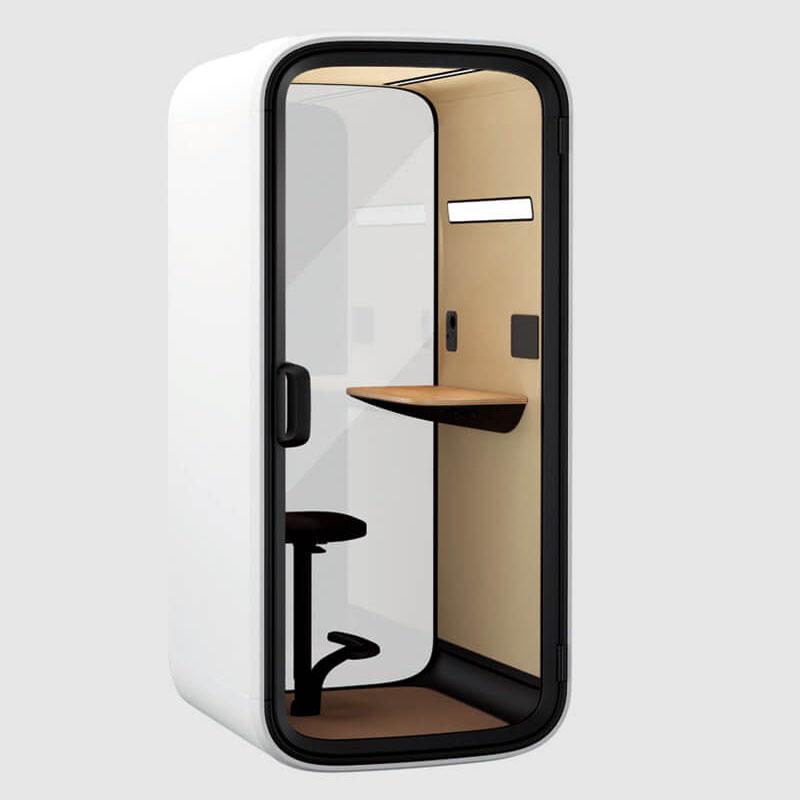
A mini office pod earns its floor area by doing a narrow job well. The small outside footprint may solve a placement problem, but it does not prove that a person can enter, set down a bag, arrange a laptop, read a document, speak privately, control airflow, and leave the space ready for someone else. Compactness is an advantage only after the occupied task fits.
The practical review begins with exclusions, not benefits. Define the calls, focused tasks, short reviews, or video sessions under consideration, then remove work that needs another participant, large documents, extensive movement, specialized equipment, long duration, or an access condition the offered interior cannot support. Measure usable clearances and observe normal behavior instead of relying on nominal capacity or exterior dimensions.
The result is a short accepted-task list tied to the exact mini office pod, furniture, controls, location, devices, occupancy, and duration. It also names disqualifying signs and a fallback. This makes flexibility operational: the pod may serve several compact tasks, but it is not described as a universal miniature office.
List candidate tasks with occupancy, duration, privacy, devices, documents, belongings, movement, urgency, and acceptable fallback. Remove group meetings, work that requires spreading out materials, frequent entry and exit, large equipment, sustained standing or movement the interior cannot support, and any task whose accessibility need has not been demonstrated. A small enclosure should not become overflow merely because larger rooms are busy.
Keep the consequence of exclusion practical. Name the conventional room, open setting, larger pod, rescheduling route, or remote-work alternative that takes the task. Staff are more likely to follow a compact-use rule when the fallback is visible. Review the list after real use because an apparently simple call may involve note taking, a second screen, samples, or confidential documents that change the required envelope.
Rank eligible tasks by urgency and setup burden. A quick private call and a planned focus block may both fit physically but compete differently for a scarce compact pod. Decide whether walk-up priority, booking, or another rule protects the more time-sensitive route. The rule should not imply that one job is more important; it should prevent a long flexible use from blocking a short task with no acceptable fallback.

Measure and observe the door approach, swing, threshold, handle, entry turn, seat travel, standing zone, desk depth, knee and elbow room, screen distance, bag position, cable reach, control access, and exit. Use the intended user's normal clothing, belongings, and equipment. Exterior footprint and nominal interior volume do not reveal whether the task can start without awkward staging outside the pod.
Ask representative users to enter without coaching, set up, change posture, retrieve an item, and leave. Record hesitation, contact with surfaces, blocked controls, assistance, constrained movement, and what happens for users with different stature or mobility. The accepted envelope belongs to the tested configuration. Furniture, door orientation, or accessory changes require a repeat because a few centimeters can alter the compact route materially.
Keep measured dimensions and observed movement on the same sheet. A clearance can meet the project drawing while still producing an awkward turn, and a user may move comfortably even though a critical maintenance clearance is missing. The two records answer different questions. Release the task only when user movement, surrounding circulation, and service access all match the final installed position.
Inside a small pod, speaker position, glazing, screen angle, camera framing, lighting, reflections, and nearby listener routes are tightly coupled. Run the intended call with normal speech, actual devices, the door and ventilation in their accepted state, and observers at mapped external positions. Ask the remote participant about framing, pickup, loudspeaker clarity, turn-taking, and visible content.
Check whether the user can place the laptop and notes without exposing a screen through glazing or forcing an uncomfortable camera angle. Observe whether concerns about external listeners cause quieter speech or early exit. Do not infer privacy from the enclosure name. State the accepted task, speaker, listener boundary, device layout, and site condition, including any call type that should use a different room.
Repeat the geometry with the user's ordinary display settings and content scale. A demonstration slide can remain legible at an angle that makes a working spreadsheet, design file, or detailed document unusable. Check whether the user leans forward, rotates the laptop into a sightline, or moves notes outside the work surface. These behaviors can disqualify a task even when camera and audio appear acceptable.
Consider the people outside the pod as part of the sightline review. Passing colleagues, seated staff, a queue, and visitors may see different parts of the screen or occupant. Record the intended glazing treatment and final orientation. If privacy requires an improvised screen angle that harms posture or video framing, move the task or change the configuration instead of calling the compromise flexible.
| Candidate task | Accept only when | Disqualifying sign and fallback |
|---|---|---|
| Private solo call | Speech-listener boundary, device chain, posture, airflow, and normal duration pass | User changes speech, opens the door, loses connection, or external concern remains; use an accepted private room |
| Focused laptop task | Desk, screen, documents, controls, lighting, movement, and belongings fit naturally | Materials spill outside, posture is constrained, or duration produces coping behavior; use a larger workstation |
| Short video session | Camera, microphone, loudspeaker, content, glare, data, and recovery work without assistance | Framing or setup fails and no simple fallback exists; move to commissioned video space |
| Shared or equipment-heavy work | Only if the exact occupied layout and movement were specifically demonstrated | Nominal capacity or compact footprint is the only evidence; assign a larger pod or meeting room |
Run the longest normal eligible task and observe airflow, temperature perception, fan sound, lighting, glare, posture, device heat, speech effort, concentration, control discovery, fidgeting, door opening, and breaks. A pleasant first minute can hide a later constraint. Record when behavior changes and whether a control adjustment solves the problem without undermining privacy or disturbing adjacent work.
Test power, charging, data or wireless conditions, camera and audio, and one common recovery step. Controls should be understandable from the working position. If a user must leave to reset equipment or repeatedly seek help, include that setup burden in the task decision. Set a duration limit or reject the task where correction does not produce a repeatable occupied route.
Preserve variation between users. One person may value the enclosed focus while another reaches a posture, airflow, lighting, or access limit earlier. Do not average away a repeated barrier affecting a user group. The task list can include a shorter demonstrated duration, another furniture option, or a different fallback, provided the distinction is clear and does not turn individual accommodation into an unsupported universal claim.

Mark the final footprint with door movement, approach, circulation, queue, accessibility, nearby listener positions, power, data, ventilation openings, cleaning access, and maintenance clearance. Walk the packaged delivery and assembly route rather than assuming the installed footprint is the largest dimension. Confirm who prepares the site, protects finishes, accepts damage, commissions services, and closes defects.
Then simulate consecutive users. Note booking or walk-up cues, overrun, belongings, cable removal, logout, surface condition, furniture position, waste, ventilation operation, fault reporting, and what the next person must correct. A mini pod loses much of its promised flexibility when reset is slow or ambiguous. Assign a short reset routine and an owner for anything users should not repair themselves.
After occupied acceptance, use the product page only to retain configuration context. Put the accepted-task list where users make the choice: include eligible work, maximum demonstrated occupancy and duration, essential device setup, clear exclusions, fallback, and fault route. This is more useful than calling the unit the smartest or most flexible workspace without a boundary.
Add maintenance access to the handover. Cleaning surfaces, checking door operation, keeping ventilation openings clear, servicing controls, and replacing approved parts may require room around the unit or temporary closure. Name the responsible route and the cue that takes the pod out of service. Compact placement should not make routine care inaccessible or leave users improvising around a fault.
Following the occupied and reset trial, the mini office pod configurations can remain a configuration reference, while the accepted-task sheet controls actual use.
Do not assume so from the product name. Full-day work introduces duration, posture variation, breaks, equipment, documents, airflow, temperature perception, lighting, and access needs that a short call trial cannot answer. Use the pod only for the longest task actually demonstrated, and select a conventional workstation or larger accepted space for work outside that envelope.
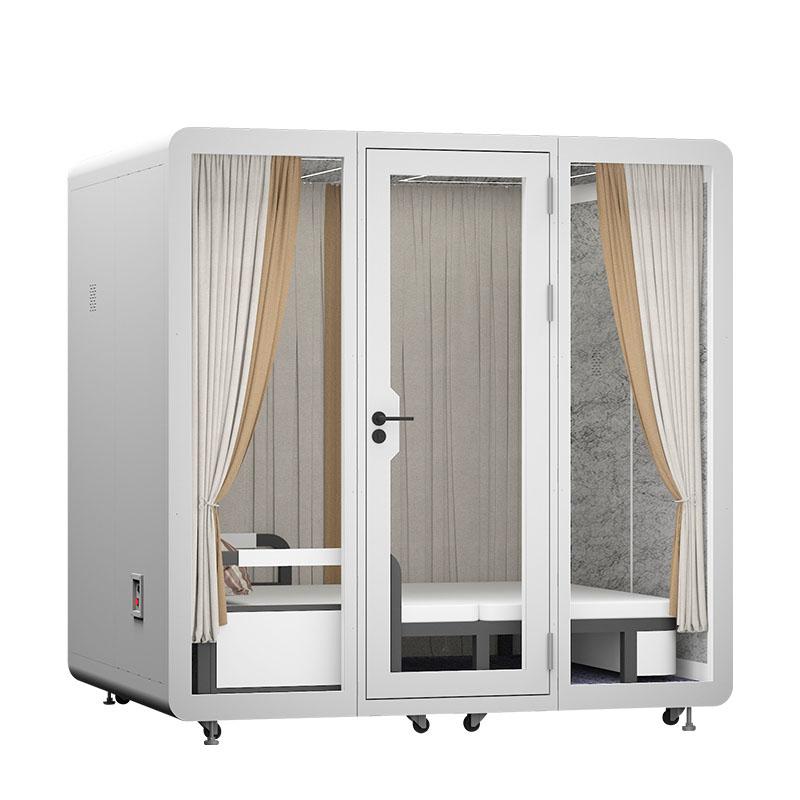
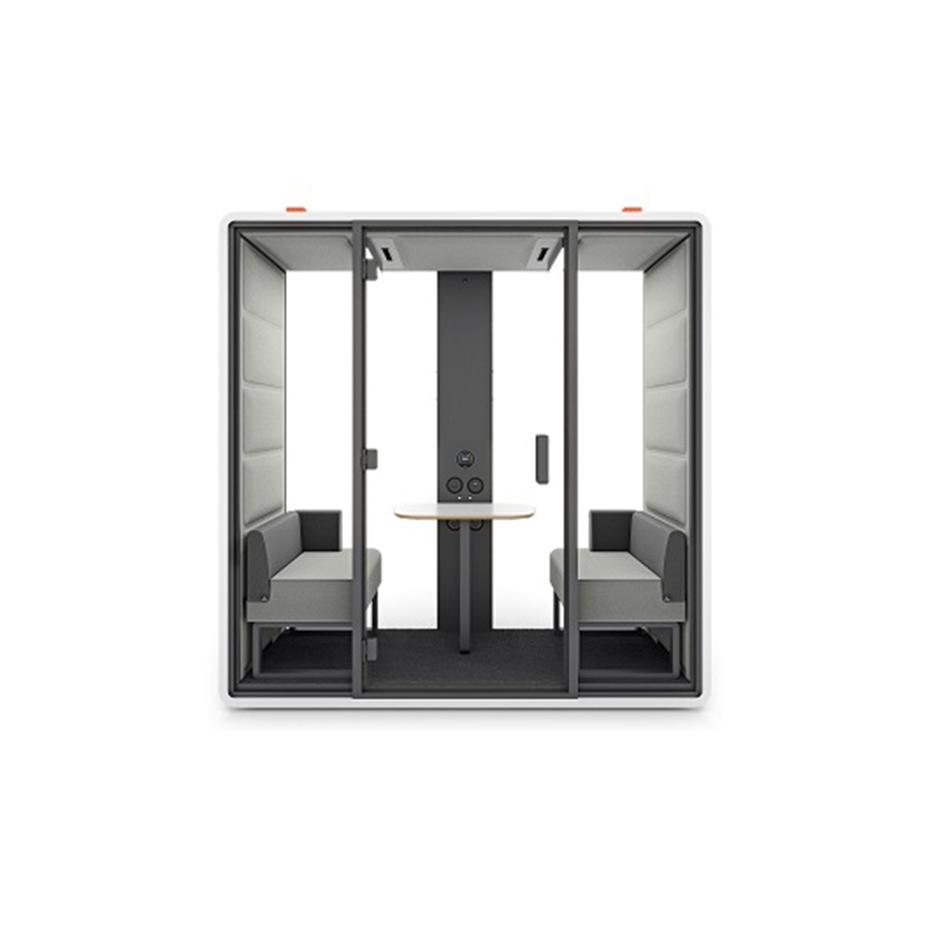
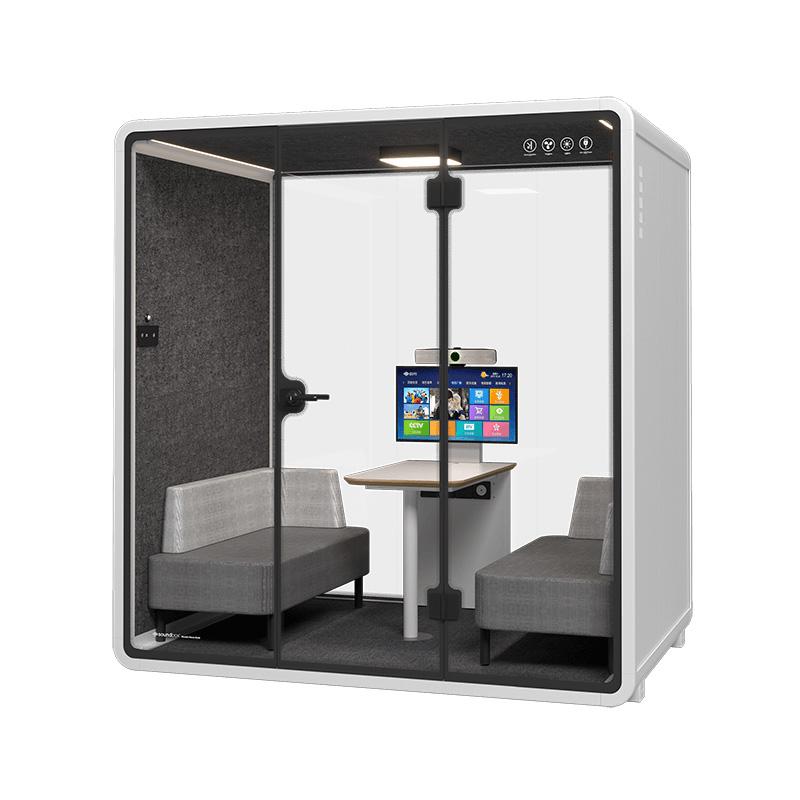
Only when the exact model, furniture, entry order, personal space, interaction, devices, privacy, airflow, duration, and exit have been tested with two intended users. A nominal capacity label is not enough. If natural movement or conversation becomes constrained, assign the task to a meeting pod or room rather than treating close fit as acceptance.

No single measurement is sufficient. The decision follows a route: approach, door operation, threshold, turning, seat travel, knee and elbow space, desk and screen geometry, belongings, controls, clear exit, and surrounding circulation. Measure these with the delivered furniture and intended users because option and orientation changes can alter the usable envelope.
Keep it operational: accepted task types, demonstrated occupancy and duration, any essential device or door condition, concise exclusions, fallback space, and fault-reporting route. Avoid marketing claims or a long instruction panel. Review the label when furniture, location, equipment, policy, or repeated user behavior changes the accepted task boundary.
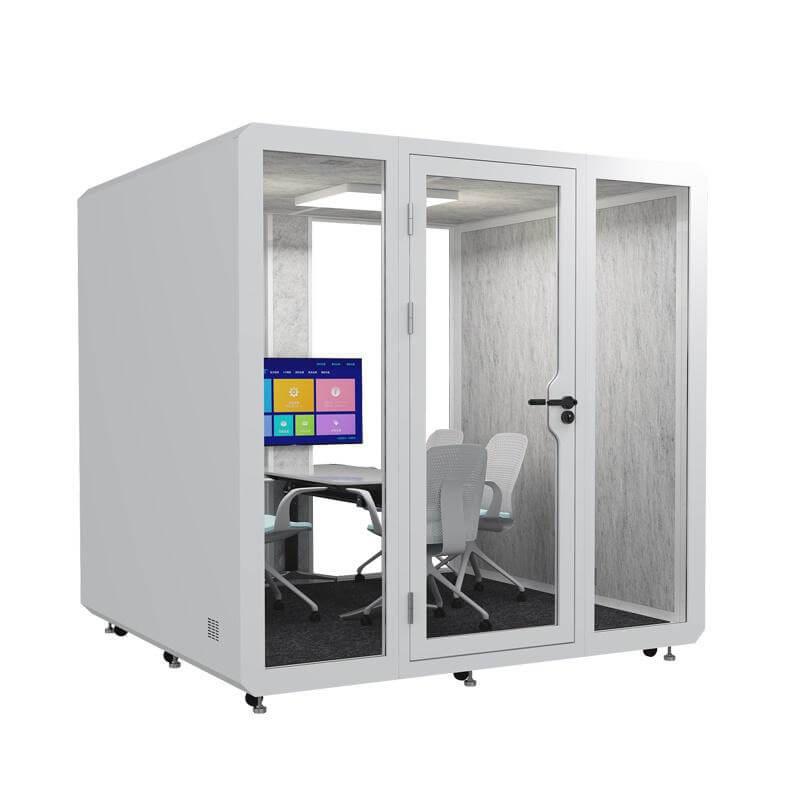
SOP Mini Office Pods are flexible when their compact occupied envelope supports several clearly defined tasks with workable entry, posture, speech and screen geometry, comfort, controls, placement, and reset. Small exterior dimensions alone do not establish that value, and broad claims should not stretch a solo enclosure into a universal office.
Complete an occupied acceptance sheet and publish the short task list beside the installed pod. Include exclusions, demonstrated duration, essential setup, and a real fallback so users can choose quickly without experimenting on confidential or time-sensitive work. Review that list after configuration, location, device, or repeated behavior changes, and keep the revised approval date visible to users. Archive the failed task trials as well; they explain why a larger space remains necessary. The maintained task boundary is the practical proof of a smart mini workspace.

 Tel: +8613538031763
 Email: info@sopworkpod.com
 MP/WhatsApp: +8613538031763
 Manufacturer Address:Liucheng Lujiang District,Meixi Road,Nanan City,Fujian,China


