Need Help?
Please leave your contact information to get our latest catalog
Get In Touch Now >


Author:SOP Work Pods Manufacturer TIME:2026-08-28
A pod that feels productive during a private call may be uncomfortable for sustained document work. A roomy workstation may waste floor area when the real shortage is ten-minute conversations. A two-person pod can support coaching but fail a video collaboration that needs a shared screen and reliable audio. The word best changes as soon as the work changes.
Office working pods should therefore be ranked through disqualification, not through a single score. The buyer defines five recurring work modes, gives each one a distinct set of non-negotiable conditions, and removes any candidate that fails its occupied task or site. Features earn weight only after the rejection tests are cleared.
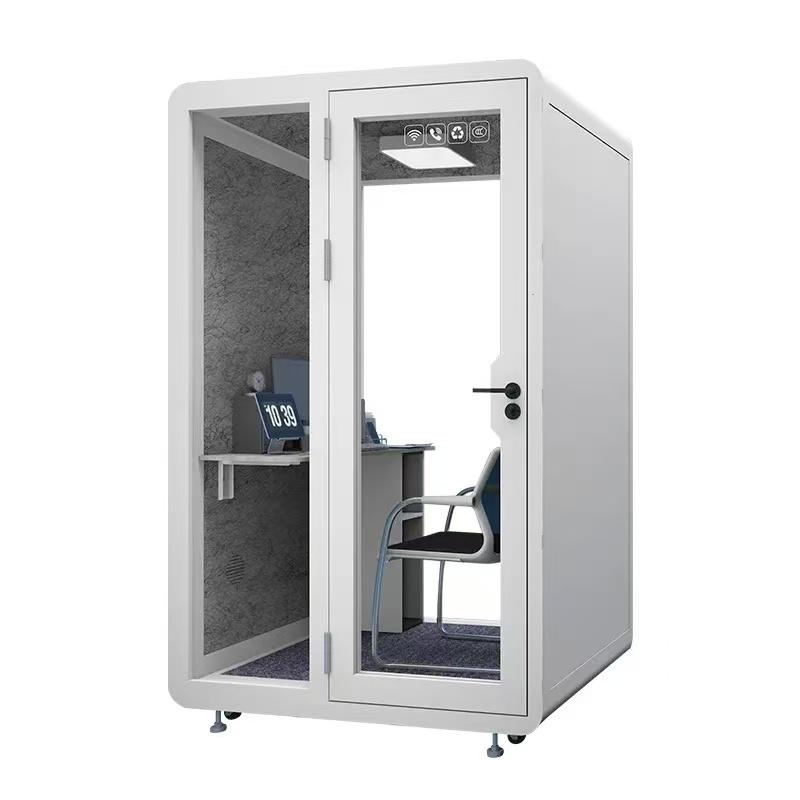
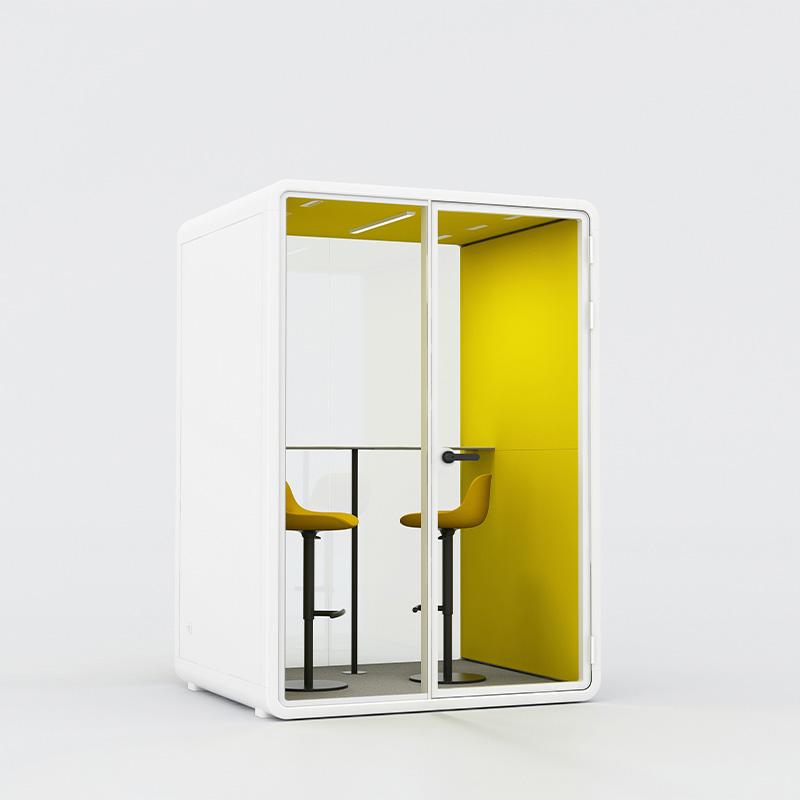
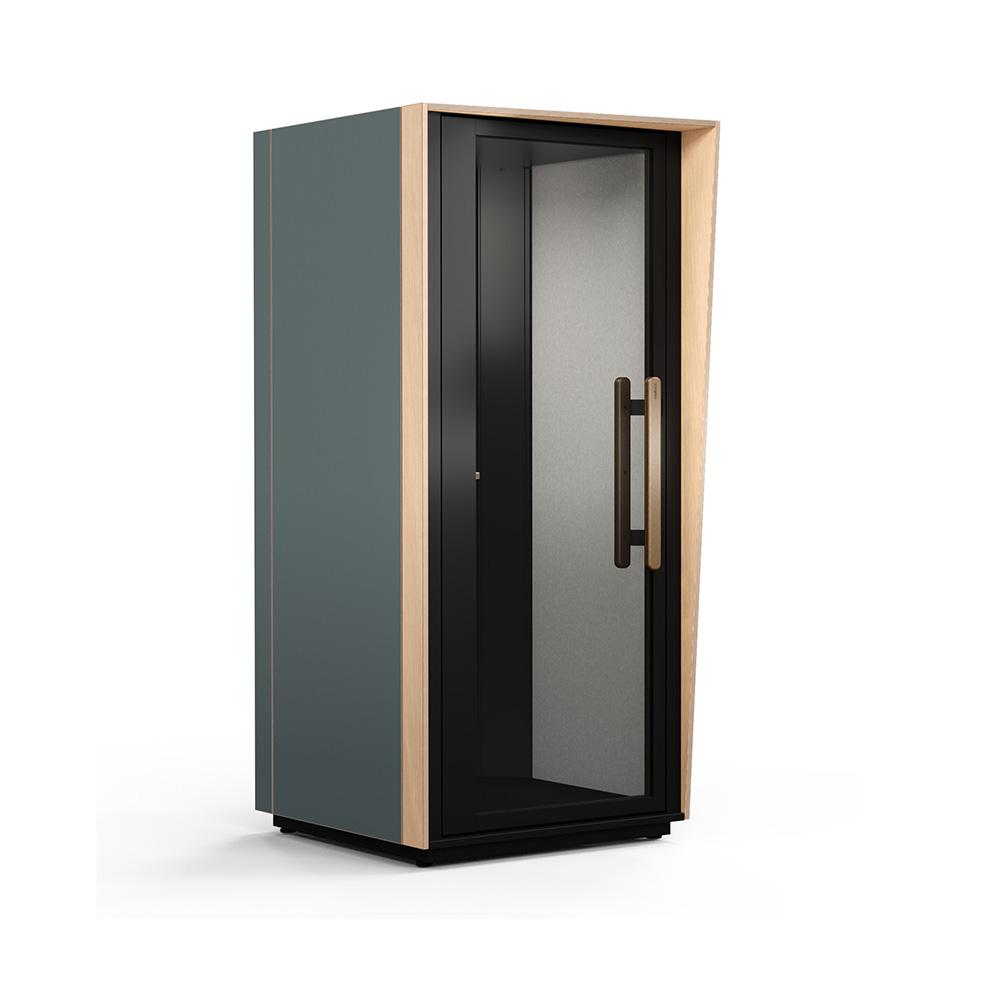
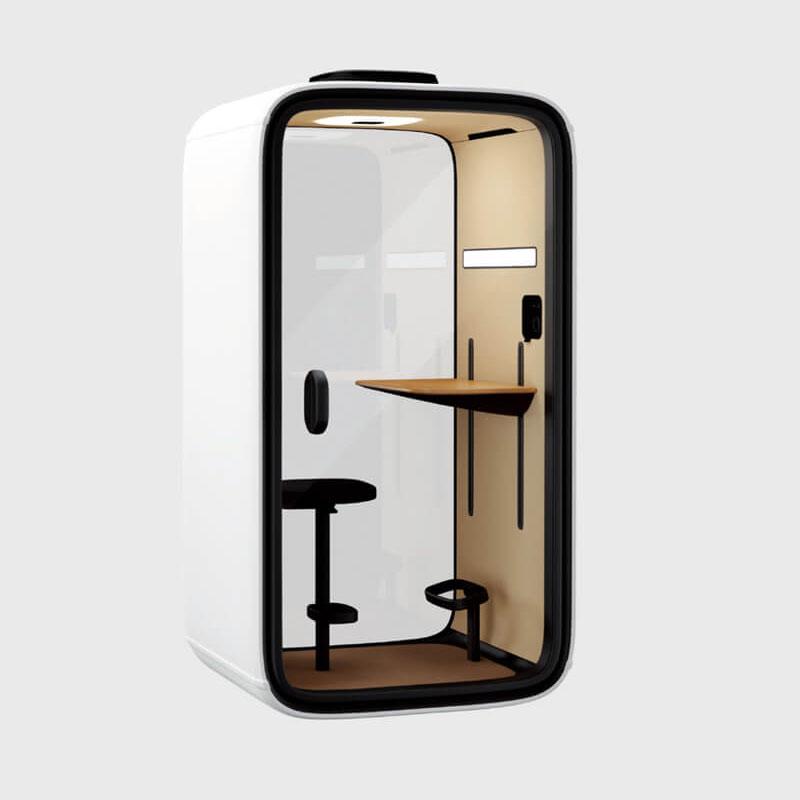
The five routes below cover confidential calls, sustained focus, paired consultation, compact video collaboration, and flexible touchdown work. They are not mandatory product categories and do not claim that one market model is superior. They provide a practical shortlist that can be mapped to the exact configurations, locations, and operating capacity of a workplace.
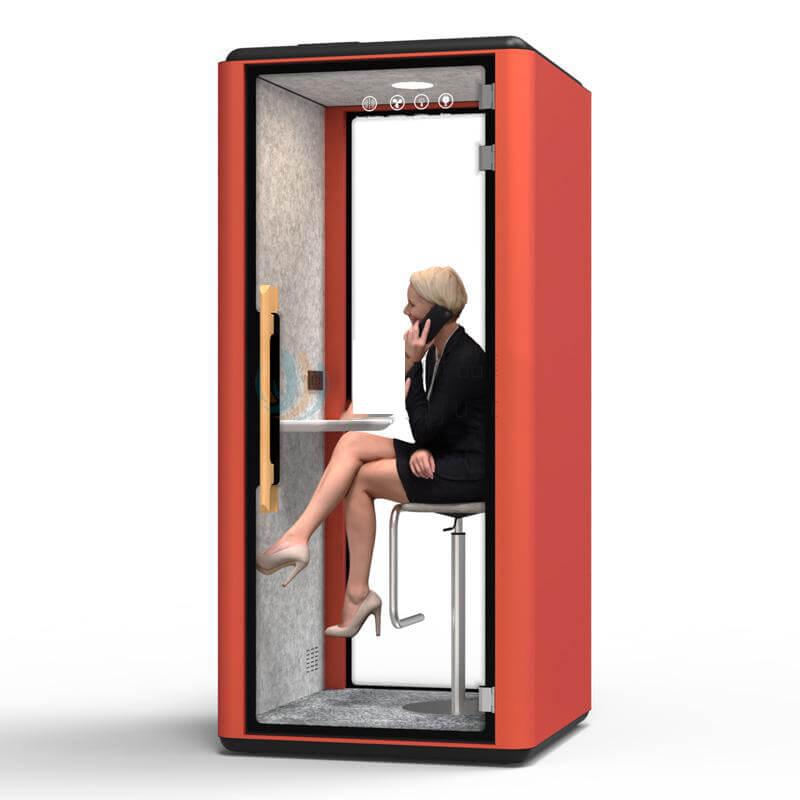
This route serves one person handling speech or screen content that should not be casually followed from nearby work areas. Define the conversation type, normal duration, devices, listener positions, sightlines, and the approved alternative for higher-risk material. Privacy is a bounded work requirement, not a general promise that the enclosure is silent.
Reject a candidate when applicable model evidence is missing, the installed sound routes are unclear, the door or glazing creates an unresolved exposure, or the location places waiting listeners at the weakest boundary. Request relevant documentation, then run a representative call and walk the normal approaches. Record conditions instead of inventing a performance number.
Check speed of use. A call pod should allow prompt entry, stable device placement, understandable controls, comfortable posture for the accepted duration, and a simple exit and reset. A complicated booking or connection route can push urgent calls back to desks even when the enclosure is capable.
Review external operation. Door movement, status indication, queues, fault reporting, cleaning, and conversations before entry can affect privacy and nearby colleagues. The accepted configuration needs a service owner and an alternative when the booth is unavailable.

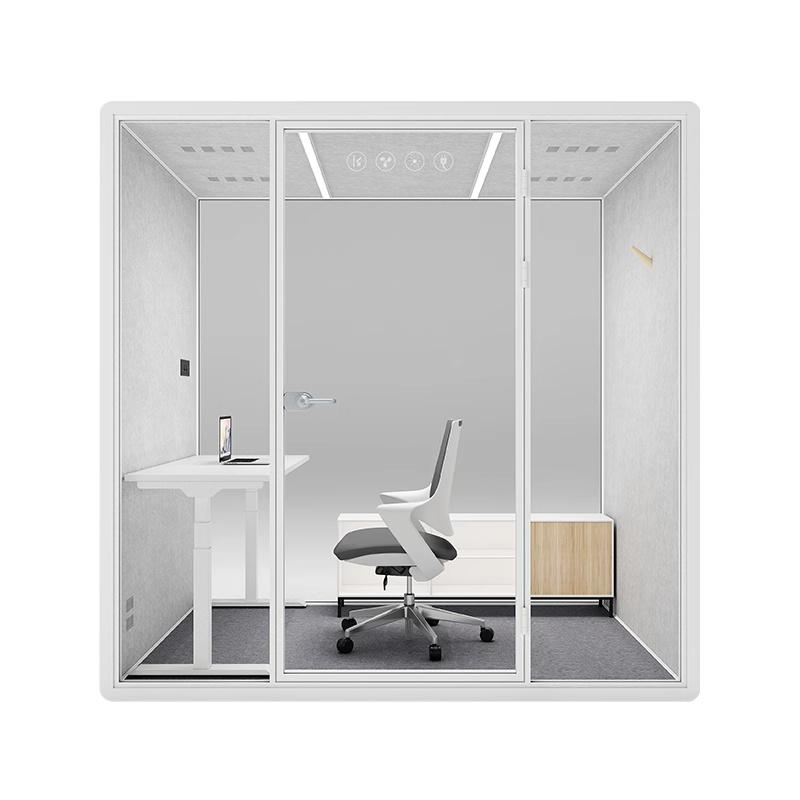
Sustained focus requires more than reduced distraction. Define the work period, reading and writing actions, screens, reference material, calls permitted, movement, breaks, lighting preference, and the open or quiet alternatives. A pod used as a workstation must support the body and equipment for the intended duration.
Reject on occupied action. Test seat support, table relationship, leg space, screen height, reach, glare, airflow perception, equipment heat, fan character, control access, belongings, entry, and exit. A brief sit during a showroom visit does not establish a stable working period. Include the longest intended session and a normal break and return.
Check opportunity cost. A focus pod occupied for hours may block short private work that has fewer alternatives. Decide whether the workplace needs dedicated focus units, a booking boundary, a quiet room, or adjusted open-space conditions. The best route can be no pod when another setting serves the task with less scarce enclosure.
Preserve worker choice. Some users may prefer visibility or a less enclosed setting, and concentration needs can change by task. Do not assign the focus pod as a remedy for an individual. Offer it as one supported option and collect voluntary task-based feedback.
This route covers coaching, mentoring, short interviews, review conversations, or two-person work that benefits from enclosure. Define whether participants sit side by side or face to face, what documents or screens they share, session duration, speech sensitivity, entry order, and whether one participant needs a different access action.
Reject a nominal two-person capacity that cannot support the real interaction. Observe knee and leg space, chair movement, shared material, device placement, camera if used, sightlines, door operation, turning or transfer needs where relevant, and exit without one person dismantling the setup. Use normal bags, coats, and work equipment.
Privacy can be asymmetric. One participant may face glazing or a screen may be visible from the approach. Check listening and viewing paths from seated and standing positions under representative lighting. For conversations governed by a stricter local process, keep an approved conventional room even when routine coaching passes.
Turnover differs from individual use. Two people arrive, wait, exchange seats, move materials, and may overrun. Define booking, cleaning, fault, and alternative routes. A location that creates a queue beside concentrated desks should be moved or assigned another role before additional units are considered.
Video collaboration combines enclosure, people, devices, platform, network, camera, microphones, loudspeakers, lighting, display, power, and furniture. Define the remote meeting pattern and whether both occupants need to appear, present, annotate, or view shared content. Do not select from a technology list before the call workflow is known.
Reject any route that cannot start and recover with approved devices. Test connection, permissions, camera framing, face lighting, microphone pickup, speaker level, echo perception, screen visibility, cable control, charging, wireless stability, guest access, and a manual fallback. Include a credible interruption and confirm return to a known state.
Occupied acoustics have two directions. People inside need intelligible remote audio, while colleagues outside should not receive understandable meeting speech under the accepted listener condition. Device volume, user position, door state, surrounding activity, and the installed enclosure all affect the observation. Keep results local and conditional.
Support ownership is a rejection criterion. IT, facilities, the workplace service, and supplier may control different parts. Users need one clear reporting route, but the internal record must separate device, account, network, integration, control, physical pod, and site causes so recovery does not become guesswork.
Flexible touchdown work includes short individual tasks, an occasional call, note review between meetings, or temporary use by visitors and mobile staff. Define which of those tasks are eligible and which belong in a dedicated call, focus, consultation, or meeting route. Without boundaries, flexibility can become an excuse for a mediocre fit across every mode.
Test rapid turnover with varied users. Review discovery, entry, furniture adjustment, device setup, power, lighting, airflow, belongings, cleaning, reset, and the condition presented to the next person. A touchdown pod should not require specialist support after normal use, and users should not inherit visible information or unstable settings.
Evaluate physical change claims separately. If furniture, orientation, or location can change, document authority, method, tools, storage, services, route, inspections, warranty effect, and recommissioning. A state is flexible only when the workplace can reproduce it. Frequent movement may be less useful than several stable roles.
Use the office working pod reference after the five routes and rejection tests are written. Map exact configurations to one primary route and any approved secondary use. Preserve model, options, site, accepted duration, and limits. A configuration that survives no distinct route should not remain simply to complete a five-item list.
Compare finalists on delivered and owned condition. Normalize freight, route, assembly, site work, power and data, commissioning, training, cleaning, warranty, maintenance, support, replacement items, subscriptions, and change work. Purchase price enters after task fit, because a cheaper rejected route has no useful rank.
Build the final shortlist as a route coverage map. Show which recurring work mode has a passing configuration, which approved secondary use shares it, which alternative receives excluded work, and which time or location conflict remains. The map may reveal that two routes can share one model, that one route needs dedicated supply, or that a conventional room should cover a low-frequency condition. This is more useful than forcing five purchases to match five headings.
Weighting belongs after evidence. Procurement can give greater importance to a work mode that recurs often, carries a narrow privacy boundary, lacks substitutes, or serves a critical location, but the reason should be recorded without inventing a productivity value. Keep the weight separate from the rejection test so a high-priority task cannot rescue a configuration that fails basic occupied use or site release.
Run a cross-route conflict check before award. Examine what happens when confidential calls, focus periods, consultations, and video meetings overlap; which user receives priority; where displaced work goes; and whether booking makes the distinction visible. A portfolio is complete only when its roles can operate together during the workplace pattern that matters.
| Work-mode route | Occupied proof | Immediate rejection condition | Best next comparison |
|---|---|---|---|
| Confidential call | Representative speech, listener and sightline walk-around | Required privacy boundary or quick use route fails | Location, alternative and service ownership |
| Sustained focus | Longest intended work period with normal equipment | Posture, airflow, glare or opportunity cost remains unsuitable | Dedicated versus shared role |
| Paired consultation | Two-person interaction, access, material and turnover trial | Nominal capacity cannot support real actions | Routine versus higher-risk conversation |
| Video collaboration | Approved devices, full call, interruption, fallback and recovery | Call system or support route is unstable | Interoperability and lifecycle control |
| Flexible touchdown | Varied short tasks, reset and approved change route | No distinct task fit or repeatable baseline | Secondary uses and delivered ownership |

No. They are five work-mode routes used to evaluate exact products. Brands and models can enter one or more routes only after the occupied, site, privacy, technology, comfort, and operating tests are defined. The final shortlist depends on local tasks and evidence.
It may support several approved uses, but each needs its own occupancy, duration, equipment, privacy, furniture, and reset condition. A broad label does not prove all routes. Assign one primary role and record secondary uses only after separate observation.

Use the same intended task, duration, occupants, devices, furniture actions, lighting context, airflow condition, and observation form. Check posture, reach, glare, heat, control, movement, and recovery. Keep preference feedback voluntary and attached to the tested condition.
Remove it when it fails the assigned work action, required privacy boundary, access or circulation, site services, occupied comfort, technology fallback, maintenance route, or lifecycle ownership. Commercial normalization is useful only among configurations that can perform the work.
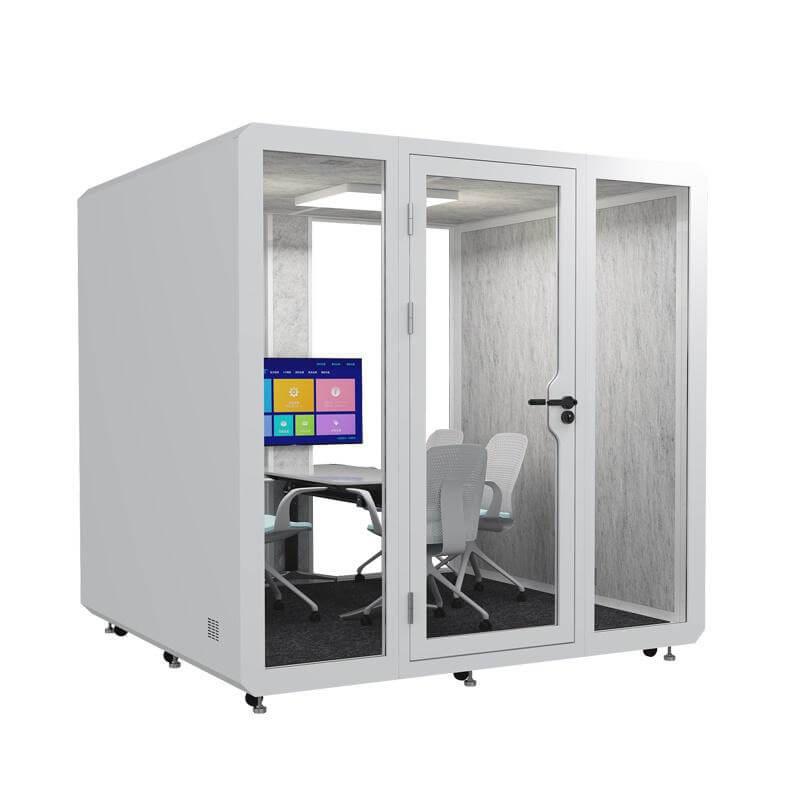
The five best office working pod choices are five task fits: confidential calls, sustained focus, paired consultation, compact video collaboration, and flexible touchdown work. Each route has different occupied actions, rejection conditions, alternatives, and ownership. A universal ranking hides those differences.
Select the route that survives its task-specific rejection test, then compare exact configurations on site fit, observed use, delivered scope, and lifecycle responsibility. Keep a mixed portfolio when work modes genuinely differ, and leave a candidate out when it cannot earn a clear primary role.

 Tel: +8613538031763
 Email: info@sopworkpod.com
 MP/WhatsApp: +8613538031763
 Manufacturer Address:Liucheng Lujiang District,Meixi Road,Nanan City,Fujian,China


